KOPANI BETA 9 v1.2
KOPANI BETA 9 v1.2
BETA 9
Friends, a fresh update has been released, fixing the main issues and improving the map’s stability. Here’s what has been done:
Construction sites (Fix): The construction sites have been fully fixed. Construction now uses exclusively standard materials from the base game.
Productions and storage facilities: Once construction is complete, everything functions at 100%. The sawmill successfully processes logs, the workshop works, and the log storage accepts and stores wood properly.
ZAV at the farm: The grain cleaning facility (ZAV) has been completely repaired. It now accepts grain correctly.
Animal husbandry: A bug with the sheep barn has been fixed — the sheep are now well cared for, and the trigger and production work without any issues.
Graphics: Minor improvements and texture fixes have been made throughout the map for better visuals and optimization.
Enjoy the game and have a great harvest!
BETA 8
A massive update for fans of forestry and large-scale construction! In this version, we have completely reworked forestry and added new production chains.
What’s new in this update:
Major forest expansion: The forest areas have been completely reworked, and the total forest area has been significantly increased. Many new trees of different species have been added.
Starting forestry sector: Right at the beginning of the game, a unique forest plot is now available to you, featuring three construction sites. Build your own base from scratch!
Large wood-processing complex (Sawmill): A fully fledged production facility for deep wood processing. You can now produce:
Boards and timber (for construction and sale)
Firewood (for local residents)
Wood chips
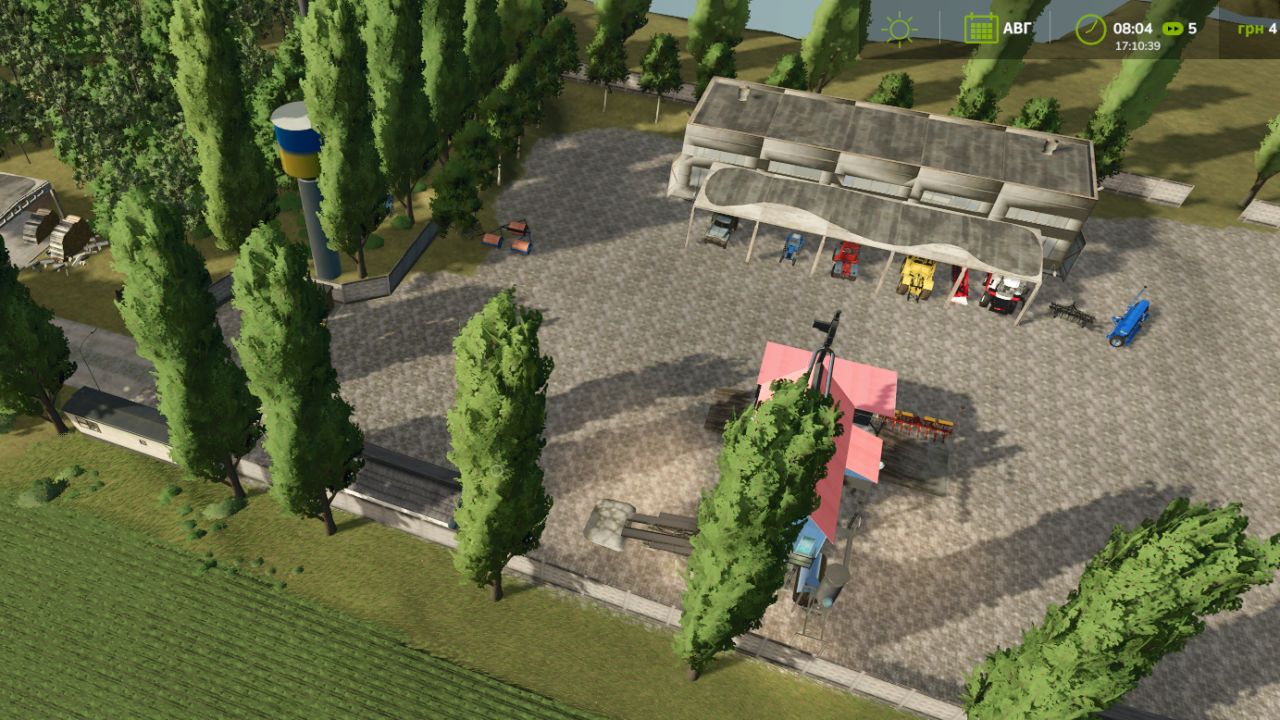
New forestry infrastructure: The base now includes a spacious timber/log storage facility, a cozy house and your own repair workshop for servicing heavy forestry equipment.
New logistics: A new forest road has been built, leading through the wilderness directly to the new forest plot and construction sites.
Optimization and fixes: Issues with building brands have been resolved, minor visual textures have been completely fixed, and the map log has been cleared of warnings.
Forestry on the map is now even more realistic and enjoyable! Start up your equipment and begin the great construction project!
What the map includes:
88 plots of land available for purchase
🌾 Large and small fields
🏭 Sugar factory
🥛 Dairy plant
⛏️ Coal quarry
🏖️ Sand quarry
🐄 Slaughterhouse
🍞 Bakery
🌾 BDA
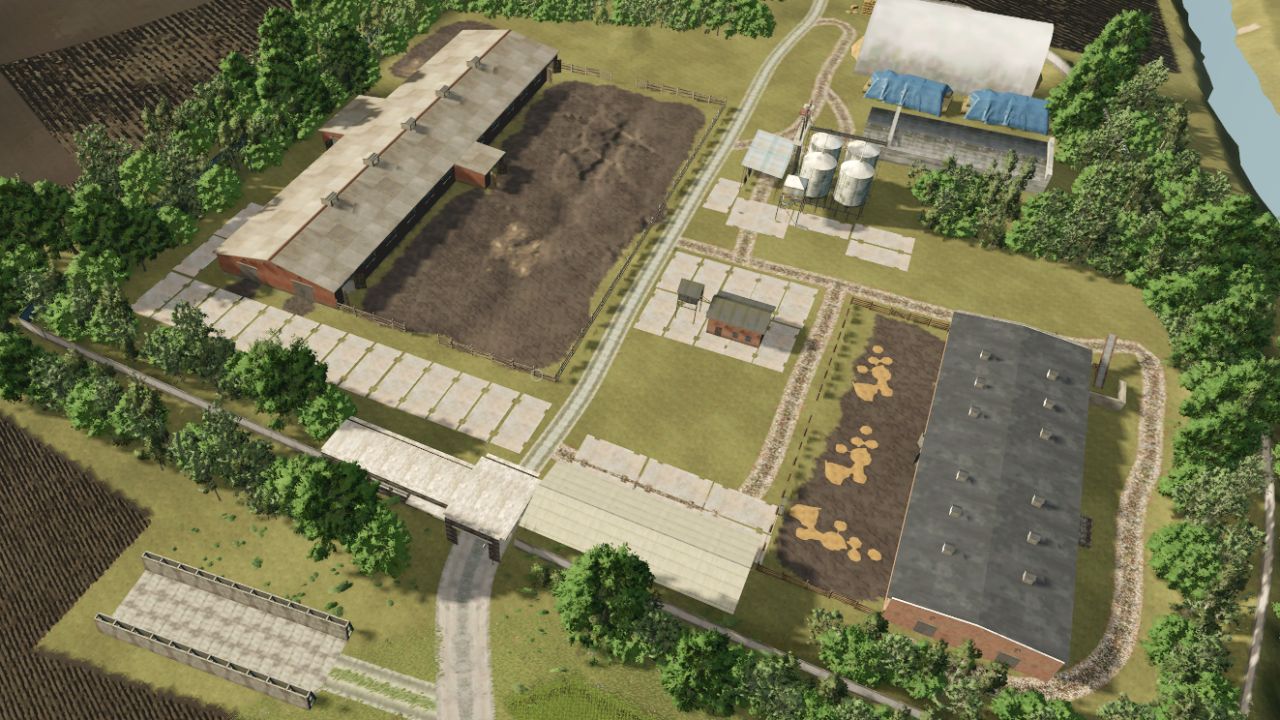
🏠 Your own farm
🐄 Cows
🐔 Chickens
🐑 Sheep
🐎 Horses
🏗️ Construction sites
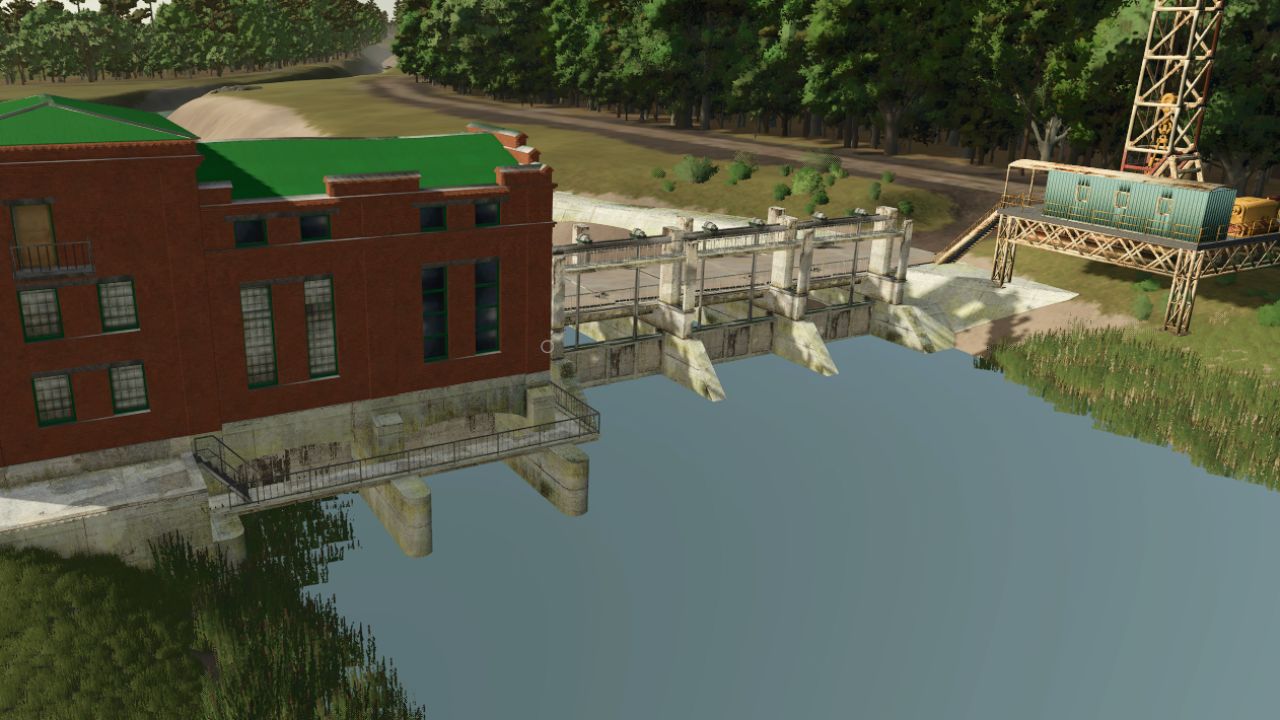
🌉 Two bridges
🕳️ Silage pit
Farm
The farm still needs to be completed — the garage and shed / ZAV.
The map is still in development, so bugs and unfinished elements may occur.
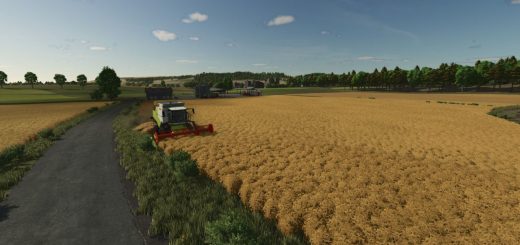
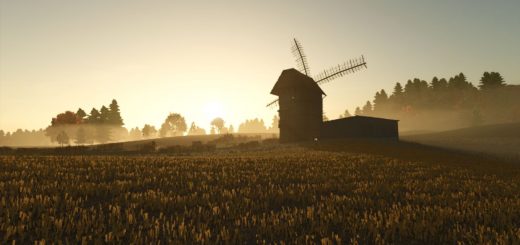
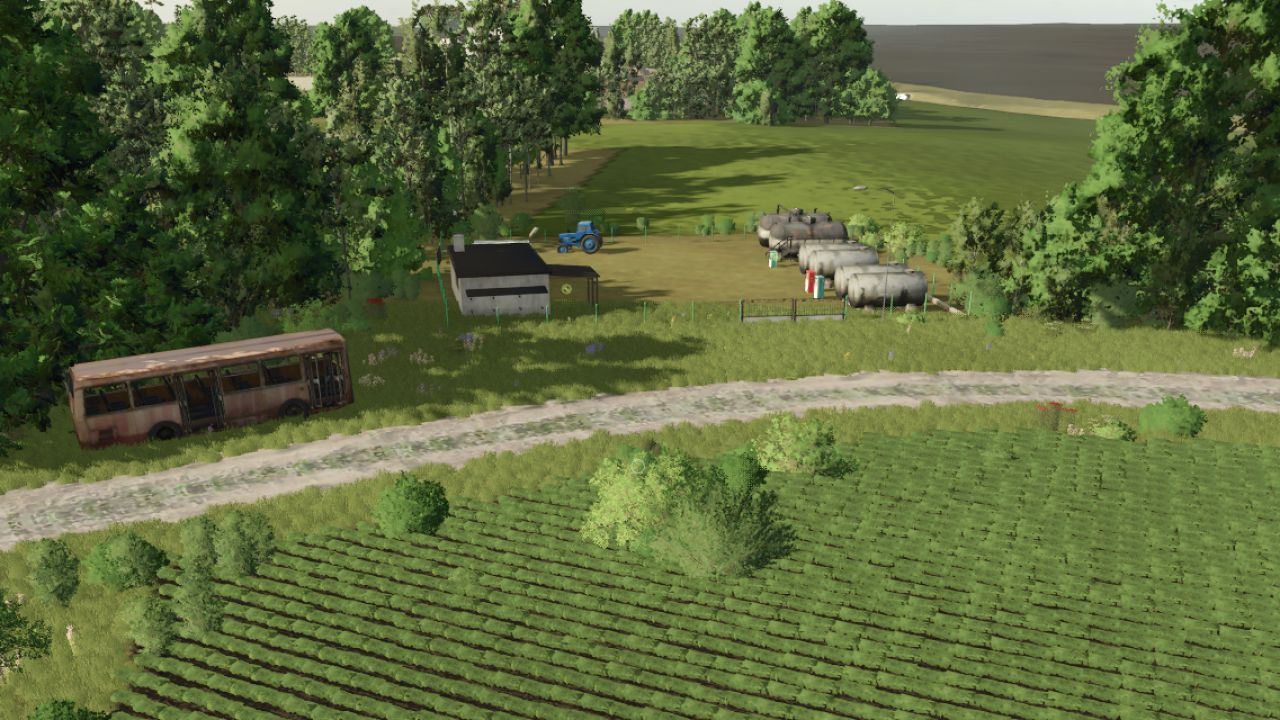
Kopani” for FS25 Welcome to the map “Kopani” – a unique location that recreates the authentic atmosphere of a forgotten and abandoned village in the heart of Ukraine. Once upon a time, life was bustling here: large farms worked, tractors hummed cheerfully in the fields, and laughter rang out from every yard. However, time and circumstances forced people to leave their homes, and nature took its toll. Now the fate of this fertile land is in your hands. Thanks to the new technologies of Farming Simulator 25, you will be able to truly feel the difficulty of restoring this region: make paths through dense thickets, feel every pothole thanks to realistic soil deformation and return Ukrainian lands to their former glory! Map 4×4
Author: superwowa