Kringstad Ironworks Sugar Beet Piler v1.0
Kringstad Ironworks Sugar Beet Piler v1.0
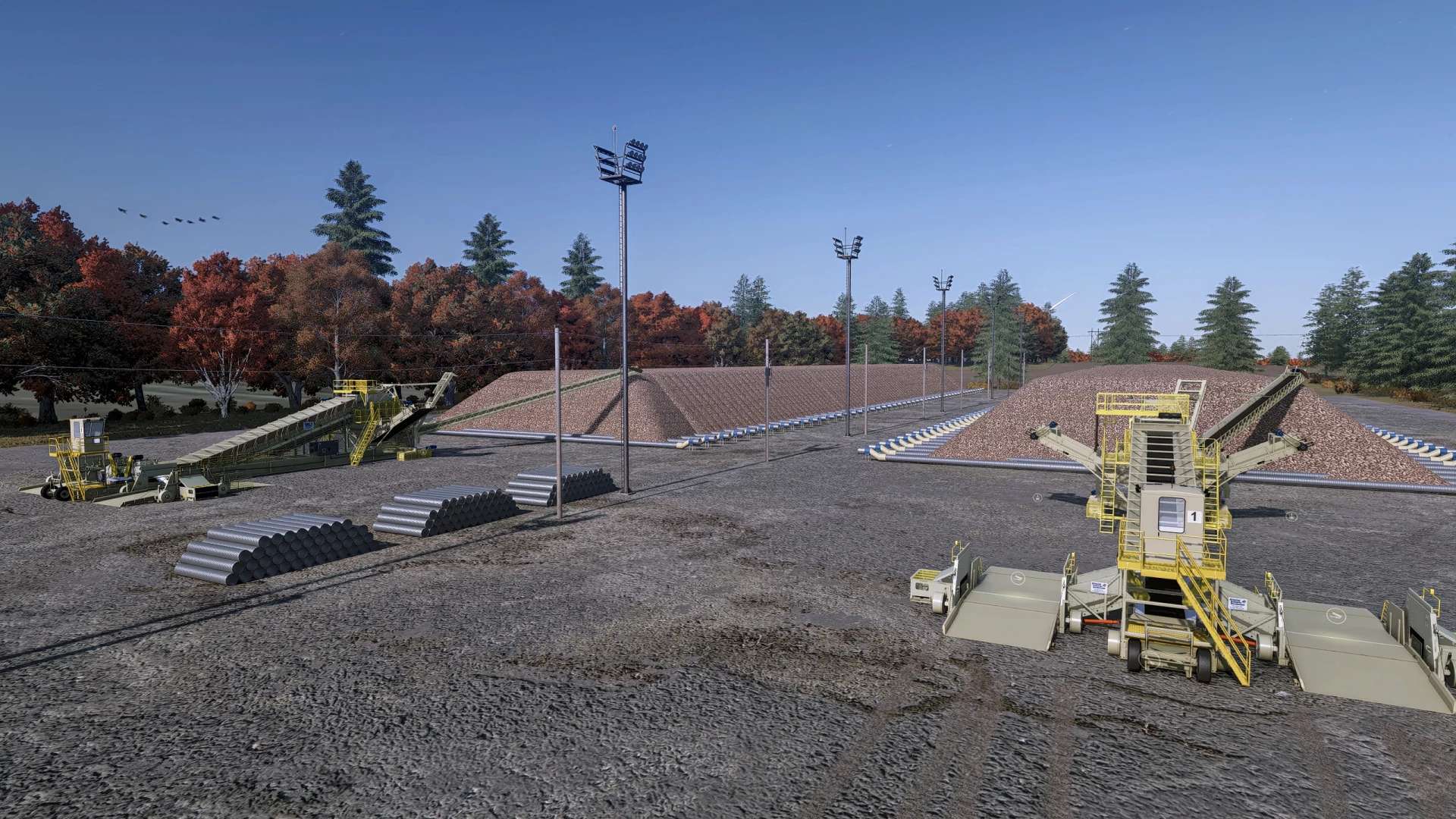
This is an update to OS Farms Mapping and Moddings Kringstad Ironworks Piler that includes a new script which makes selling sugar beets a much more immersive experience! Thanks to OS for allowing me to edit and release the edit of the piler!
The script included in the mod, called “Tare Dirt Management” adds a fully multiplayer compatible tare dirt system along with a bunch of added visuals and functionality to the piler. Also bundled in the mod, is a beet pile decoration placeable.
This new tare dirt system includes these features:
– Tare generation based directly on the amount of sugar beets delivered.
– Farm-specific tare tracking, allowing multiple farms to use the same beet piler independently in multiplayer.
– Tare dirt storage at the piling station that can be loaded back out and hauled away back to the field.
– Each farm can only collect the amount of tare dirt attributed to its own deliveries.
– Info trigger to see your farm’s current outstanding tare balance.
– Any tare dirt left at the end of the day is automatically disposed of and charged back to the responsible farm as a tare disposal fee.
– Supports public/unowned beet pilers, allowing multiple farms to deliver beets and manage their tare without needing to own the production point.
– New production unload animations abilities. On the beet piler, the gate/conveyor covers and boom movement animations are added
– Both stations of the piler can be used to unload sugar beets and load up tare dirt, each with their own independent animations and effects
– Designed with multiplayer support so each farm’s deliveries, tare balance, collection, and disposal costs remain separate.
– The amount of tare dirt generated, and the fee can be adjusted to the players liking within the general settings tab
Here is a little video showing of the script functions in action!
Author: KarlFarms