Launch Control v1.0
Launch Control v1.0
Launch Control – More boost. More torque. More power off the line!
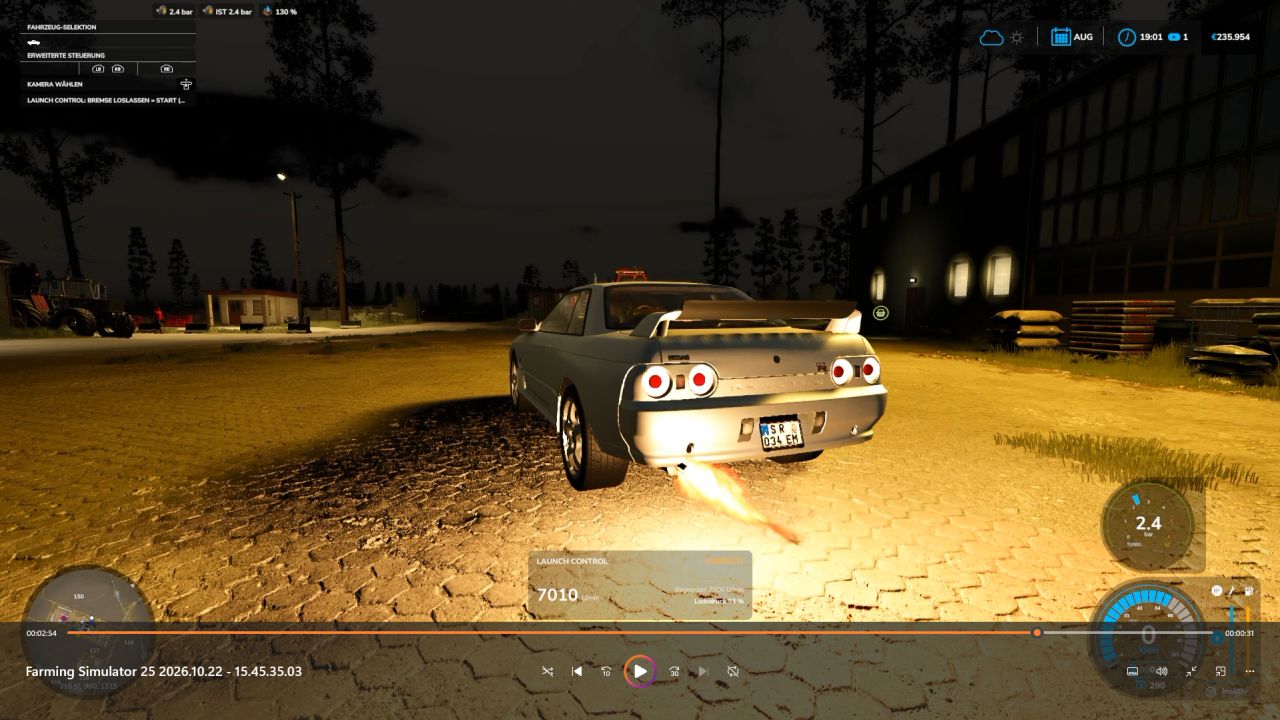
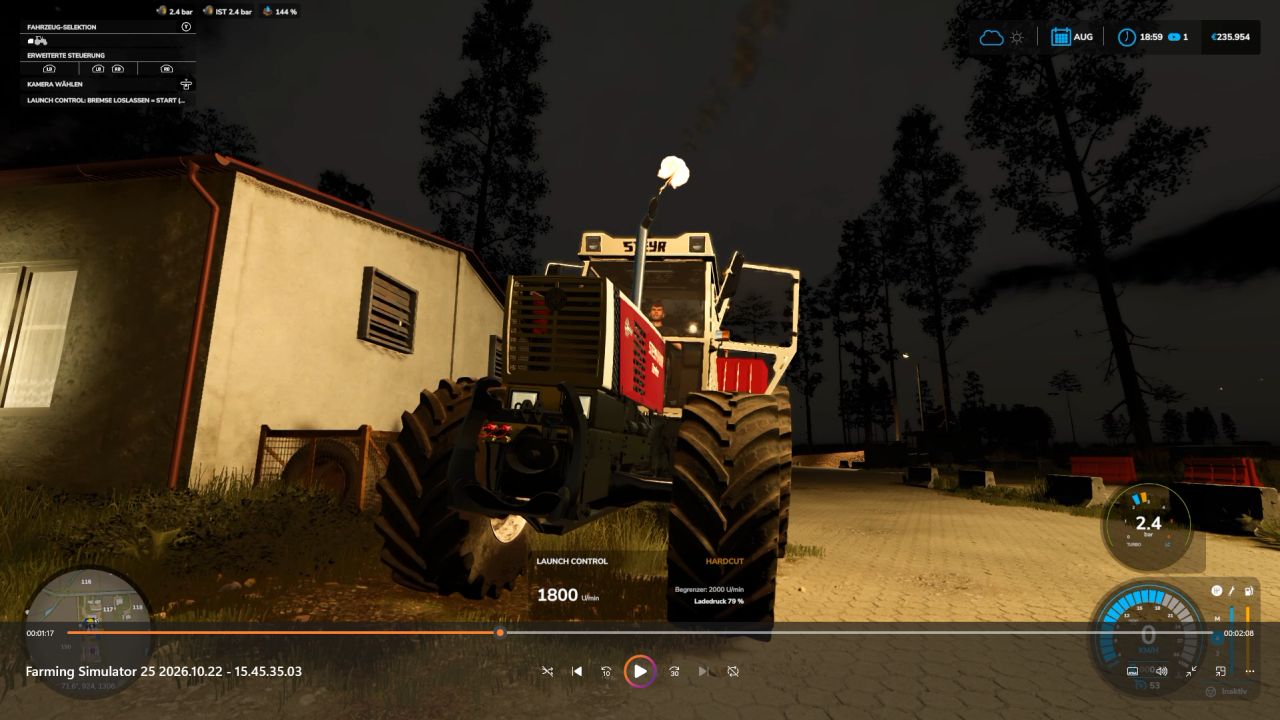
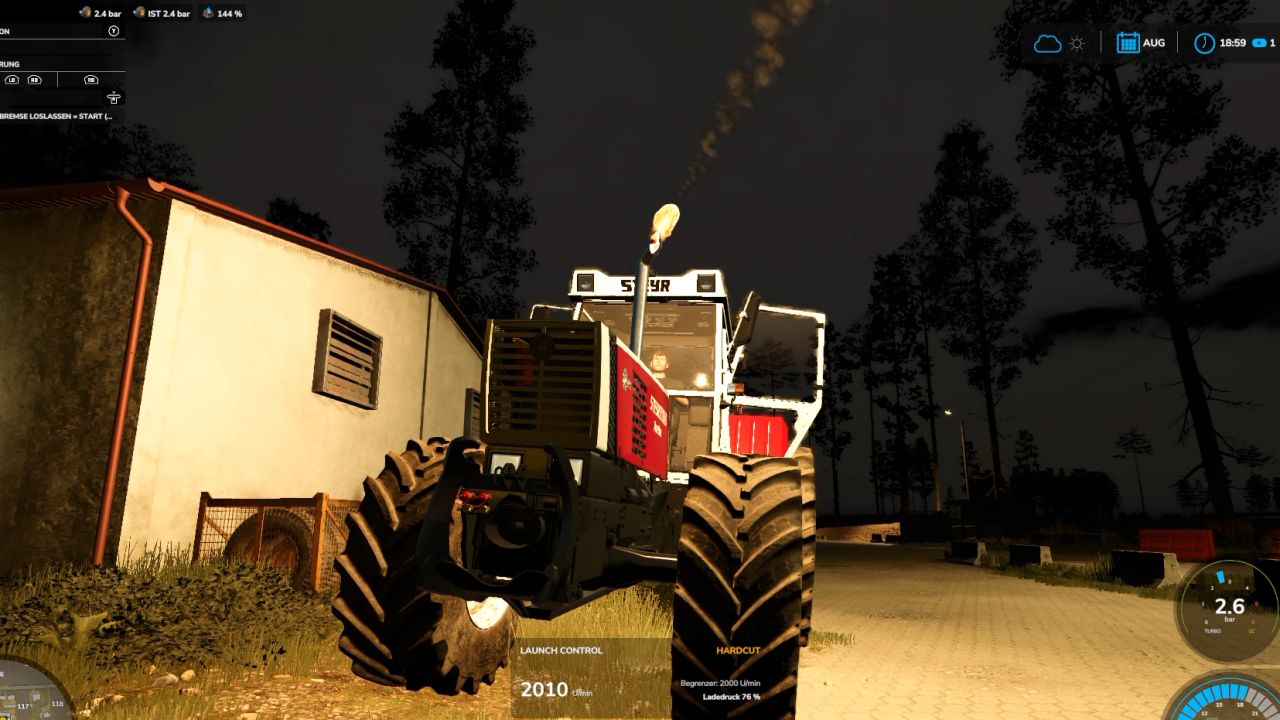
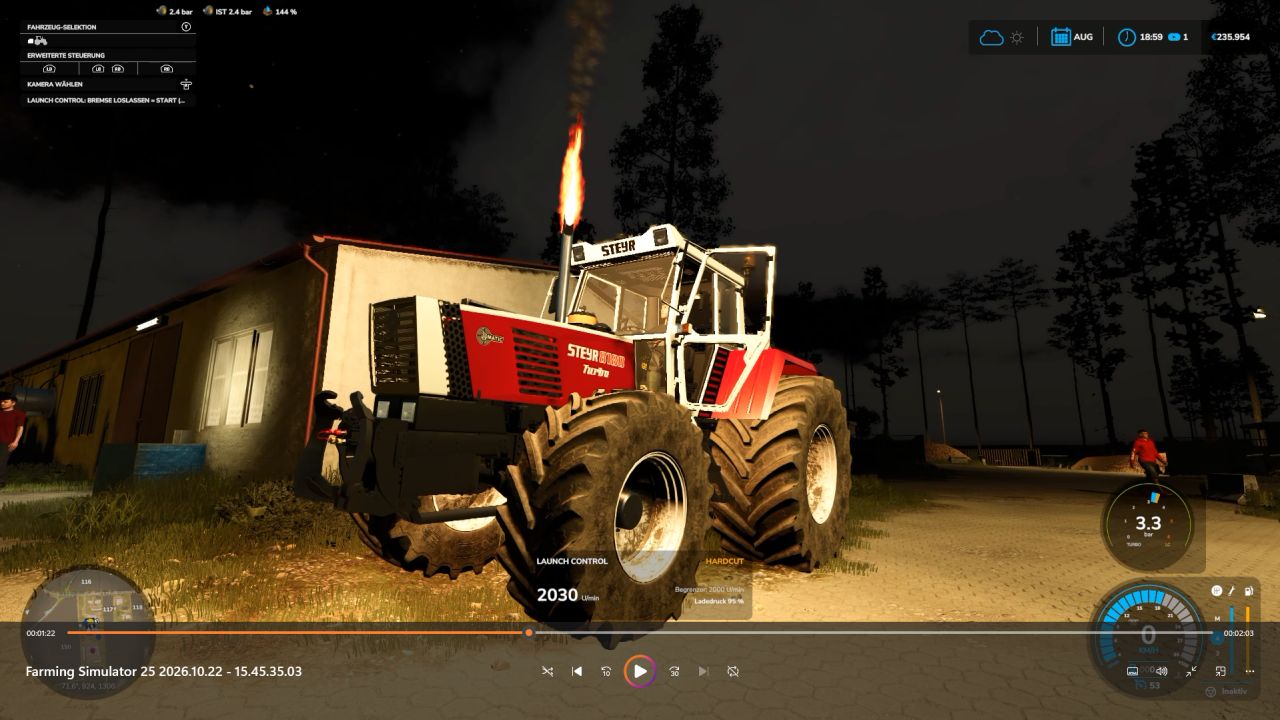
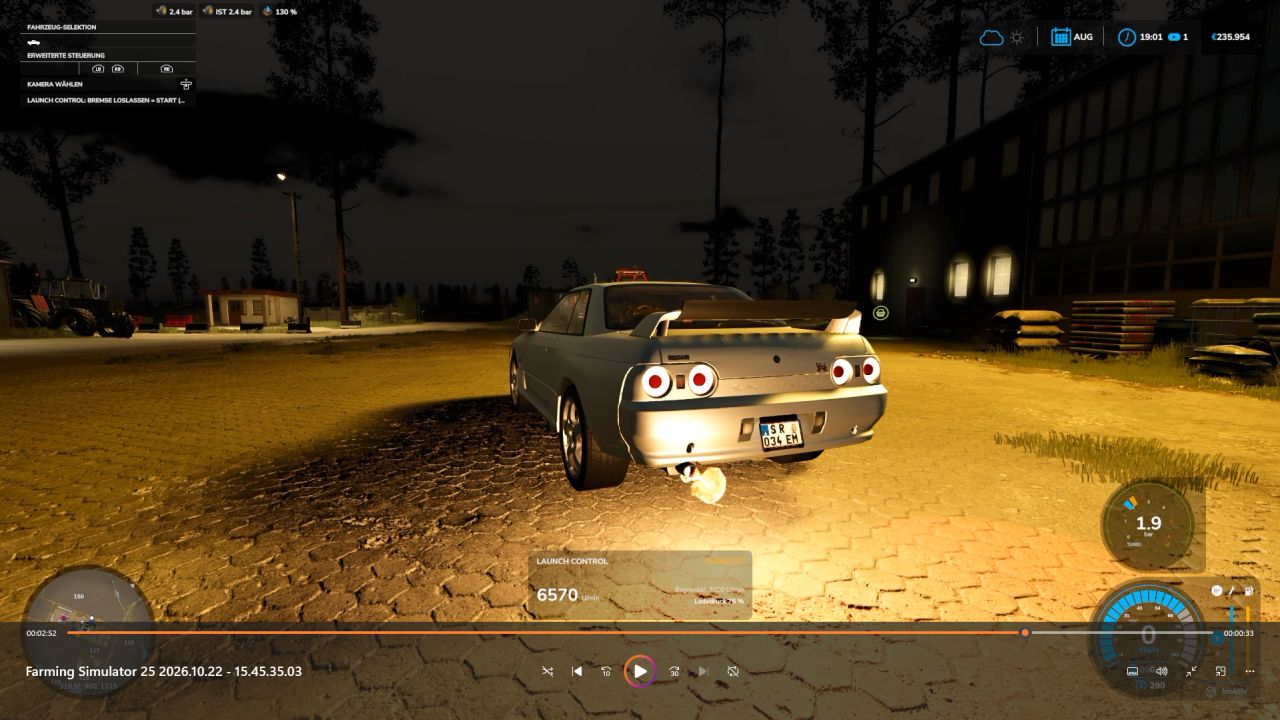
Put an end to ordinary take-offs! With Launch Control, you can extract maximum performance when pulling away—whether using diesel or gasoline engines in the base game or compatible mods. Keep the engine at the rev limiter, build up boost pressure, and launch with up to 40% more torque! If a turbocharger is detected and the appropriate setting is selected, you’ll get a spectacular show complete with flames and sharp backfires.
From controlled power delivery to an aggressive launch: you define the settings right in the workshop!
HOW TO LAUNCH
1. Get ready
Bring the vehicle to a complete stop, start the engine, and turn off the cruise control. If using a manual transmission, ensure the vehicle is in a forward gear.
2. Build boost
Press and hold both the brake and the accelerator pedal all the way down.
3. Wait for the launch signal
Once Launch Control is ready and the boost pressure gauge turns green, you’re good to go. The time required to build boost depends on the specific engine.
4. Release the brake and take off!
Release the brake while keeping the accelerator pedal fully depressed. Depending on the amount of boost pressure built up, you’ll have up to 40% more torque available at launch. This extra “launch” effect tapers off over the course of about 15 seconds.
Aborting: Before the launch, simply release the accelerator pedal. After the launch has begun, lifting off the accelerator will end the effect. If a turbocharger is detected, you may hear the blow-off valve hiss. YOUR SETTINGS – DIRECTLY IN THE APP
Customize Launch Control to suit your vehicle and driving style:
Launch Control: Enable or disable
Launch RPM: 1,000 to 4,500 RPM for diesel engines; 2,500 to 7,500 RPM for gasoline engines (subject to the engine’s actual maximum RPM limit)
Hardcut Sounds: Customize the sound of the rev limiter to your preference
Flames & Backfires: Activate and adjust these effects
Flame Size & Frequency: From subtle flashes to more pronounced bursts of fire
Boost Pressure Gauge: Toggle the display on/off and choose your preferred design
FLAMES, POPS, AND WHEELIES
Flames and Backfires
For the full spectacle, the “Popcorn + Flames” setting must be enabled. Additionally, the vehicle must have a detected turbocharger and be under at least 75% boost pressure. Flame effects only occur at speeds up to approximately 1 km/h. Not every hit against the rev limiter will produce a flame—so, you may hear a pop without a visible burst of fire. Typically, the flames appear as brief flashes, though in rare cases, they can last up to 2.5 seconds.
Front wheels lifting? It’s possible!
High-performance vehicles with rear-wheel or all-wheel drive may lift their front end during a launch. Whether your vehicle actually performs a “wheelie” depends on factors such as power, weight, wheelbase, traction, and any attached trailer load. There is no guarantee—after all, physics is always along for the ride!
Safety Features for Your Vehicle
If the brakes cannot hold the vehicle securely, the Launch Control sequence will be aborted. Furthermore, a clutch and overheating protection system will engage if the engine remains at the rev limiter for 30 seconds. ⏱️ TIMING & OPERATION
F1: Displays concise operating and usage instructions.
0–50 km/h and 0–100 km/h: Timing is displayed once you start moving.
Multiplayer: The mod is compatible with multiplayer.
COMPATIBILITY
Launch Control supports diesel and gasoline engines in the base game as well as in compatible mods.
Electric, CNG/LNG, biogas, and hydrogen powertrains are not supported. Depending on the specific vehicle configuration, LPG/autogas vehicles may be identified as gasoline-powered
Available features and effects depend on the detected engine data and the specific vehicle configuration.
Sound sources: Pixabay – further information and details can be found in SOUND_CREDITS.txt.
Get the engine up to speed. Boost pressure in the green zone. Release the brake. And then: let it rip!
Author: MrHunter0815