License Plate Randomizer V1.0
License Plate Randomizer V1.0
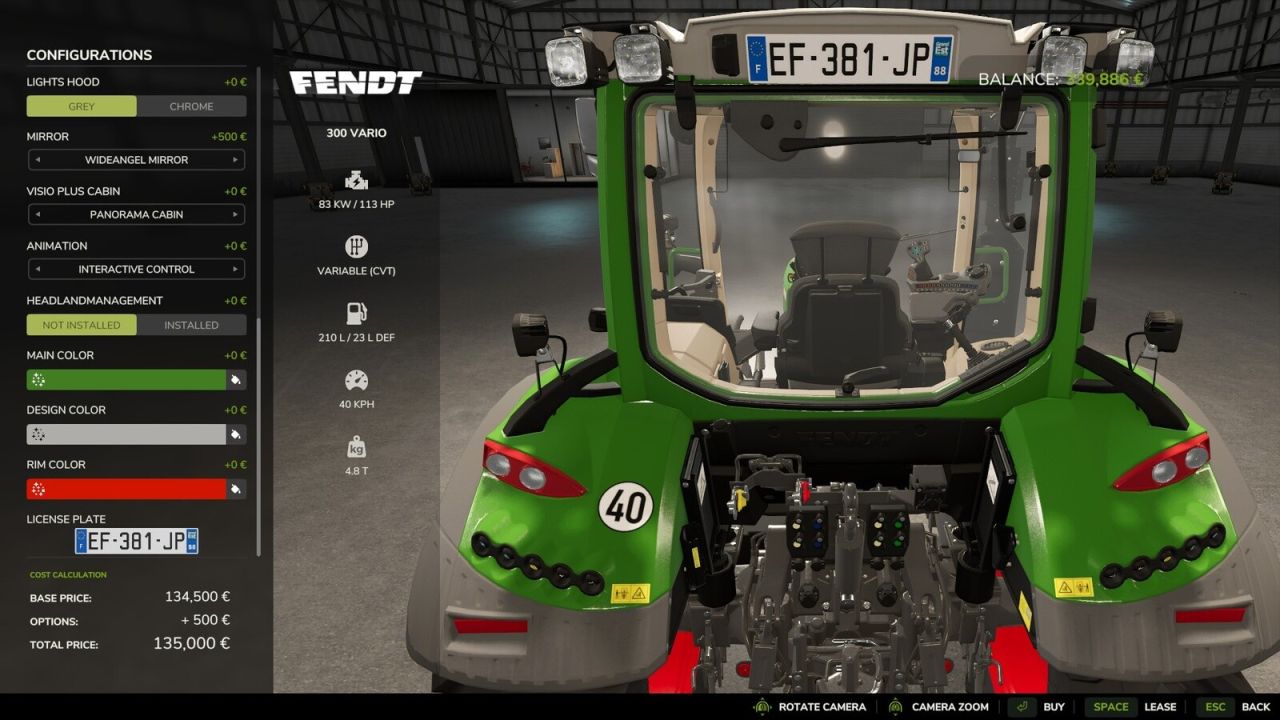
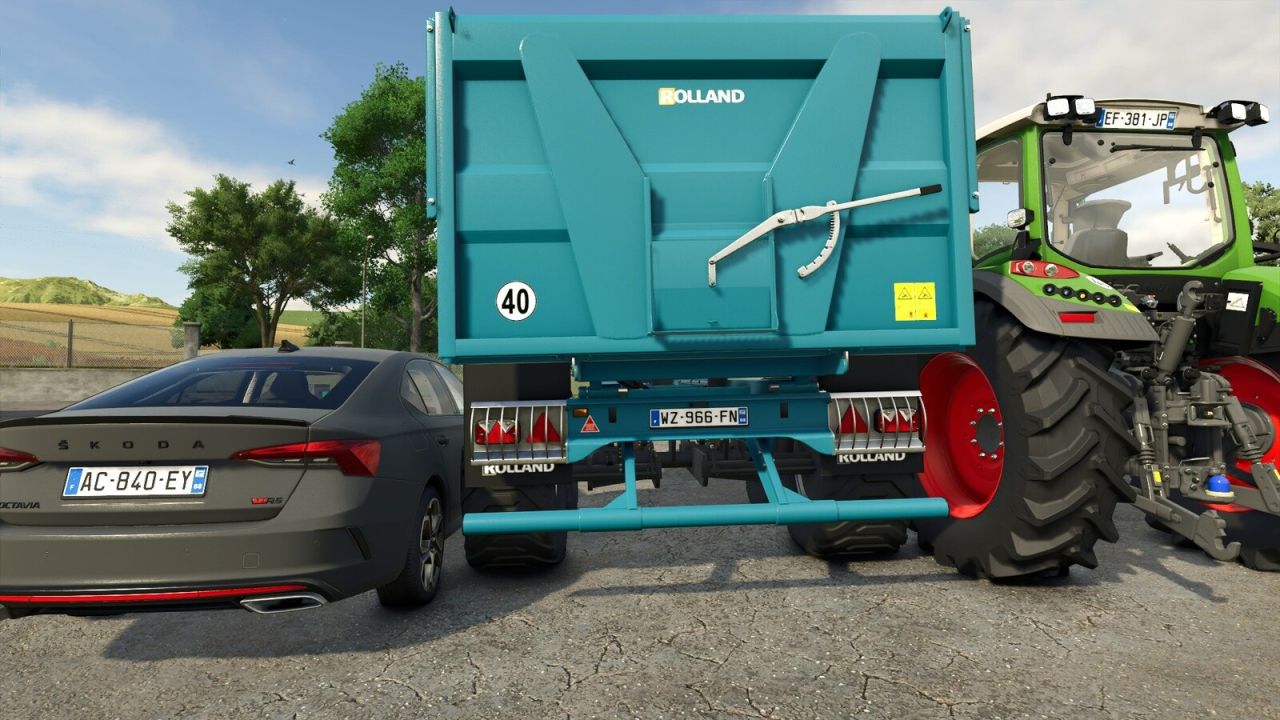
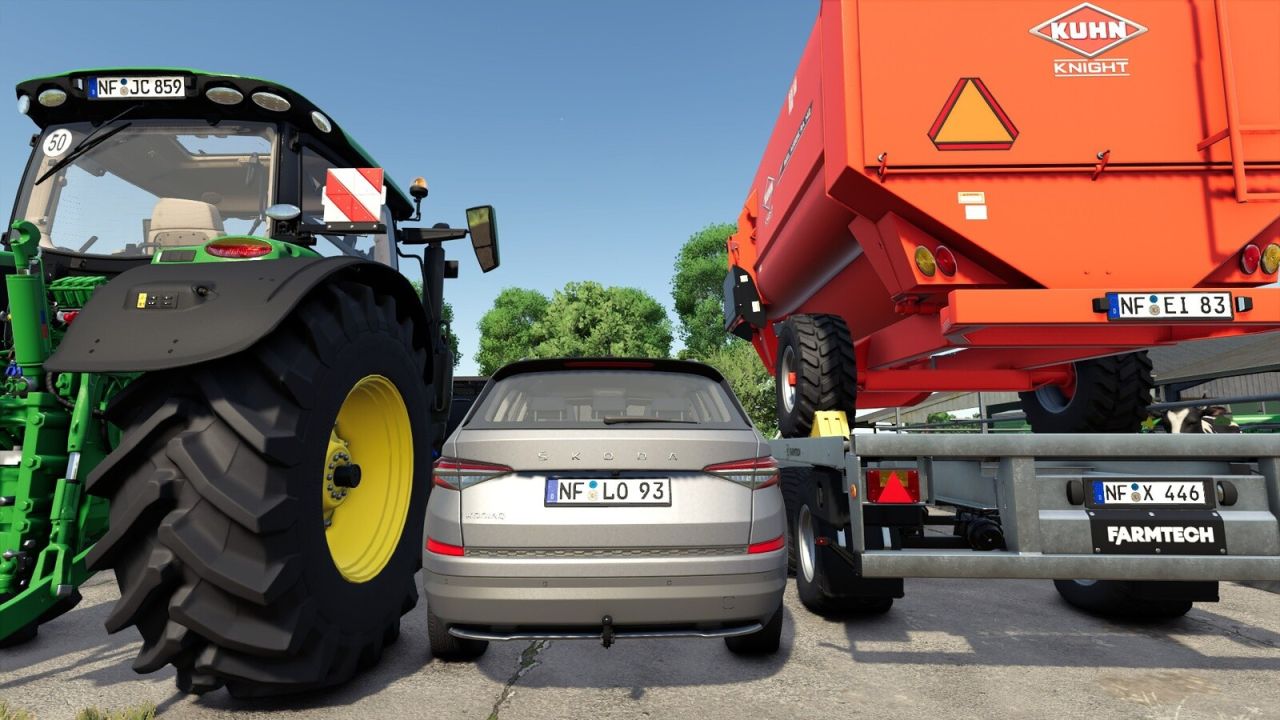
Every vehicle you buy in Farming Simulator 25 rolls off the lot with the same default license plate. Buy three tractors, two trailers, and a harvester, and they all share an identical plate. This mod fixes that by automatically generating a realistic, region-appropriate plate when you open any vehicle in the shop. The plate you see is the plate you get when you hit “Buy.” You can still customize it before purchasing or change it later at a repair shop.
FEATURES:
– Generates unique, realistic plates based on real-world formats for the map’s country
– Applies to both the 3D shop preview and the plate widget
– Detects the map’s country automatically, no configuration needed
– Green agricultural plates on German maps (tractors get green, cars and trucks get black)
– Uses the map’s regional prefix automatically (e.g. “EF” for Erfurt, “ZLK” for Zielonka)
– Regional prefixes can be changed manually in plateConfig.xml
– Plates persist across sessions and multiplayer
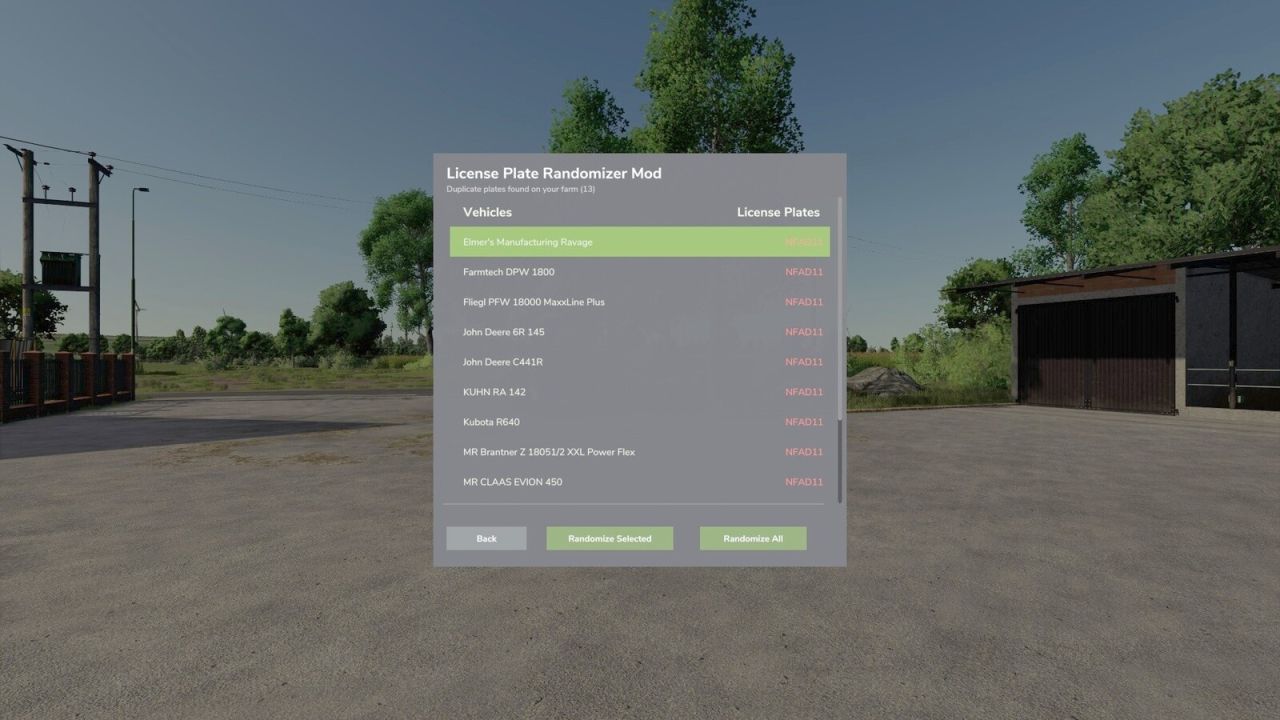
DUPLICATE PLATE FINDER (Right Ctrl + Period):
Already have a fleet of vehicles with identical default plates? When you load a savegame, the mod automatically scans your farm and notifies you if any vehicles share the same plate. Press Right Ctrl + Period anywhere in the game to open the Duplicate Plate Finder. It lets you randomize them one by one or all at once.
SUPPORTED COUNTRIES (21):
Germany, France, Italy, Poland, Austria, the Netherlands, United Kingdom, Northern Ireland, Luxembourg, Czech Republic, Romania, Hungary, Slovakia, Spain, Sweden, Denmark, Switzerland, Belgium, Finland, Norway, Ireland.
On maps not recognized as one of these (e.g. US or Asian maps), the mod stays inactive.
PLEASE NOTE:
This mod controls the plate text (characters, format, regional accuracy). The plate’s visual appearance (background color, font, euroband) is determined by the map maker’s license plate template. If a map uses the correct template for its country, everything matches perfectly. If a map reuses a template from another country, you may see correct text on a mismatched background. This is a map-side limitation that no script mod can fix. For map makers, license plate prefab packs for many European countries are available on ModHub. This also applies to Germany’s green agricultural plates. A German map’s plate template may define only black text, or both black and green. On German maps without a green color defined, agricultural vehicles will show black text like regular plates.
This mod may only be hosted on the official GIANTS ModHub. Redistribution on other websites is not permitted without the author’s written consent.
Author: Kijbev