LiveMap Companion App V2.0
LiveMap Companion App V2.0
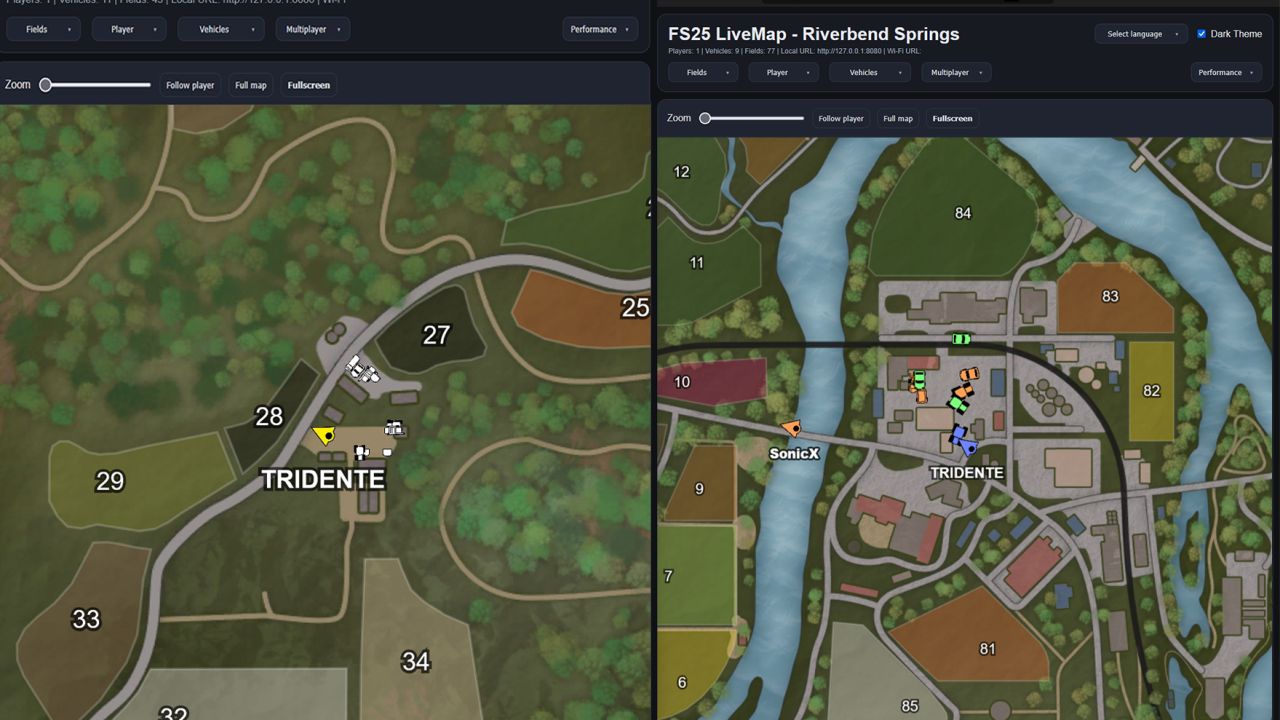
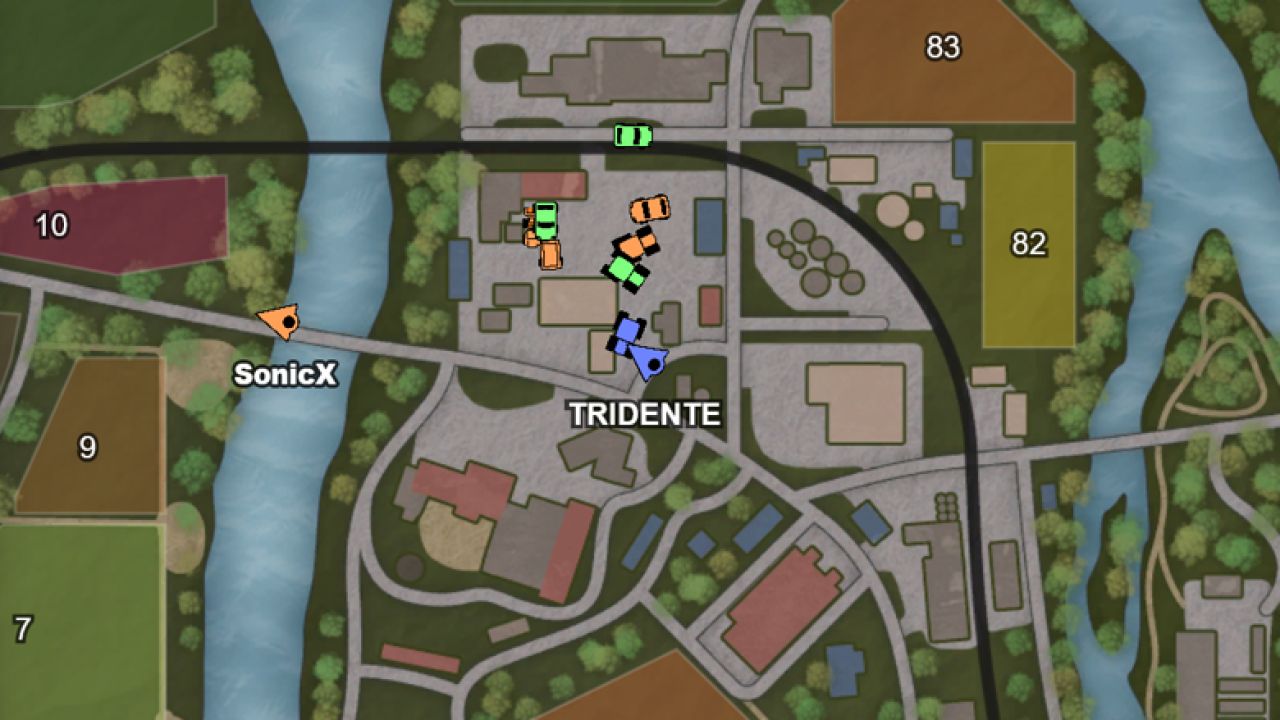
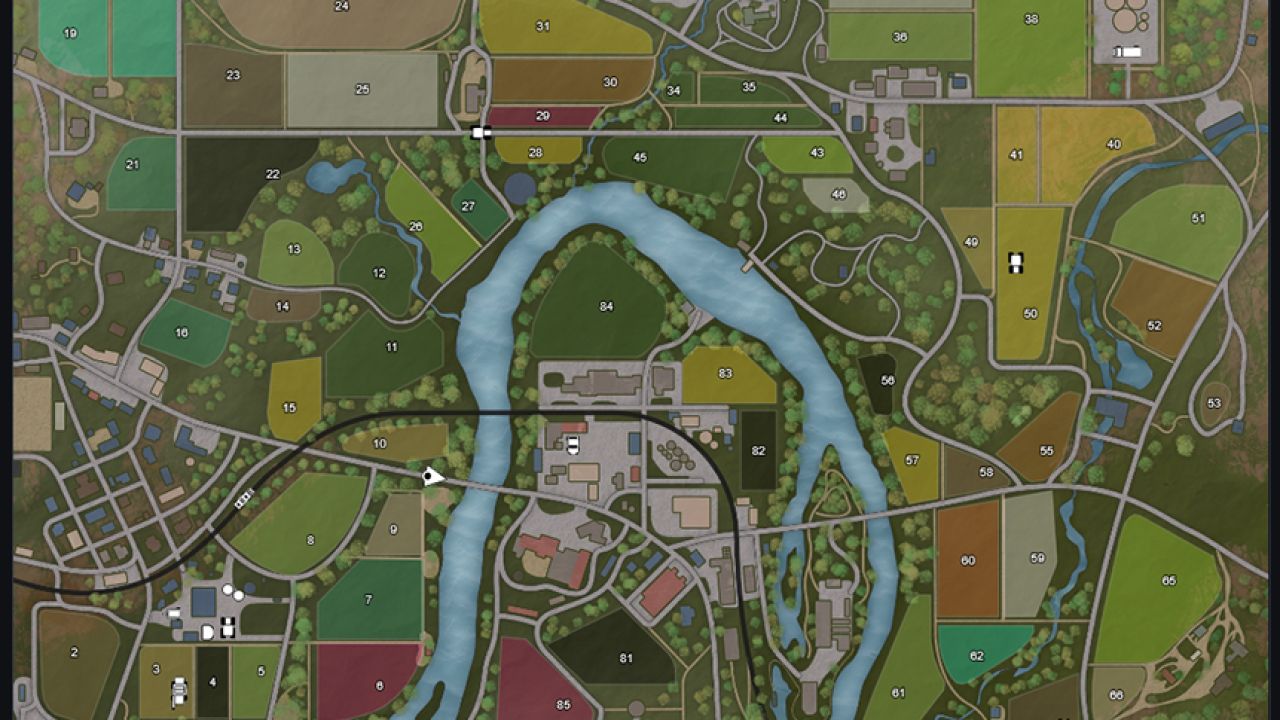
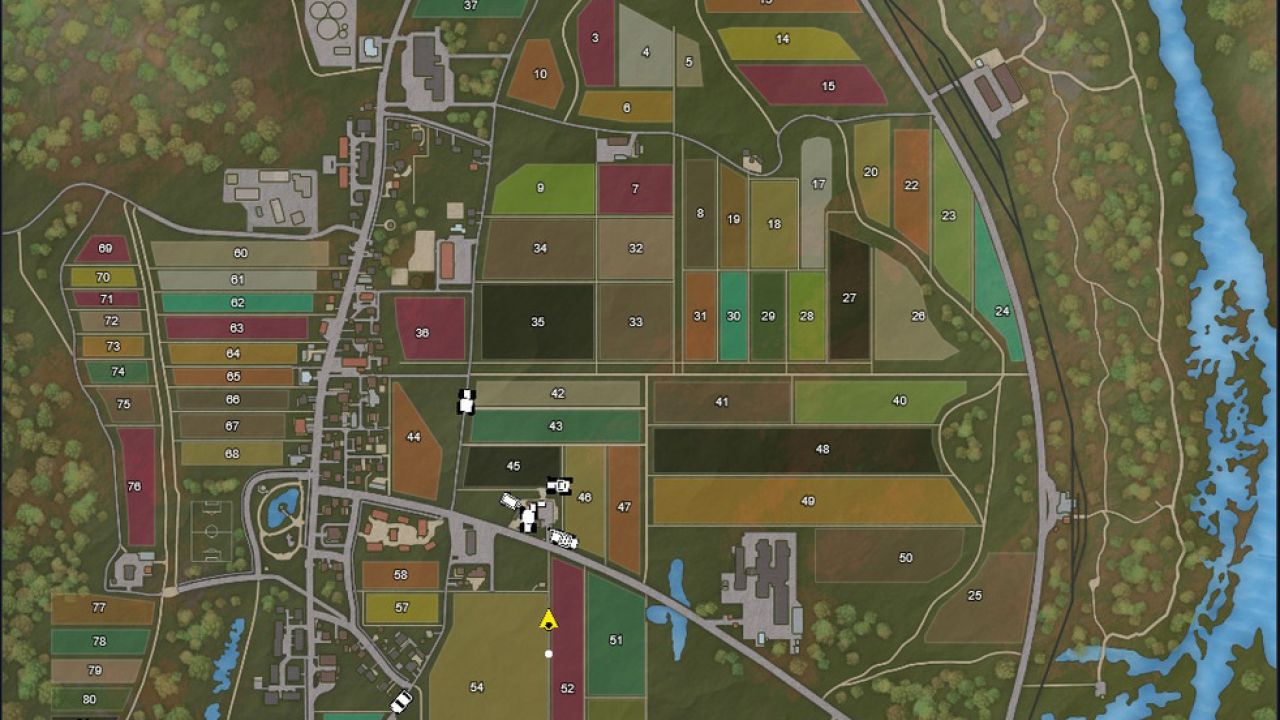
Get the map from the game and display it on your PC, tablet or smartphone: large, clear and customizable.
LiveMap exports live map data from the currently loaded save game and saves it locally in the modSettings folder.
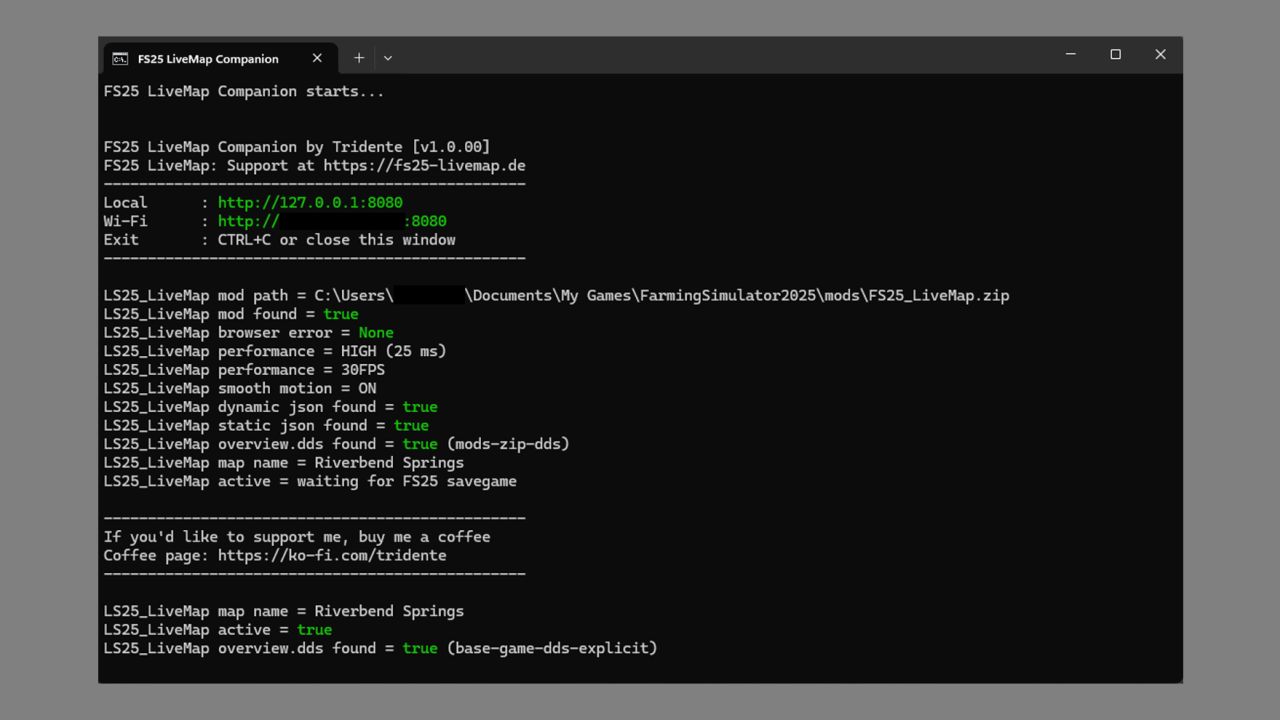
Together with the FS25 LiveMap Companion App (Windows program), this data can be displayed as a live map in the browser on PC, tablet or smartphone.
This allows the small in-game map in the HUD to be hidden and a larger external map view
to be used on a second monitor or mobile device instead.
The project consists of two files:
– FS25_LiveMap.zip for the mod folder
– FS25_LiveMap_Companion for displaying the data in a browser or tablet
Features:
– Live map in browser on PC, tablet, or smartphone
– Display on private local network/Wi-Fi
– Player and vehicle display with custom icons
– Different vehicle icons depending on vehicle type
– Vehicle and player names can be shown or hidden
– Individual vehicle types can be filtered separately
– Multiplayer compatible
– Multiplayer farm colors for vehicles
– Filters for own and other players’ farm vehicles/players
– Fullscreen mode
– Player follow mode
– Full map mode
– Zoom functions in the browser
– Multilingual interface
– Different performance levels for data retrieval
Multiplayer:
The exported files are not saved in the savegame, but locally in the modSettings folder of the respective client.
This makes FS25 LiveMap fully multiplayer compatible. Even when playing on a dedicated server,
the necessary data is generated locally on your own computer and can be used from there via the companion app.
V2.0.0.0
Building icons / missions / search function update
– Added buildings, productions, sales points, unloading points and other map objects.
– Buildings can be shown and hidden by categories, e.g. B. Productions, unloading points, shops and more.
– New mission display on the browser map.
– Active mission points are highlighted on the map.
– Dead wood, wood transport and rock removal missions are displayed with their own icons.
– Fields with active orders are marked using the field number.
– During harvest missions, the appropriate unloading points are also marked.
– At the unloading point it is displayed which field and which fruit should be delivered there.
– Added browser map search function.
– Vehicles, buildings, productions and other map objects can now be searched for directly and permanently marked.
– The search function is also available in full screen mode.
– Browser map interface revised.
v1.1.0.0 – Field info update
– Field numbers on the map now show field information when hovering or tapping
– FS25_additionalFieldInfo compatible
– Growth, yield bonus, fertilization, field size and field condition notes
– The map can now be moved in full screen mode
– Added button for reset map view in full screen mode
v1.0.0.9 – Visual adjustments
– minor adjustments in console output
– Map UI adjusted, fixed values are now highlighted
v1.0.0.8 – “NFMarsh” Fix
– Background map was not displayed correctly for map “FS25_NFMarsch4fach”.
v1.0.0.7 – Widescreen Fix
– The background map is now rendered in 16:9 on PC and tablet
– The 16:9 view can be disabled in the browser if additional borders are visible on mod maps
– Improved performance on tablet
v1.0.0.6 – Another performance fix
– Card runs much more smoothly and costs less power
– Fixed a minor bug in the automatic reading of the mod folder
Author: TRIDENTE