Livestock Trailer Extension V1.0
Livestock Trailer Extension V1.0
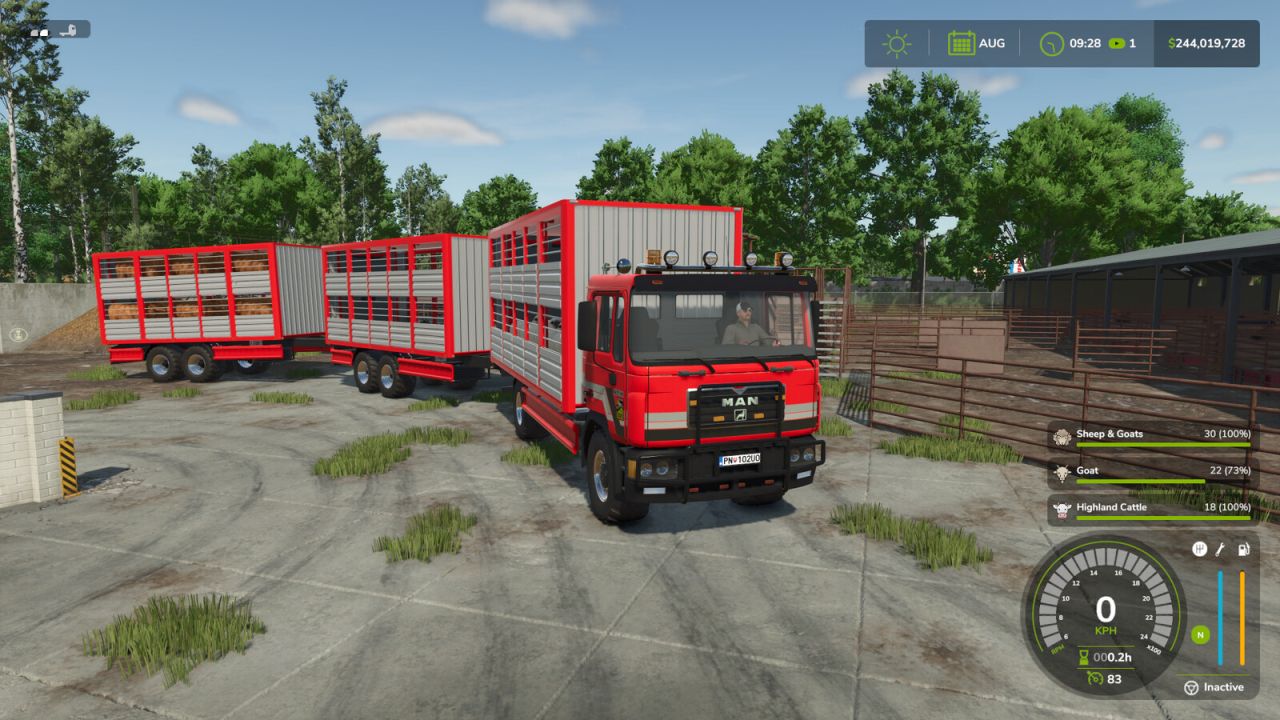
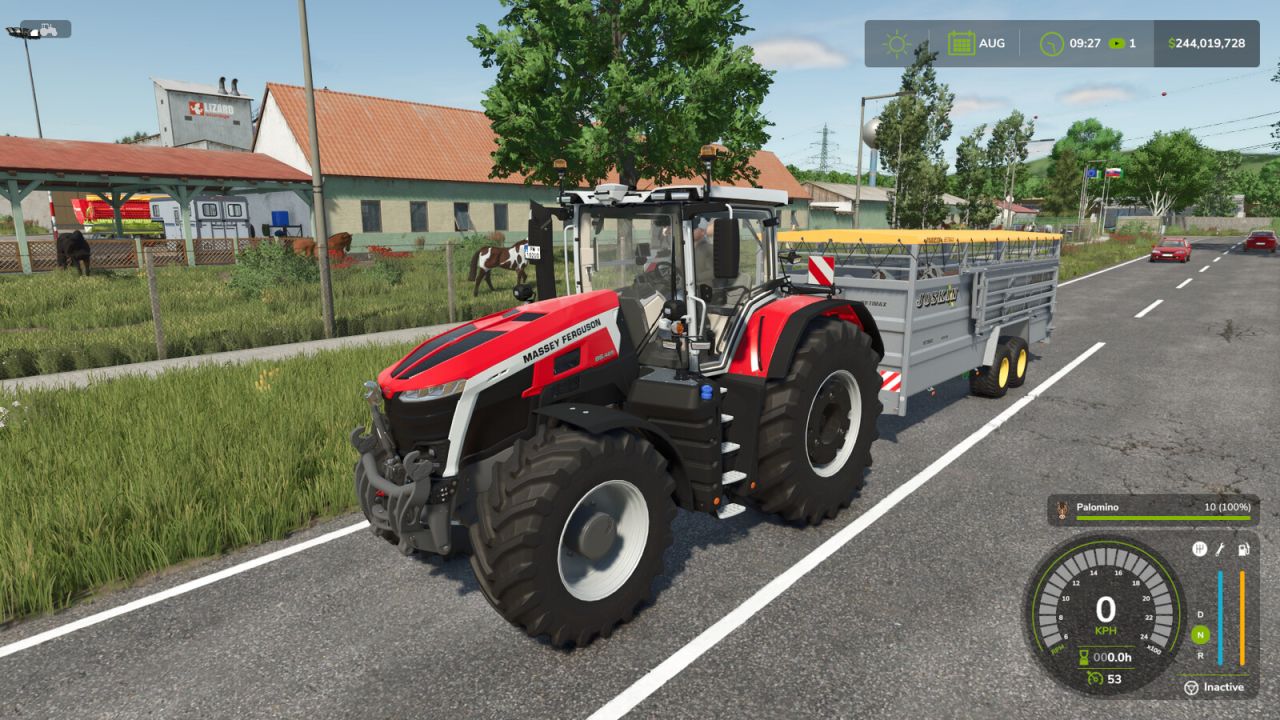
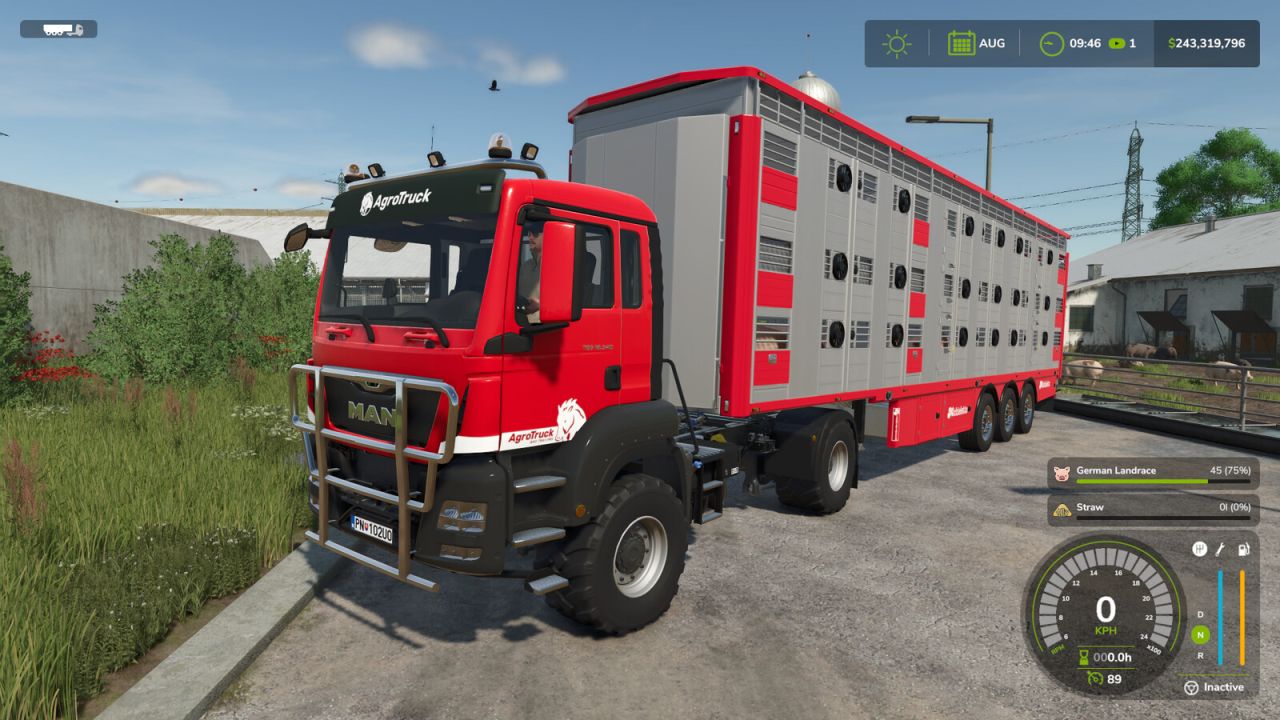
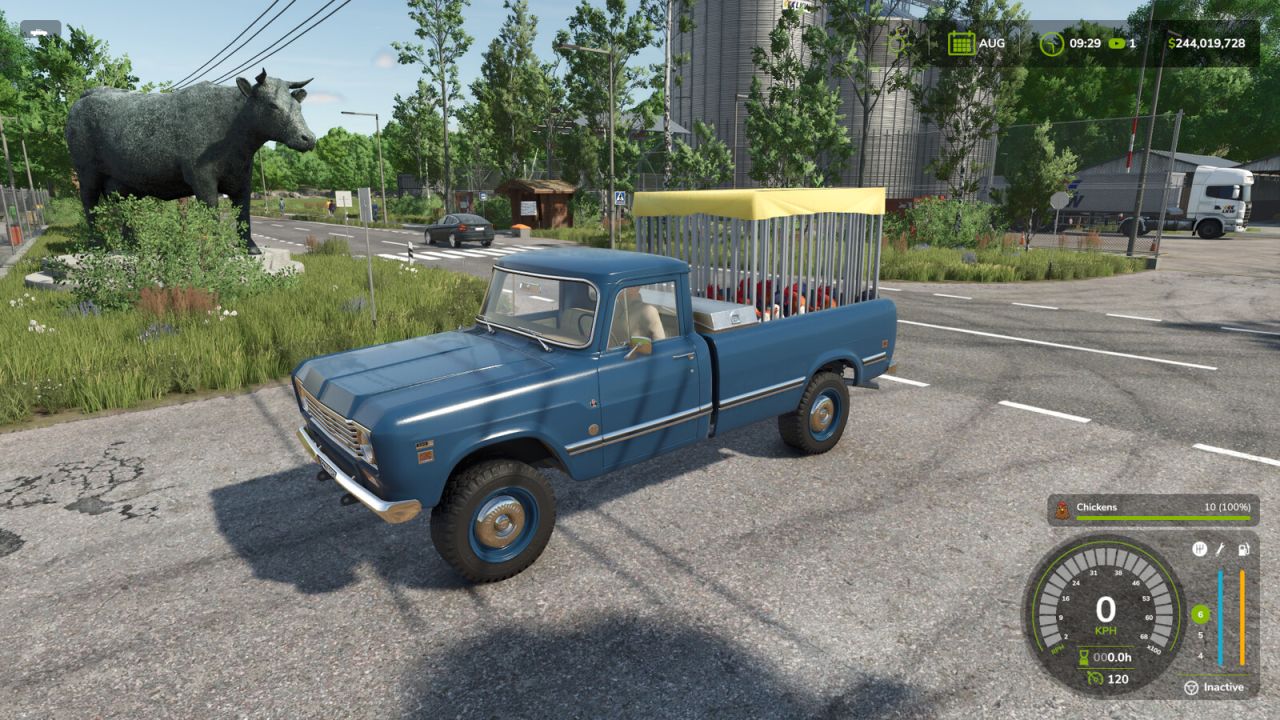
Upgrade your animal transport vehicles with a smart HUD fill bar and animal sounds!
Features:
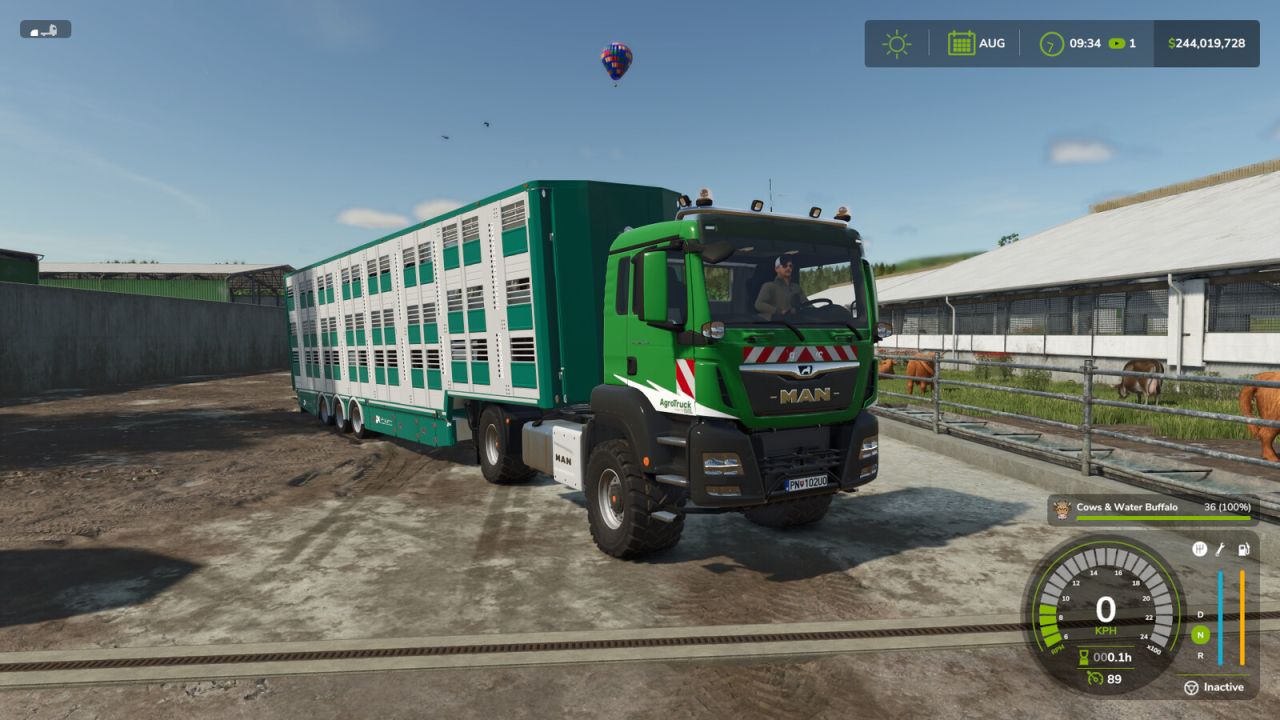
FILL BAR: Show the animal icon, breed name, and trailer capacity directly on your screen.
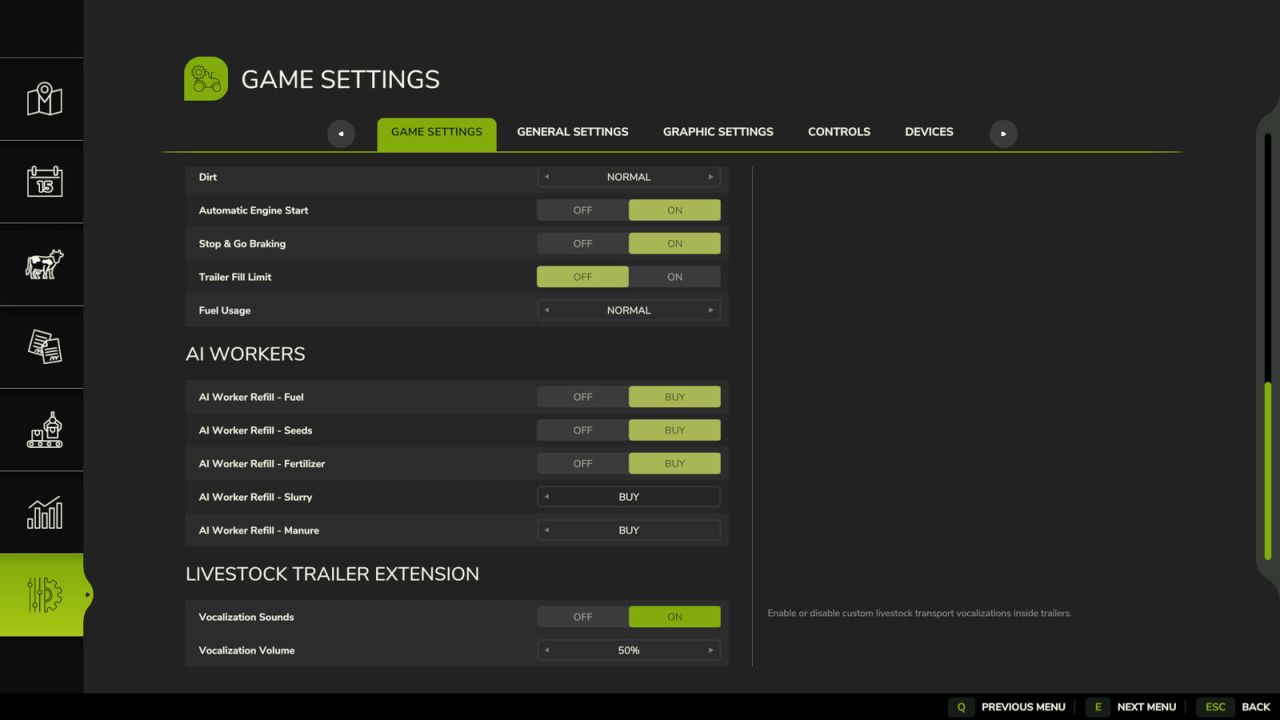
ANIMAL VOCALIZATIONS: The livestock inside the transport vehicle can now make vocalizations during transportation.
SOUND CONTROL: Change your audio setup anytime inside the game settings menu. You can adjust the animal sound volume or turn the sounds completely off.
MULTIPLAYER SYNC: The livestock sound settings can only be managed and toggled by the game Admin.
Filltype Icon & Naming Logic:
SINGLE TYPE / SINGLE BREED: Displays the specific icon and breed name (e.g., loading one or multiple cows of the same breed shows that breed name and the cow icon. Same logic applies to all individual types like water buffalo, sheep, goats, pigs, horses, and chickens).
MIXED BREEDS: Loading different breeds of the same animal type displays a general text name (e.g., mixing Holstein and Angus cows displays “Cows” with the cow icon).
MIXED CATEGORIES: Loading any cow breed together with water buffalo changes the text name to “Cow & Water Buffalo”. Loading any sheep breed together with goats changes it to “Sheep & Goat”.
Majority Count Rule: The fill bar automatically chooses its icon based on numbers. If you load more cows than buffalo, the HUD displays the cow icon. If you load more buffalo than cows, it displays the buffalo icon (same rule applies to sheep and goats).
Equal Count Rule: If you load an exactly equal amount of both categories (e.g., 1 cow + 1 water buffalo, or 5 sheep + 5 goats), the HUD automatically displays the animal icon that was loaded first into the trailer, or the trailer first slot.
Author: Sunil [Sarmy Farm]