Loader and Truck Scale Weighing v1.2.0.23
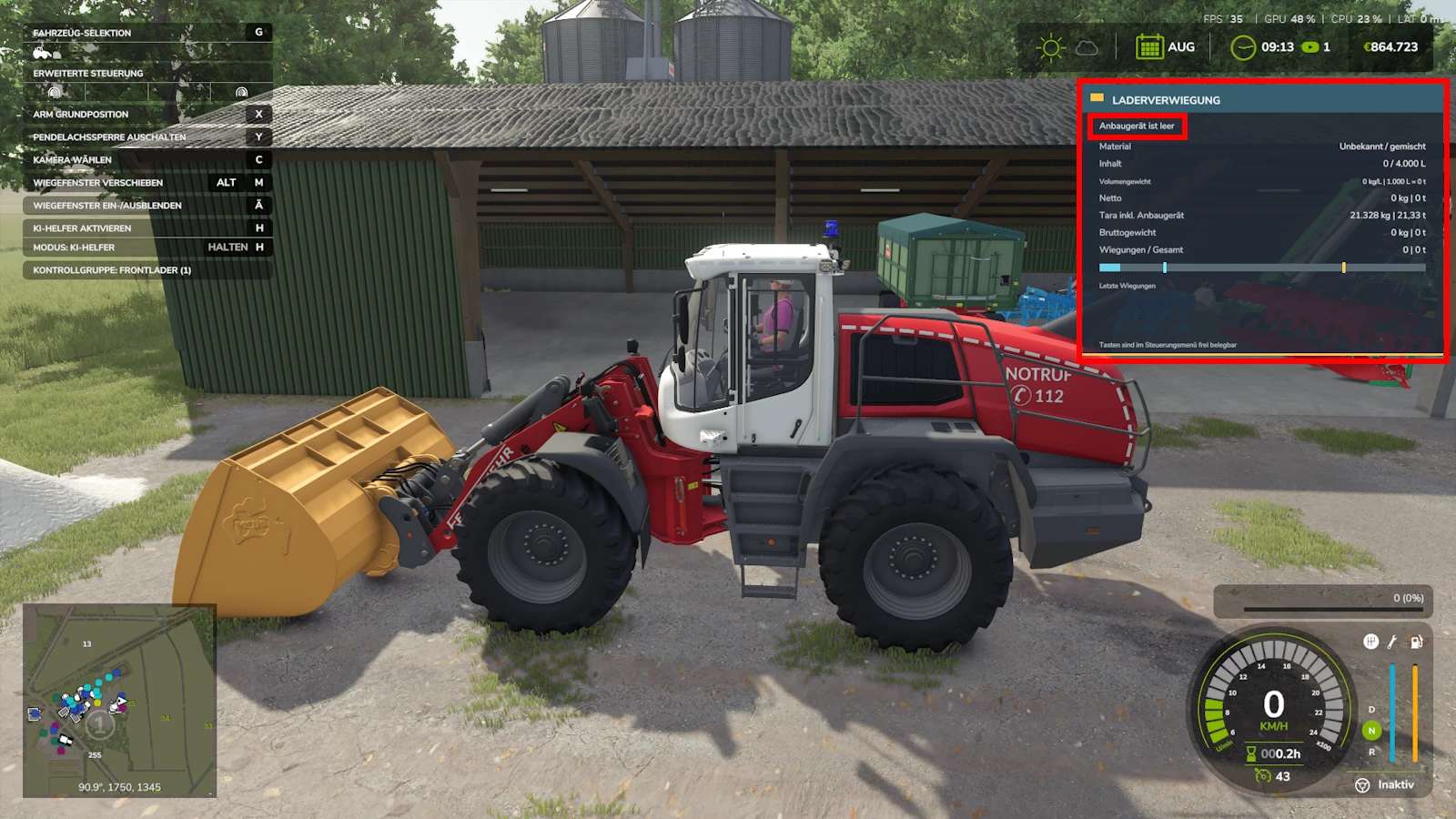
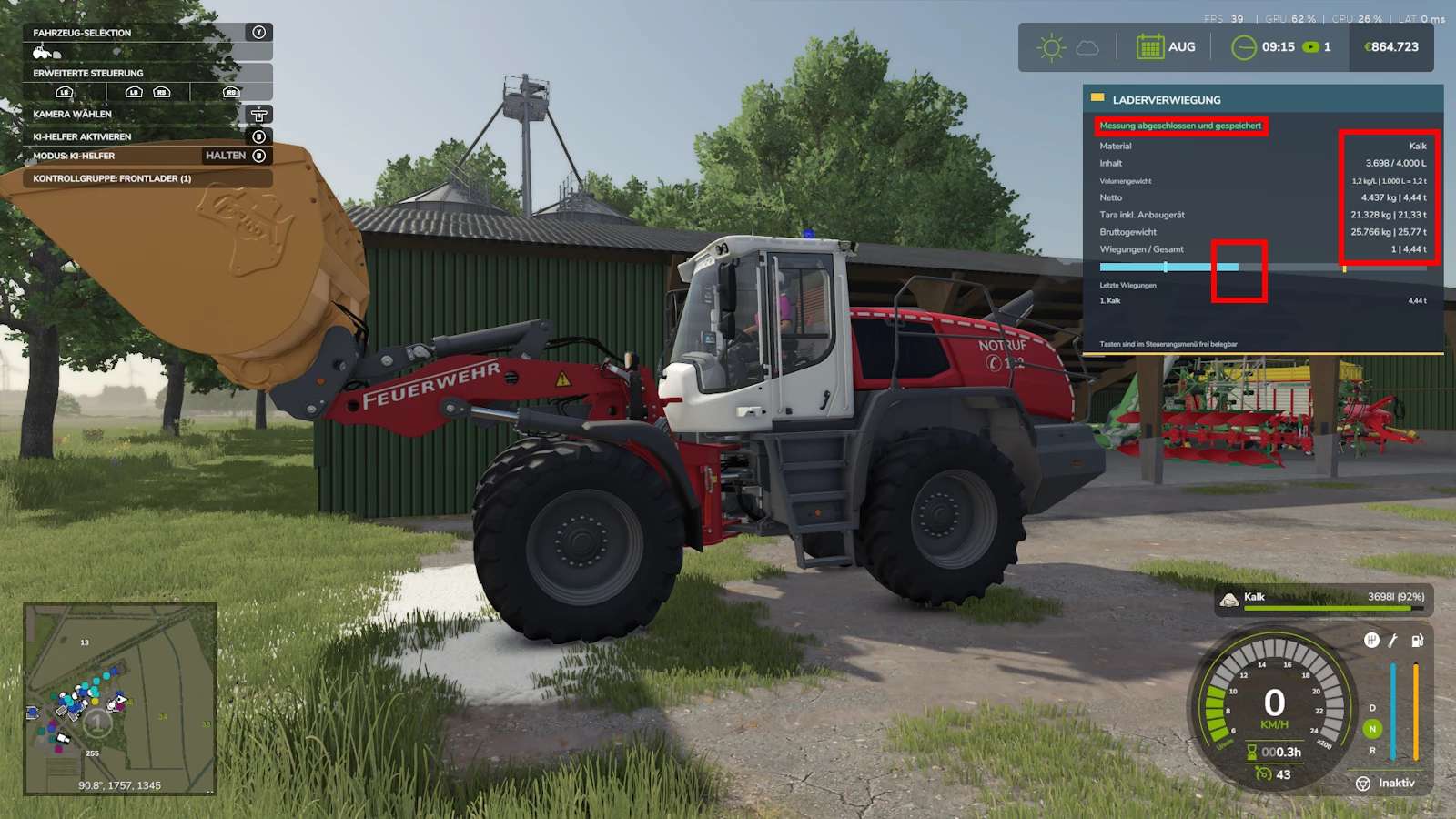
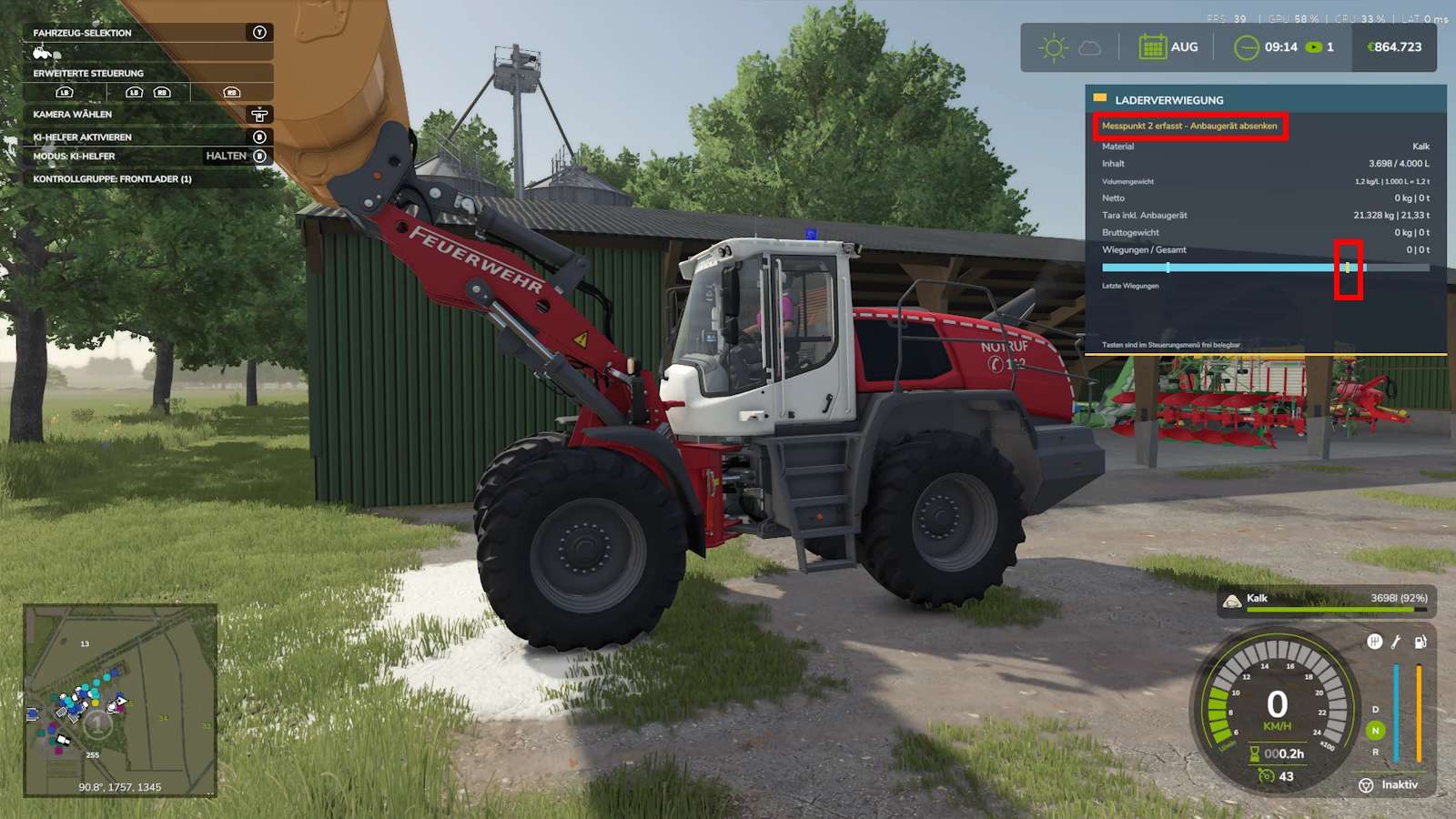
Loader and Truck Scale Weighing v1.2.0.23
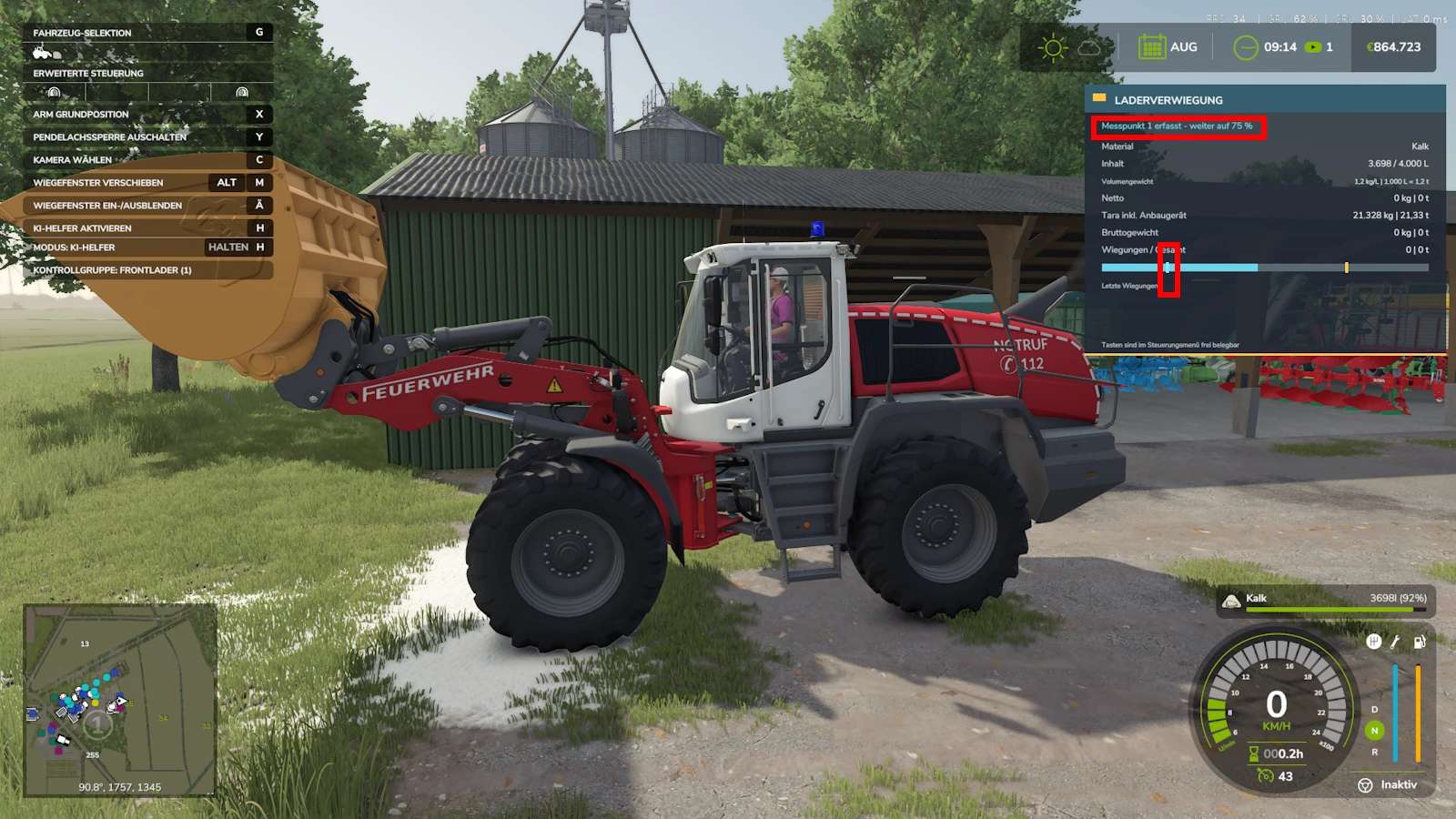
A tool for weighing with a wheel loader.
Version 1.2.0.23
Minor bugs fixed and UI adjusted
Added adjustable HUD size using “ALT + M”, then adjust it with the mouse in the bottom right corner.
Added color selection in the menu under Loader Weighing
Added option to automatically stop loading with the wheel loader once the vehicle combination being loaded reaches 40,800 kg.
Added position function. Calibrate a position once (using ALT + Left Shift + A). Then press (Alt + A) and the loader arm and bucket will automatically return to that position.
Added truck scale now has a purchase option. After the second weighing, you can request an invoice from another player via the invoice script and transfer money to that player for the goods received. There is now a warning if the weighed combination exceeds 40 tons.
Today I have a small tool for you that allows you to weigh wheel loaders.
The entire calculation is done automatically in tons.
A volume calculator has also been integrated, which calculates the L/t value.
If you are using Squallqt’s calculation tool, you can directly enter the weighings and have them calculated.
However, it will then display the value in liters, while the weights in the tool will show the value in tons.
Keys can be freely assigned.
Front loader attachments on tractors do not work.
Wheel loaders, front loaders, telescopic handlers, and compact loaders from the base game work.
Mods can run, but have not been included or tested.
Attachments only work: buckets, forks, and manure/silage grabs.
Author: Trucker_Ugly