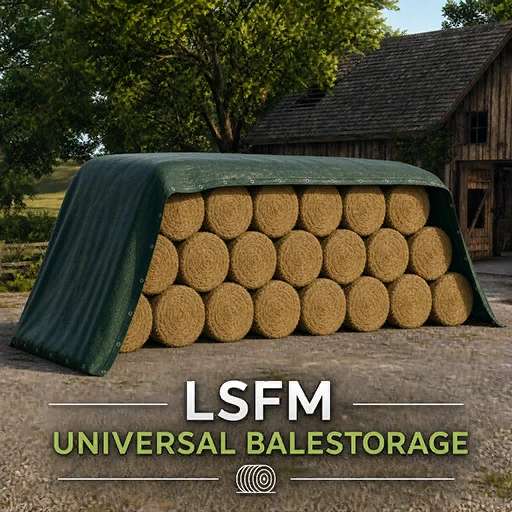
LSFM Universal BaleStorage v1.0
LSFM Universal BaleStorage v1.0
LSFM Universal Bale Storage
The LSFM Universal Bale Storage system allows for space-saving and organized storage of various bale types.
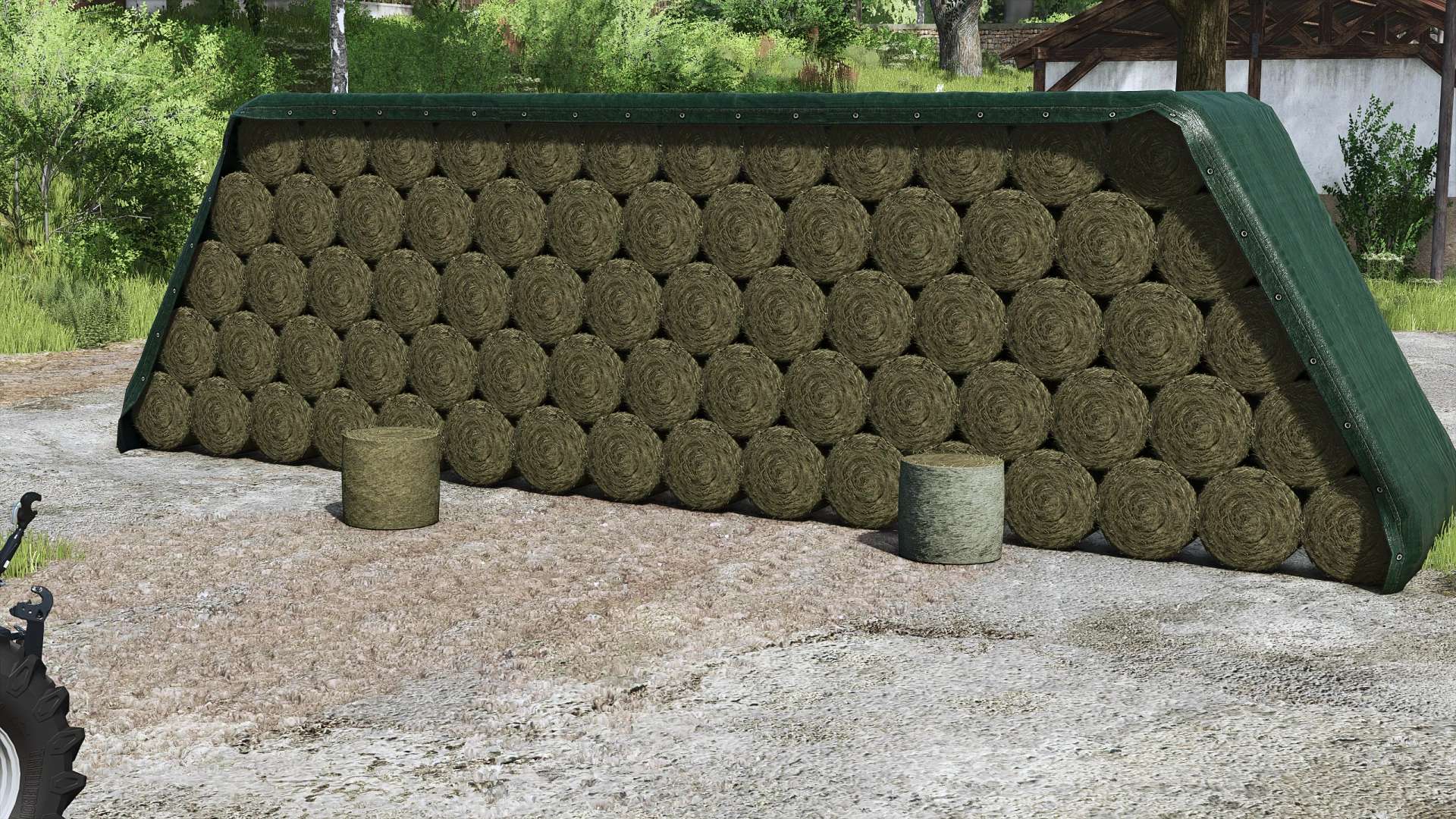
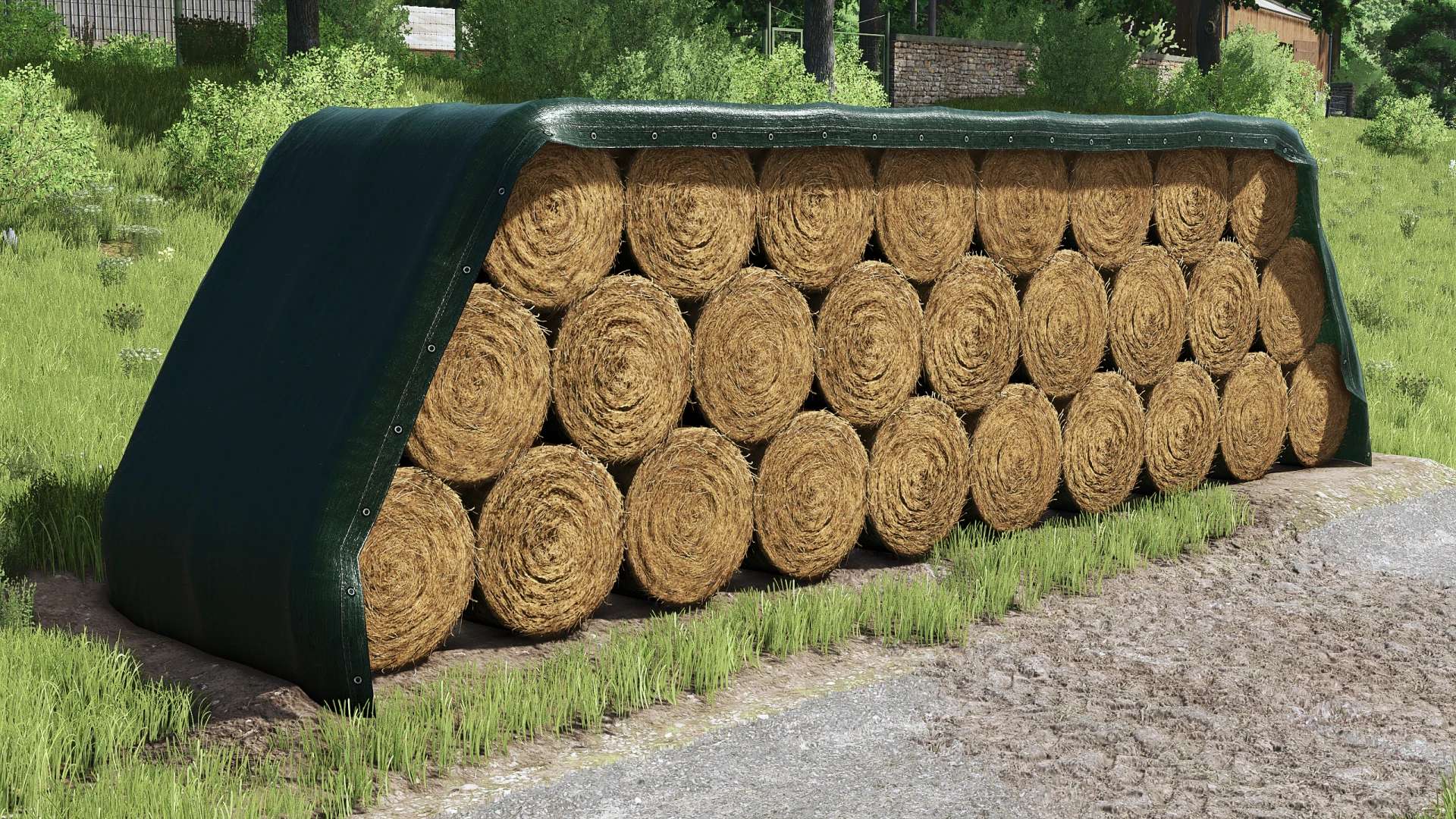
As soon as a bale enters the storage trigger, it is automatically stored and displayed in the storage system as a neatly arranged stack.
The system automatically recognizes the bale size and adjusts the capacity, stack structure, and display accordingly.
Different fill types such as straw, hay, and silage can be stored together, as long as the bale size matches the existing stack.
The advanced storage menu allows you to select stored bales and retrieve the desired quantity.
Additionally, suitable bales can be purchased directly from the storage system.
Special Features:
The first bale stored determines the stack’s size.
Afterward, only bales that match this bale size and stack shape will be accepted.
The fill types can differ. For example, straw and hay bales can be stored together, provided they have the same size and shape.
The actual capacity depends on the chosen bale size.
Smaller bales therefore allow for a larger quantity than particularly large round or square bales.
Features
Universal storage for round and square bales
Support for common bale sizes from the main game
Support for additional mod bales via configurable stack types
Automatic detection of bale format and size
Individual storage capacity depending on the selected bale format
Neat visual stacking of stored bales
Storage of different fill types together with the same bale format
Protection against incompatible bale sizes and shapes
Round and square bales cannot be mixed within the same stack
Visible bales with collision detection
Dynamic covers for supported and fully filled stacks
Extended storage overview with fill type, bale format, fill quantity, and number
Separate menu sections for inventory and bale purchases
Adjustable withdrawal and purchase quantities
Direct purchase of suitable bales via the storage menu
Automatic calculation of the maximum possible purchase quantity
Selection of film color for wrapped bales
Wrapped grass bales can be stored and purchased
Wrapped grass bales ferment in storage Silage
Unwrapped grass bales are not accepted
Placement preview with visible bale stack and direction indicator
Storage and removal triggers with markers
Multiplayer support
Multilingual user interface
Author: LSFM