Manual Hydraulic Control V1.1
Manual Hydraulic Control V1.1
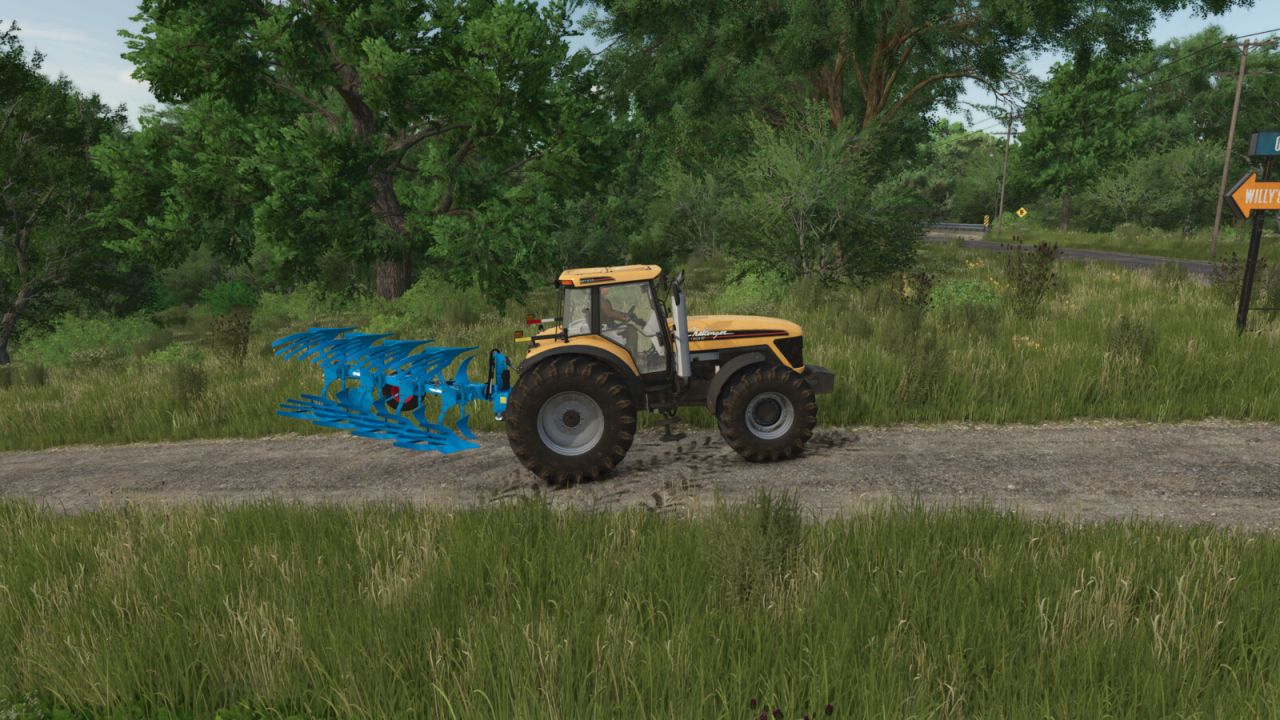
Manual Hydraulic Control allows you to raise and lower the hydraulic lifts manually, just like in real life, and to hold them at any height.
This is useful, for example, when a shed entrance is too low: the implement can be lowered slightly so that you can drive through.
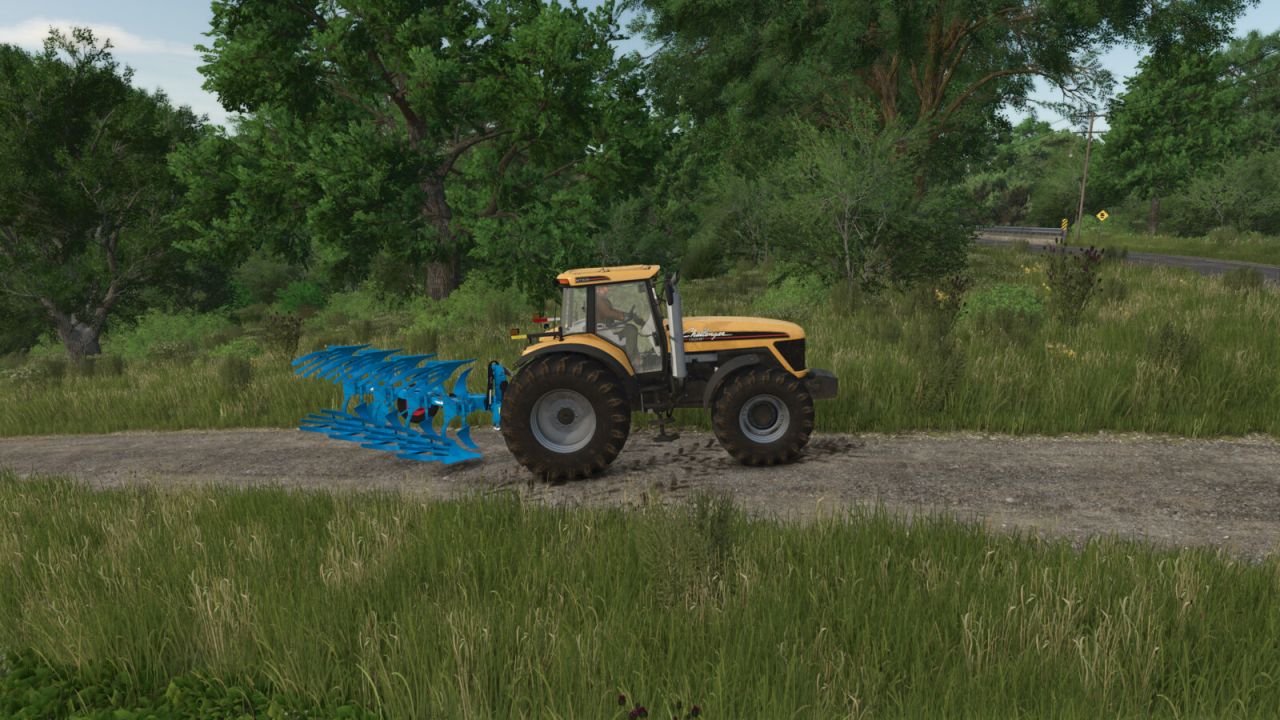
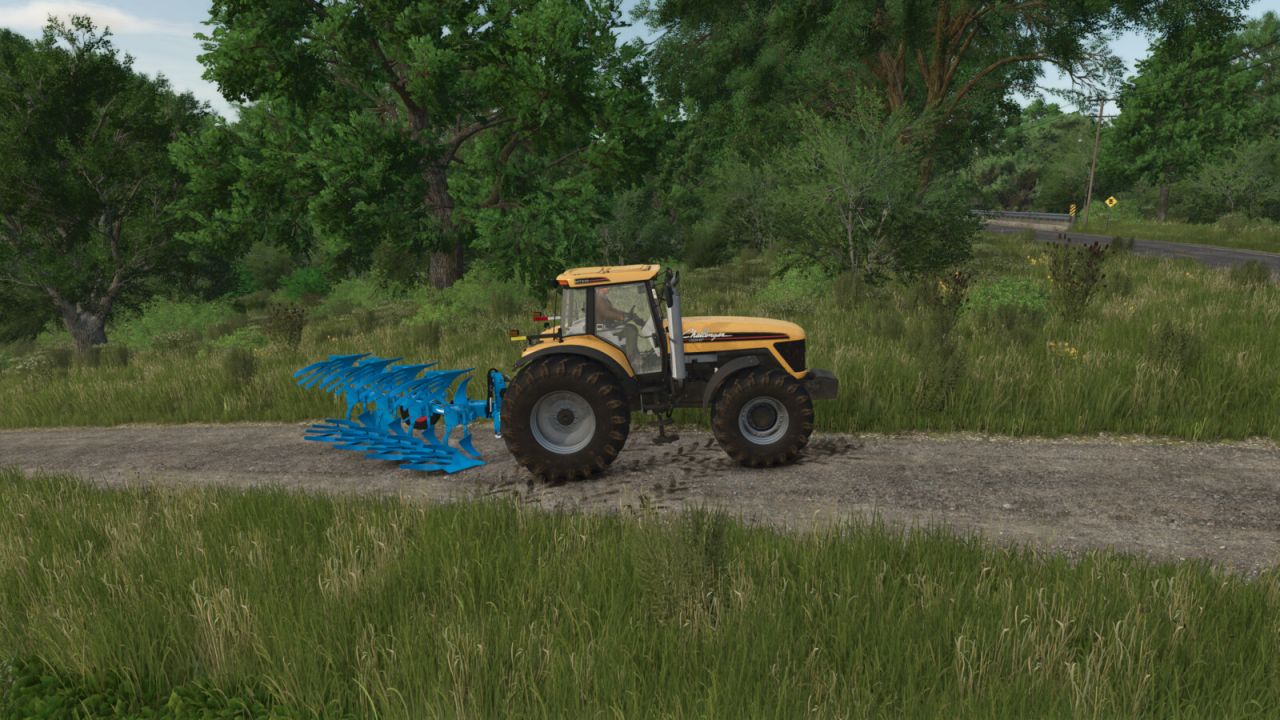
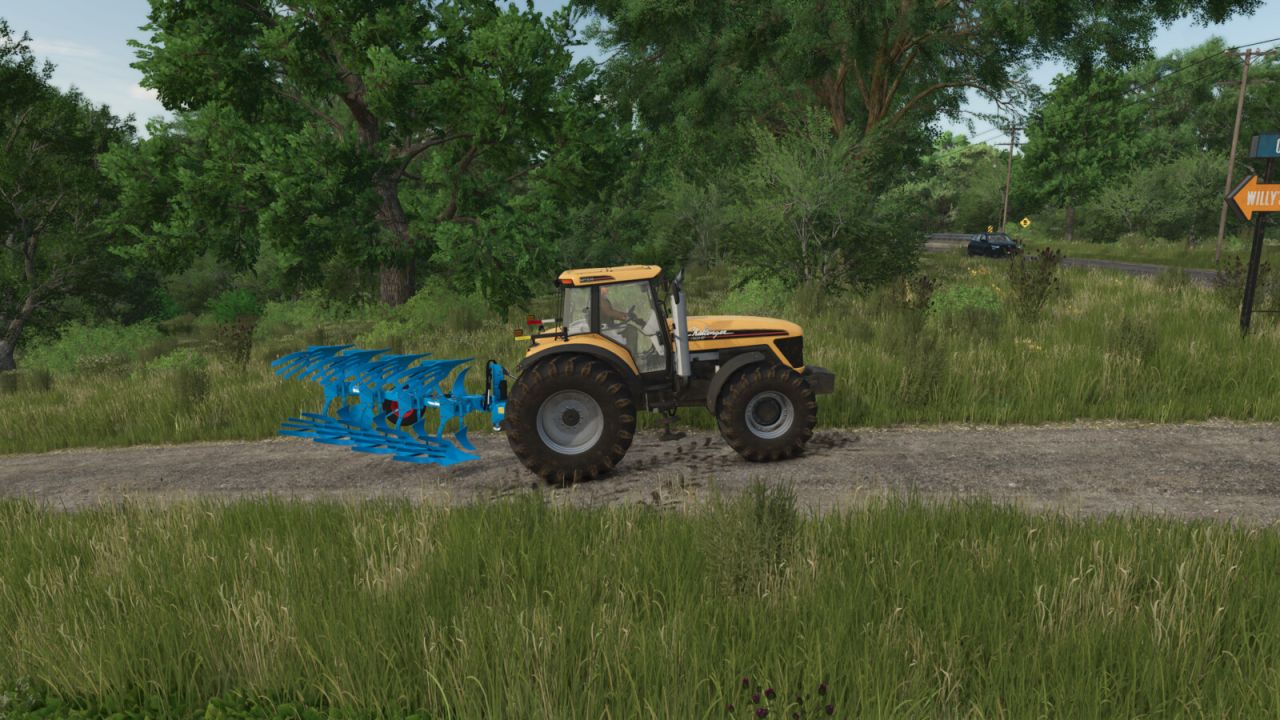
The mod also enables a more active style of play: for example, a plow can be fully lowered and will then plow.
The base-game “V” key for raising and lowering remains available, so both control styles can be combined.
Stepless, manual height adjustment of the hydraulics via keypress (hold to move, release to stop). Control always applies to the hydraulics selected with the “G” key (front or rear).
The working state (e.g., for plowing or cultivating) is set automatically as soon as the implement touches the ground, and released again when it is lifted.
The original automatic raise/lower function remains fully usable.
Controls are only active while the engine is running.
While lifting manually, the engine speed is raised slightly because the hydraulics need power, just like on a real tractor.
Additionally, the automatic lift when attaching an implement is disabled, so the implement stays at its current height. This function can be toggled on or off via a key at any time. The setting applies from the next attaching operation onwards.
Default controls (customizable in the menu):
– Numpad 8 = Raise
– Numpad 2 = Lower
– Numpad 5 = Toggle automatic lift on attach on/off
Author: KöllaKind