Mining Layers v1.9
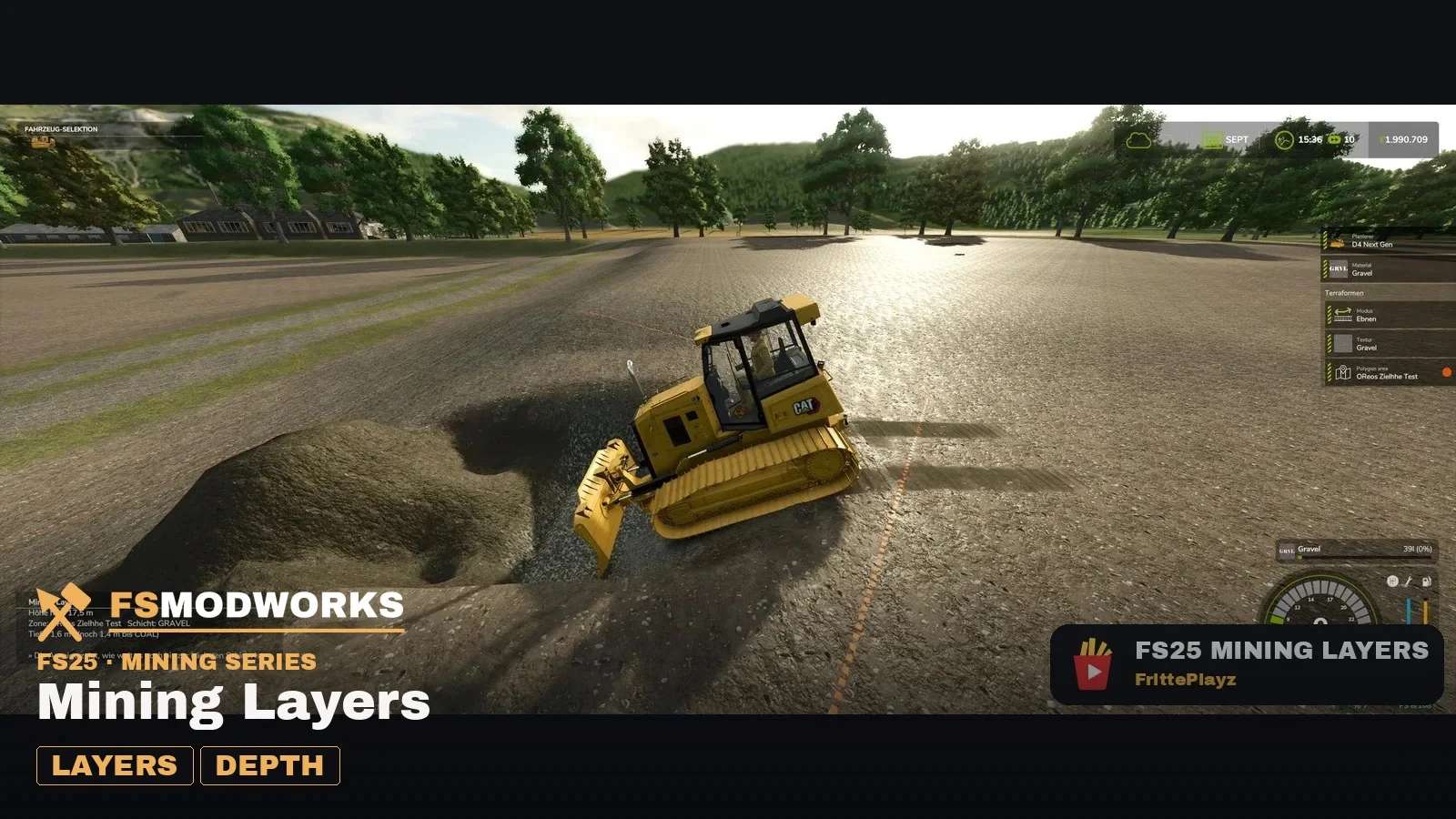
Mining Layers v1.9
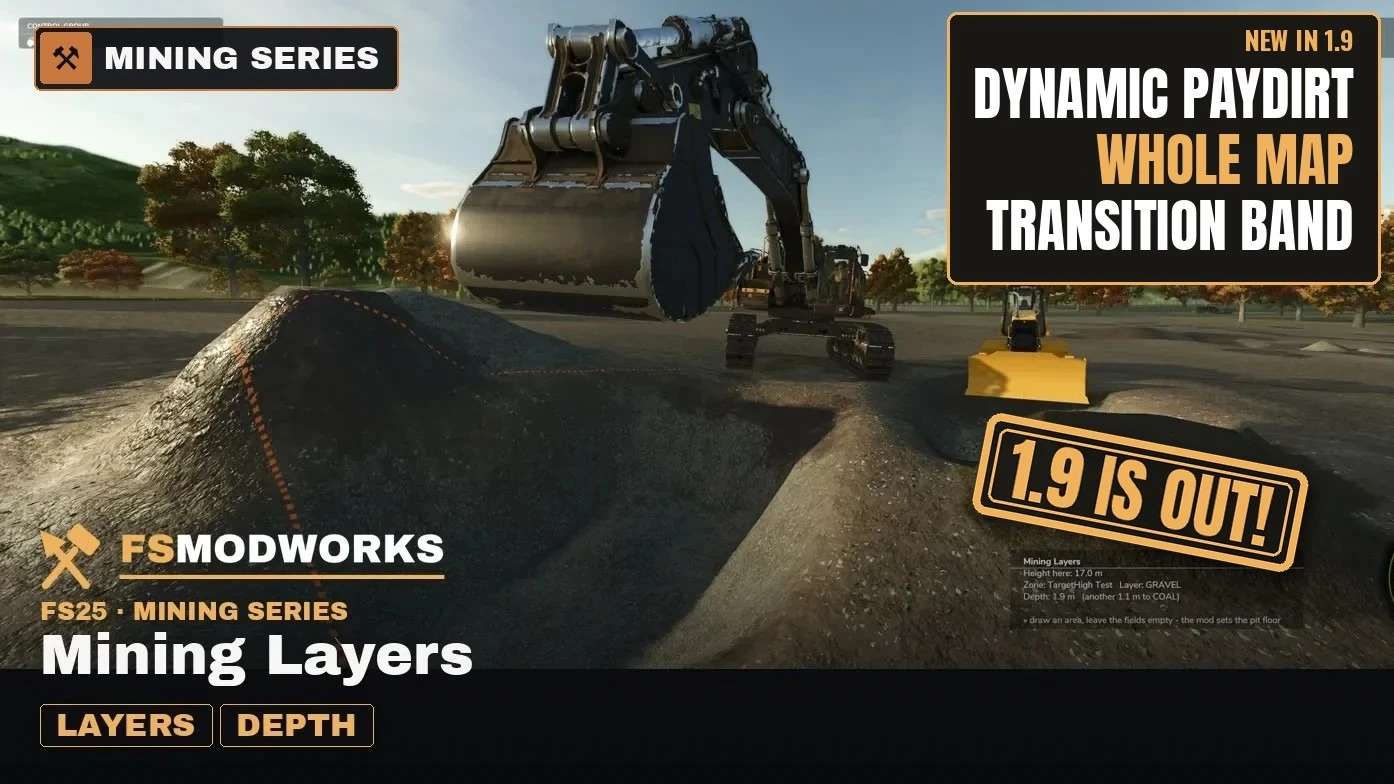
For a long time the ground in Mining Layers was very fair. Every layer sat at the same depth everywhere, on the hilltop just like in the valley. Fair, but a bit boring. With 1.9 the ground gets some character, and digging turns into a treasure hunt.
Mining Layers is a free add-on for TerraFarm in Farming Simulator 25. It decides which material your bucket brings up, layer by layer, the deeper you dig.
NEW IN 1.9: DYNAMIC PAYDIRT
– Its own tab with a switch: Off, Gentle (up to 5 m), Medium (up to 10 m), Strong (up to 15 m).
– Switch it on and the paydirt follows the landscape. In one spot it lies close to the surface, a bit further on it hides deep down.
– Every map gets exactly one buried old river, winding from edge to edge. That is where the deepest and thickest paydirt sits. Finding it is up to you.
– A map of the whole terrain shows the depth to the paydirt. Point at a square and a core sample shows you the layers under it.
– Reroll geology gives the map a new pattern. Map default brings the original back. Pits you already dug stay as they are.
– Works on every map, no rebuild needed. Map makers can ship their own default with their map.
TREASURE HUNT IN MULTIPLAYER
The host or an admin sets Dynamic Paydirt. Switch off “Map for players” and your players see no map and no core sample, only what lands in their bucket. Host and admins always see everything.
TRANSITION BAND
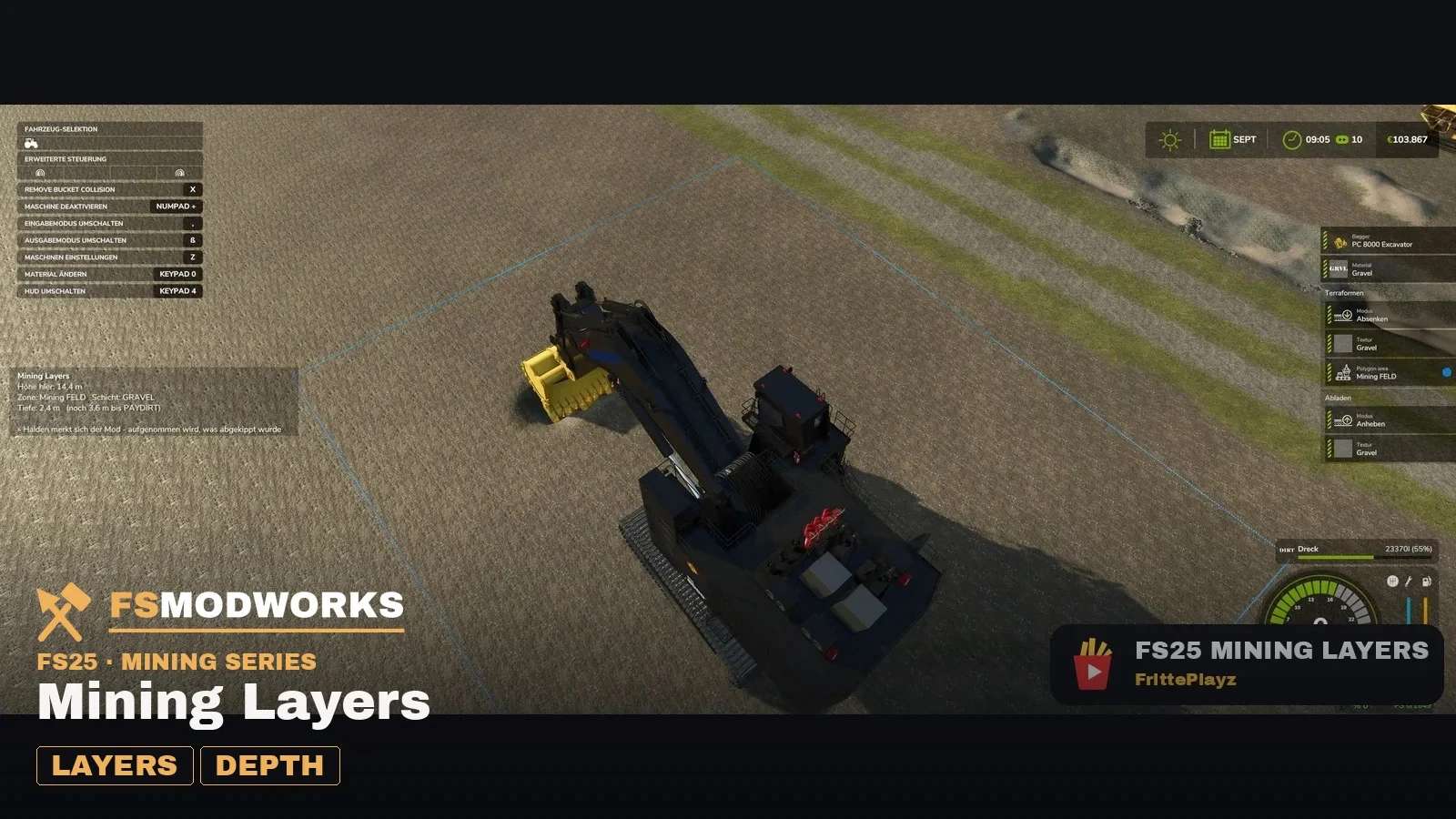
Every layer boundary now has a band of ±25 cm. Instead of switching hard, you keep digging the material you started with, and the readout tells you how much is left before the next layer.
Author: FrittePlayz