Mining / Pit Layers (TerraFarm Add-on) V1.4


Mining / Pit Layers (TerraFarm Add-on) V1.4
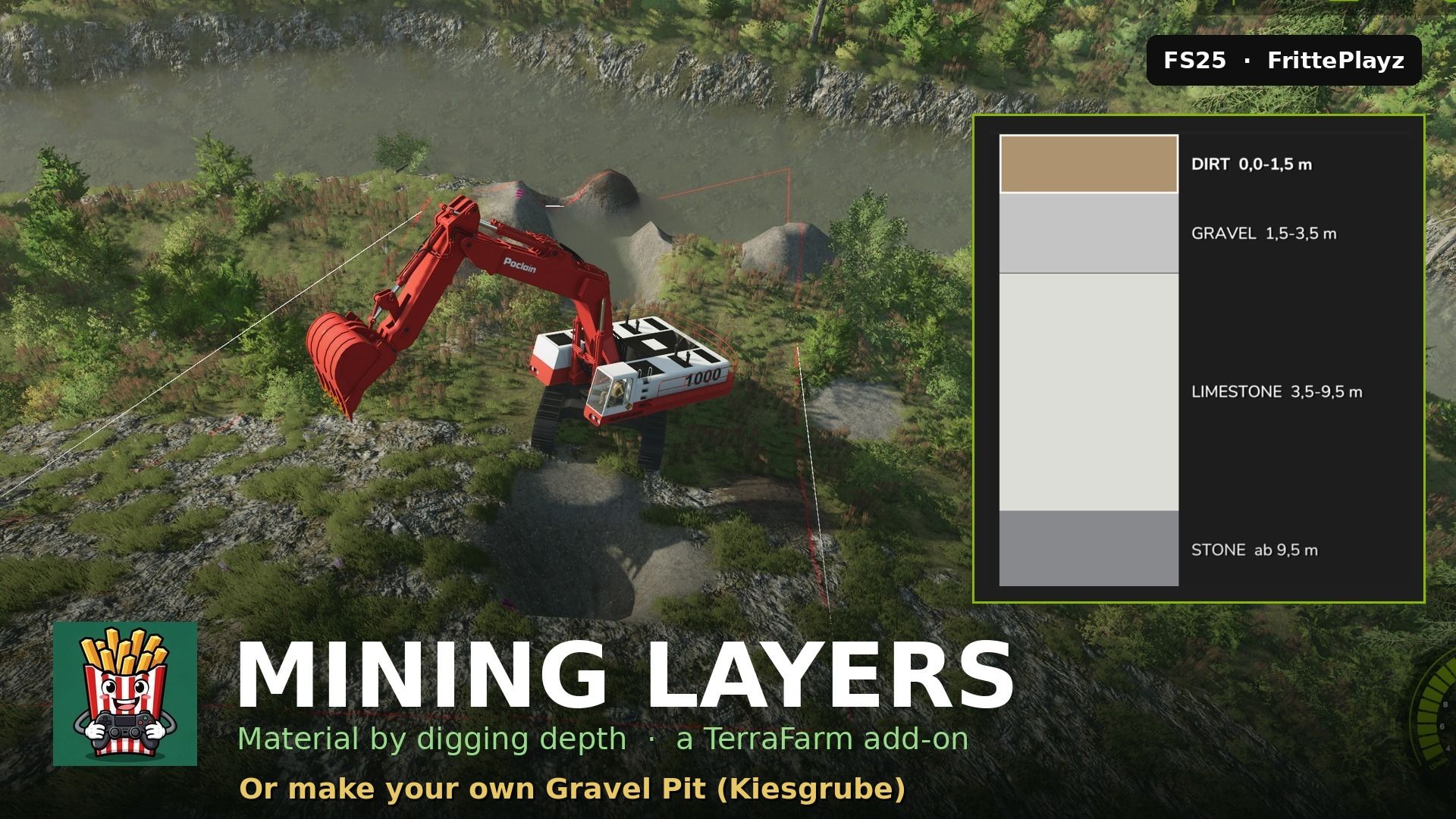
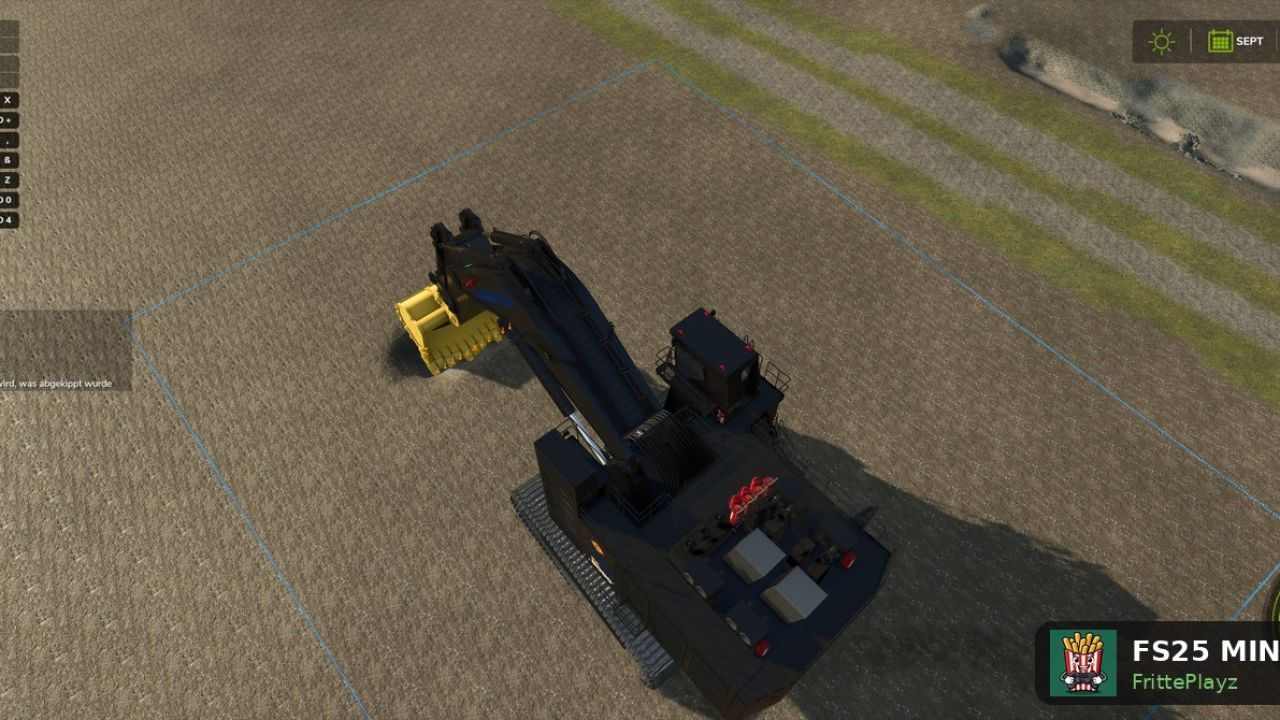
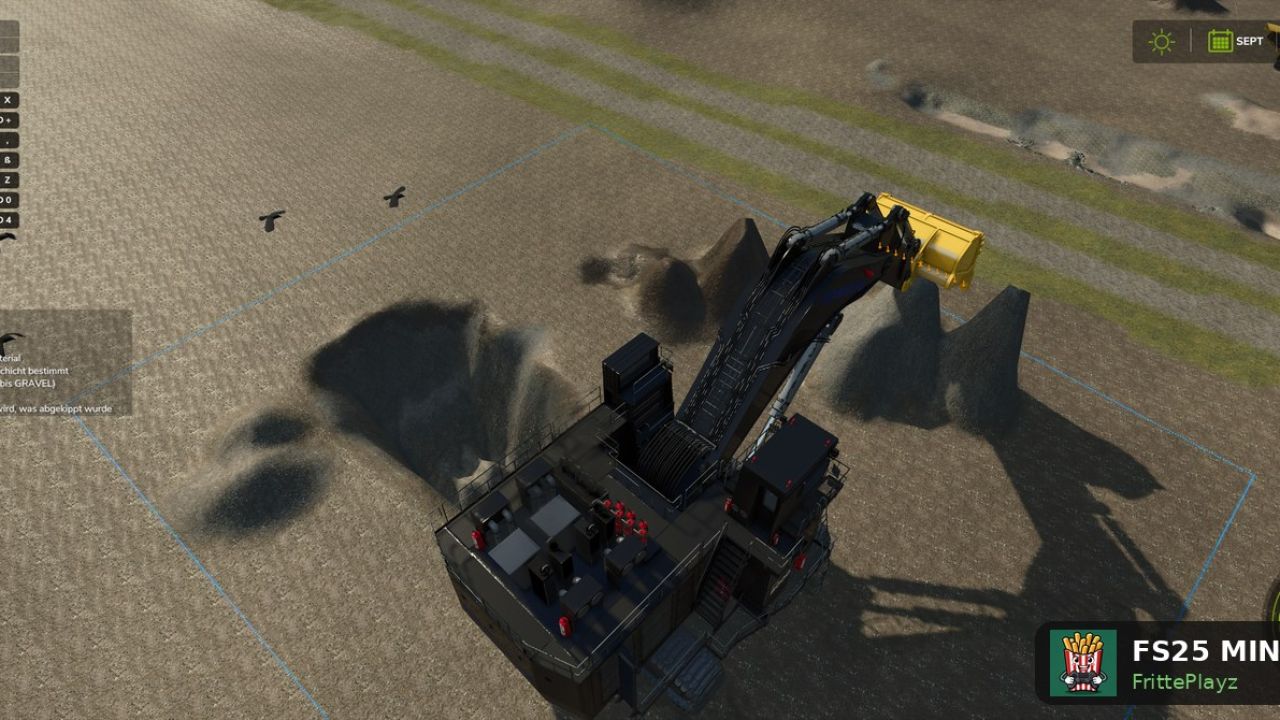
Make your own gravel pit, coal mine or limestone quarry in FS25 — real mining gameplay:
the material in your bucket depends on how deep you dig — topsoil first, then gravel, then the pay seam, bedrock at the bottom. Works on any map, no map editing needed: draw a TerraFarm area around your future pit and start digging.

NEW in 1.4.0: the pay seam is selectable. Build a coal mine (COAL), a gravel pit
(LIMESTONE/STONE) or classic paydirt — set up in the in-game editor, per pit.

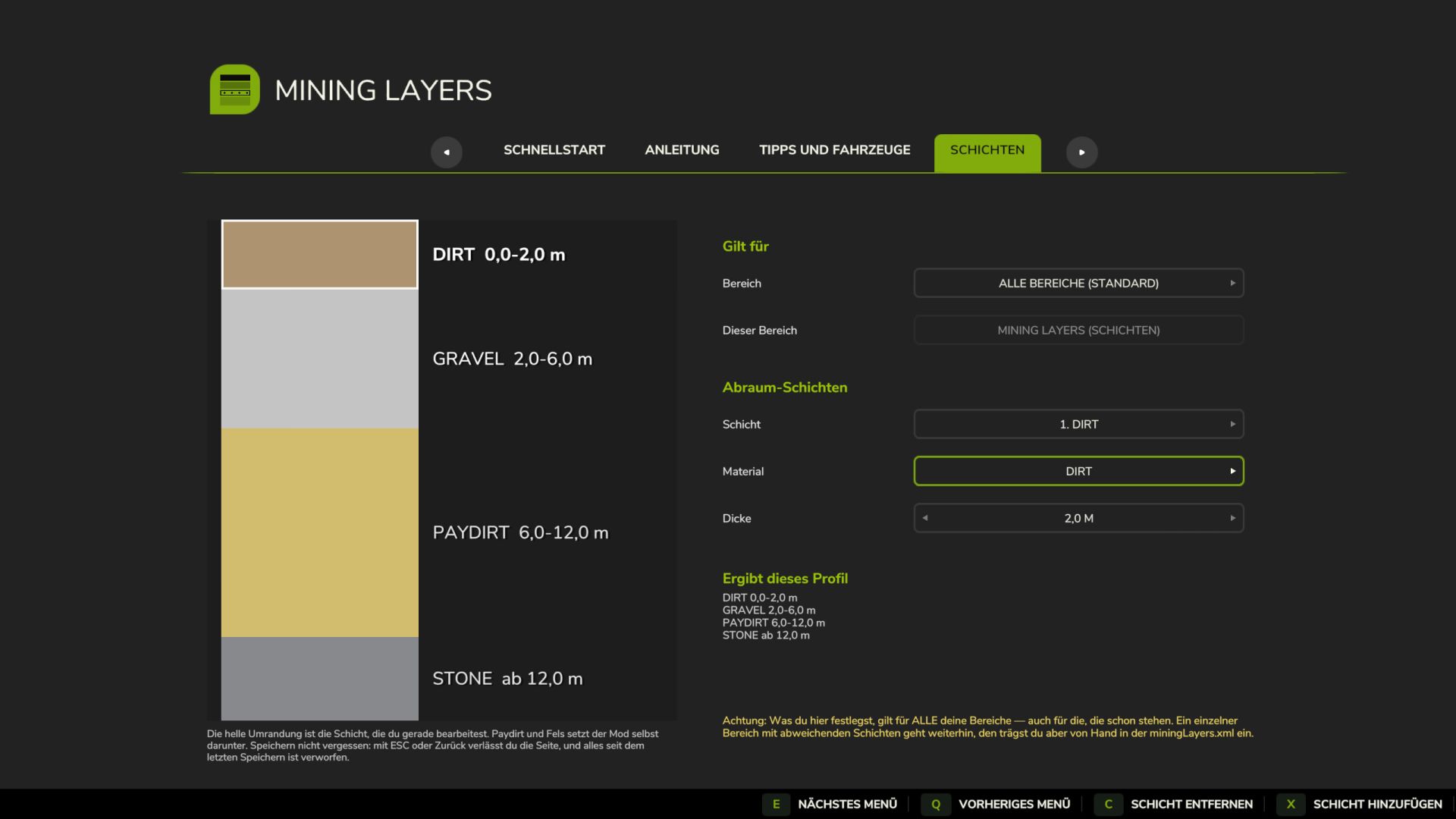
– Geology per area — every pit can have its own layer stack
– Spoil piles remember what you dumped (no gravel-to-paydirt laundering)
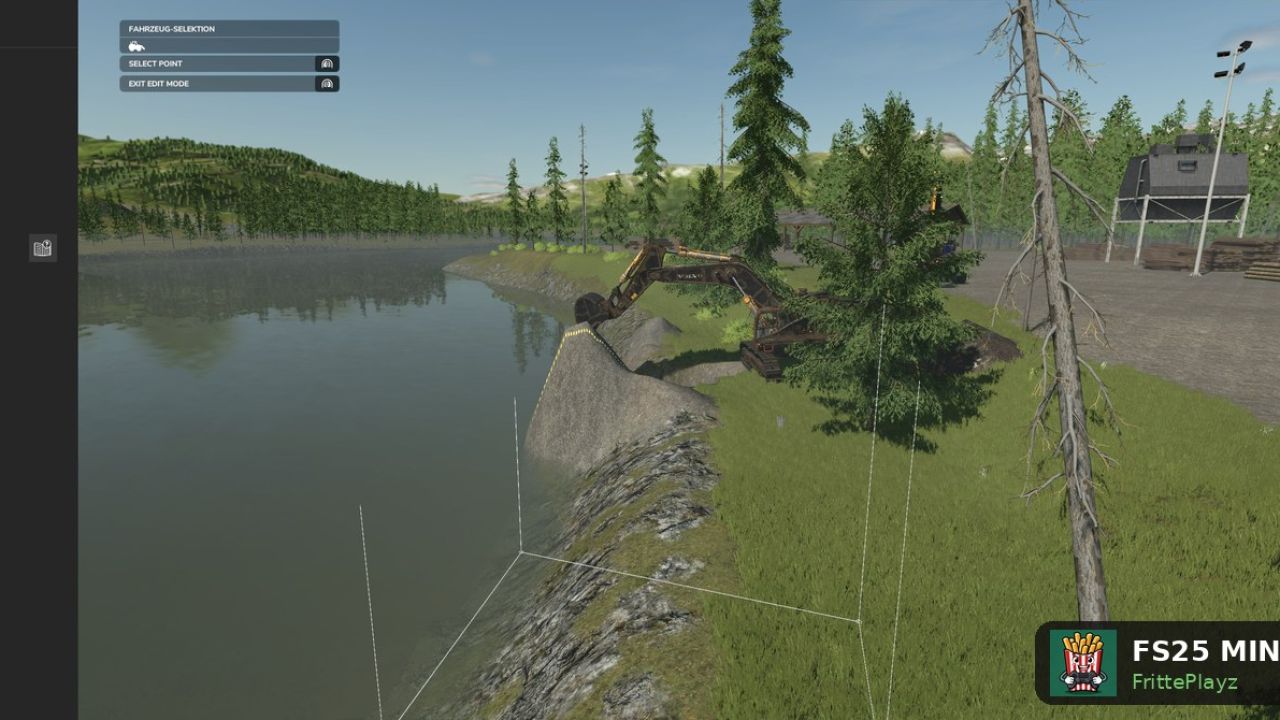
– Automatic pit floor, slope handling, waterline clamping
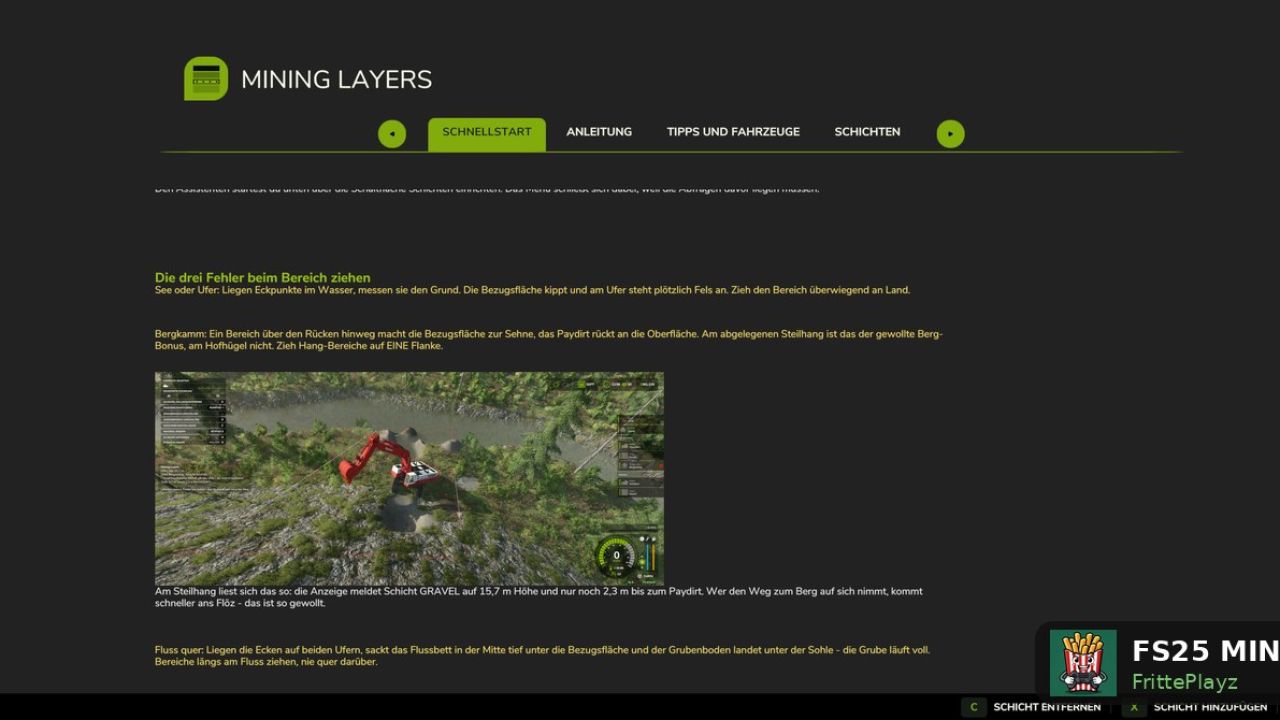
– Graphical layer editor + full manual in-game
– Languages: English, German, French, Polish

TIP for smooth digging: keep every layer at least 1.5 m thick (the editor enforces 1 m top / 1.5 m below) — with big machines like the PC 8000, 2 m per layer runs noticeably better.

Requires TerraFarm by scfmod (GitHub only — keep folder name FS25_0_TerraFarm) and at least one machine with a TerraFarm configuration. PC/Mac only (script mod). Free, no paywall. Not affiliated with scfmod or GIANTS.

Required mods:
TerraFarm


Author: FrittePlayz


Report bugs in the comments and help modders improve this mod. Always check the comments, you can find a solution.


Helpful Information: How to install FS25 mods | FS25 System Requiremnts | FS25 Modding Tutorial | Giants Editor for FS25 | How to Convert mods | FS25 Cheats

More Misc mods


About Farming Simulator 25 mods
Farming Simulator 25 supports game modding for PC, Xbox, or PS5. FS25 Mod may change your game from small to complete changes. You can create a Farming Simulator 25 mod file and share it with our community. When is a good time to try Farming Simulator 25 mods? We recommend playing a game with these FS25 mods after you finish the Farming Simulator 25 starting pack and are bored with the game basics. So it's time to try new machines, such as harvesters or tractors, which are not included in the basic game version.
As you already know, Farming Simulator 25 developers support mods installation, which will add more vehicles or lands to your game. Check our Best FS25 mods lists for PC, Mac, PS5 or Xbox Series. Just follow these simple steps: choose the LS25 mods category, download the mod for the Farming Simulator 2025 version, and install it into the mod folder. Remember, all Farming Simulator 25 Mods are free, and download as many as you want with no limits. We want to create one of the biggest Farming Simulator 25 Community and invite you to share FS25 mods with everyone.

Leave a Reply

Do you need help or to say thanks to the mod author? Just leave a comment below!