Mod Mixer v1.0.0.4
Mod Mixer v1.0.0.4
Mods silently break each other.
Changelog 1.4.0.0:
– The Switchboard — the six-tab control panel above (Conflicts / Live / Vehicle / Performance / Review / Profiles)
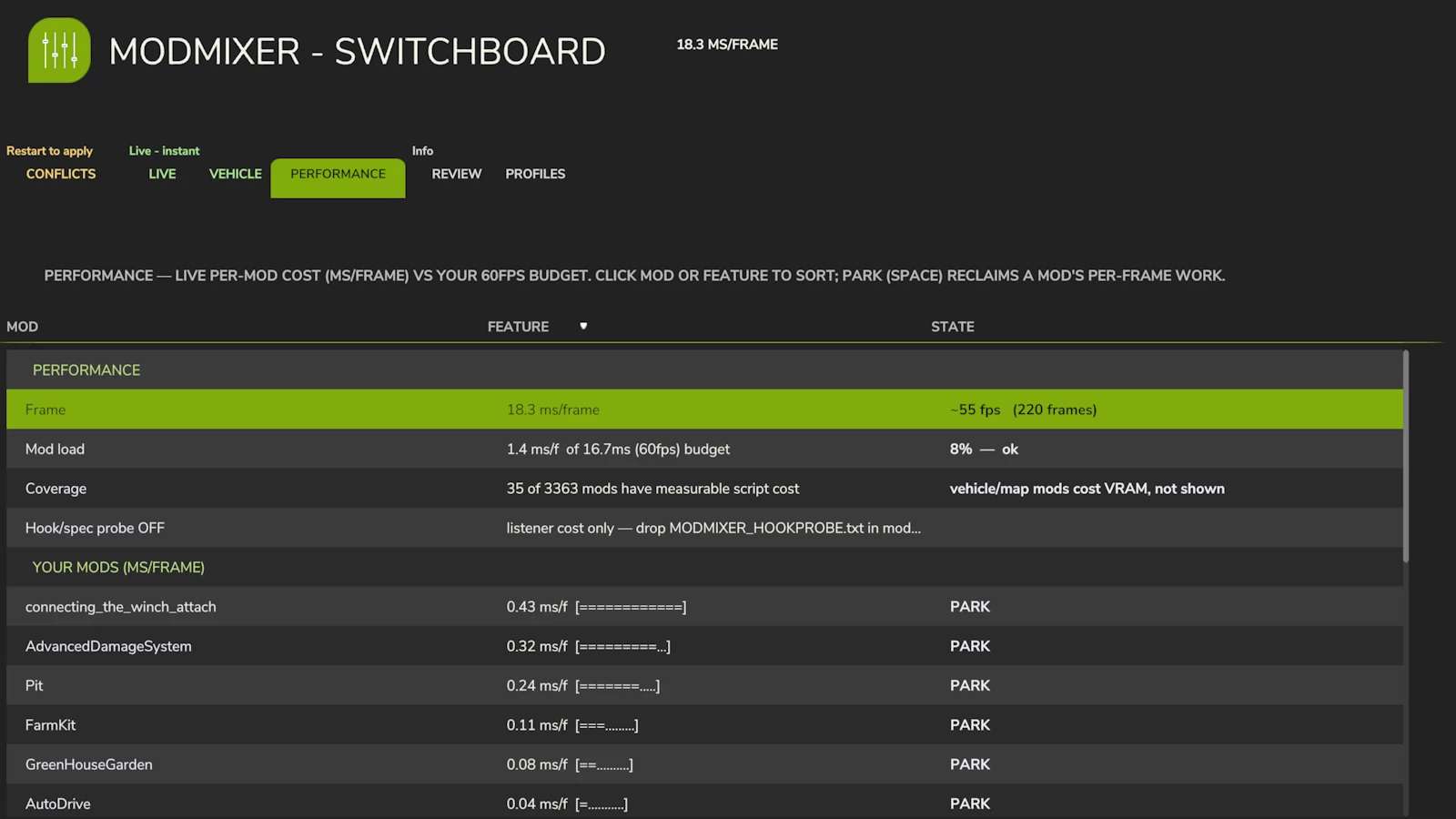
– Performance profiler with live per-mod frame cost and Park
– Review hub, vehicle diagnostics, and the boot-recovery safety net
When two mods change the same game function, the one that loads last usually wins — the other mod’s work just vanishes: no error, no crash, no explanation. ModMixer finds these conflicts, explains them in plain English, and gives you a control panel to settle them.
THE SWITCHBOARD
A full control panel in the in-game menu (look for the ModMixer icon), six tabs:
CONFLICTS — every mod fight in one place. Pick a winner (that mod wins, the rest are muted) or activate a shared chain to set its run-order — all restart-gated. Switch the view (top-left): SIMPLE ranks mods (higher wins everywhere), BY CATEGORY settles one realm at a time (wheels, HUD, economy, weather…), ADVANCED shows every contested function with its full hook chain — who runs first, who overrides whom.
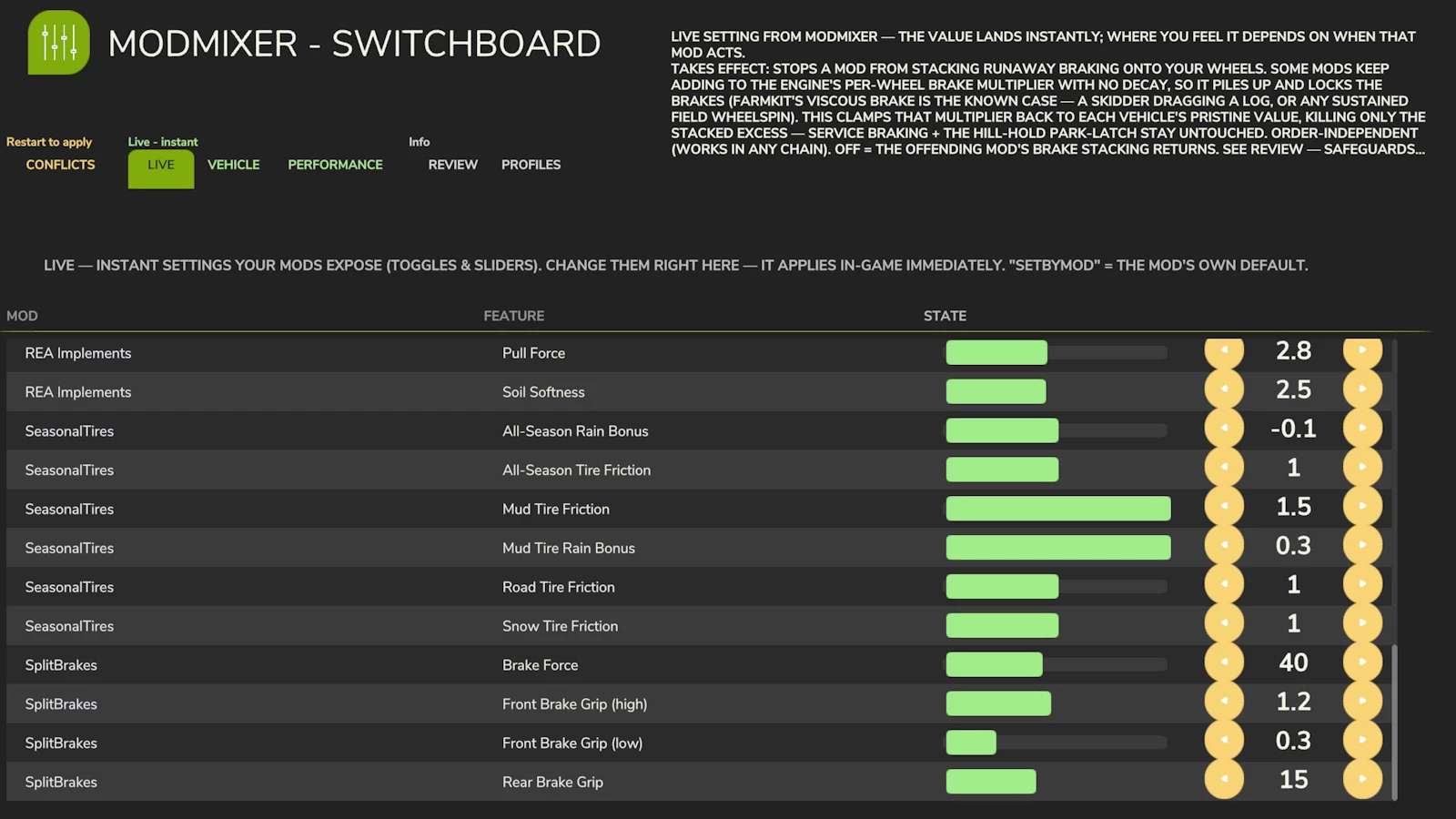
LIVE — instant settings your mods expose (toggles and sliders), applied in-game immediately.
VEHICLE — live diagnostics of the machine you’re sitting in: damage, wear, temperature, speed, mass, per-wheel grip.
PERFORMANCE — live per-mod cost (ms per frame) against your fps budget. Find the mod eating your frame rate and park it without uninstalling.
REVIEW — worth a look: likely duplicate mods, known incompatible pairs, HUD overlaps — each with evidence. Dismiss what you’ve judged.
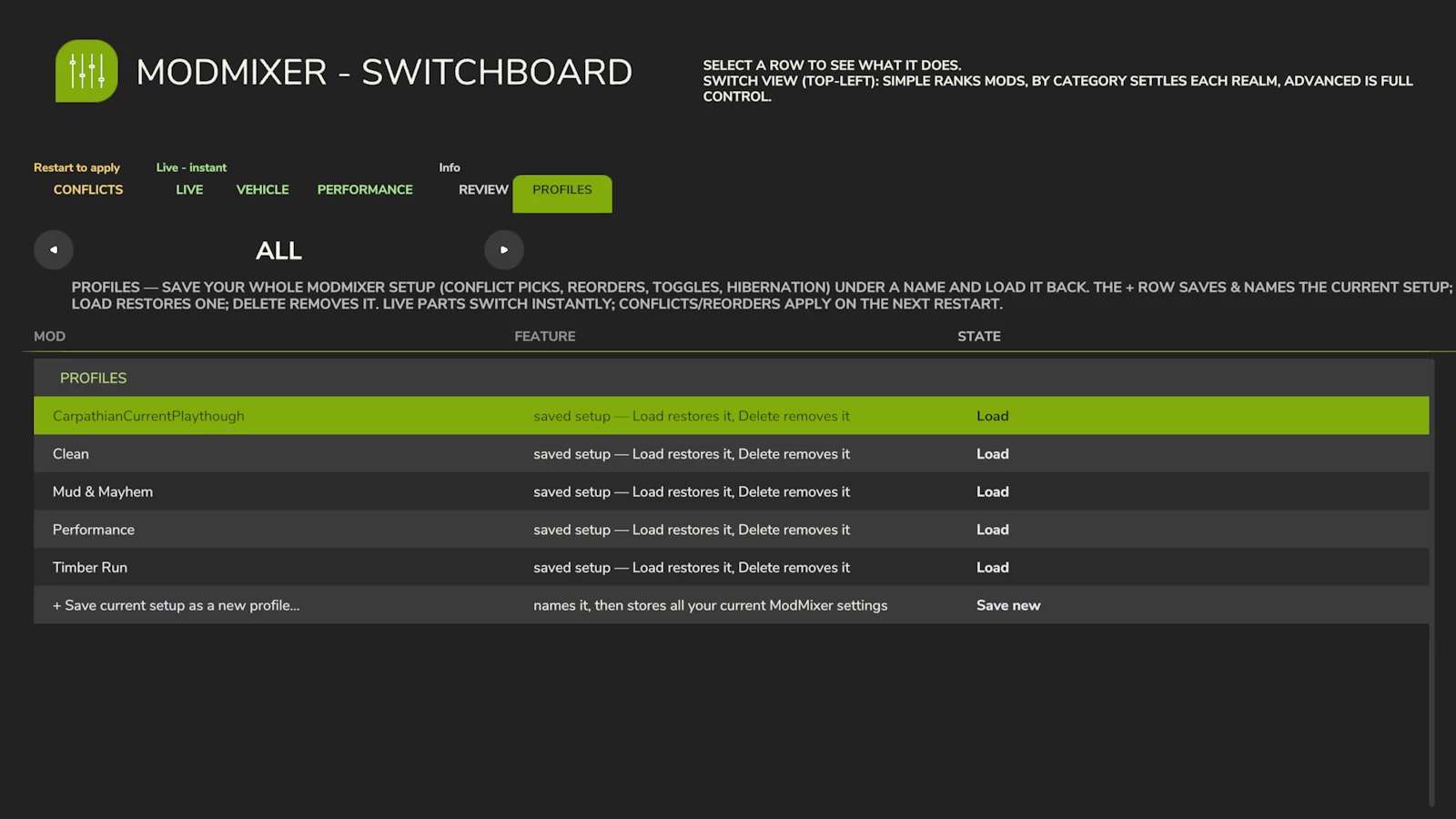
PROFILES — save your whole ModMixer setup (conflict picks, reorders, toggles, hibernation) under a name and load it back.
Every row comes with a plain-English explanation. You still get the classic boot conflict report (ModMixer.log, next to your game log) and an on-screen warning when two flatly incompatible mods are installed.
BUILT SAFE
Structural changes (reorder, mute) apply on restart — nothing is rewired mid-game.
Load-critical functions are locked and can never be vetoed.
If a launch doesn’t complete, the next one starts in safe mode automatically (all levers off) — your game always loads.
Manual kill switch: create an empty file MODMIXER_SAFE_MODE.txt in modSettings/FS25_ModMixer/.
Disk footprint: ModMixer stores only its own settings, profiles, and a boot-recovery marker under modSettings/FS25_ModMixer/ nothing elsewhere, and it makes no network connections.
Abnormal-load protection: if a load comes up with no farm (a conflict brick), ModMixer blocks that session’s saves so the broken state can’t overwrite your existing savegame, then self-recovers on the next launch.
IMPORTANT: keep the zip named FS25_0_ModMixer.zip — the 0 makes it load before your other mods, which is how it sees every hook they install.
Multiplayer: loads and reports per client; the Switchboard’s levers are designed for singleplayer.
Author: Avolation Industries