Monthly Expense Sheet Pro Edition v1.0


Monthly Expense Sheet Pro Edition v1.0
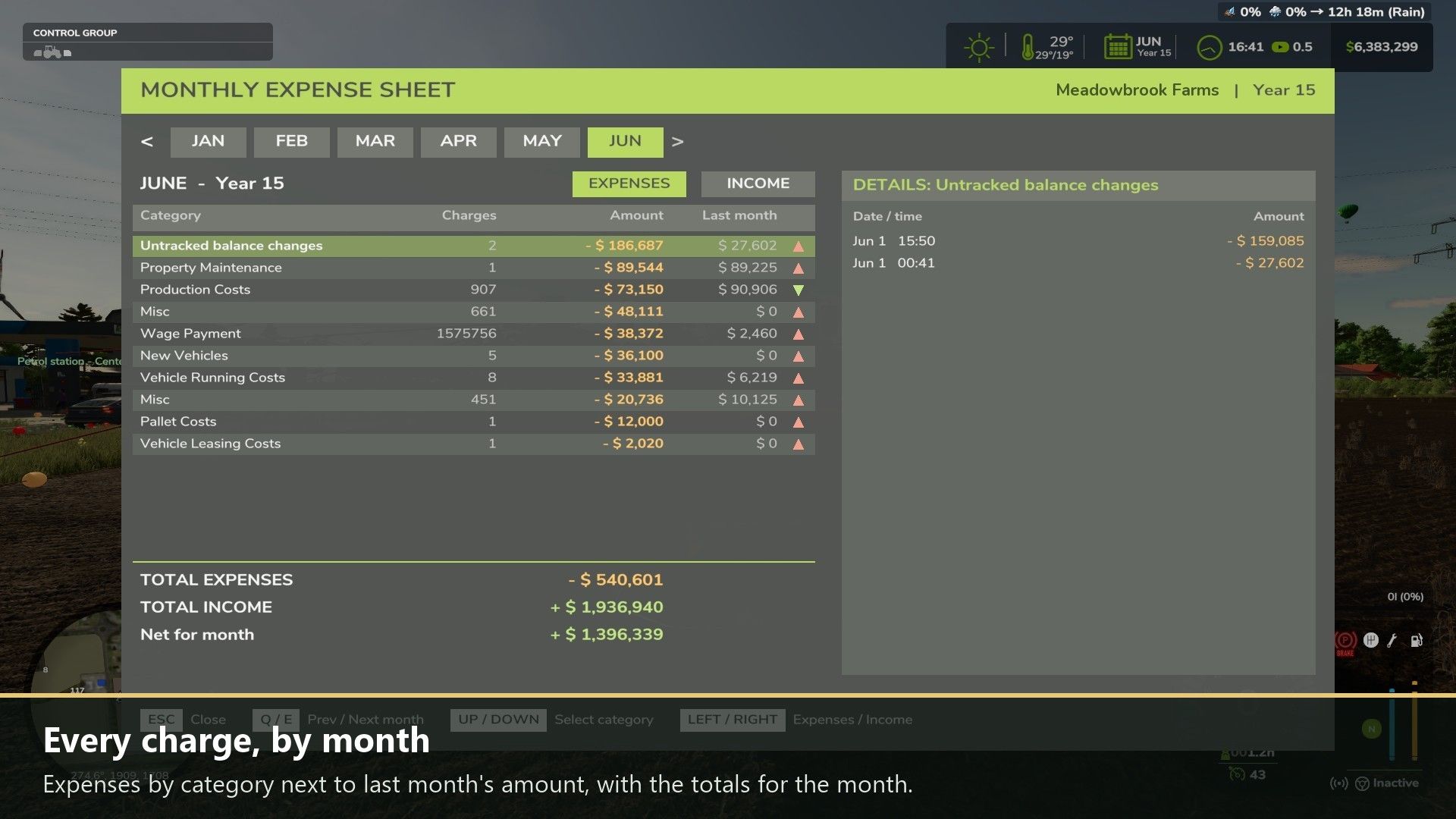
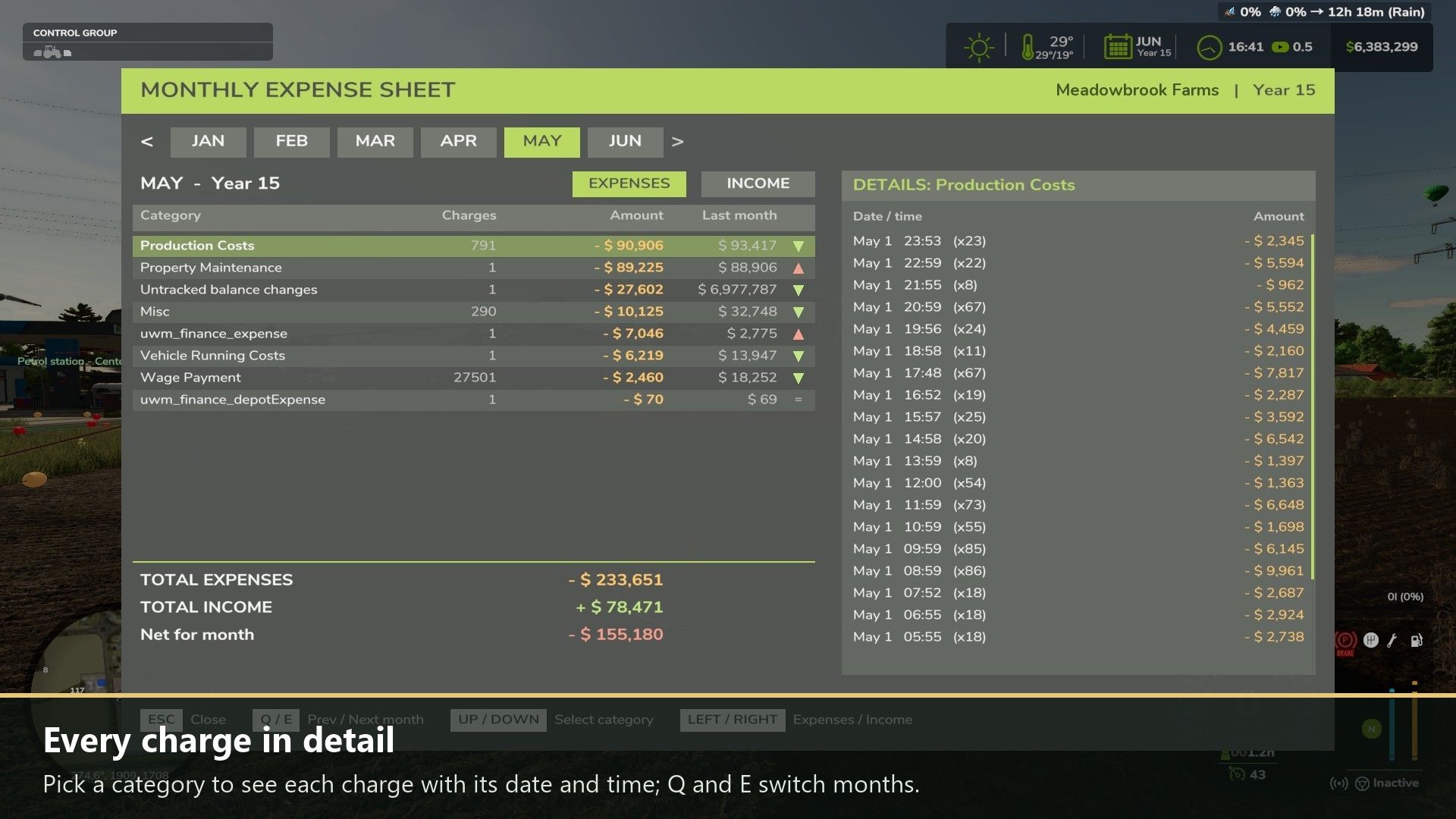
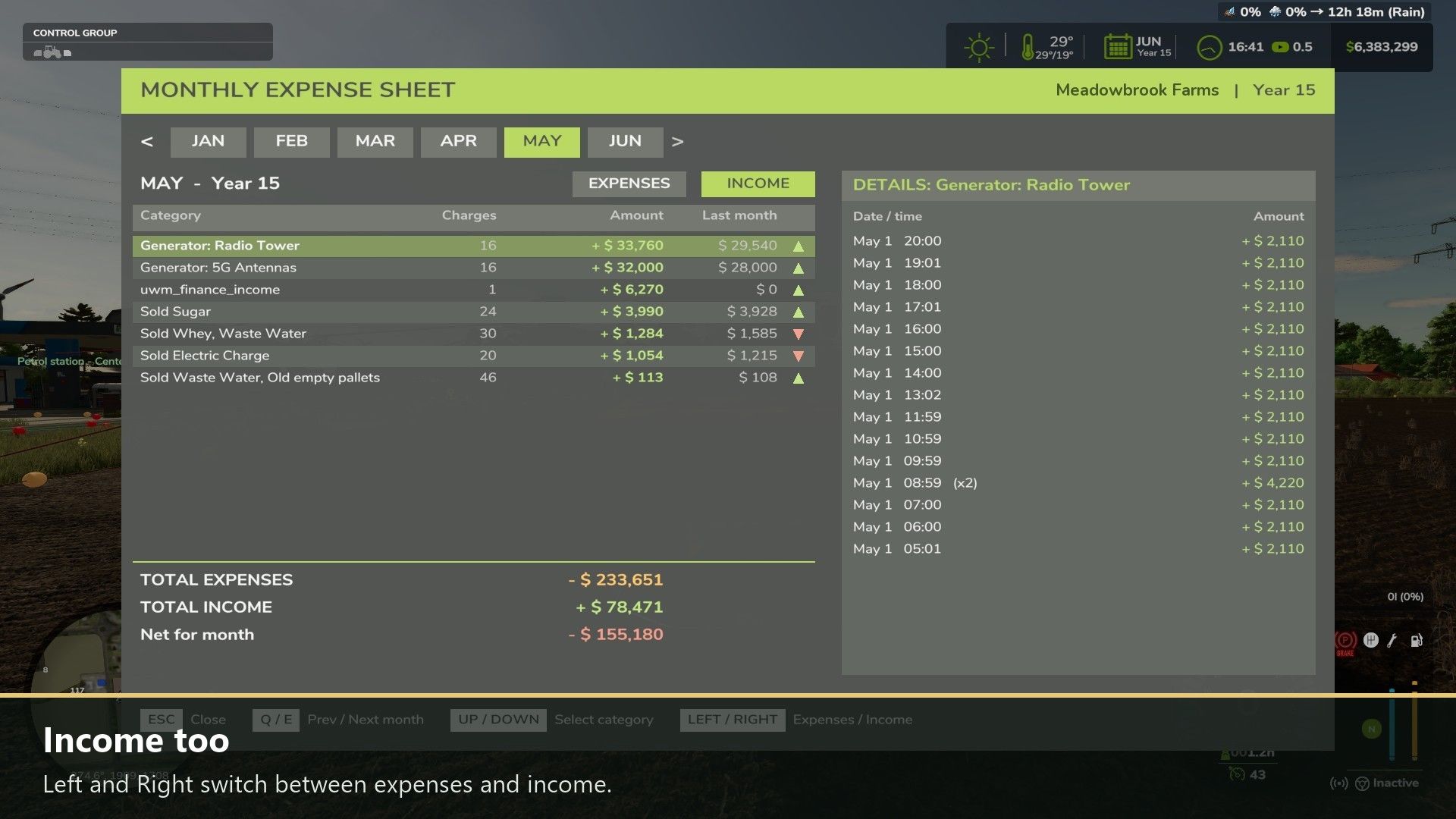
When you sleep, the money popups under your balance in the top right corner scroll by too fast to read. This mod records every one of them and sorts them by in-game month, so you can see exactly where your money went. Money that changes without a popup is caught too, so the sheet always adds up to your balance.
Every expense and income category of the month with the number of charges, the month’s total and last month’s total, with a red or green arrow for up or down.
Every single charge in the selected category with its date and time.
Total expenses, total income and the net for the month.
Sales show what was sold, such as “Sold Wheat”; hourly income from generators, wind turbines and solar is listed per building.
Money from other mods shows that mod’s name or its own popup text.
Records are saved with your savegame (last 24 months). In multiplayer the server keeps the records and each player sees their own farm.

How to use: Left Alt + M opens and closes the sheet. Q / E: previous / next month. Up / Down: select a category. Left / Right: expenses / income. The mouse works too.

Changelog 0.2.2.1:
The author now shows as DTM Mods, PropaineX in the mod list.
Money from other mods shows its real name instead of a text key (0.2.2.0).
An unknown text key is shown as readable words instead of the raw key (0.2.2.0).


Author: DTMMods, Fennell, PropaineX


Report bugs in the comments and help modders improve this mod. Always check the comments, you can find a solution.


Helpful Information: How to install FS25 mods | FS25 System Requiremnts | FS25 Modding Tutorial | Giants Editor for FS25 | How to Convert mods | FS25 Cheats

More Misc mods


About Farming Simulator 25 mods
Farming Simulator 25 supports game modding for PC, Xbox, or PS5. FS25 Mod may change your game from small to complete changes. You can create a Farming Simulator 25 mod file and share it with our community. When is a good time to try Farming Simulator 25 mods? We recommend playing a game with these FS25 mods after you finish the Farming Simulator 25 starting pack and are bored with the game basics. So it's time to try new machines, such as harvesters or tractors, which are not included in the basic game version.
As you already know, Farming Simulator 25 developers support mods installation, which will add more vehicles or lands to your game. Check our Best FS25 mods lists for PC, Mac, PS5 or Xbox Series. Just follow these simple steps: choose the LS25 mods category, download the mod for the Farming Simulator 2025 version, and install it into the mod folder. Remember, all Farming Simulator 25 Mods are free, and download as many as you want with no limits. We want to create one of the biggest Farming Simulator 25 Community and invite you to share FS25 mods with everyone.

Leave a Reply

Do you need help or to say thanks to the mod author? Just leave a comment below!