Nexat Auto Pipe Out v1.0
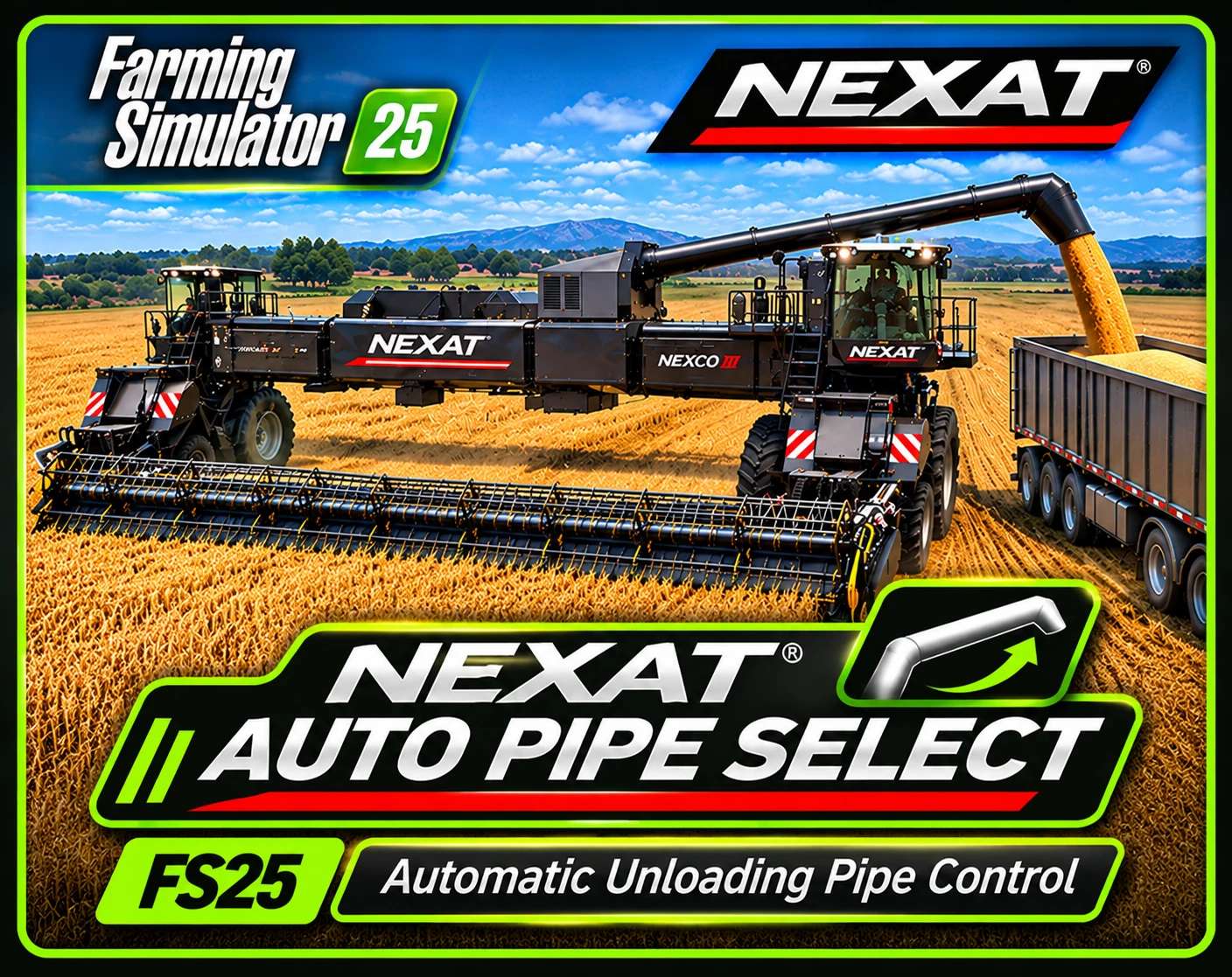
Nexat Auto Pipe Out v1.0
Automatic Unloading Pipe Control for the NEXAT Harvesting System
Tired of AutoDrive approaching your NEXAT harvester while its unloading pipe is still folded away?
NEXAT Auto Pipe Select automatically extends the unloading pipe when the grain tank reaches your selected fill level, helping your unloading vehicles approach the correct pipe position before the harvester is full.
Originally developed to improve automated harvesting operations using AutoDrive, this lightweight script mod gives you control over when the NEXAT’s unloading pipe extends.
Features
Automatic Pipe Extension: Extends the unloading pipe when the grain tank reaches your selected fill percentage.
Adjustable Fill Thresholds: Choose when the pipe extends based on your harvesting setup.
Automatic Pipe Retraction: Retracts the pipe after the grain tank has been completely emptied.
AutoDrive-Friendly: Helps unloading vehicles target the extended pipe instead of approaching the folded pipe position.
NEXAT-Specific Detection: Designed for the official NEXAT/NEXCO harvesting system.
Multiplayer Support: Includes network synchronization for the selected pipe mode.
Saved Settings: Remembers the selected fill threshold for the vehicle.
Available Fill-Level Settings
Off | 65% | 70% | 75% | 80% | 85% | 90% | 95% | 100%
Default setting: 65%
Controls
Keyboard: U
Controller: LB + RB + A
Press the assigned button to cycle through the available automatic pipe settings. The selected mode is displayed in the in-game help menu.
How It Works
Enter your NEXAT harvester.
Select your preferred pipe extension threshold.
Begin harvesting normally.
Once the grain tank reaches the selected percentage, the unloading pipe extends automatically.
When the grain tank is emptied, the pipe retracts automatically.
For example, when using AutoDrive with an unloading call at 70%, setting the pipe extension threshold to 65% allows the pipe to extend before the unloading vehicle arrives.
Compatibility
Farming Simulator 25 — PC/Mac
Official NEXAT/NEXCO harvesting system
Multiplayer and dedicated-server synchronization implemented
Designed to complement AutoDrive and automated unloading workflows
Note: AutoDrive is not required for the automatic pipe functionality. This mod controls the harvester’s unloading pipe, not AutoDrive’s routing or unloading decisions.
Installation
Place the ZIP file in your Farming Simulator 25 mods folder and enable it when loading your save.
For multiplayer, install the same mod version on the server and participating clients.
Developed by CCRC Creations
Version 1.0.0.1
Keep your NEXAT ready to unload before the truck arrives.
Author: CCRC_MODS