Pellet Hall Auto Stacker V1.0
Pellet Hall Auto Stacker V1.0
REQUIRES the Straw Harvest add-on: this mod works on its Pellet Hall and on nothing else. Without that pack installed it does nothing at all.
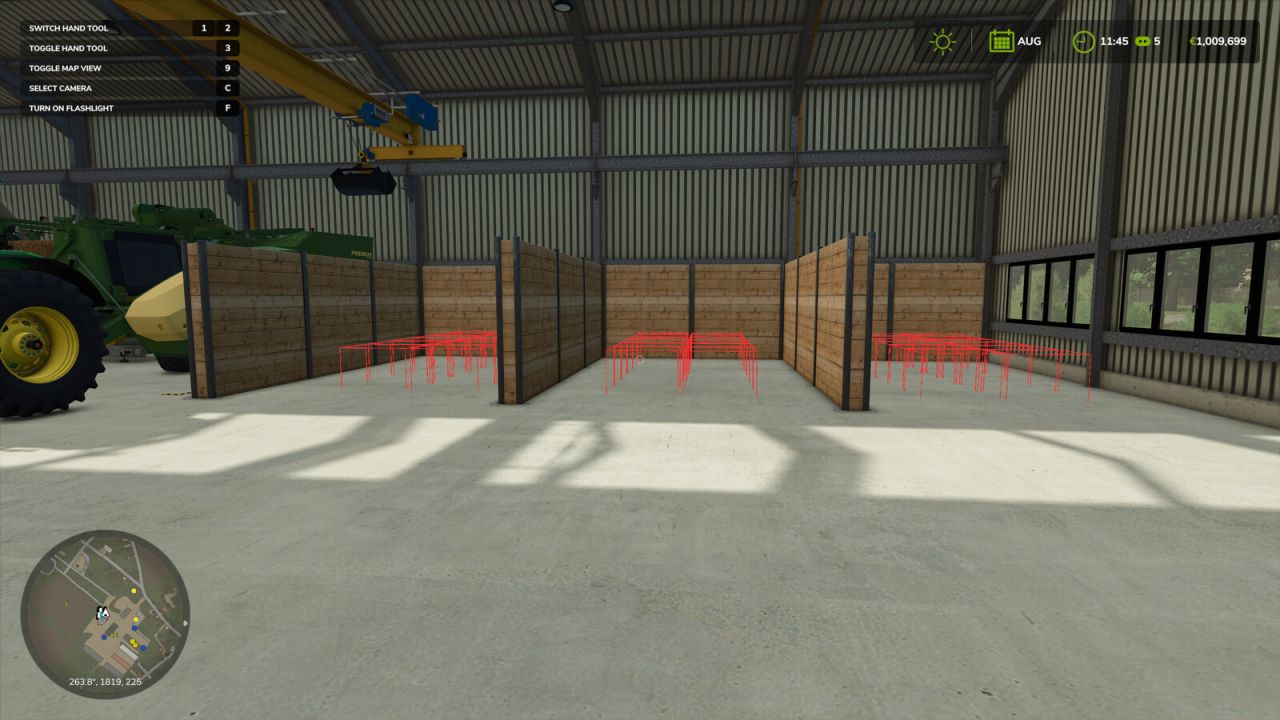
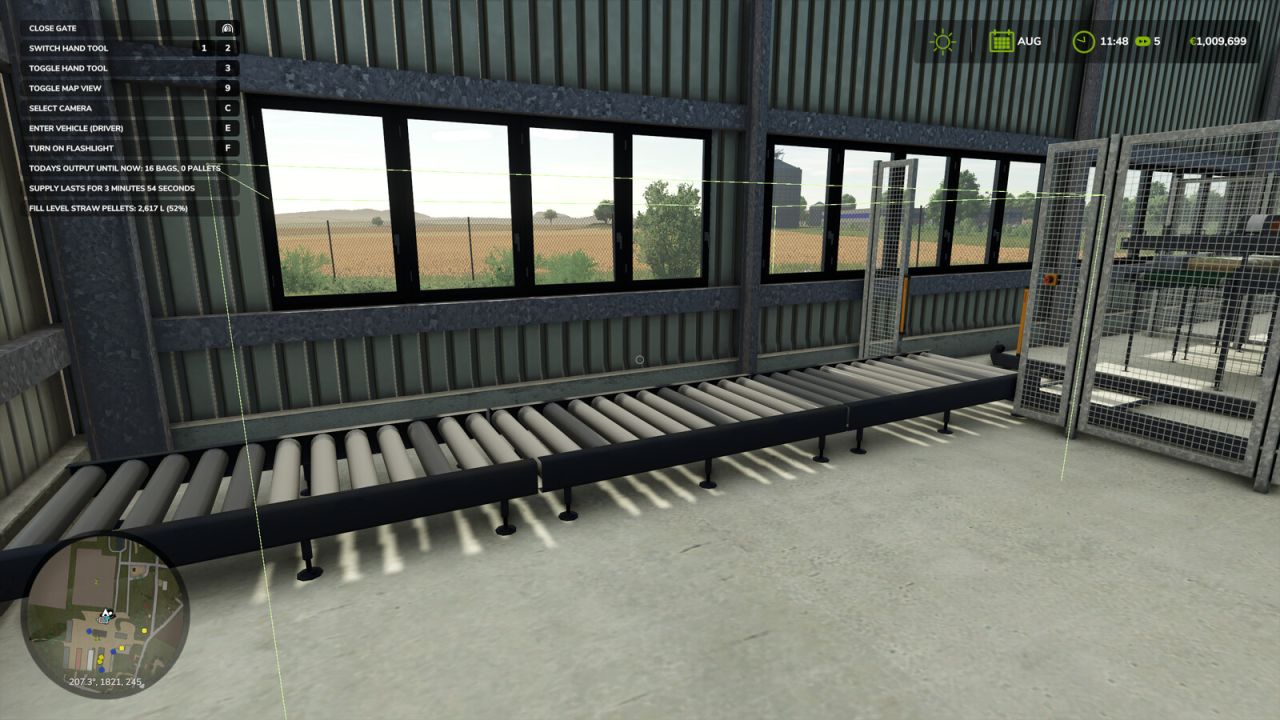
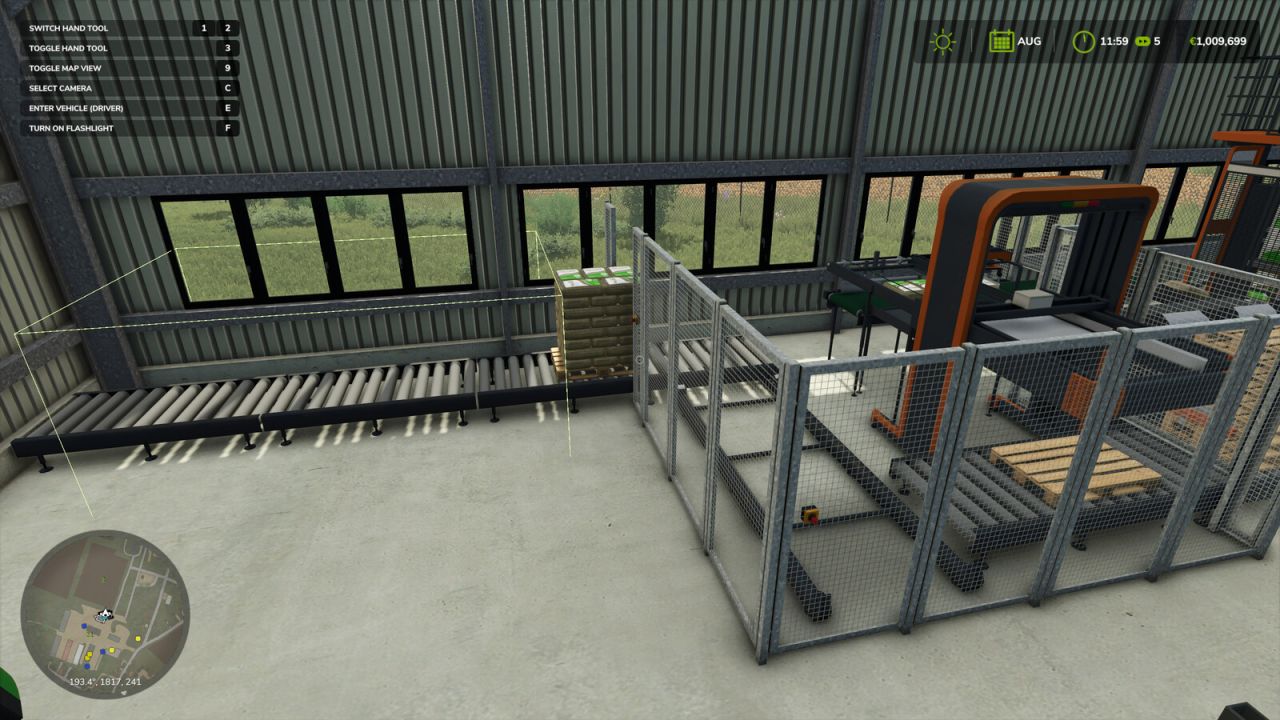
The Pellet Hall stops producing as soon as its three output positions are taken. This mod carries the finished pallets from the output belt into the storage bays inside the hall and stacks them two high, so the line keeps running instead of stalling every few minutes.
It is built around that one building. On everything else in the game it is inert: no vehicle is touched, no other mod is modified, no key binding is added and no panel is drawn.
How it works: the mod watches the hall from a global listener rather than attaching itself to a vehicle or a placeable, so it cannot interfere with other script mods. Slot positions are worked out in the hall’s own local coordinates, which is why the stacking follows the building wherever it is placed on the map. It waits for the palletizer to actually let go of a pallet before moving it, retries if the first attempt does not take, and gives up cleanly instead of fighting the game.
When all the bays are full it simply stops: the belt fills with its three pallets and production halts, exactly as it does without the mod.
Startup tidy: once per session, after the physics has settled, pallets already sitting in the bays are put back onto their proper slots, so a stack that was nudged out of line by the loader is straightened out on its own.
Single player only. No new buildings, no models, no textures: it is a script.
Settings live in modSettings/FS25_PelletHallStacker/settings.xml and are optional. Bay positions, grid size, stacking order and timings can all be adjusted there without opening the zip, and the on screen calibration boxes can be switched on if your hall is placed differently.
Author: Bgnak05