Personnel Management V1.0
Personnel Management V1.0
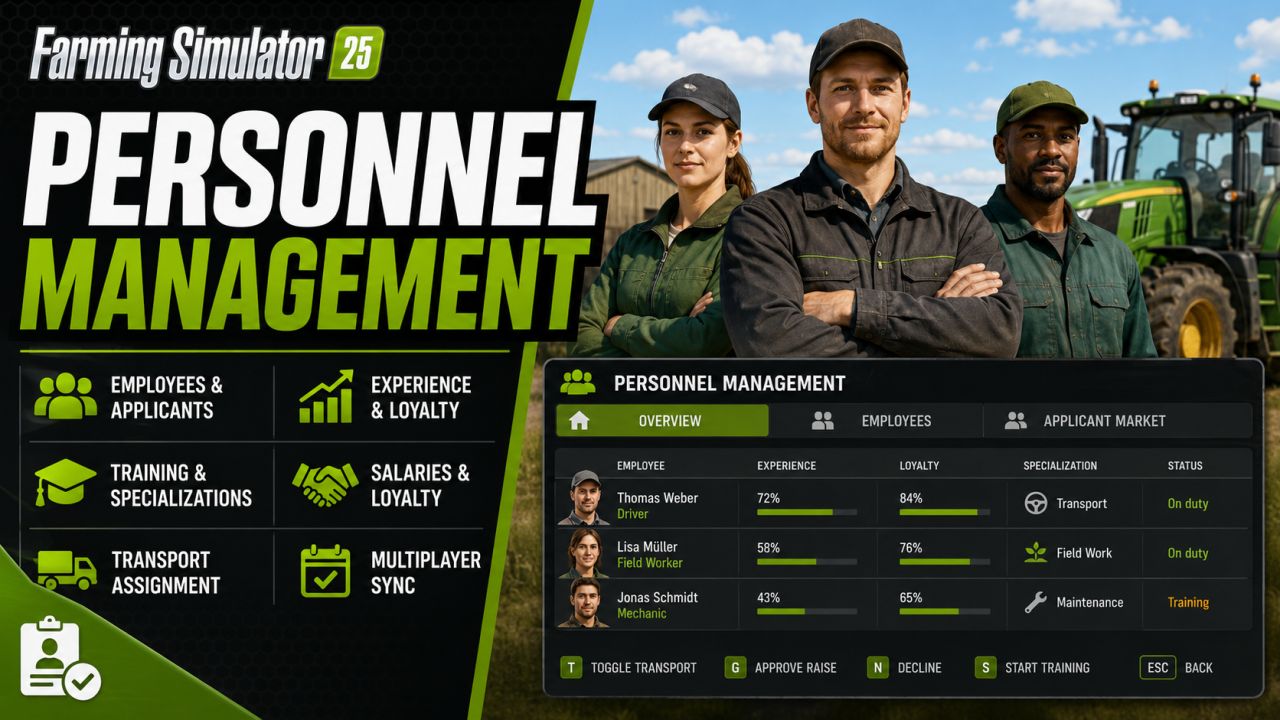
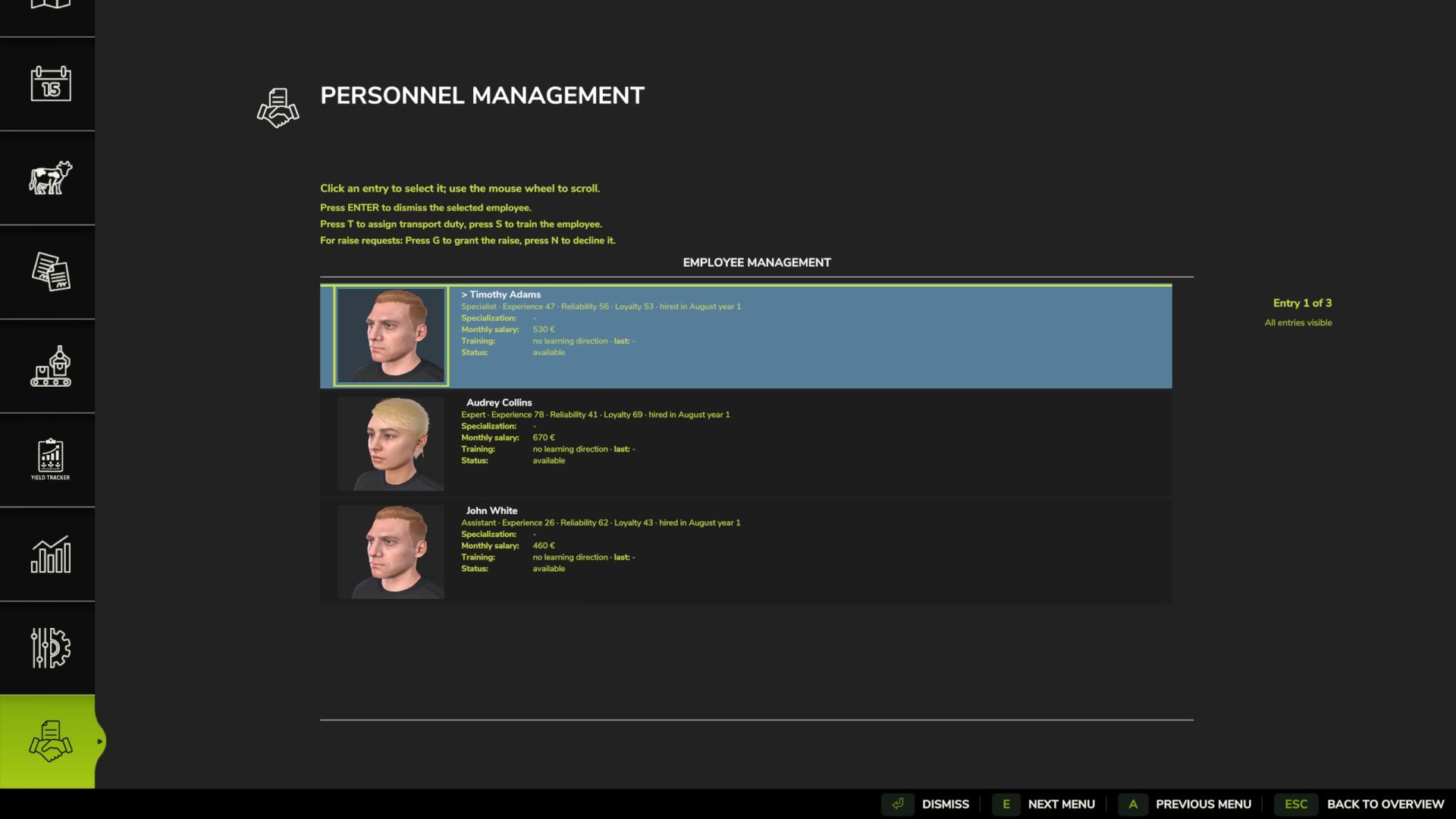
Personnel Management for Farming Simulator 25 adds an employee system with applicants, salaries, loyalty, experience, specializations, training, resignations and helper assignment, including savegame configuration and multiplayer sync.
The overview of personnel management extends the AI-powered assistants to include named employees, applicants, and
long-term personnel development. Employees possess experience, reliability, loyalty,
salary, sick days, and specializations. These values influence assistant work,
transport orders, fuel and material consumption, wear and tear, salary demands, and
terminations.
Menu and Settings:
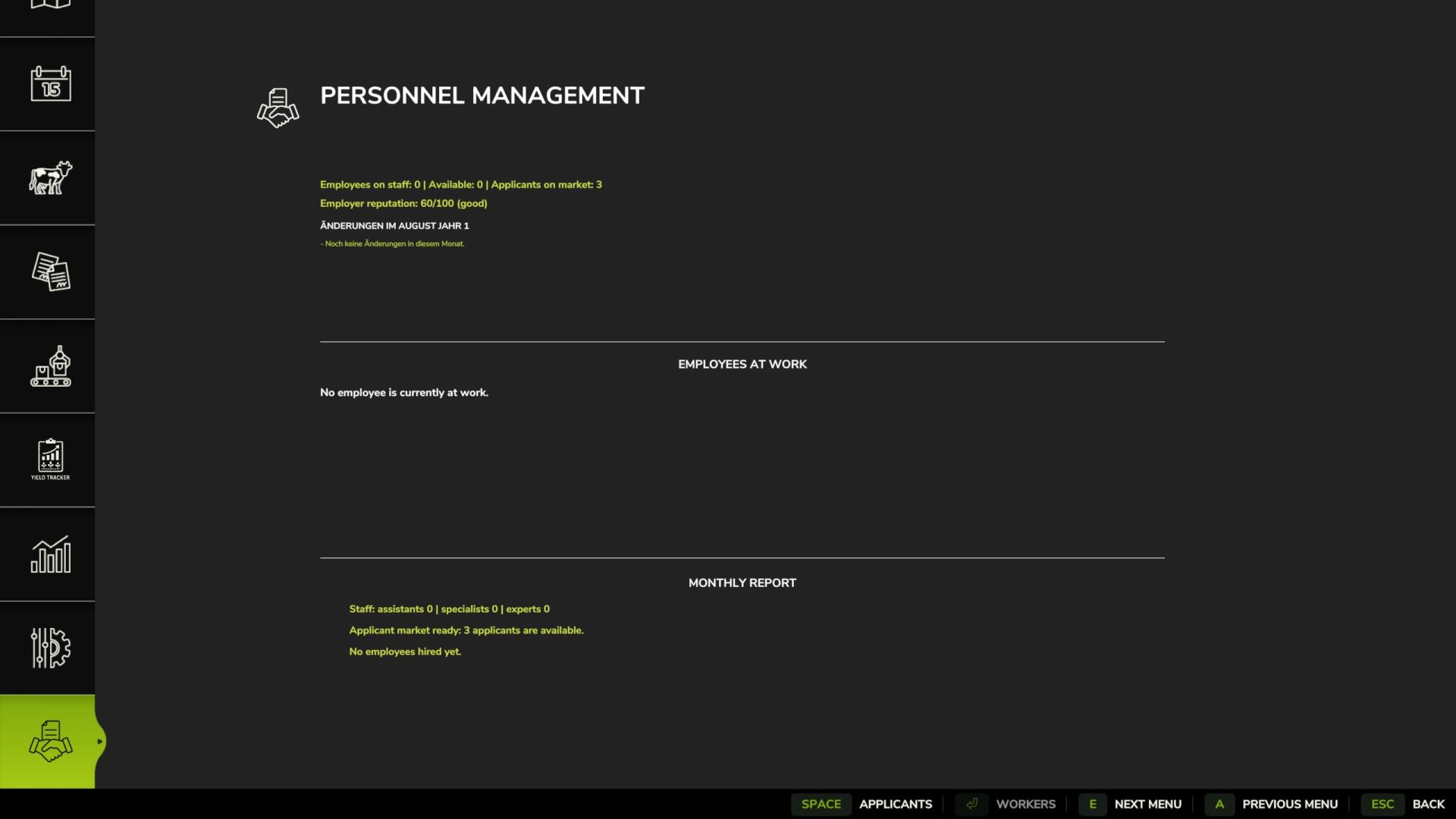
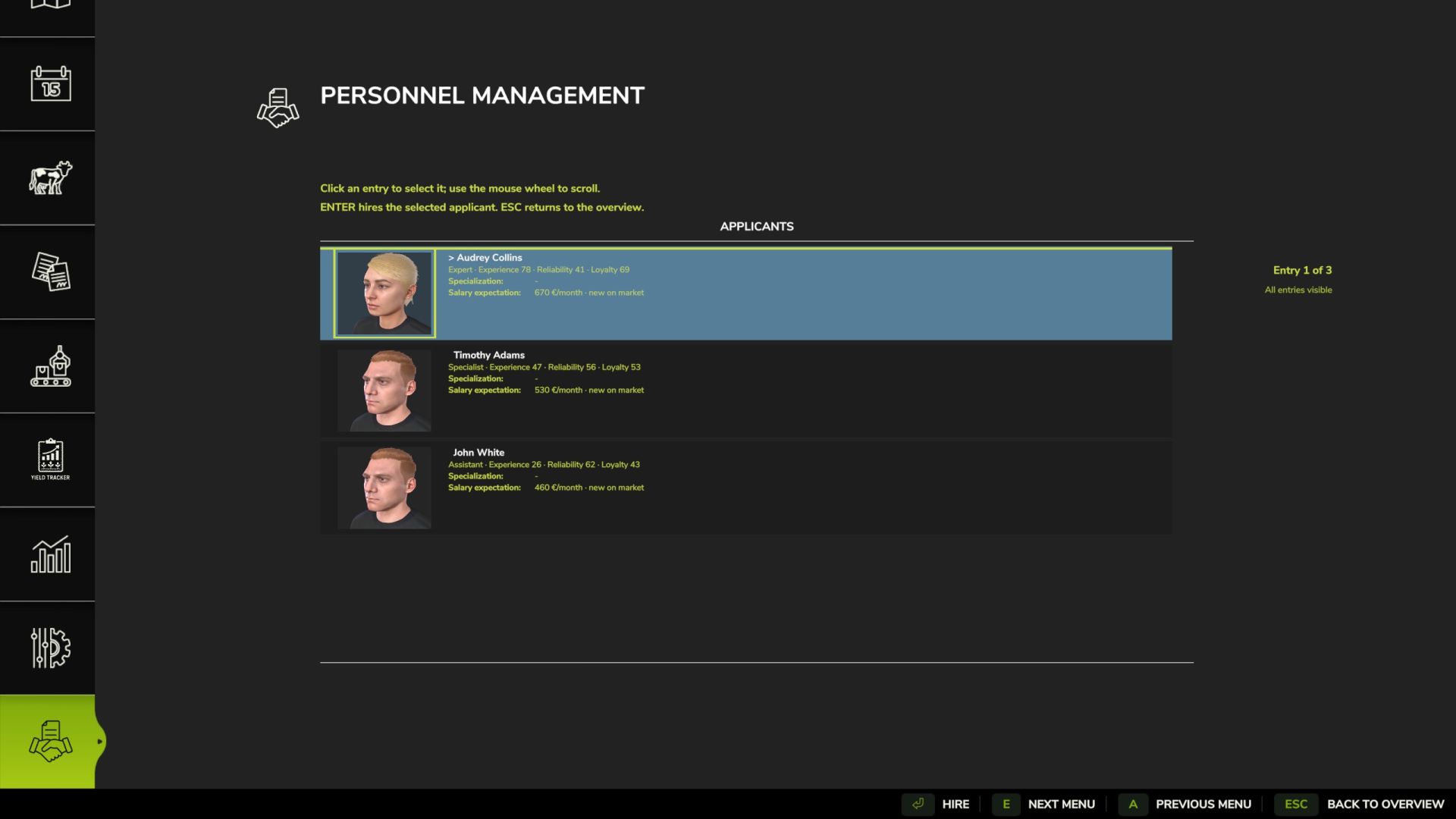
Open the ESC menu and select Personnel Management. The page contains Overview,
Employee Management, and the Applicant Market. Entries are selected with the mouse. ENTER
executes the main action, T toggles the transport assignment, G approves an outstanding
salary request, N rejects it, S starts a training session if permitted, and ESC returns
to the Overview.
Work and Transport:
When a normal AI helper task is started, the mod opens a staff selection window
instead of launching an anonymous helper. Transport orders are managed via the staff management: Assign a transport worker
before an A-to-B transport order by pressing T.
Salaries, Dismissals, and Terminations:
Employees receive monthly salaries. These are based on the number of days worked per month,
the economic situation, and the employee’s performance. Dismissed employees remain available during
their notice period and are only removed from the company after their salary has been paid at the appropriate
month-end. Low loyalty can trigger warnings, salary demands, and
termination.
Experience and reliability:
Employees gain experience after completing tasks. Extensive experience is now a
long-term goal; very high levels should be rare. Inexperienced employees may
work more slowly and
cause additional wear and tear or moderately higher consumption of fuel, seeds, fertilizer, liquid fertilizer, herbicide, slurry, digestate, and manure.
Reliability impacts short-term dips in performance and sick days.
Specializations and Training:
Employees can progress in multiple specializations simultaneously.
The highest amount of progress is displayed. When a specialization reaches 100%, it is
considered learned. Training is a strategic decision: one training session per
employee per year, only on the first day of each month. For
training on one day per month, it must begin by 12:00 PM. The trained employee is
unavailable for the remainder of the month. The cost depends on the monthly salary and specialization; training
typically yields approximately 30% progress.
Configuration and Multiplayer:
The toggleable gameplay effects can now
be changed in the game settings via the ESC menu. The savegame configuration file remains available and retains
the same values. The mod is multiplayer-ready; employee data, applicants,
assignments, salaries, and key status values are synchronized across farms. In a
completely new and unsaved game, the ESC menu entry will only
appear after saving and reloading.
Overview
Personnel Management expands the AI helper system with named employees, applicants and
long-term staff development. Employees have experience, reliability, loyalty, wages, sick days
and specializations. These values influence helper work, transport assignments, fuel and
material consumption, wear, wage demands and resignations.
Menu and hiring
Open the ESC menu and choose Personnel Management. The page contains an overview,
employee management and the applicant market. Employee and applicant entries are selected
with the mouse. ENTER performs the main action, T toggles transport duty, G grants an open
raise request, N declines it, S starts training when it is allowed, and ESC returns to the overview.
Work and transport
When normal AI helper work is started, the mod opens an employee selection window instead of
starting an anonymous helper. Transport jobs are controlled through employee management:
assign transport duty with T before starting an A-to-B transport job.
Wages, dismissal and resignations
Employees receive monthly wages. Wages depend on days per month, economy difficulty and
employee quality. Dismissed employees remain available during the notice period and are
removed only after payroll at the correct monthly change. Low loyalty can cause warnings, wage
demands and resignations.
Experience and reliability
Employees gain experience after completed work. High experience is now a long-term goal and
very high values should be rare. Inexperienced employees can work more slowly and can cause
additional wear or moderate additional consumption of fuel, seeds, fertilizer, liquid fertilizer,herbicide, slurry, digestate and manure. Reliability affects short performance drops and sick
days.
Specializations and training
Employees can develop progress in several specialization areas at the same time. The highest
open progress is shown in the employee entry. When one progress reaches 100%, the
specialization is learned. Training is a strategic decision: one training per employee and year,
only on the first day of a month. With one day per month, training must start at 12:00. A trained
employee is unavailable for the rest of the month. Training costs are based on the monthly wage
and the trained specialization and usually add about 30% progress.
Configuration and multiplayer
The configurable gameplay effects can now be changed in the game settings in the ESC menu.
The savegame configuration file remains available and keeps the same values. The mod is
prepared for multiplayer; employee data, applicants, assignments, wages and important status
values are synchronized per farm. In a completely new and unsaved savegame, the ESC menu
entry may appear only after saving and reloading the savegame.
Author: Dude23