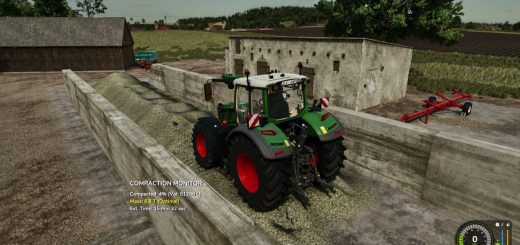
Production Chain Builder V1.0
Production Chain Builder V1.0
FS25 Chain Builder – Visual Production Planner for Farming Simulator 25
Plan, optimize, and visualize your entire production chain in one interactive node editor. Designed specifically for FS25 , this desktop tool helps you build complex production lines from crops to final products – no more guessing, no more spreadsheets.
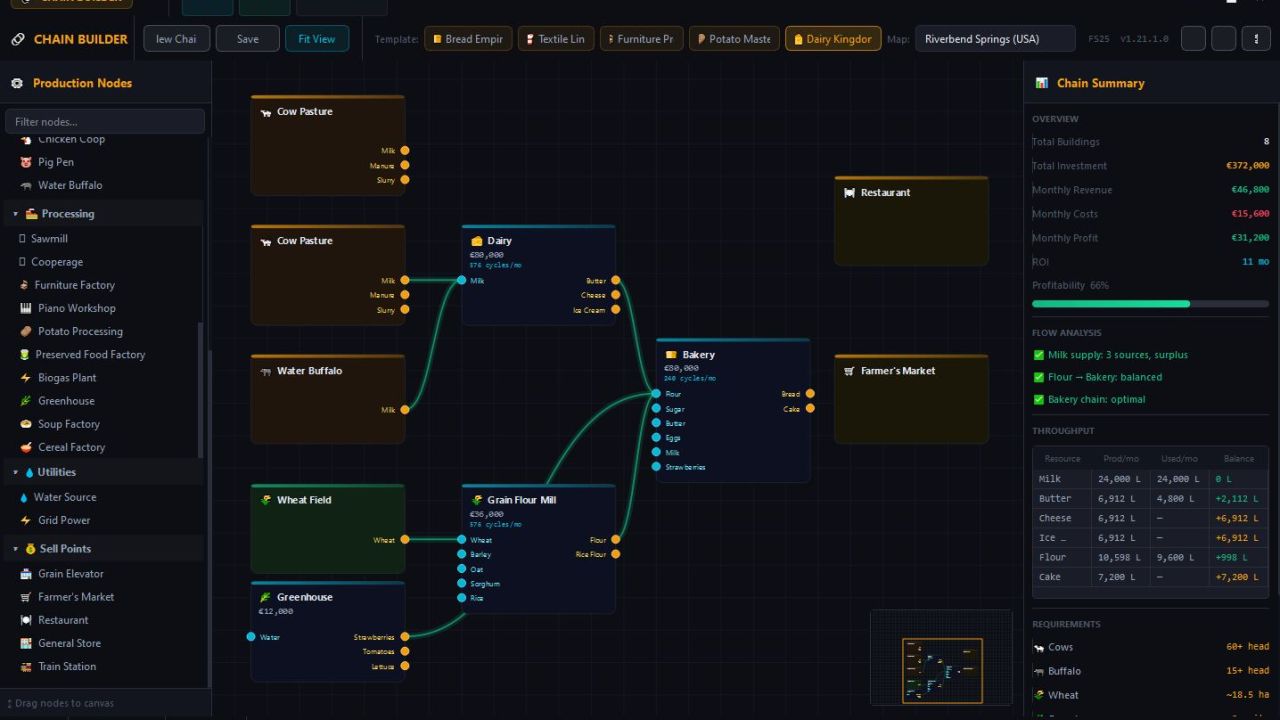
Drag and drop real game buildings (Grain Flour Mill, Bakery, Sawmill, Dairy, Oil Mill, Spinnery, and more) onto a canvas, connect inputs to outputs, and watch live analytics update instantly. Spot bottlenecks, calculate monthly profit, and see exactly how much land and how many animals you need to sustain your empire.
Available in three languages: English, Deutsch, and Français – switch anytime in the settings.
Choose from 5 pre‑built templates:
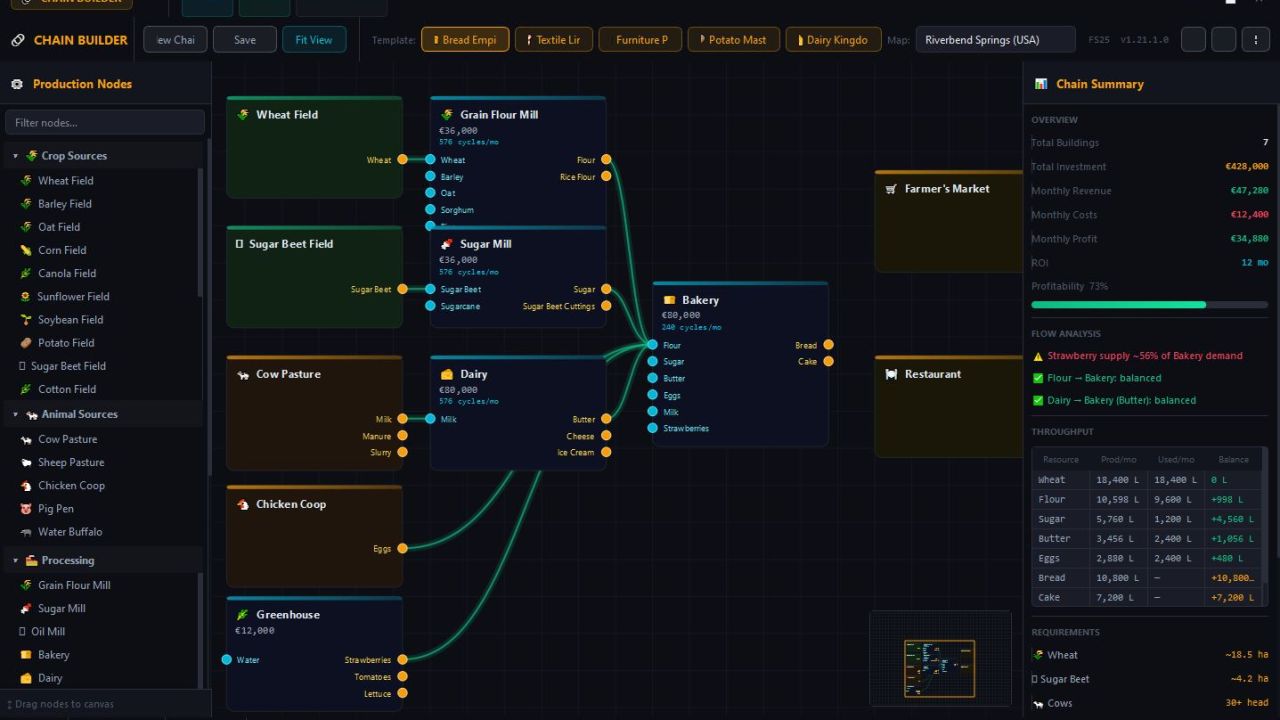
Bread Empire – wheat → flour → bakery → bread & cake
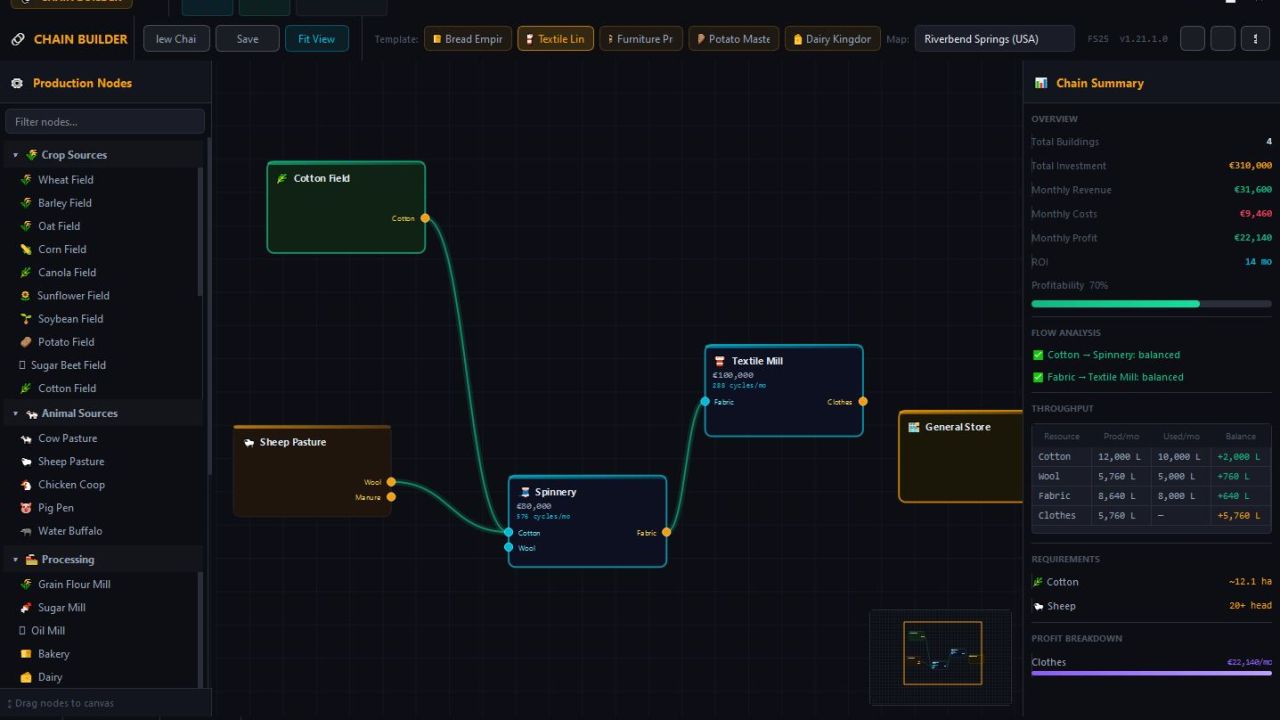
Textile Line – cotton/wool → fabric → clothes
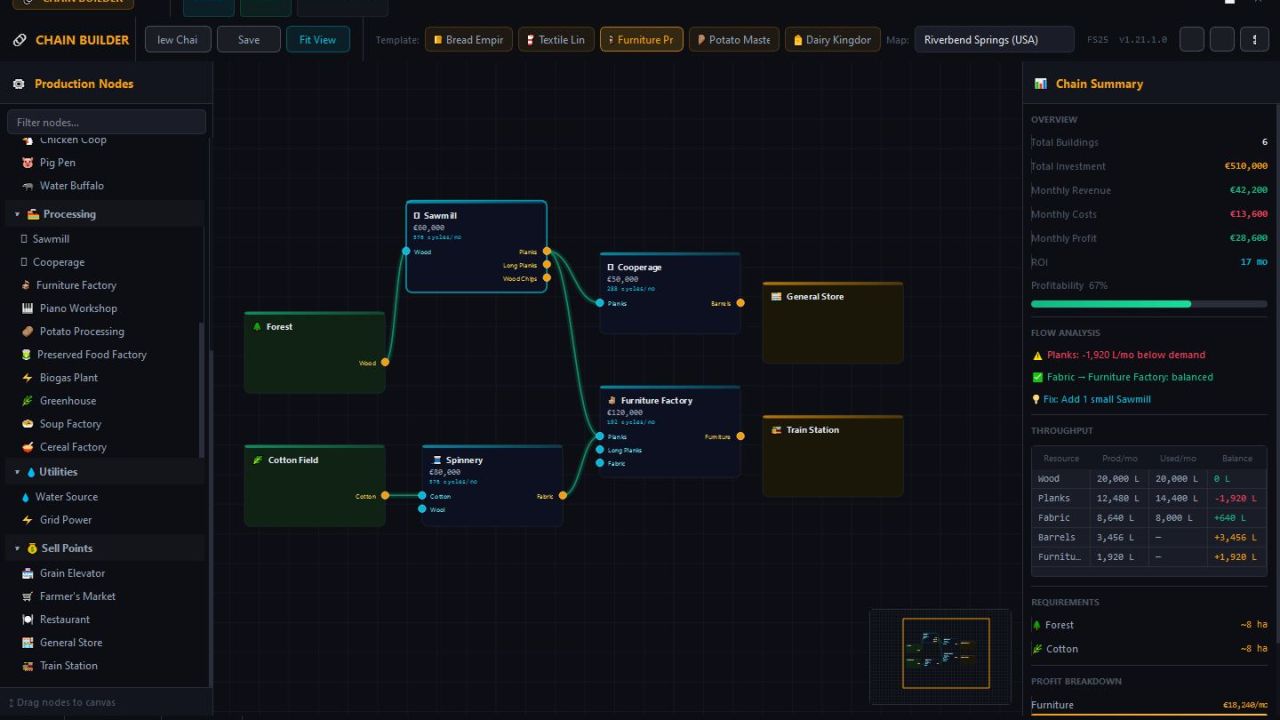
Furniture Pro – wood → planks → furniture & barrels
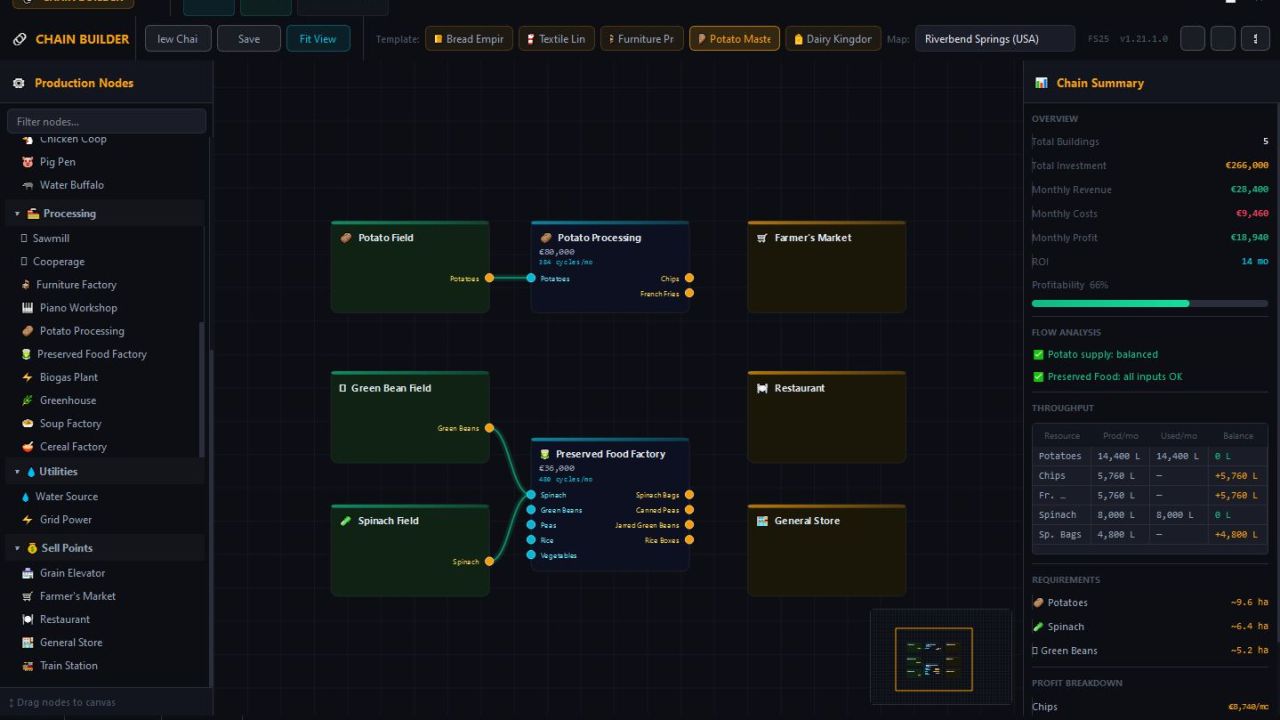
Potato Master – potatoes → chips & fries, plus preserved veggies
Dairy Kingdom – multiple cow pastures → milk → butter, cheese, ice cream
Or build your own custom chain from over 30 production nodes.
Features:
Real FS25 recipes, prices, and cycle times
Live analytics panel: total investment, monthly revenue, profit, ROI
Bottleneck detection and warnings
Throughput table: produced/consumed/balance for every resource
Required fields (hectares) and animal headcount calculator
Zoomable/pannable canvas with minimap
Drag‑and‑drop connections (bezier curves)
Hotkey support (see docs/HOTKEYS.txt)
Author: wrgp4