Pulse Step Dance Machine V1.0
Pulse Step Dance Machine V1.0
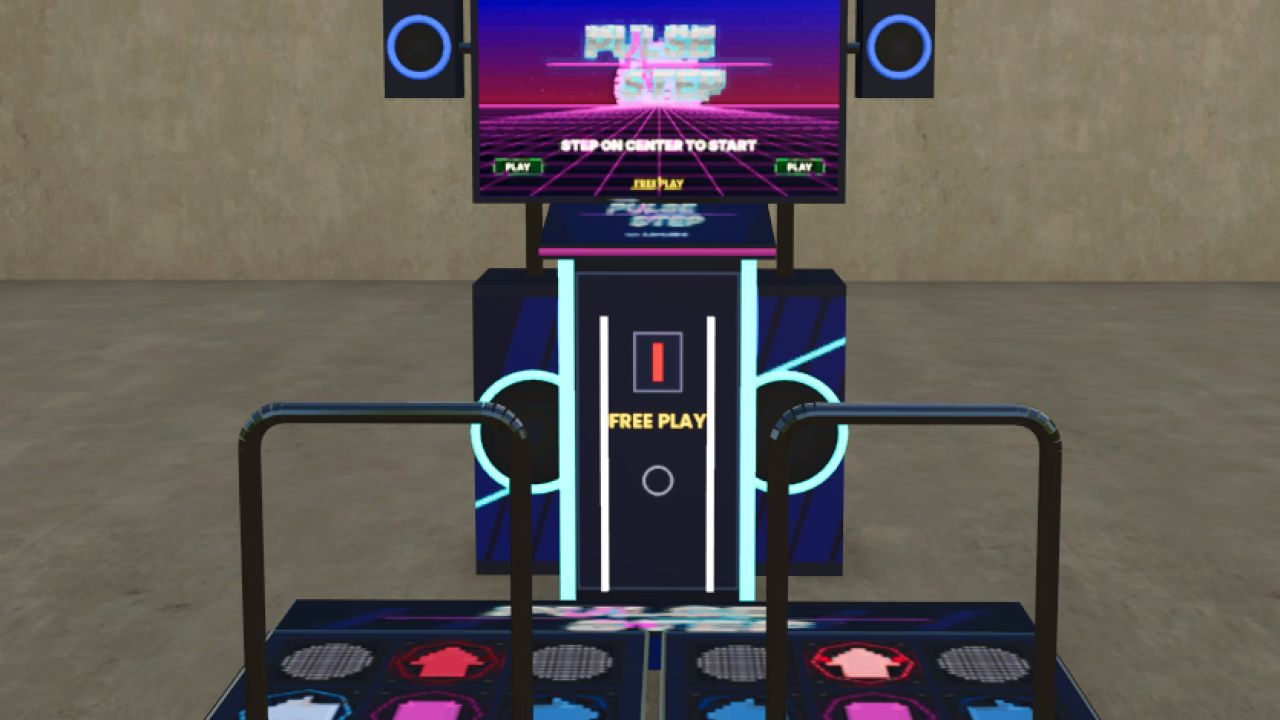
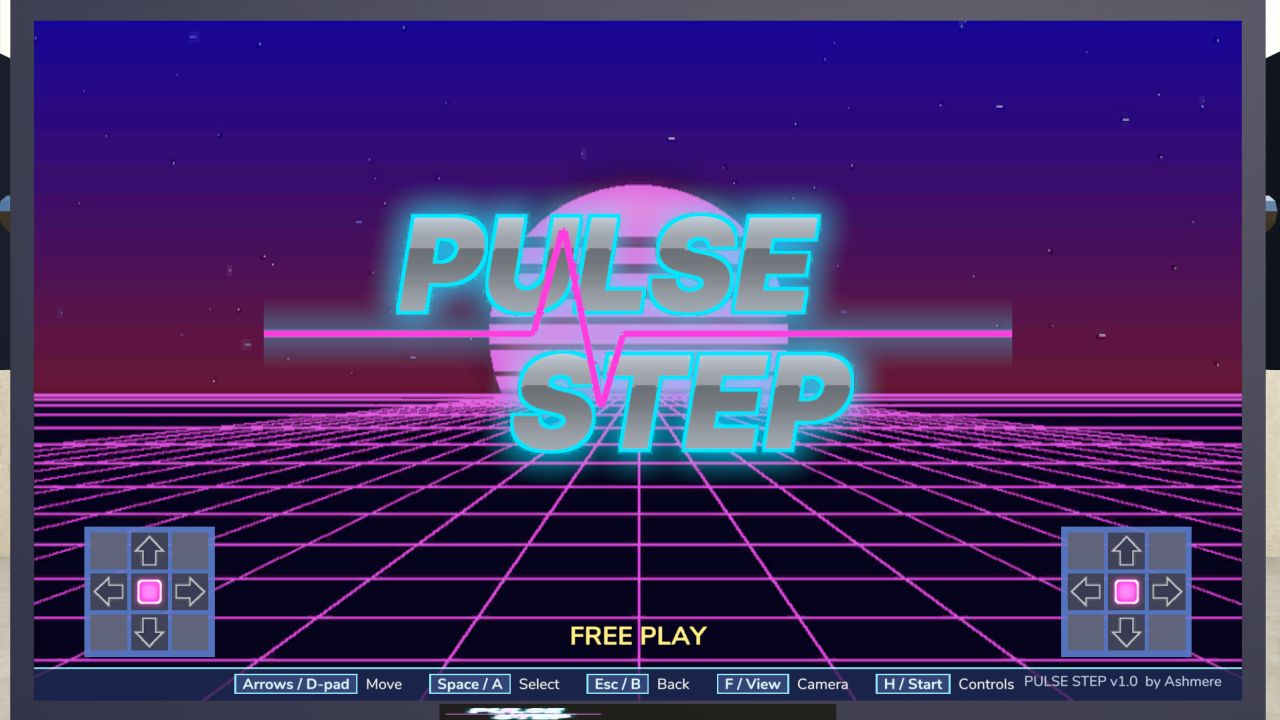
Bring a full-size arcade dance machine to your farm and play an actual rhythm game inside Farming Simulator 25.
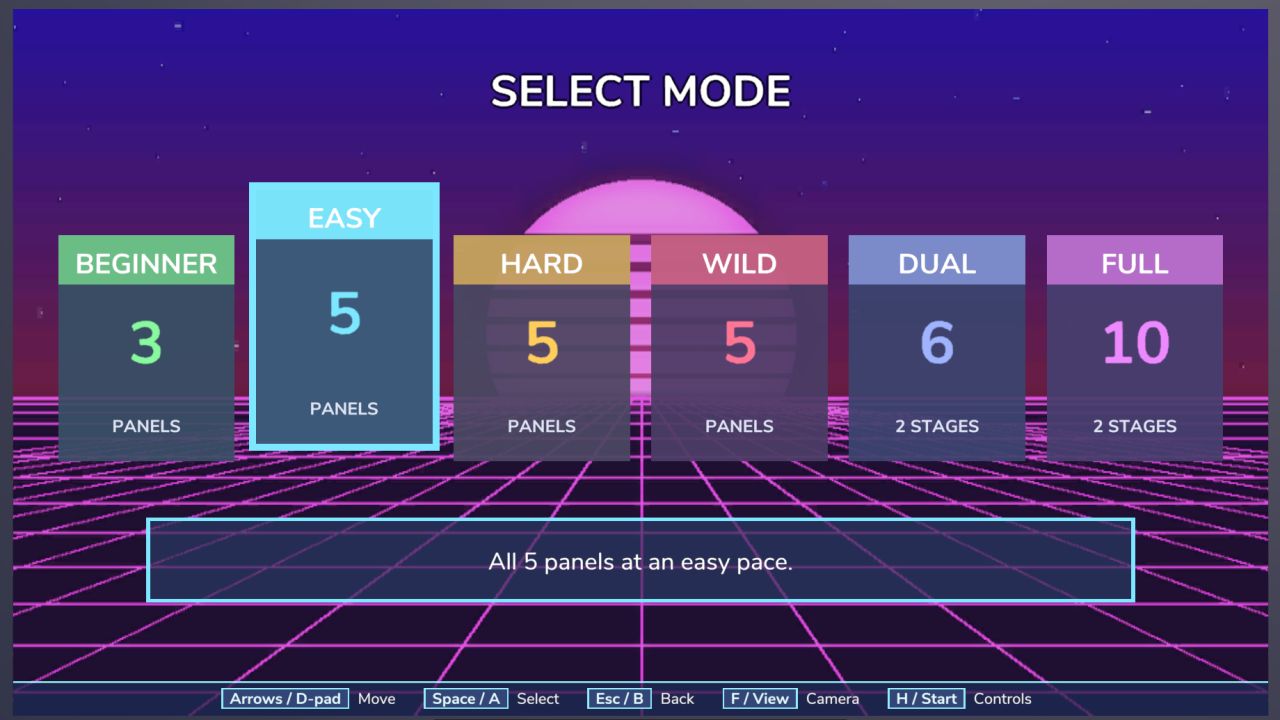
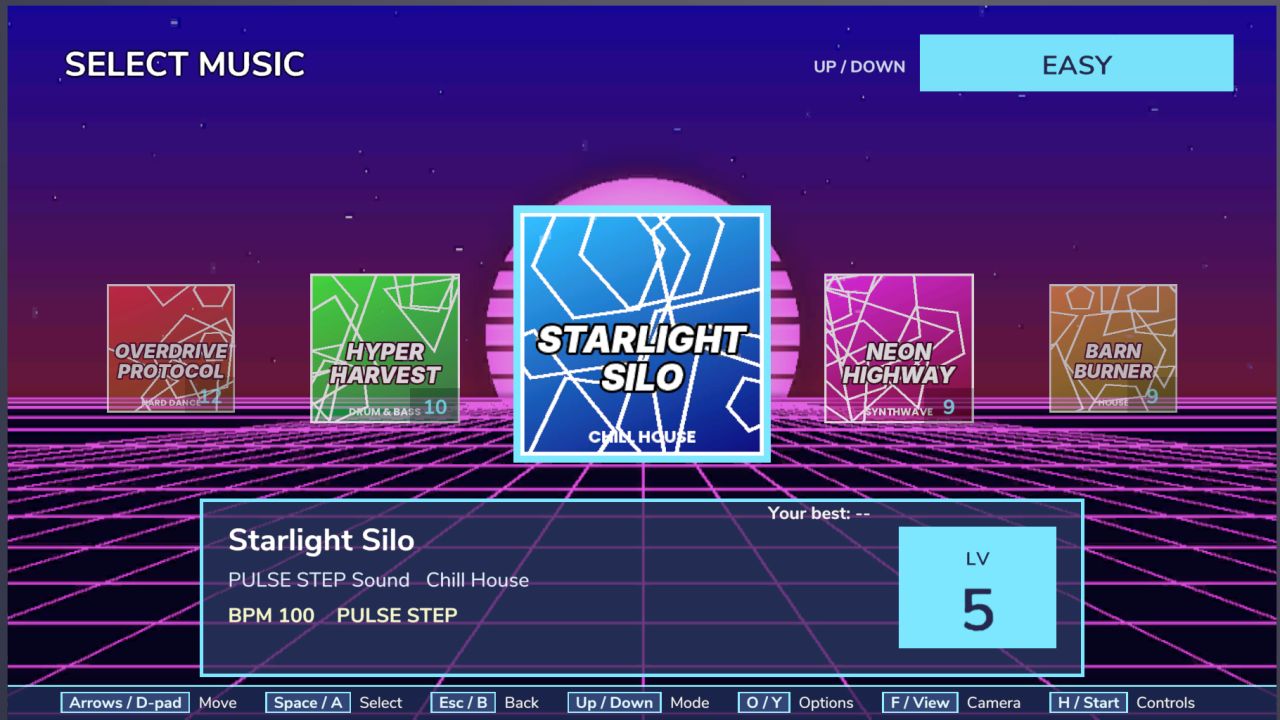
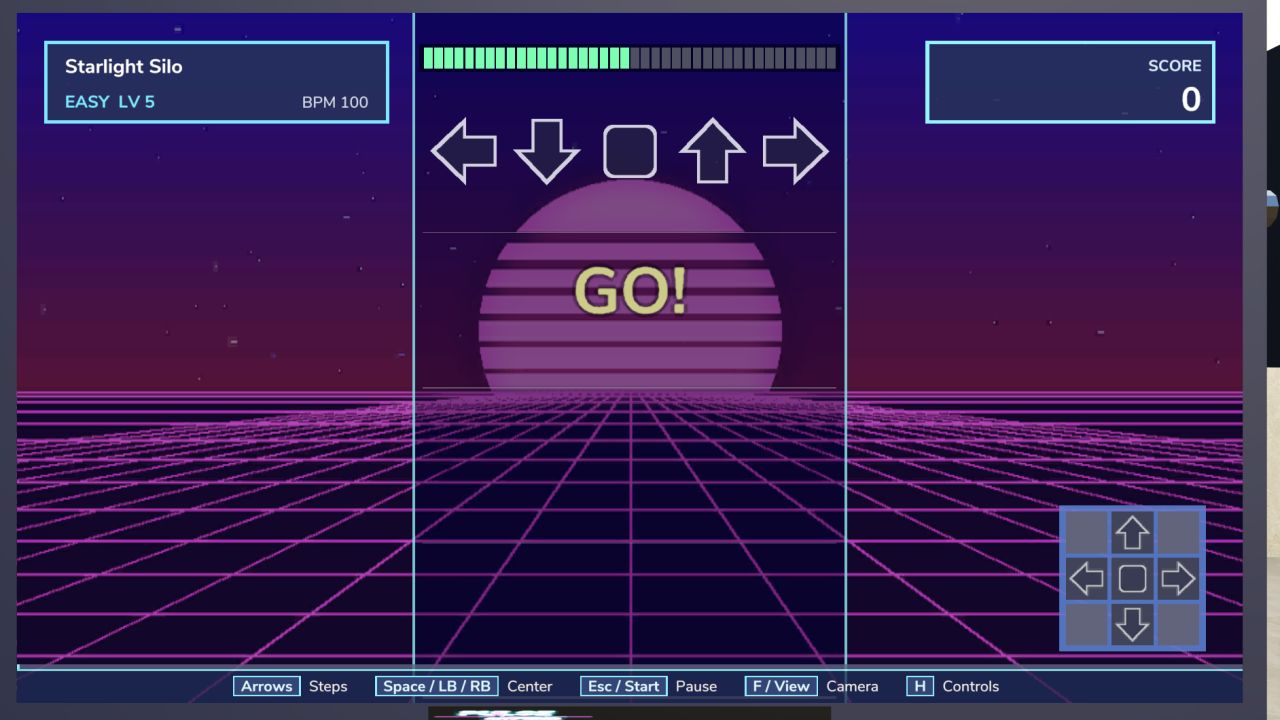
Choose a song and game mode, follow the arrows and try to beat your best score.
Features:
Fully animated arcade cabinet with two dance stages
Beat-reactive LEDs, speaker rings and underglow
Beginner, Easy, Hard, Wild, Dual and Full modes
PERFECT, EARLY, LATE and MISS timing
Holds, mines and jumps
100,000-point scoring system
Star ratings, combos and calories burned
Life bar and stage failure system
Best scores saved for every song and mode
6 original songs included
Support for custom `.ogg` music
Automatic BPM-based charts
Tap Tempo and manual BPM settings
Multiple camera views
Keyboard and controller support
Multiplayer support
Custom songs can be added to:
`Documents / My Games / FarmingSimulator2025 / modSettings / Ash25_PulseStep / music`
Use the file format:
`Artist – Title.ogg`
Optional Lifestyle integration also allows songs from your Lifestyle phone to appear inside Pulse Step.
Lifestyle is not required.
Controls:
Keyboard
Arrow Keys + Space
W A S D X
Numpad 8 / 4 / 5 / 6 / 2
Controller
D-Pad or X / A / Y / B
LB / RB = Center
Start = Pause
View = Camera
Step up, pick a song and chase your high score.
How to install:
Download the .zip. Don’t unzip it.
Put it in Documents / My Games / FarmingSimulator2025 / mods.
Turn the mod on when you load or start a save.
Find everything under Ashmere in the shop and in build mode.
Author: Ashmere