Real Physics Tire Wear V1.2.2.5
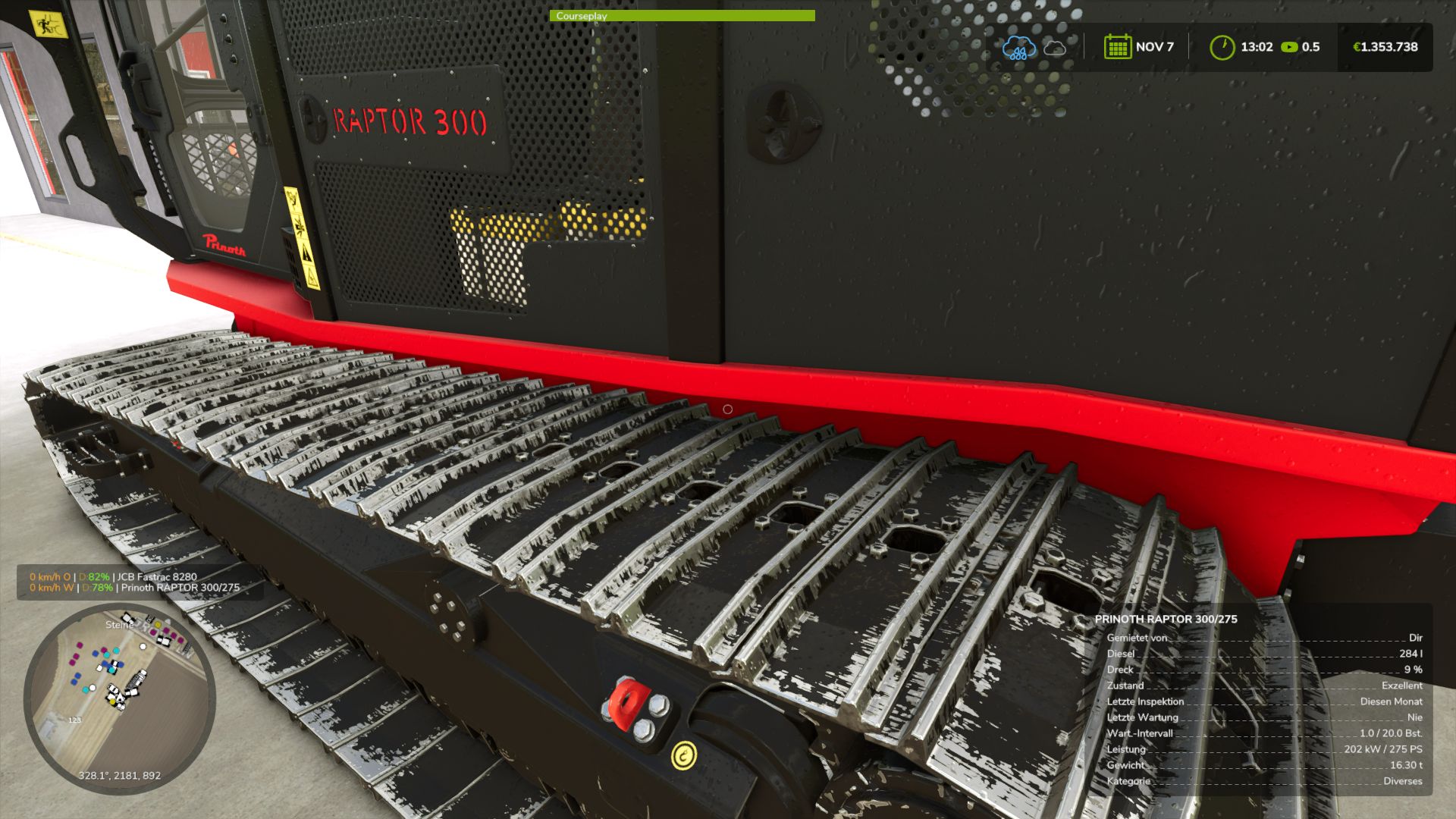
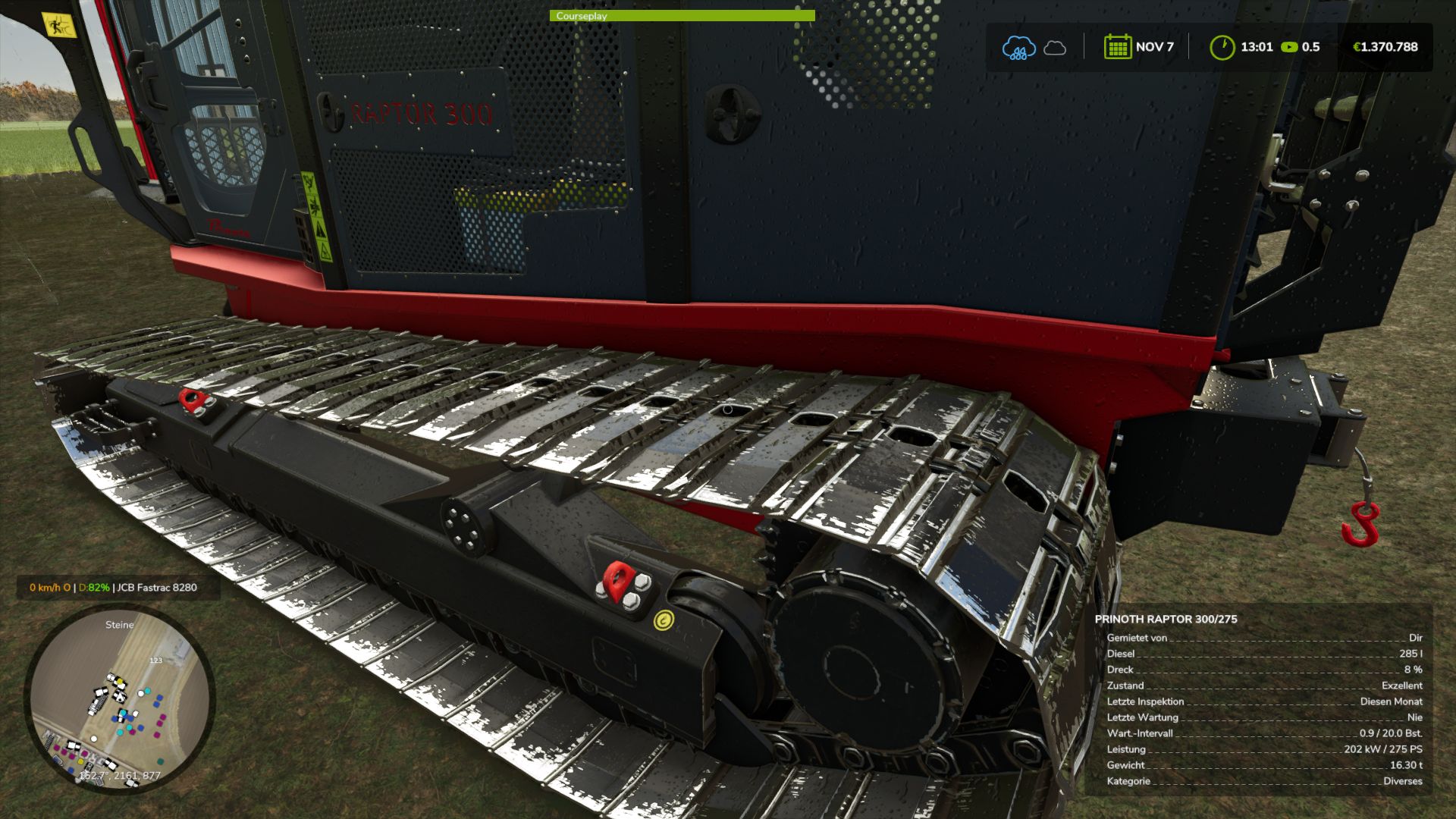
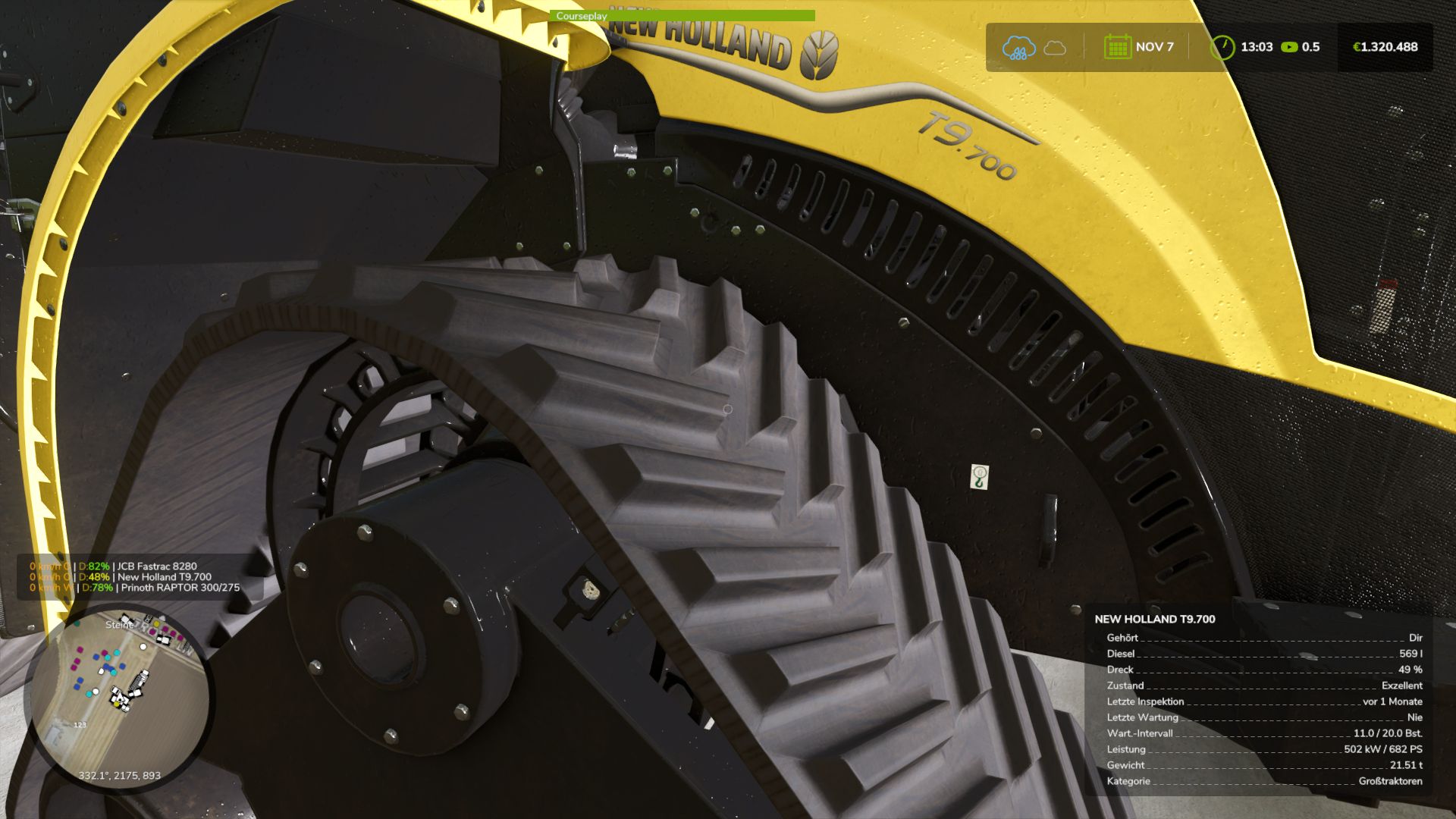
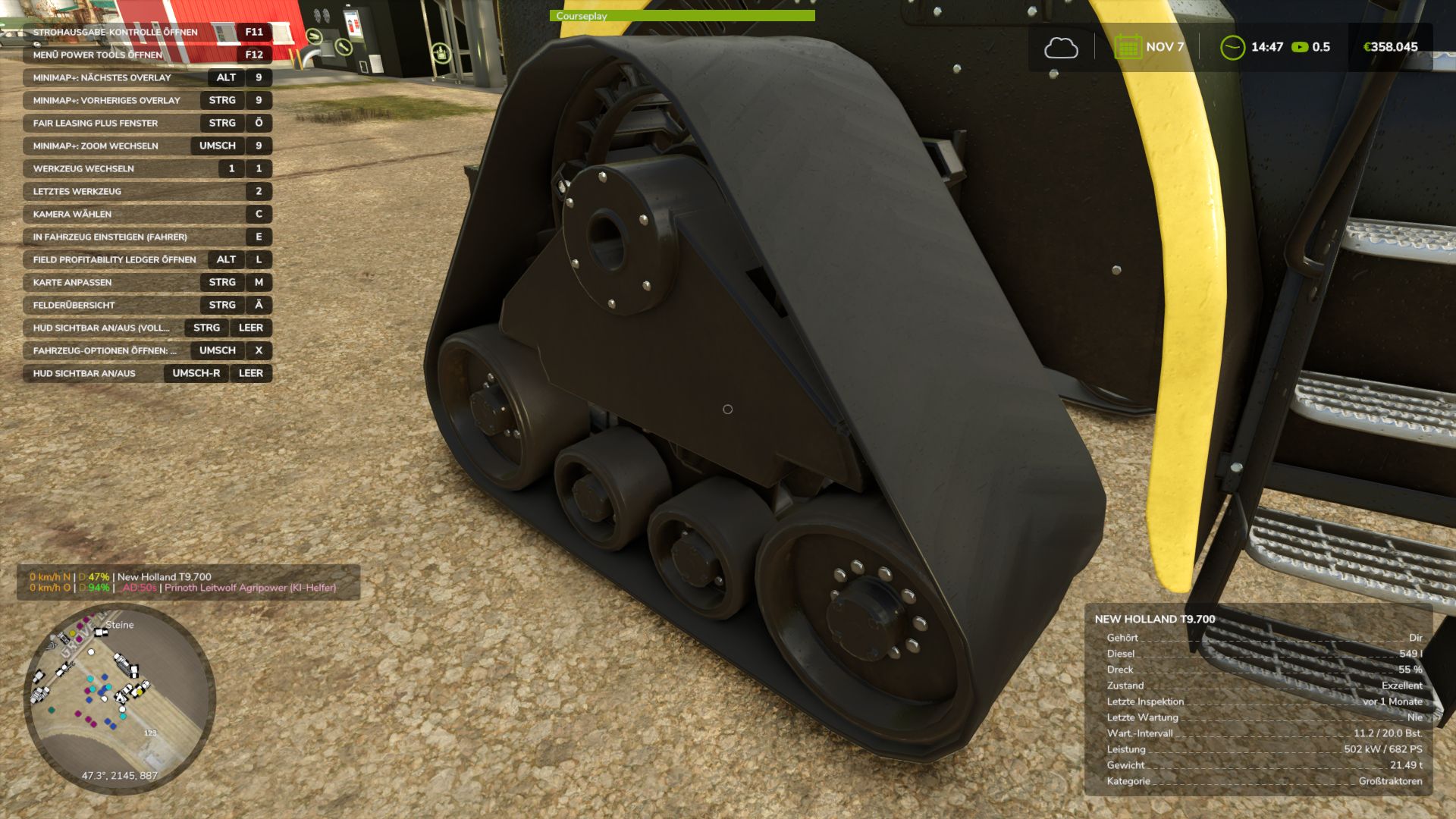
Real Physics Tire Wear V1.2.2.5
This mod expands Farming Simulator 25 with a standalone and significantly more detailed wear system for tires, rubber tracks, and steel tracks.
The next generation—the next stage of evolution: 2.0!
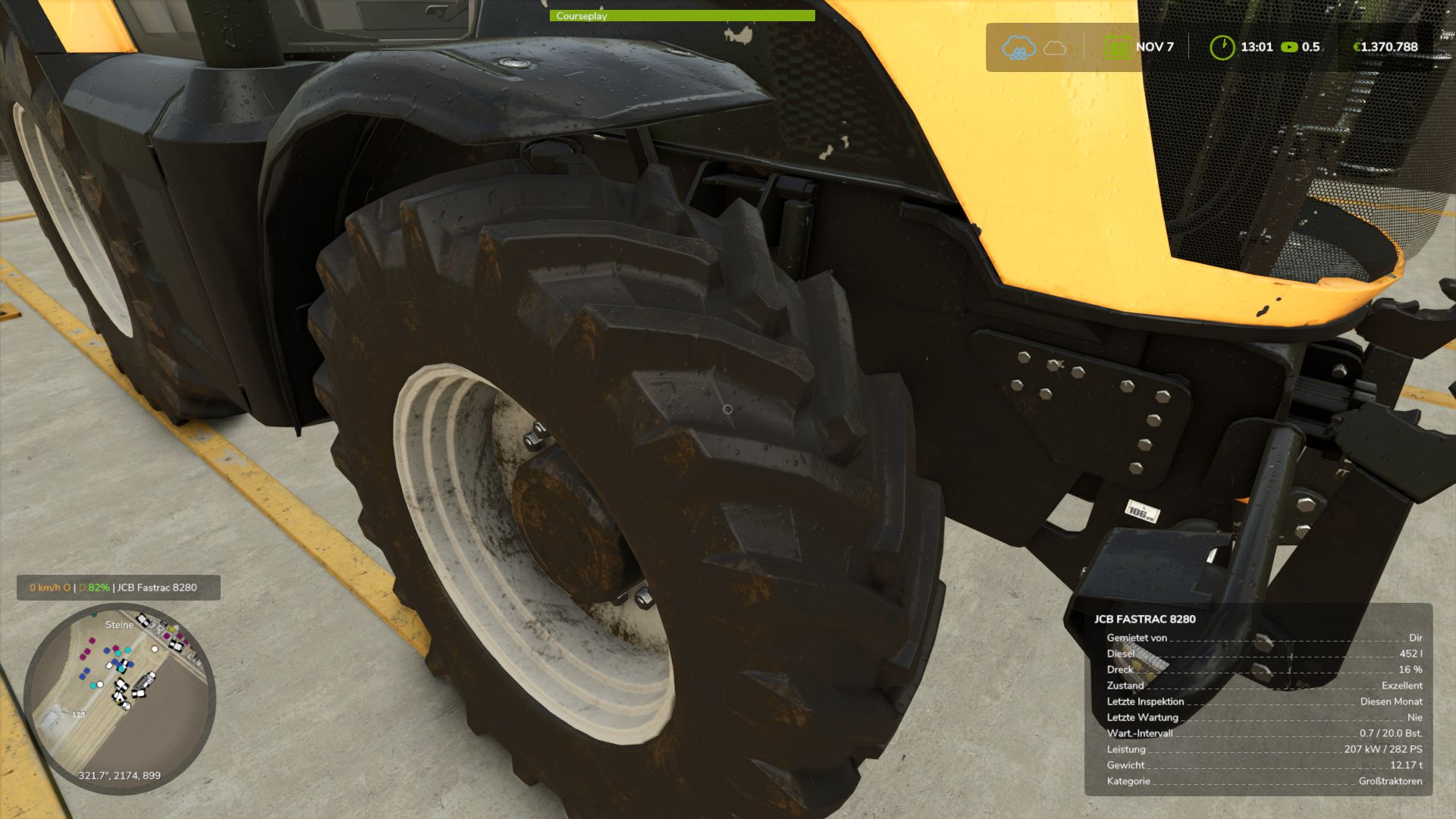
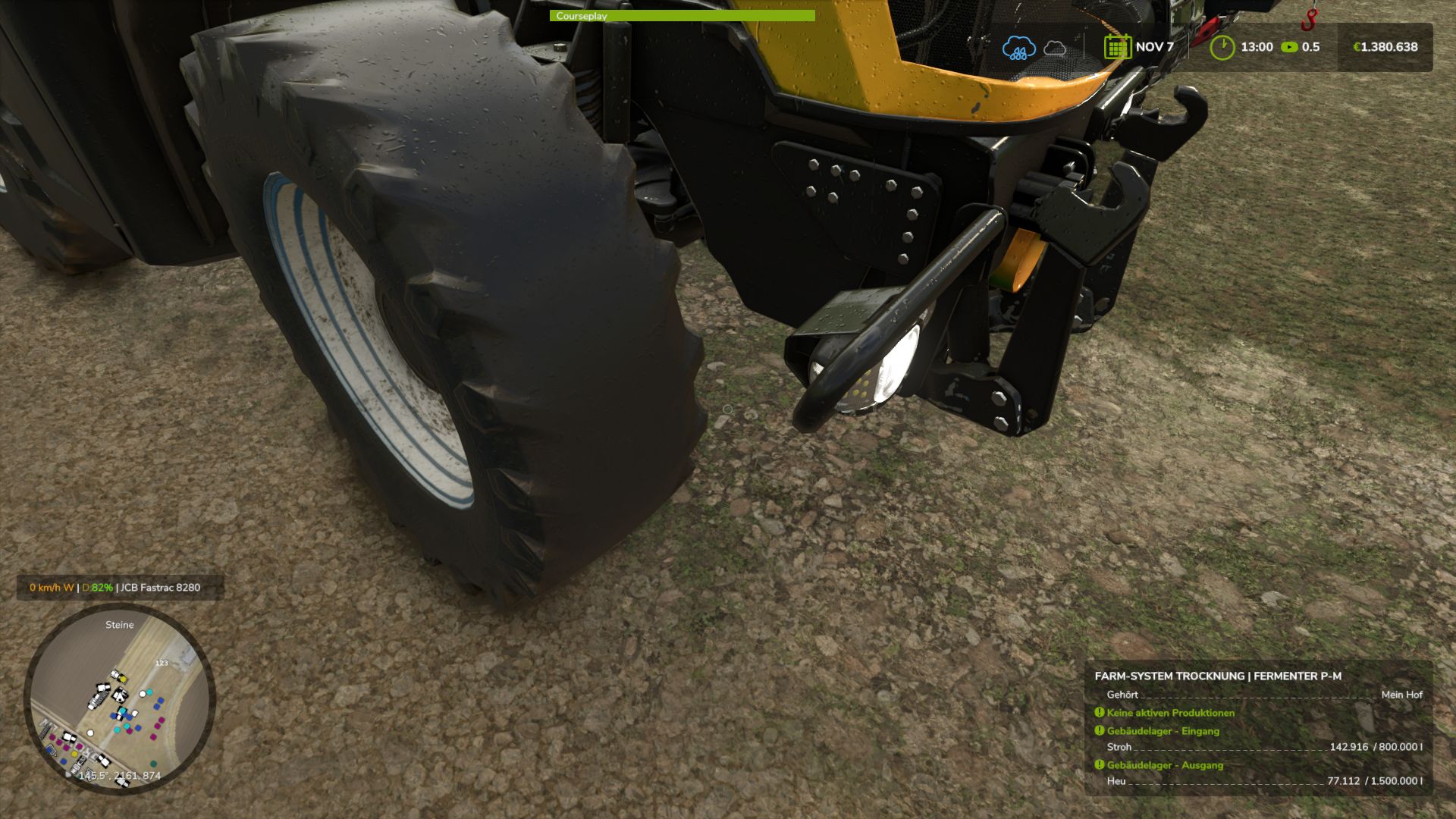
Tires and track systems (rubber or steel) wear down based on the actual distance traveled, stress caused by wheel slip, and various other factors. Your driving style, the type of ground you are driving on, weather conditions, the weight you are hauling, and the dynamic load distribution across your wheels or tracks all play a role. Wear is tracked and saved individually for every vehicle and every wheel or track unit, making it independent of the standard GIANTS vehicle wear system. This applies to all vehicles owned by your farm—whether purchased, rented, or leased. AI traffic vehicles, vehicles from other farms, or machinery “rented” specifically for a mission are not tracked.
The goal of this mod is to visually display realistic wear on wheels, rubber tracks, and steel tracks, accurately reflecting the actual level of wear. It supports conventional wheeled vehicles as well as machines with rubber tracks or steel tracks. Trailers and implements with their own wheels are also included and tracked. For rubber and steel track systems, the wear of road wheels is calculated based on their actual design and displayed separately via a combined icon. Most in-game vehicles and many mods have been tested; while 100% compatibility isn’t guaranteed, it is well over 90%. There may be isolated cases where tracking isn’t possible—such as with two-wheelers, three-wheelers, or specialized machinery mods—but work on compatibility is ongoing. For specific mods, however, I require the mod itself, including its i3d files, UV masks, i3d mappings/shapes, and vehicle XML files. Only then can I determine whether it is feasible to implement.
As wear increases, the visual appearance isn’t the only thing that changes; heavily worn tires lose traction, thereby affecting handling. This introduces a shift in momentum or a lag that causes the vehicle to slide—whether accelerating, braking, or turning. Tires, suspension systems, and track rollers can be replaced at the workshop; costs depend on factors such as the vehicle type, the number and size of tires or track components, and a small multiplier based on the selected reference mileage.
The desired reference lifespan can be adjusted in the settings. Options include 350, 500, and 750 km for smaller or classic 2×2 maps, and 1,000, 1,500, and 2,000 km for larger 4×4 maps and correspondingly longer periods of use. It is important to note that a 1,000 km setting does not guarantee the tire or suspension will last at least 1,000 km; the reference value simply serves as the basis for calculating wear. Consequently, the tire might last less time—or potentially longer—depending on driving style, the nature of the work, and the load.
Furthermore, the mod supports wear calculations for AI-controlled vehicles—specifically those using Courseplay, AutoDrive, or the built-in Giants AI. To ensure this functions smoothly, I developed an electronic immobilizer designed to lock the vehicle until the startup phase and system initialization are complete, preventing any external input during that time. This is necessary because Courseplay and AutoDrive bypass the standard startup sequence intended by Giants, which could otherwise lead to inconsistent states or unintended issues. Simply think of it as a “Parking Brake 2.0”: once the vehicle is ready to drive, the immobilizer disengages, and everything operates as usual. The mod introduces three specific penalties. First, there is a loss of traction for tires and running gear depending on their wear level. However, it remains possible to drive the vehicle to the workshop—albeit with a performance penalty and potentially without a trailer. Second, there is a speed penalty for AI-controlled vehicles. The AI cruise control speed is throttled down to as low as 20 km/h, depending on wear, to ensure the vehicle can still be steered and follow its route. At normal speeds, the AI driver (AD) is unable to compensate for the tire slippage and loss of traction. If you drive the vehicle manually, there is no speed restriction, though the corresponding performance penalties still apply.
Third, there is a penalty affecting the maximum speed of rubber tracks and steel tracks. Depending on the wear of the inner rollers, the maximum speed can be reduced by up to 50%. Once the rollers are replaced, the penalty is removed.
Current wear levels can be displayed directly in the HUD when using the “FS25 Lights & Symbol HUD” mod. It is therefore recommended to install the Lights & Symbol HUD alongside this mod.
V1.2.2.5
The Real Mud Physics mod is now supported
Various adjustments for the Mud Physics mod
Author: duestereLegende