Realism Package Addon V1.0
Realism Package Addon V1.0
Realistic vehicle physics for every driveable vehicle with wheels. No vehicle edits needed – just install and drive. Works with other mods and in multiplayer.
Every vehicle gets its own handling profile: modern, compact and classic tractors, trucks, cars and pickups, combines and harvesters, telehandlers, wheel loaders, forklifts, skid steers and trailers.
WHAT YOU GET
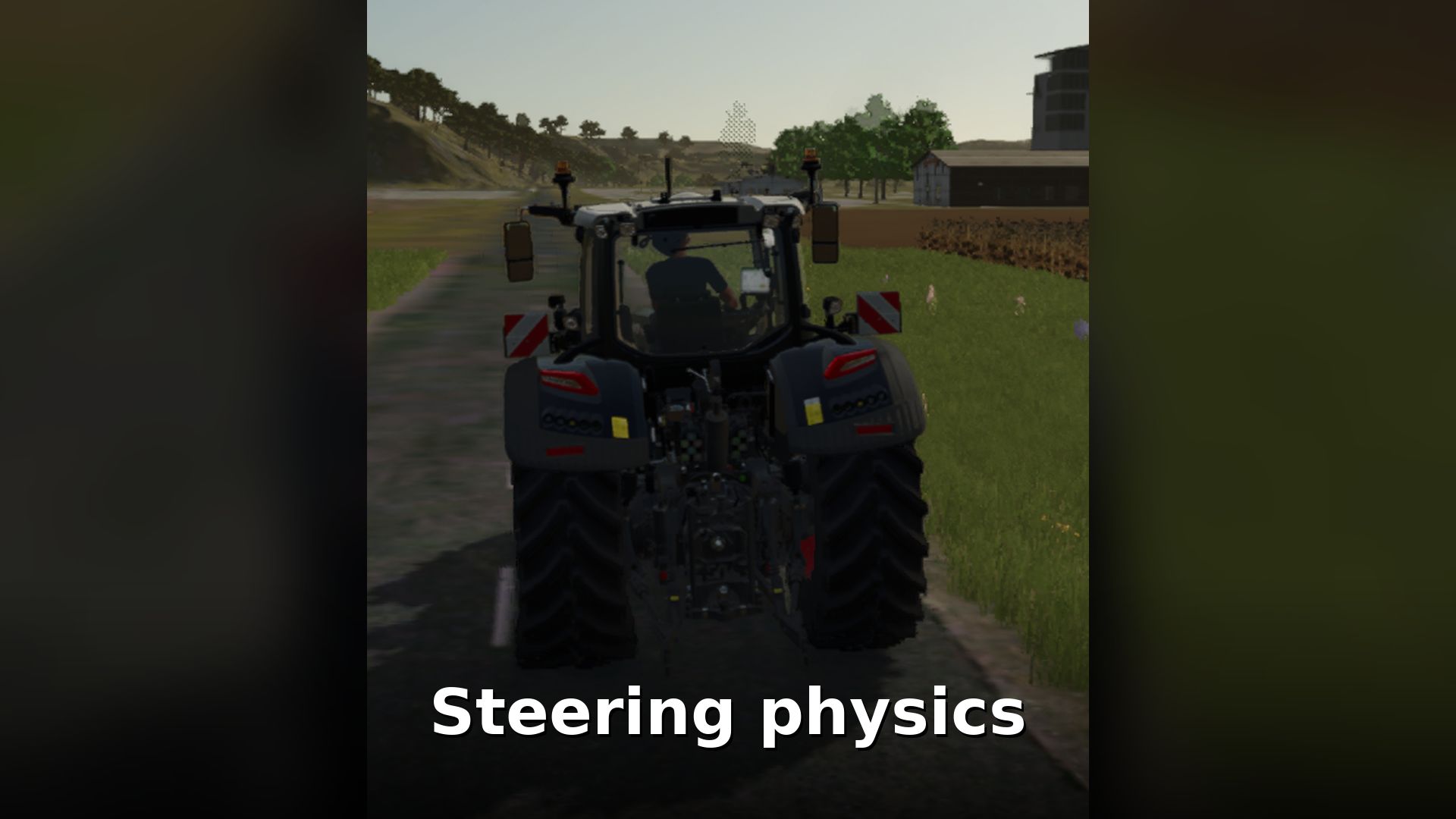
– Natural steering: the standard game steering is kept as it is, so keyboard, controller and steering wheel feel the way you are used to.
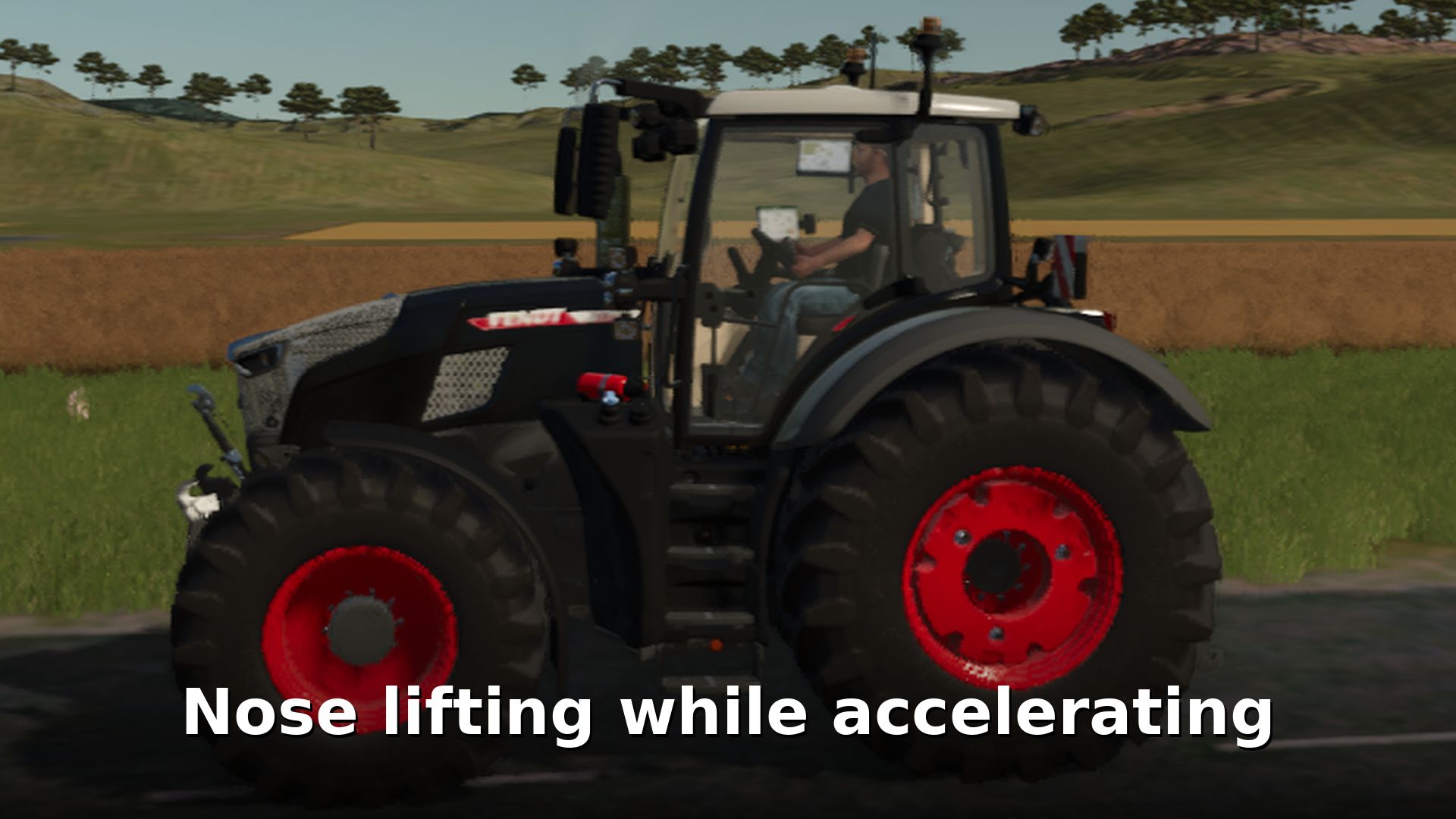
– Nose lifting while accelerating: the front rises and the rear squats under power, depending on weight and centre of gravity.
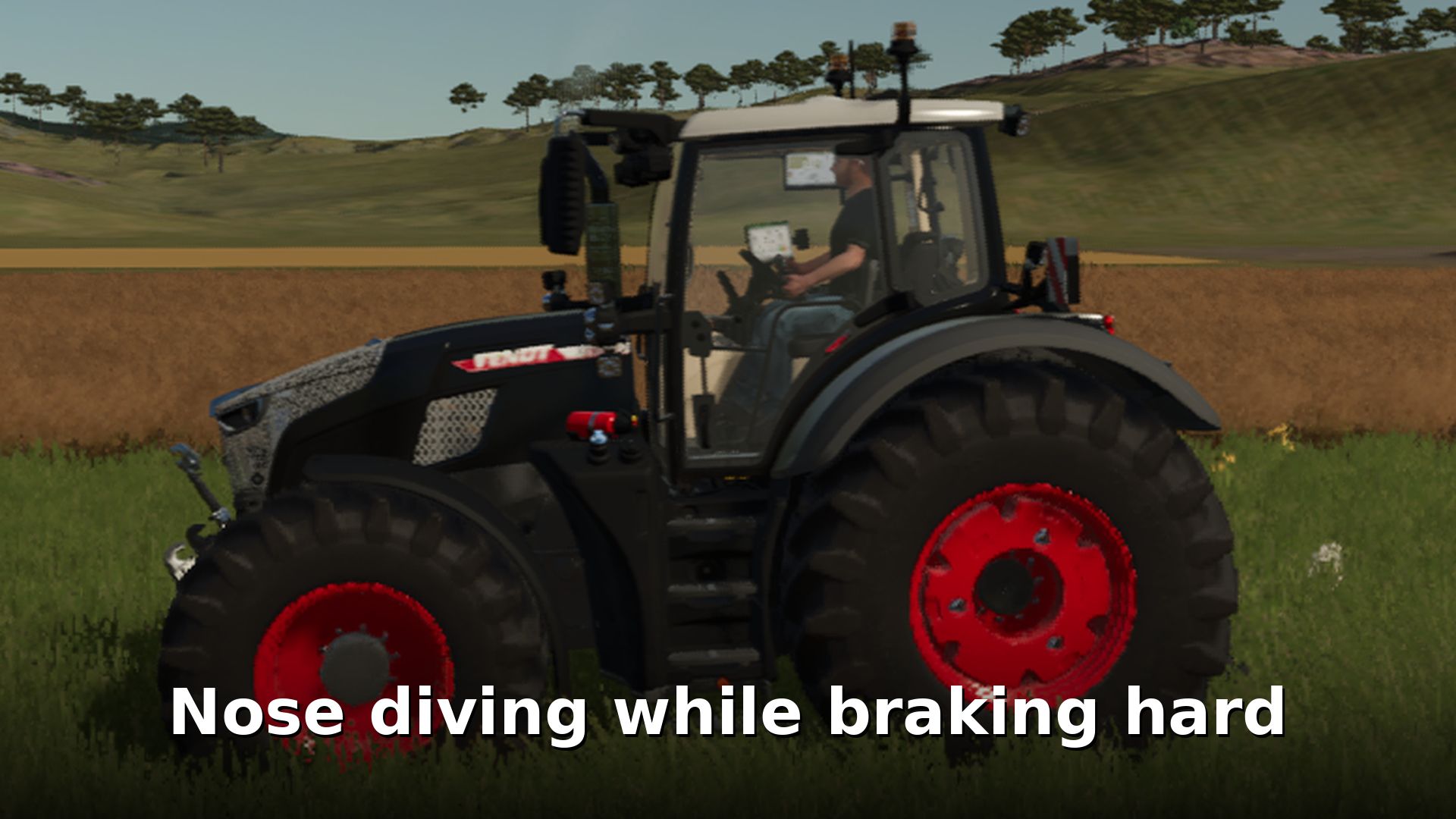
– Nose dive while braking: the vehicle dips forward under braking and rocks back and forth after a hard stop.
– Softer suspension and body roll that follows the real cornering force, with slightly under-damped dampers so the body bobs after bumps.
– Heavy trailers: a loaded trailer pushes you, lengthens your stopping distance and makes you tip more easily. Vehicles stay down once they tip over.
– Front loader and front tool handling: heavy loads on the front change braking, acceleration and stability.
– Progressive brake pedal, realistic engine braking and a heavier drivetrain with slower rev response.
– Tyres and ground: different grip on road, hard ground, field and soft soil, and slightly softer tyres.
– Wear and dirt build up a little faster.
– Camera motion: the view pitches under braking and acceleration, leans in corners and shakes over rough ground.
– Round bales roll away and speed up on slopes, bale weight follows the fill level, square bales and pallets stop realistically.
AND MUCH MORE!
SETTINGS (open the console with the ^ key)
rpaStatus – show the current settings
rpaIntensity 0.0-2.0 – 0 = vanilla, 1 = default, 2 = exaggerated
rpaCamera 0.0-2.0 – camera motion strength
rpaToggle [all|suspension|body|brakes|drivetrain|grip|camera|objects|ground|wear] – switch parts on or off
rpaDebug – on-screen debug overlay
Settings are saved in modSettings/FS25_RealismPackageAddon/settings.xml.
Made by Ducks_Modding.
Author: captain duck 2