Realistic 4×4 Traction System v1.0
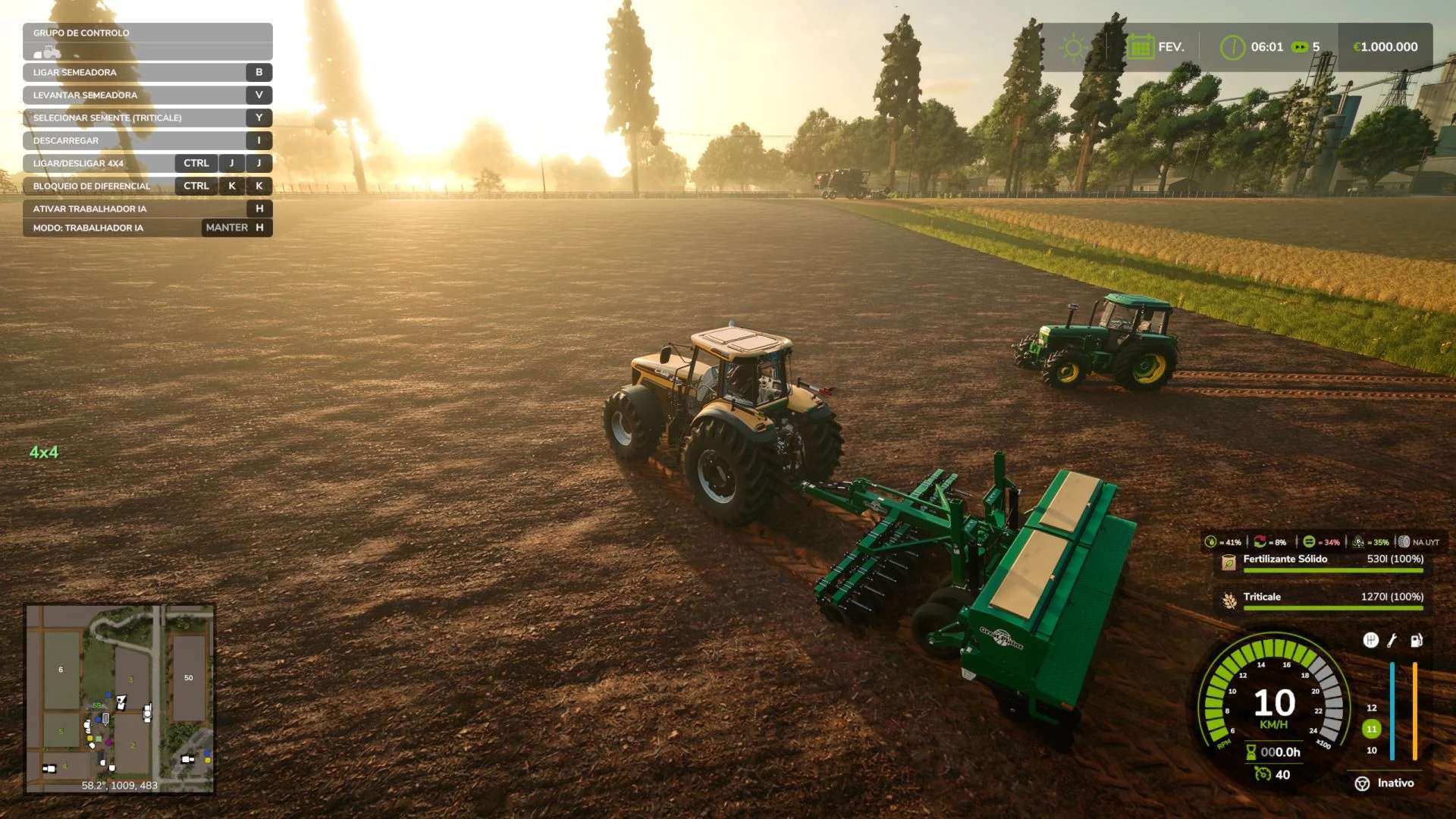
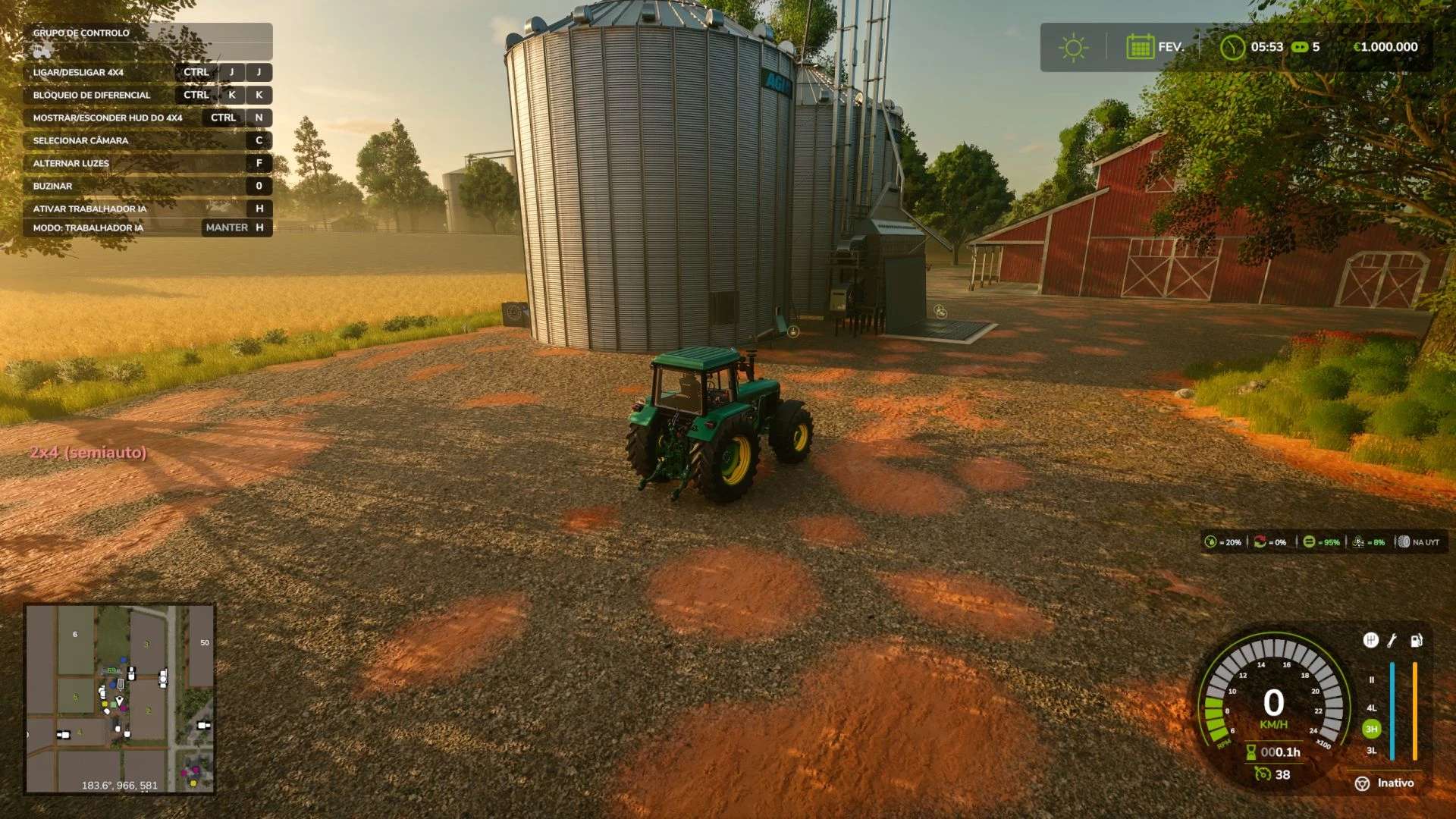
Realistic 4×4 Traction System v1.0
A dream that’s been years in the making.
I’m a long-haul truck driver. Farming Simulator has been my escape between routes for as long as I can remember — but there was always one thing that bugged me since the very first version I played: the 4×4 system never felt real. It was always just an on/off switch, if it existed at all. No real differential behavior, no automatic engagement, nothing like what actually happens under a tractor when the wheels start losing grip.
I never had the time to do anything about it — until now. Every scrap of free time I get at home between long trips, for the last several months, went into this mod: reverse-engineering how the game’s physics actually work, learning FS25 modding from scratch, testing, breaking things, testing again. I used AI assistance throughout — to study the game’s internals, learn the scripting, and help write and debug the code — and I want to be upfront about that, because I think it’s fair to say so.
This is the result: a 4×4 system built on real differential physics, not a cosmetic toggle.
What it brings:
Real differential physics — front axle engagement and differential lock act directly on the vehicle’s physics, not a cosmetic effect.
Four traction modes, assigned per tractor based on real-world transmission type:
Manual — you decide when to engage
Semi-automatic — engages on its own when it detects real rear wheel slip, with manual override available
Automatic — same principle, for tractors with “classic” automatic systems
Smart (Fendt VarioDrive) — gradual, continuous engagement proportional to slip intensity, no fixed ratio, just like the real system
Real slip detection — not just speed-based: the mod reads actual wheel slip to decide when 4×4 should kick in.
Optional synergy with Variable Tire Pressure — if installed, tire pressure automatically adjusts between field/road mode as the 4×4 engages or disengages.
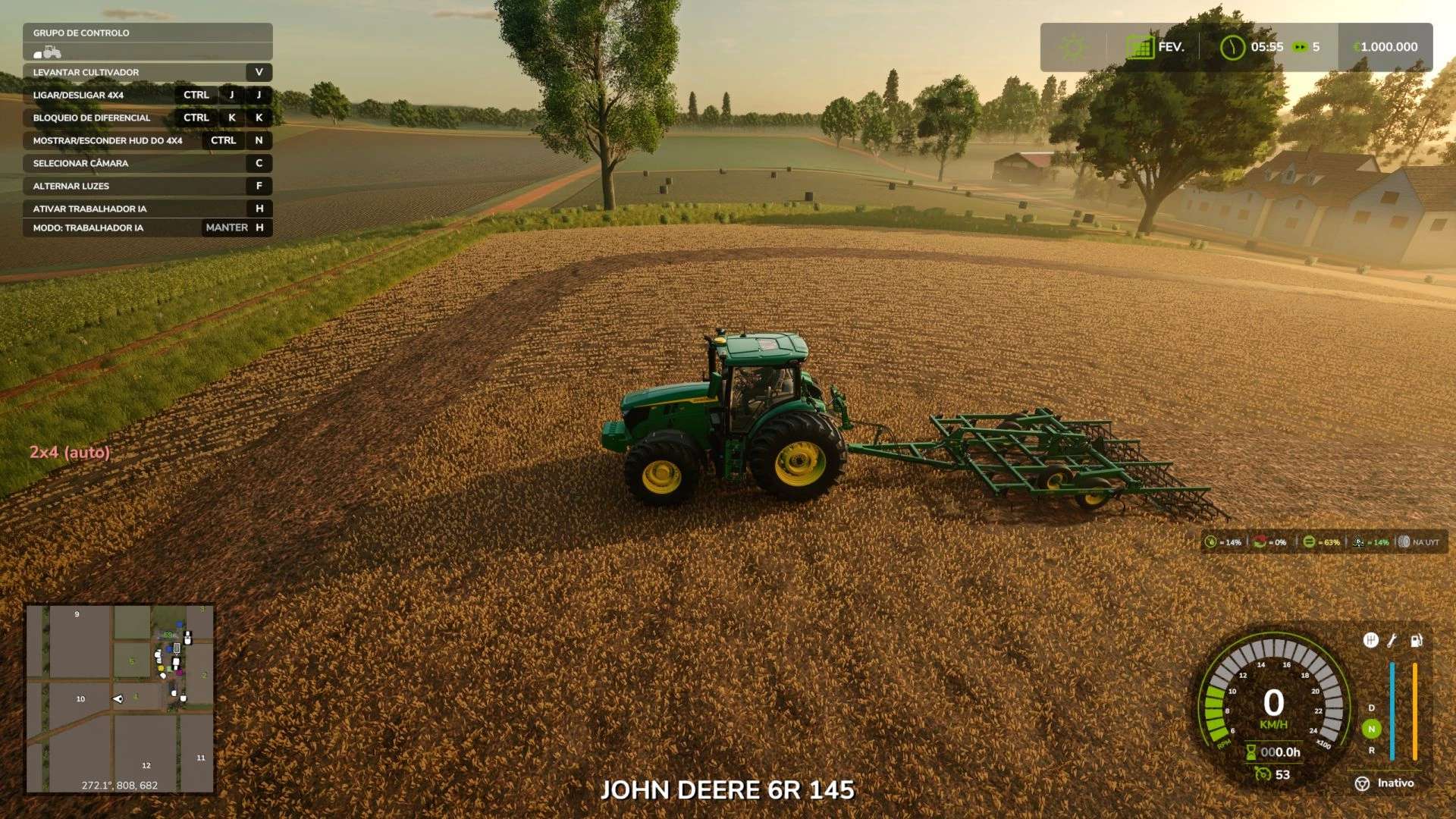
In-game adjustable HUD — reposition the indicator right from the game’s General Settings menu, no file editing required.
Restricted to tractors, trucks, harvesters and cars — stays out of trailers, implements, forklifts, and anything else where it doesn’t belong.
Requirements: Single-player only for now (no multiplayer server sync yet).
Credits: The differential manipulation technique was confirmed through reverse-engineering FS25_EnhancedVehicle; the tire pressure synergy uses Variable Tire Pressure’s public API. No third-party code was copied — only the techniques were studied and reimplemented from scratch.
This is a first public release, built by someone who’s wanted this to exist for years and finally found the time to make it happen. Feedback is very welcome — if something doesn’t behave right on your tractor, tell me which one and I’ll get it sorted.
Changelog
v1.0.0 — Initial release
4×4 traction system based on real differential manipulation (not cosmetic)
Functional per-axle differential lock
4 configurable traction modes per vehicle: manual, semi-automatic, automatic, smart (Fendt)
Automatic engagement based on real rear wheel slip detection, with hysteresis and confirmation delay
Smart mode: gradual, continuous engagement proportional to slip, automatic disengagement above road speed
Optional synergy with Variable Tire Pressure (automatic field/road adjustment)
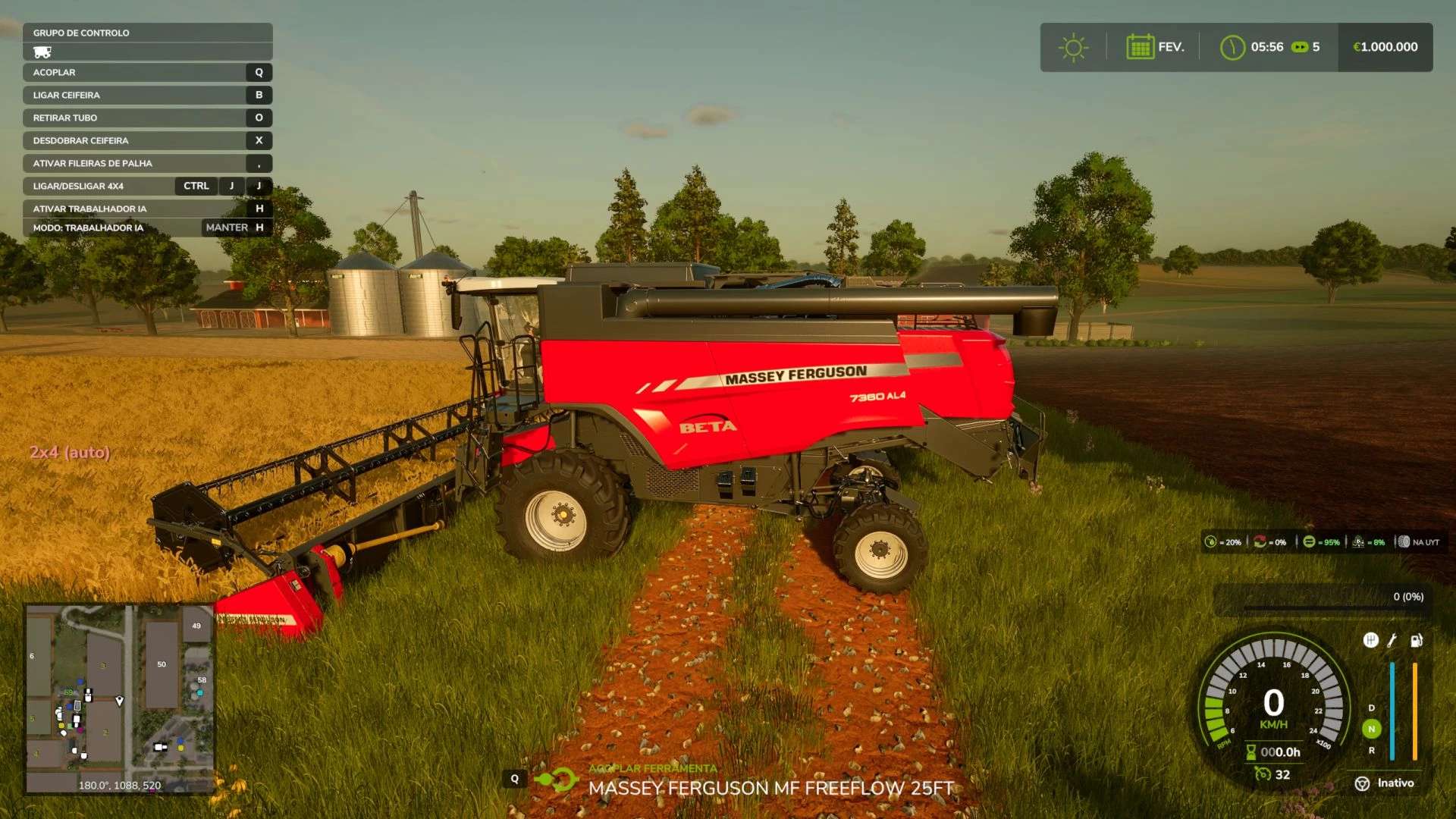
On-screen HUD showing 4×4/2×4 state, traction mode, and differential lock status
HUD position adjustable from the game’s General Settings menu
Automatically restricted to tractors, trucks, harvesters and cars
Initial support for major tractor brands (see DriveModeConfig.lua for the full list)
Author: zasty chalk