Realistic Worker Costs V2.3

Realistic Worker Costs V2.3
Realistic Worker Costs for Farming Simulator 25
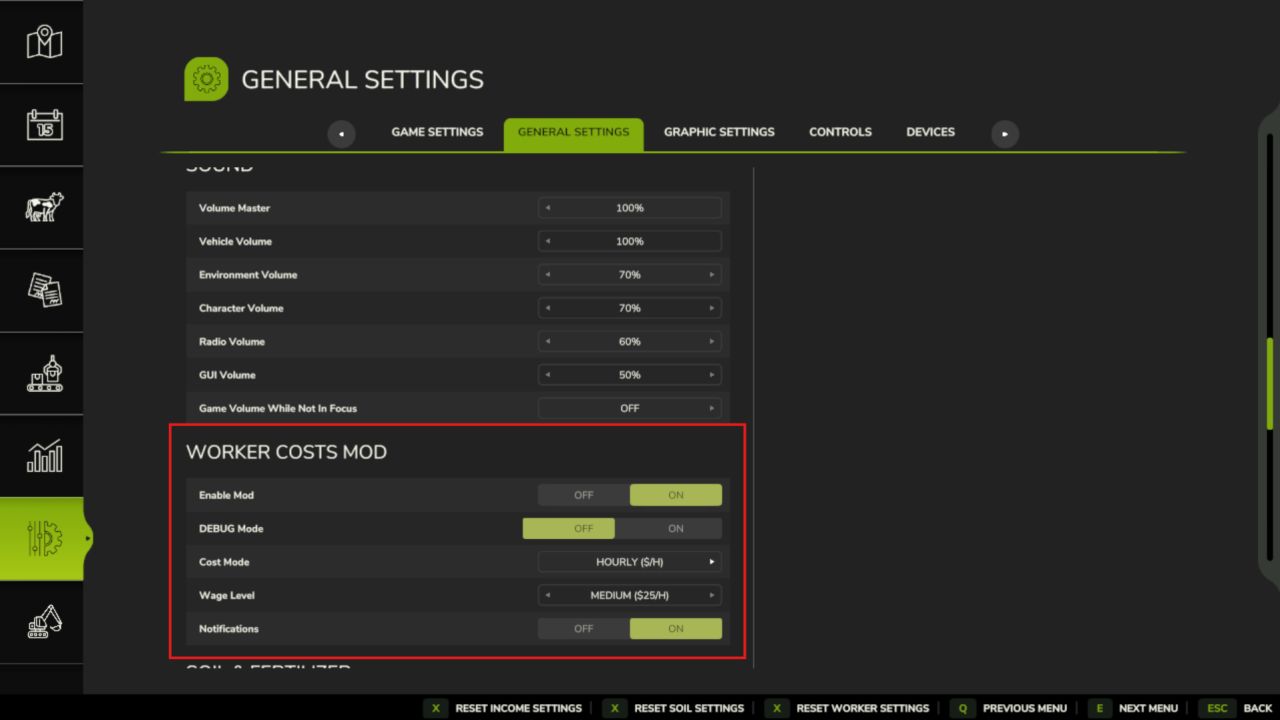
Hiring a worker is no longer free. Every hired worker now draws an ongoing wage, so labour becomes a real line in your budget. Pay by the hour or by the hectare, watch skilled workers cost more, and keep an eye on fatigue, because a tired crew works slower. Suddenly how you manage your staff actually matters.
Features
Ongoing Worker Wages
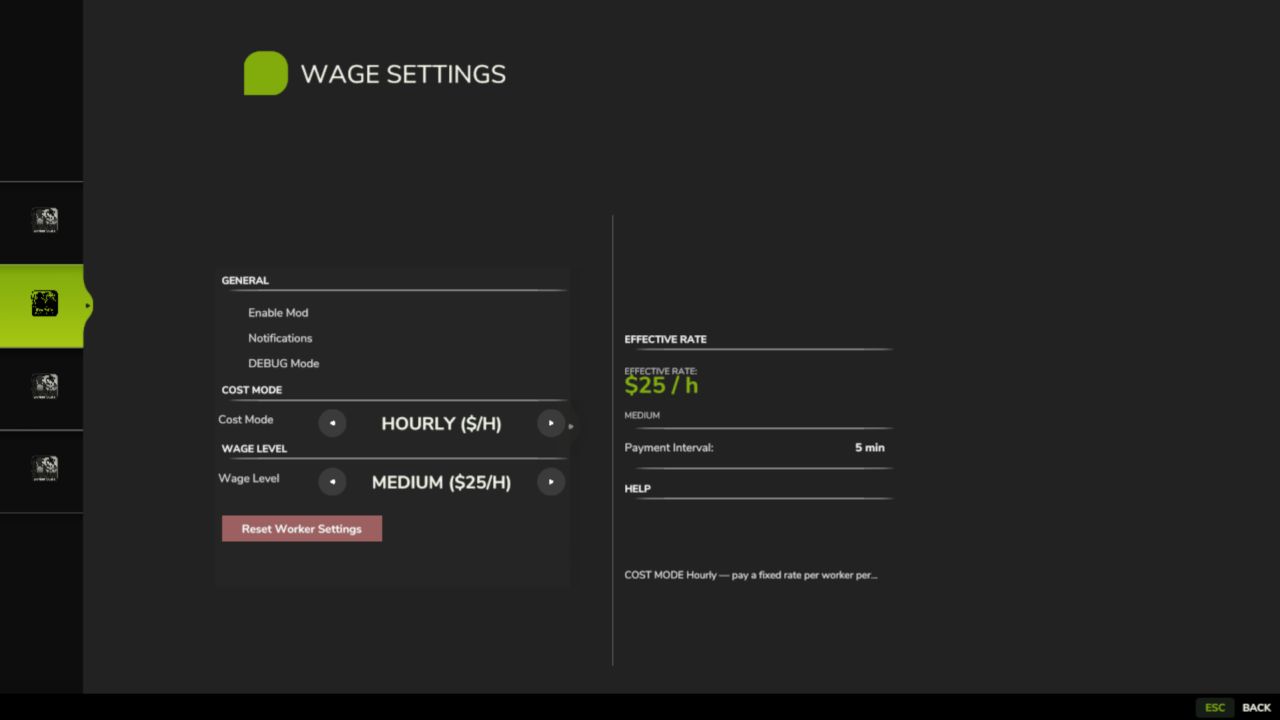
Hourly or Per-Hectare Pay
Three Wage Levels + Custom Rate
Skill-Based Pricing
Worker Roster & Levels
Worker Fatigue
Daily Hiring Hall
Multiplayer & Console Commands
Controls
Open the Worker Roster: Left Alt + H
Wage settings live in the game’s Settings menu (admin-controlled in multiplayer)
Note that wages are deducted automatically as your workers run, and the mod is safe to add to or remove from an existing save at any time!
V2.3.0.0
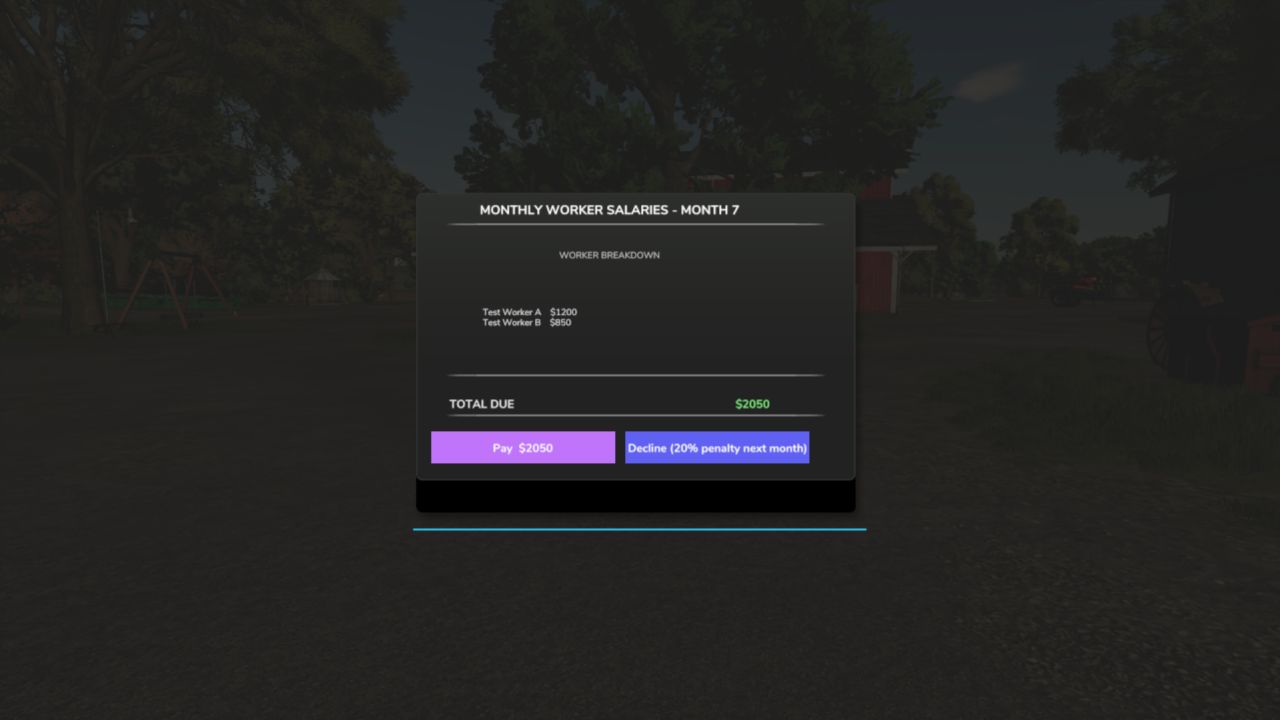
Payroll follows the game’s calendar. The monthly bill is issued on the last day of each month whatever the month length (a short month used to issue no bill), each farm is billed only for its own workers, and a bill is frozen when issued: Pay and Decline act on that exact bill, and declining no longer compounds the late penalty into the amount owed.
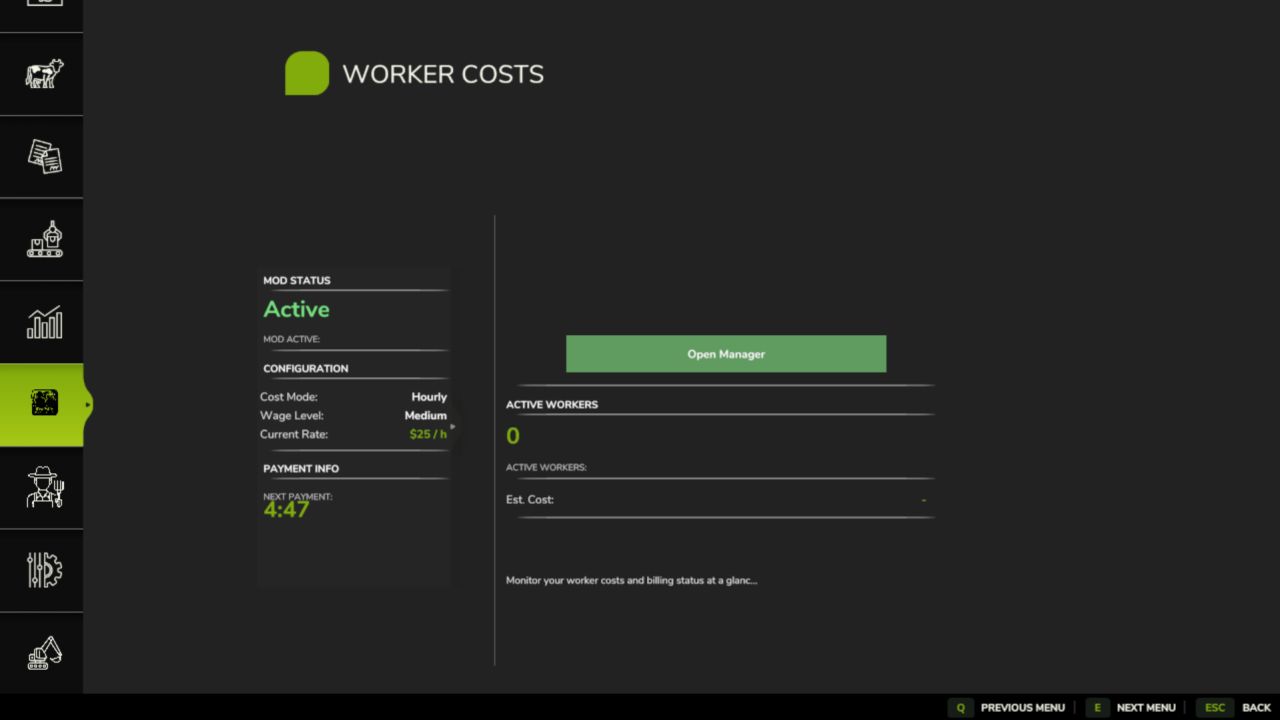
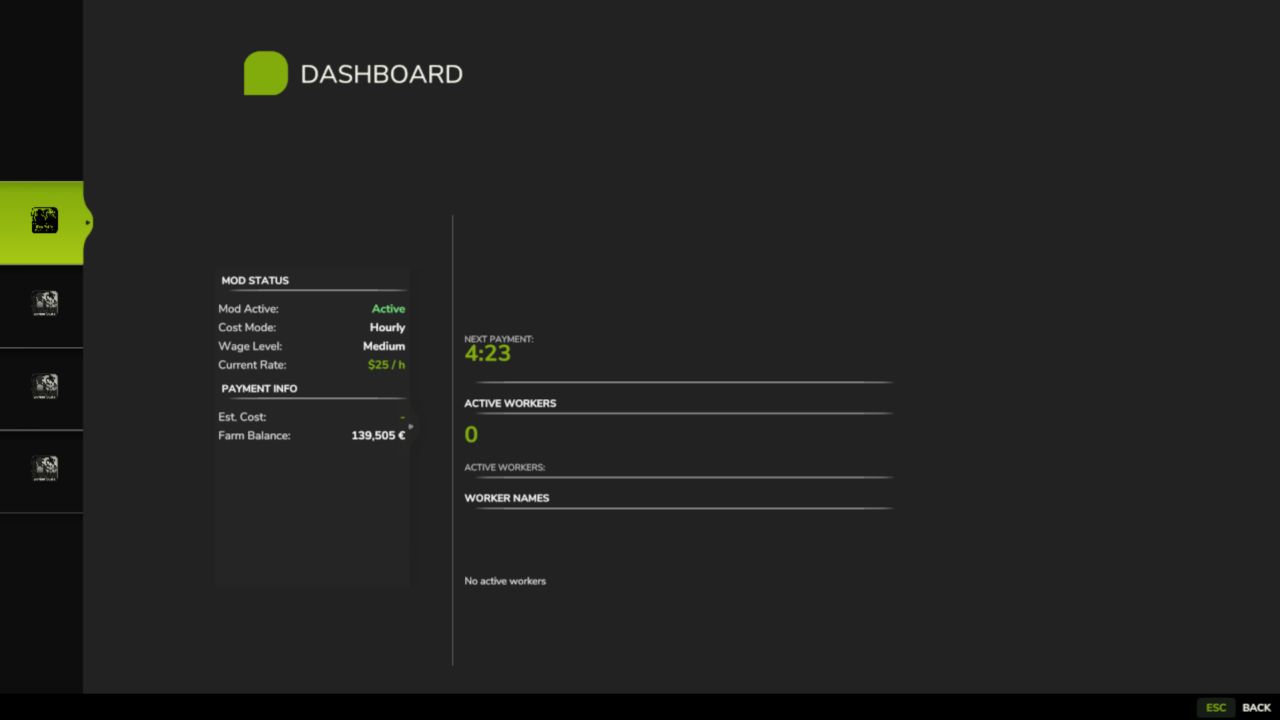
The Worker Costs page on the Realistic Farming Esc menu now holds hiring, firing, wage options, Reset and the crew board on one page; the old Worker Manager footer is gone.
The emergency loan in Income Mod can read your upcoming payroll bill.
Fixed
A save sitting on the last day of a month no longer opens the salary dialog on the loading screen, which could stop the game from starting.
Setting the clock backwards within a day no longer bills the “missed” hours.
Multiplayer: hiring and firing charge the farm of the player who did it; players see the host’s Worker Costs settings within about a second; an admin’s change applies for everyone from any settings screen or the console, and those settings are locked for non-admins.
The hire hall keeps its place when the roster grows.
Key presses are registered only where they belong (on foot or in a vehicle), and the roster key has a default and shows the live key.
Translations: the Cost Mode and Wage Level settings have their labels and Monthly Salary its tooltip, accented letters show correctly in seven languages, the settings labels reach all 26 languages, the Korean “Field Detail” label is fixed, the page legend shows a plain dot between page names, and the title and description read correctly in the mod manager.
Author: tisonK