Resource Usage Control v1.0
Resource Usage Control v1.0
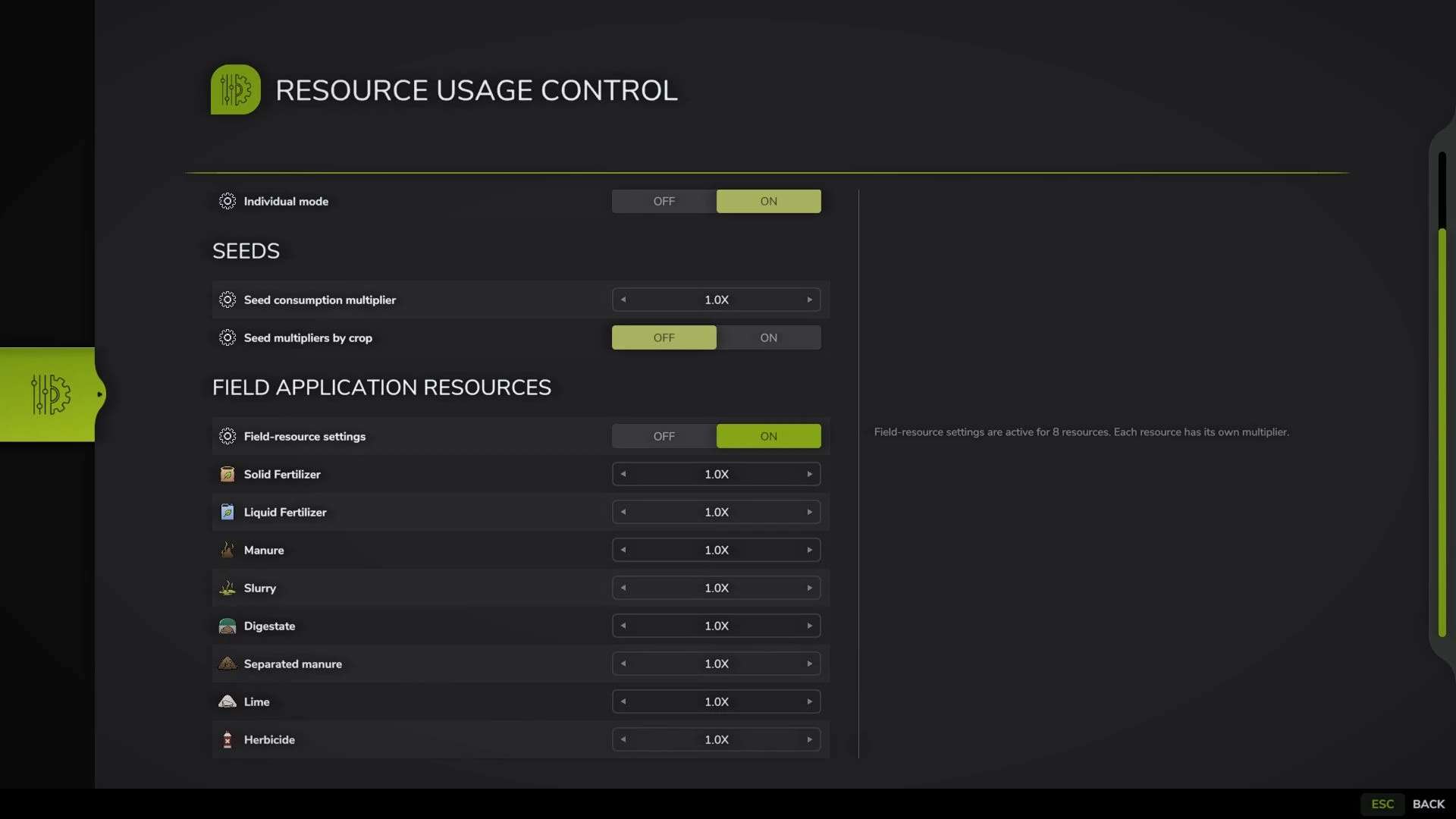
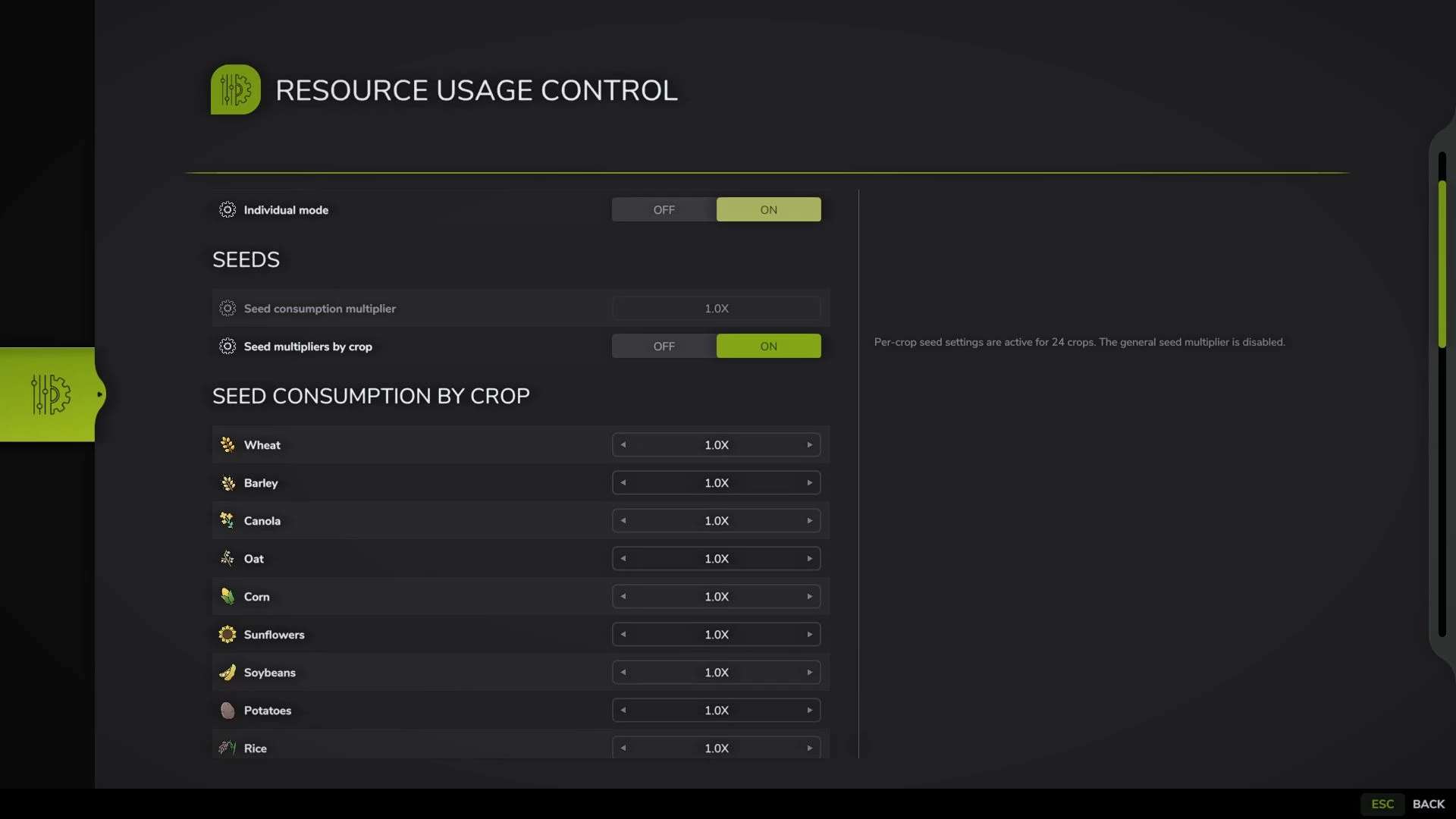
Resource Usage Control allows you to adjust the consumption of seeds and field treatment materials in a separate full-screen window.
Features:
– By default, the window opens with the F11 key. The key can be changed in the game’s control settings.
– When individual mode is disabled, the global multiplier applies to seeds and all supported field resources.
– Individual mode provides separate settings for seeds and field treatment materials.
– Seed settings by crop are generated dynamically from the crops registered on the current map.
– The field resources category includes solid and liquid fertilizer, manure, slurry, digestate, separated manure, lime, herbicide, and compatible mod-added resources.
– When a category is disabled, its rows are hidden and all values in that category are reset to the default 1x.
– Multiplier range: 0.25x to 10x.
– Lists are cached once when the savegame is loaded. Opening the window does not trigger another scan of vehicles, fields, husbandry buildings, or other active objects.
– The settings for all savegames are stored in a single modSettings file. Each savegame uses a separate entry with its slot number and playTime.
Examples:
– 0.25x: consumption is 75% lower than the standard rate.
– 1x: the game’s standard consumption.
– 5x: consumption is 400% higher than the standard rate.
– 10x: consumption is 900% higher than the standard rate.
Important:
– The mod changes the seedUsagePerSqm and sprayType litersPerSecond values.
– Mods with their own consumption logic may require additional compatibility.
Author: B L D W D