Roadside Mowing v1.0
Roadside Mowing v1.0
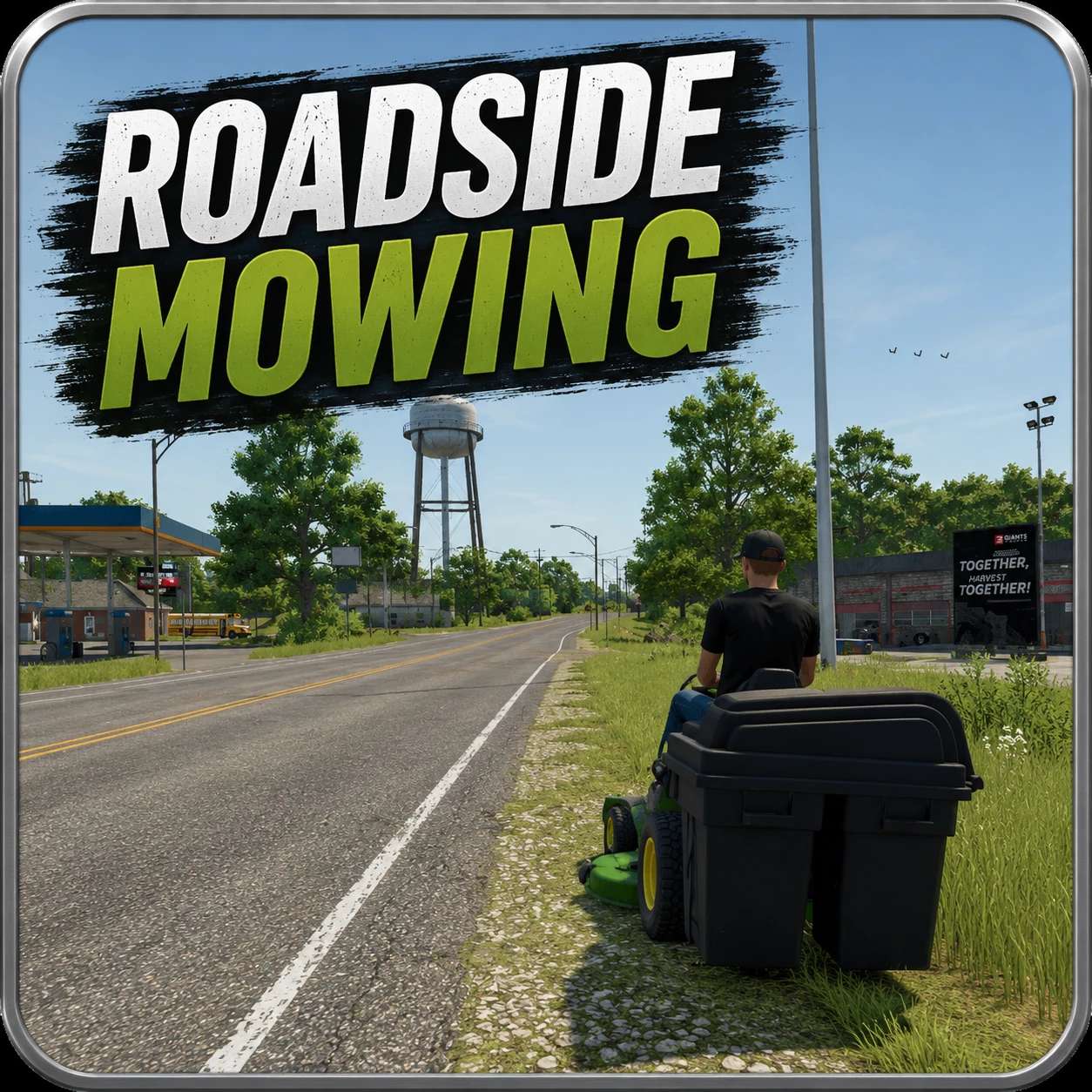
Roadside Mowing turns every patch of unkept grass on your map into income! No contracts to accept, no menus to open — just start mowing, and watch the money roll in. Great for roleplaying “start from scratch”, creating a recurring growth cycle without having to break immersion by using the construction menu.
HOW IT WORKS
Any time a mower or mulcher engages grass off of a registered field (NPC front/back yards, roadsides, shoulders, ditches, wild meadow strips, gas-station lots, the weeds behind a rail bridge — anywhere that isn’t a real field), you’re paid $3.50 per square meter at the same time the grass falls. Earnings accumulate and are paid out as a single deposit roughly every 30 seconds so the popup notifications stay reasonable.
Mowers drop a real windrow on cut grass so your forage wagon or baler can pick it up afterward — pay for the cut, then bale or chop the result for hay/silage. Roadside meadow yield is scaled to about half a true grass crop rate, and sparse decorative-only cuts produce a thinner synthetic windrow so the forage wagon always has something continuous to pick up.
MEADOW REGROWTH — three modes, default hotkey: Alt+M
While you’re in the mower (cutting implement selected), Alt+M cycles through three meadow modes (the new mode flashes on screen):
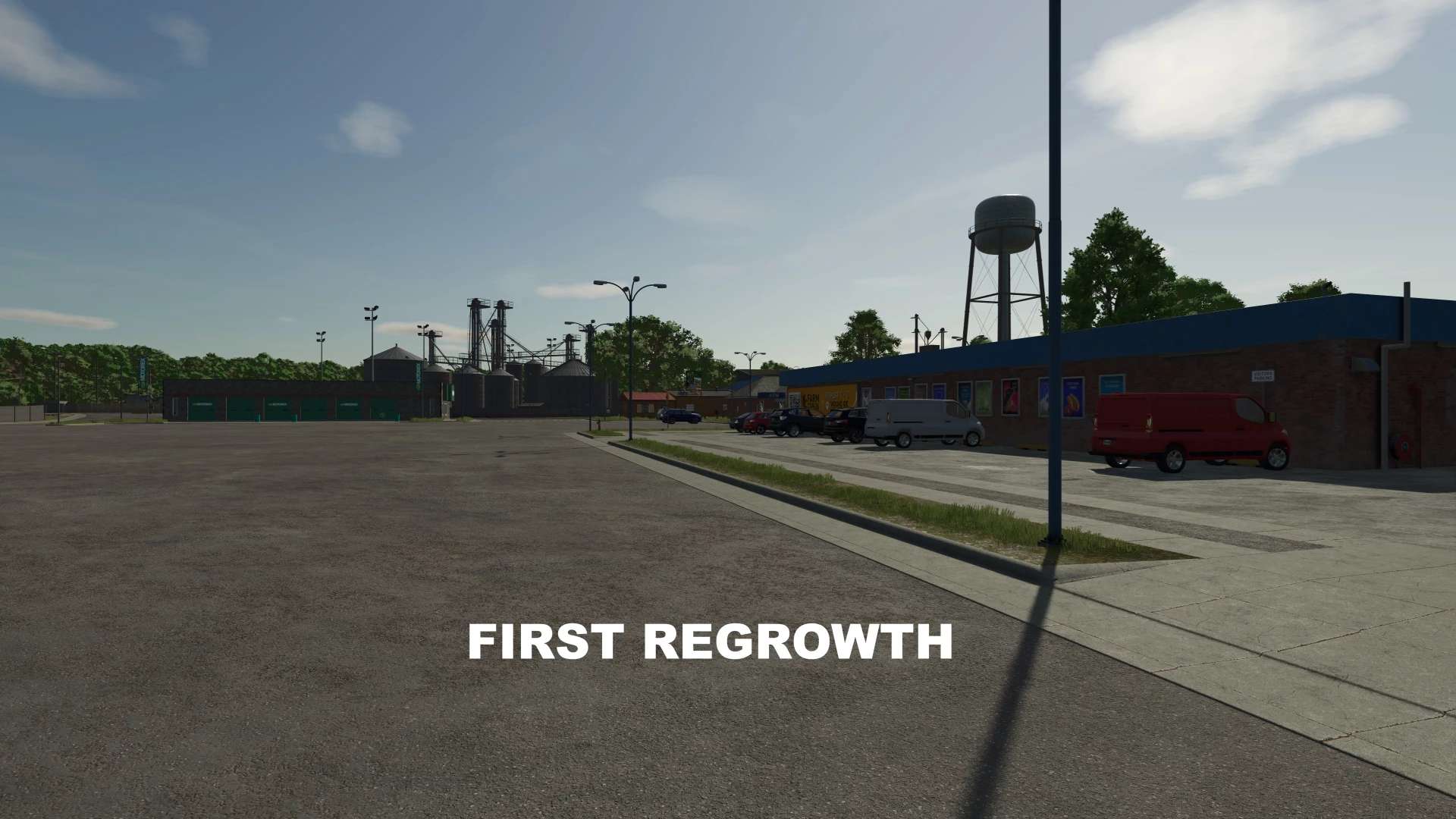
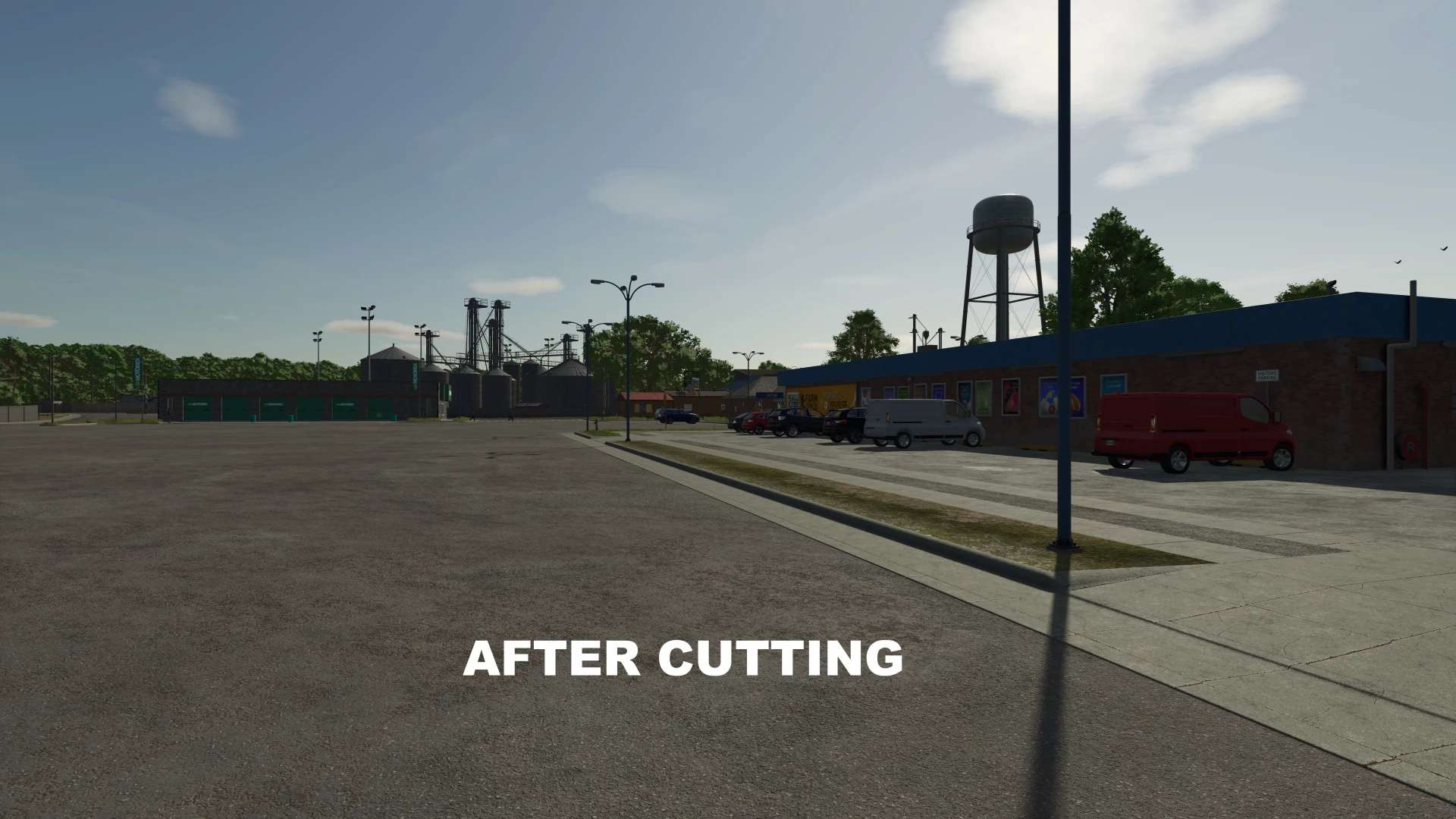
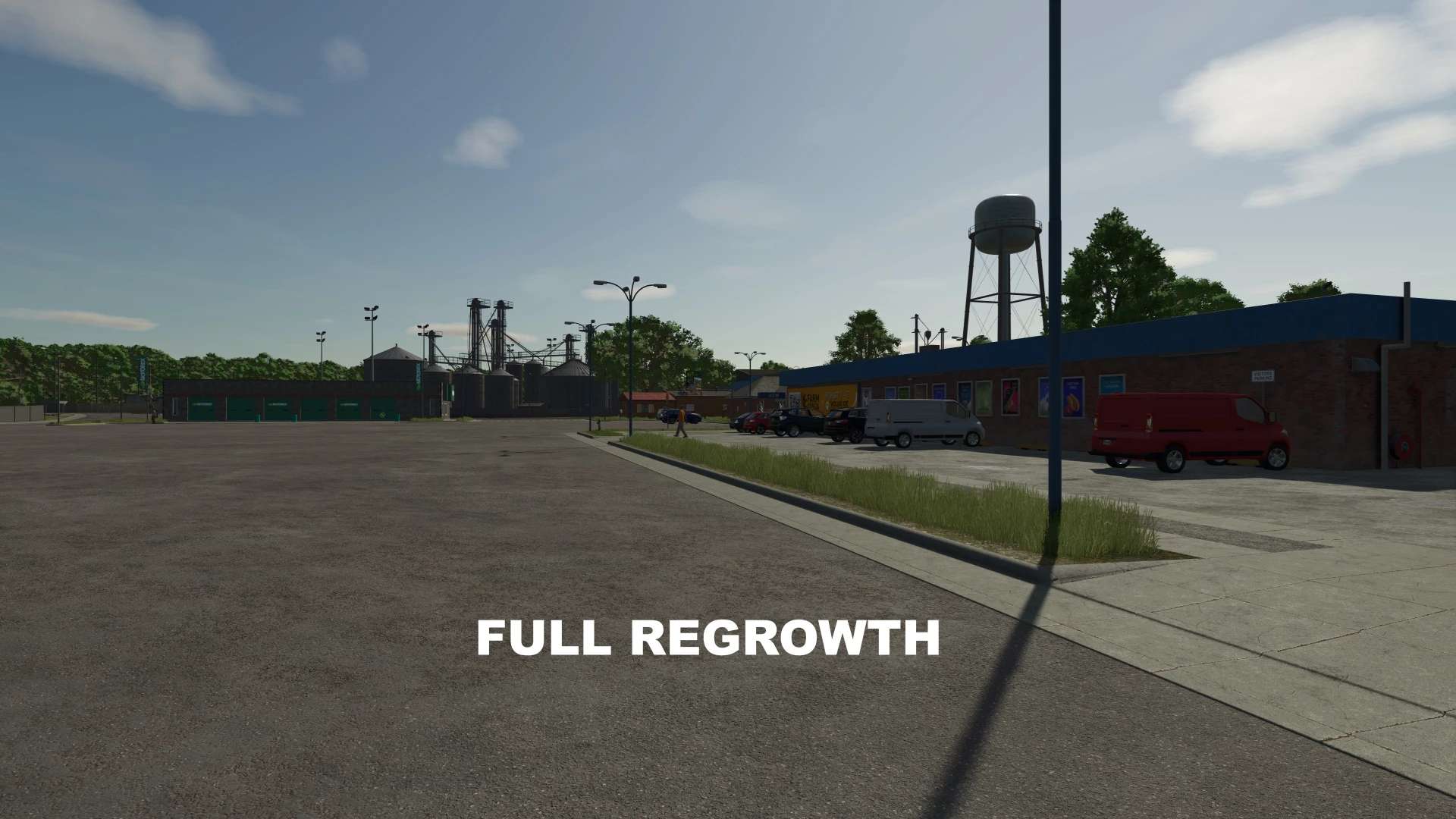
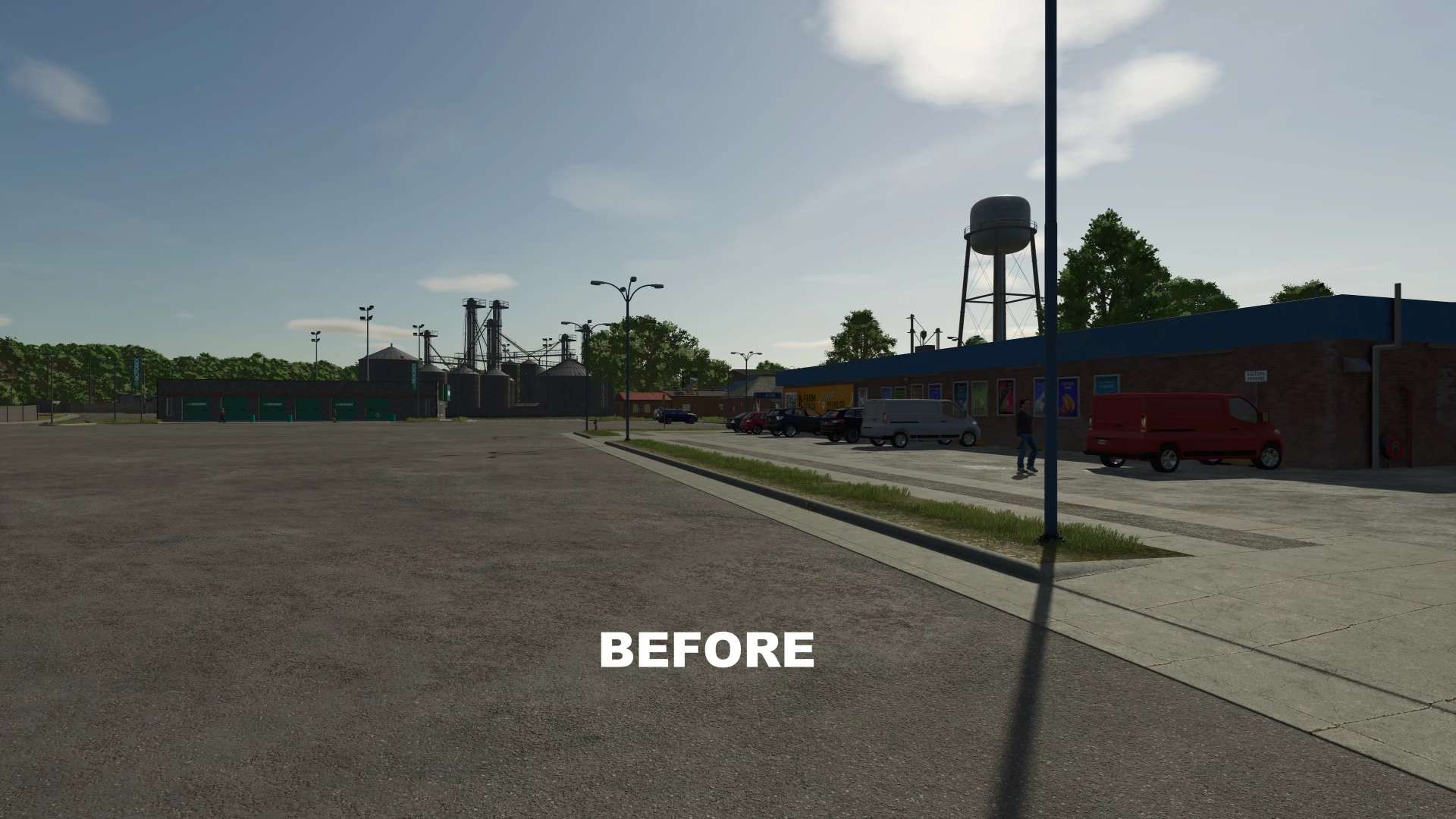
– REGROW (default) — wherever you cut decorative roadside grass, the strip is replanted as proper hayable meadow. Over a few growth cycles, neglected shoulders turn into a renewable hayfield. This should accurately sample where the decorative foliage was before and replace it with meadow grass. Anomalies should be minimal, but can be cleared up with the “Remove” mode if they occur. Even though it may appear to not have left behind meadow grass, it will grow on the next cycle. (use a mod like “Grow Now” to see this more quickly).
– OFF — mow normally, no regrowth. Use this when you just want to clear a strip and not have to come back to it. If the cut grass was decorative, it leaves plain flat terrain texture. If it was meadow grass to begin with, it’ll leave behind the stubble and grow normally.
– REMOVE — roleplay brush-clearing: mow as usual and uproot any existing meadow growth in the swath, leaving bare ground. Good for landscaping a tidy shoulder or prepping ground for construction. Allows for sculpting of grass removal without having to go into construction mode.
BUILT-IN PROTECTIONS
– NPC fields are protected: if your work area strays into a neighbor’s crop, cutting and damage are skipped automatically. No more shaving the wheat next to the fence line by accident.
– Cattails and reeds (waterPlants) along ponds are not mowable — the implement no-ops if it touches them, so pond edges stay looking like pond edges. This helps preserve map makers’ design intentions
– Your own fields process exactly like vanilla: regular yields, no double-pay, no roadside paint applied to your hayfields.
QUALITY OF LIFE
– Mowers, mulchers, forage wagons, and balers can work off-field without the “You don’t have access to this land!” warning. The bypass only applies off-field — driving into NPC crops still triggers the normal access check.
– Works with any base-game-compatible mower, mulcher, forage wagon, or baler. No specific implement required. Make sure the cutting implement is selected when changing modes (Alt-M) and not the forage wagon component.
COMPATIBILITY NOTE!
The meadow regrowth feature (REGROW mode) is not compatible with RealMower — RealMower clears decorative grass before this mod’s regrowth code can sample it, so the seeding step has nothing to plant under. All other features (pay, windrow drops, off-field access, NPC/waterPlants protection) work fine alongside RealMower. The mod detects RealMower on world load and pops a one-time popup explaining this so you aren’t left wondering why the strip isn’t regrowing.
Requirements
– No mod dependencies.
– Single player recommended (multiplayer is supported but lightly tested).
– PC only
Tested with no errors or warnings.
Author: NischGTM