Seasonal Crop Stress V1.2.2

Seasonal Crop Stress V1.2.2
FS25 farms look lush even when your crops are quietly dying of thirst. This mod changes that.
Real soil moisture physics. Heat evaporates. Rain replenishes. Sandy soil drains fast; clay holds longer. When moisture drops below critical thresholds during the windows that matter most — wheat during heading, corn during pollination — stress accumulates and your yield shrinks. Place a center-pivot irrigator, schedule it, and protect what you’ve grown.
QUICK START:
1. Load your farm — moisture monitoring activates immediately
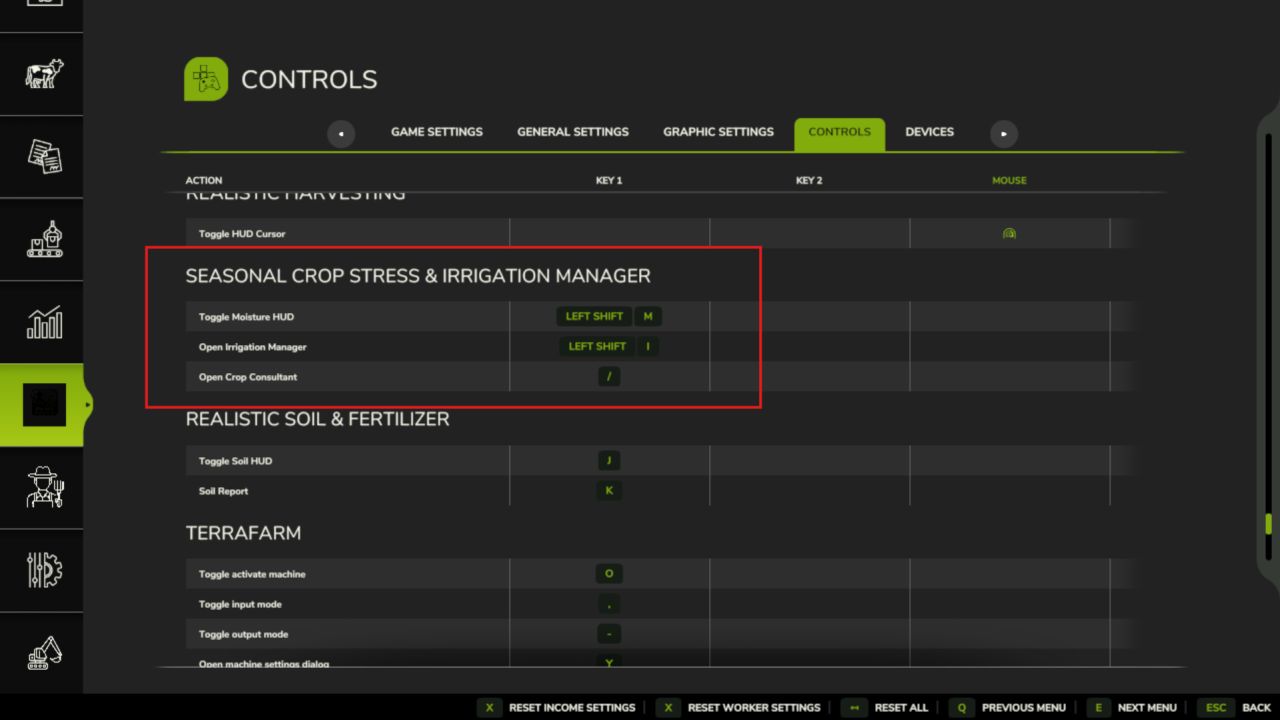
2. Press Shift+M → open the Field Moisture HUD
3. Click a field → see its 5-day moisture forecast strip
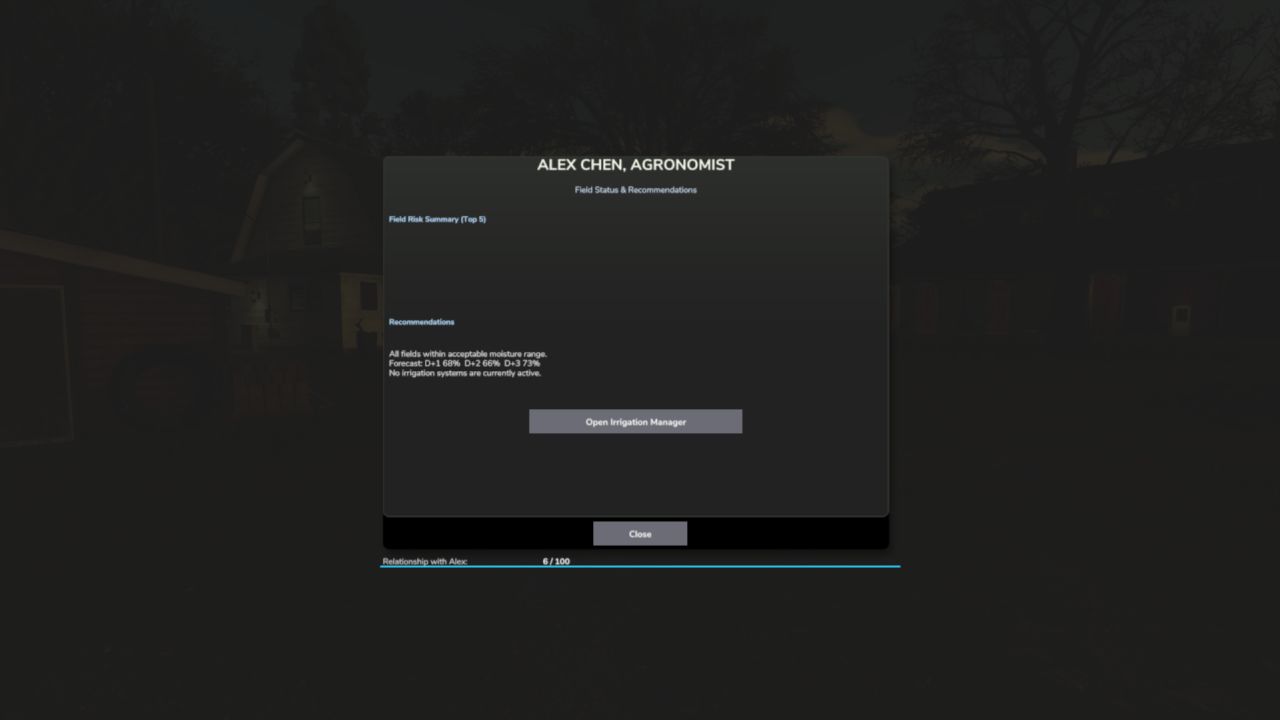
4. Press Shift+C → open the Crop Consultant for risk summary
5. Green = healthy · Yellow = needs attention · Red = irrigate NOW
6. Place a Water Pump near water, then a Center Pivot within 500m
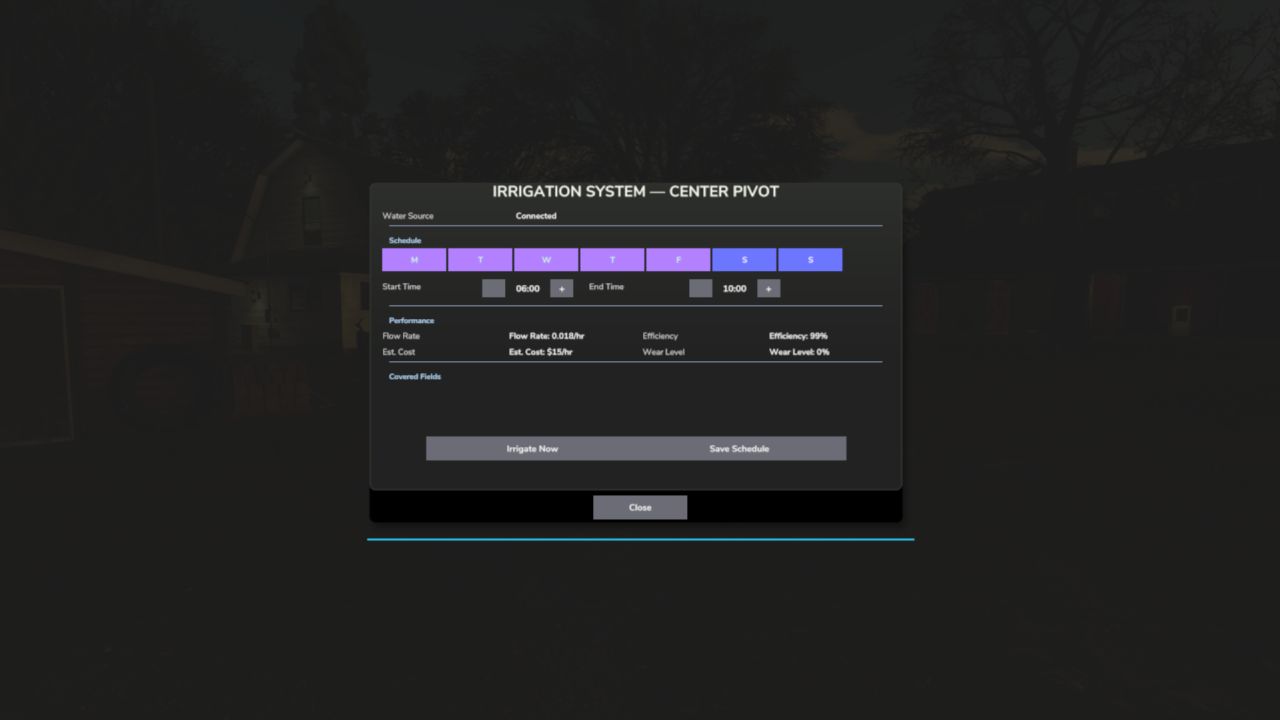
7. Press E near the pivot (or Shift+I) → set your irrigation schedule
8. At harvest, drought-stressed fields yield less — plan ahead
Water your fields or lose your harvest.
V1.2.2.0
Seasonal Crop Stress now connects with Random World Events — harsh field events make your crops more vulnerable, while good seasons give them a break. A new Crop Moisture PDA screen and several usability fixes round out this release.
What’s new / fixed:
– Random World Events integration: active field events now affect how fast stress builds up — bad events (crop yield penalty, harvest penalty, etc.) increase the stress rate by up to 40%; good events reduce it by up to 20%
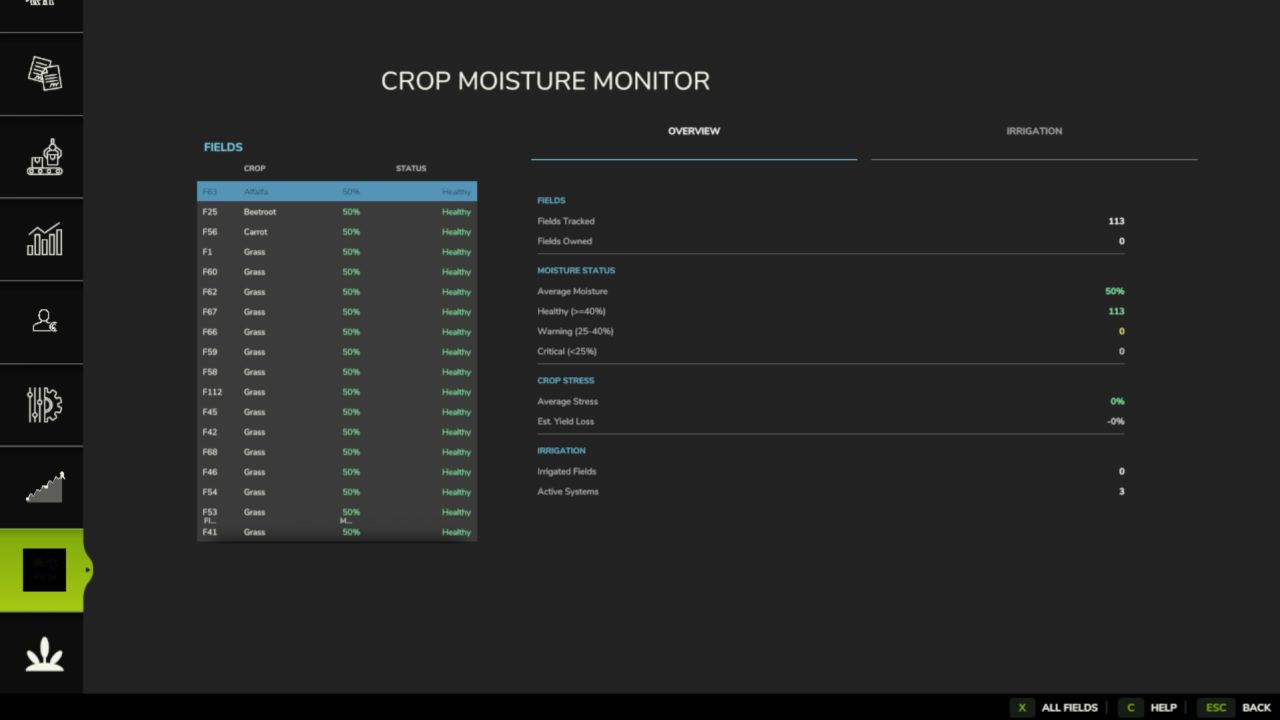
– New Crop Moisture PDA screen with per-field moisture levels and a map overlay tab showing moisture across all your fields
– Irrigation PDA: clicking an irrigated row now opens its schedule directly; clicking a non-irrigated row shows a clear explanation
– Fixed: FarmTablet Crop Stress app now shows moisture bars correctly (was showing “not yet available” before this update)
– Alex Chen (agronomist consultant) relationship now persists across save/load sessions
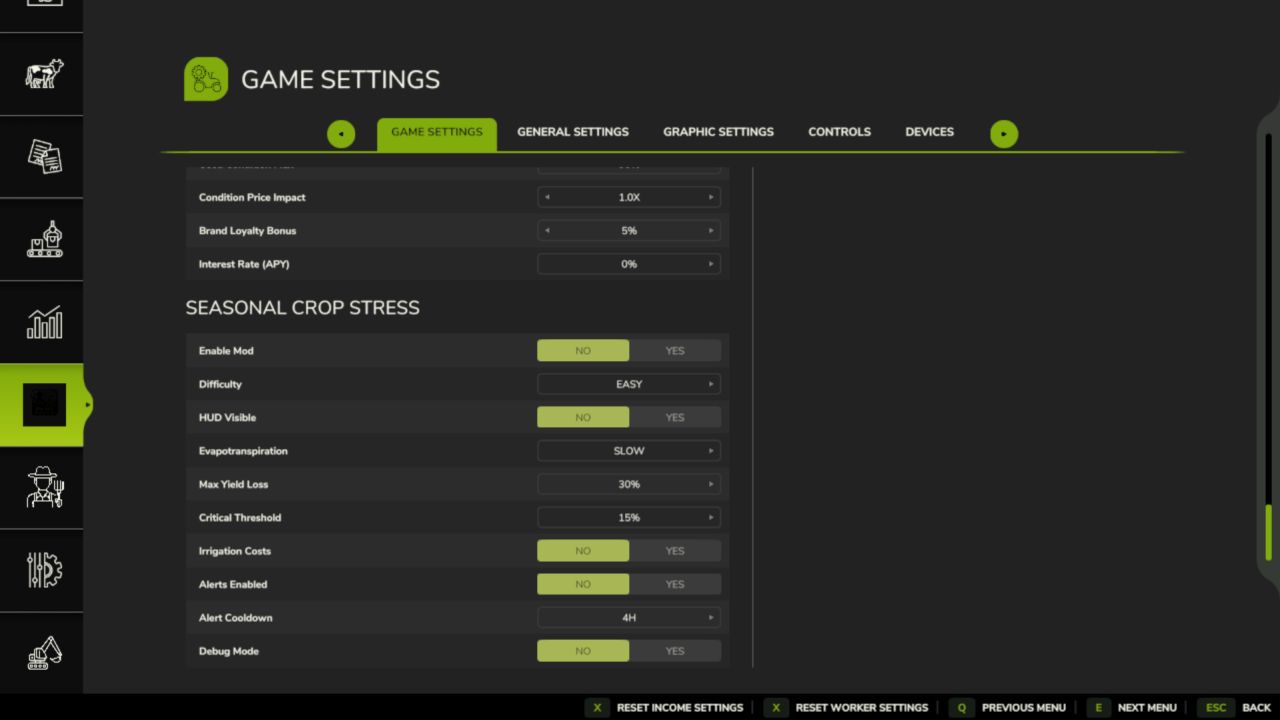
– Custom settings panel (Shift+S) working correctly with Soil Fertilizer
– Fixed a crash caused by an invalid map overlay draw call
– Fixed positioning warnings in the settings panel
– Ukrainian language added
– Missing translation keys filled in for all supported languages
Saves: No migration needed.
Author: tisonK