Seasonal Egg Production (Realistic Livestock Version) V1.1
Seasonal Egg Production (Realistic Livestock Version) V1.1
REALISTIC LIVESTOCK COMPATIBILITY
Thanks to DarthKitten, Seasonal Egg Production has now been reworked to work with Ritter’s Realistic Livestock.
This version has been tested and confirmed working with Realistic Livestock.
Realistic Livestock handles animal husbandries and production differently from the base game, including production calculations based on animal quality. DarthKitten reworked the Seasonal Egg Production system so the seasonal production multipliers can now function correctly alongside those changes.
A huge thanks to DarthKitten for taking the time to make this compatibility possible.
SEASONAL EGG PRODUCTION
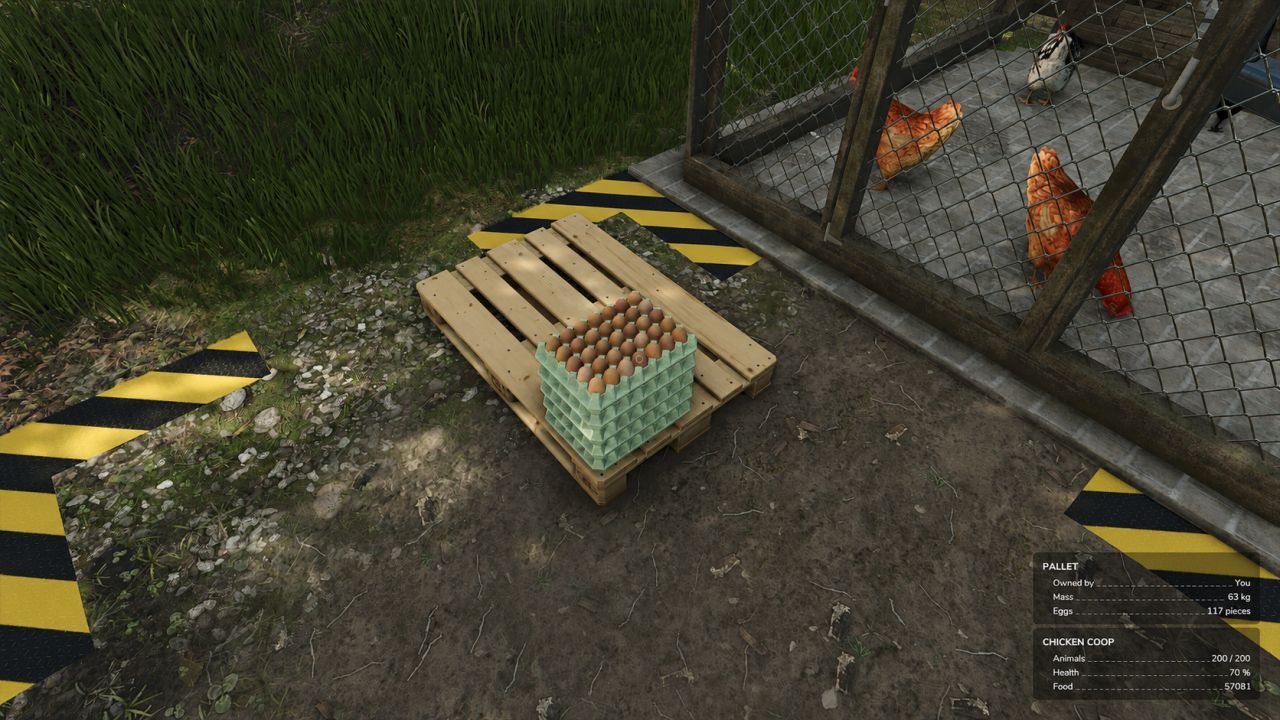
Chicken egg production changes throughout the year. Production is lowest during the short winter days, increases through spring, peaks during summer, and declines through autumn.
The system automatically scales production for different flock sizes and works with base-game chicken coops and compatible modded chicken husbandries that use the standard Farming Simulator 25 husbandry output system.
DEFAULT MONTHLY PRODUCTION
January: 10%
February: 20%
March: 40%
April: 65%
May: 85%
June: 100%
July: 100%
August: 90%
September: 70%
October: 45%
November: 25%
December: 10%
CONFIGURATION
Open seasonalEggProduction.xml inside the ZIP and edit the multiplier for each month.
Examples:
1.00 = 100% production
0.50 = 50% production
0.10 = 10% production
Set debug=”true” only when troubleshooting. Debug mode prints production adjustments to log.txt.
INSTALLATION
Place FS25_SeasonalEggProduction.zip in your Farming Simulator 25 mods folder and enable it when loading a savegame.
COMPATIBILITY
Farming Simulator 25
Base-game chicken husbandries
Standard modded chicken husbandries using the normal egg-output system
Multiple chicken coops with different flock sizes
Multiplayer supported; production changes are processed by the server
Ritter’s Realistic Livestock
TESTED RESULTS PER HOUR
Base-game coop with 360 chickens:
January 8 | April 49 | July 75
Modded coop with 240 chickens:
January 5 | April 34 | July 52
These values reflect the default multipliers and normal game rounding.
Disclaimer
All mods are offered completely free of charge. Any money given is purely a voluntary donation and is never required.
When you click the download button, you will see a small link above the payment amount box that says “No thanks, just take me to the downloads.” If you prefer not to donate, simply click that link and you will still receive the mod for free.
Thank you!
Required mods:
Realistic Livestock RM
Author: Just Joe, DarthKitten