Smart Auto Lights v1.0


Smart Auto Lights v1.0
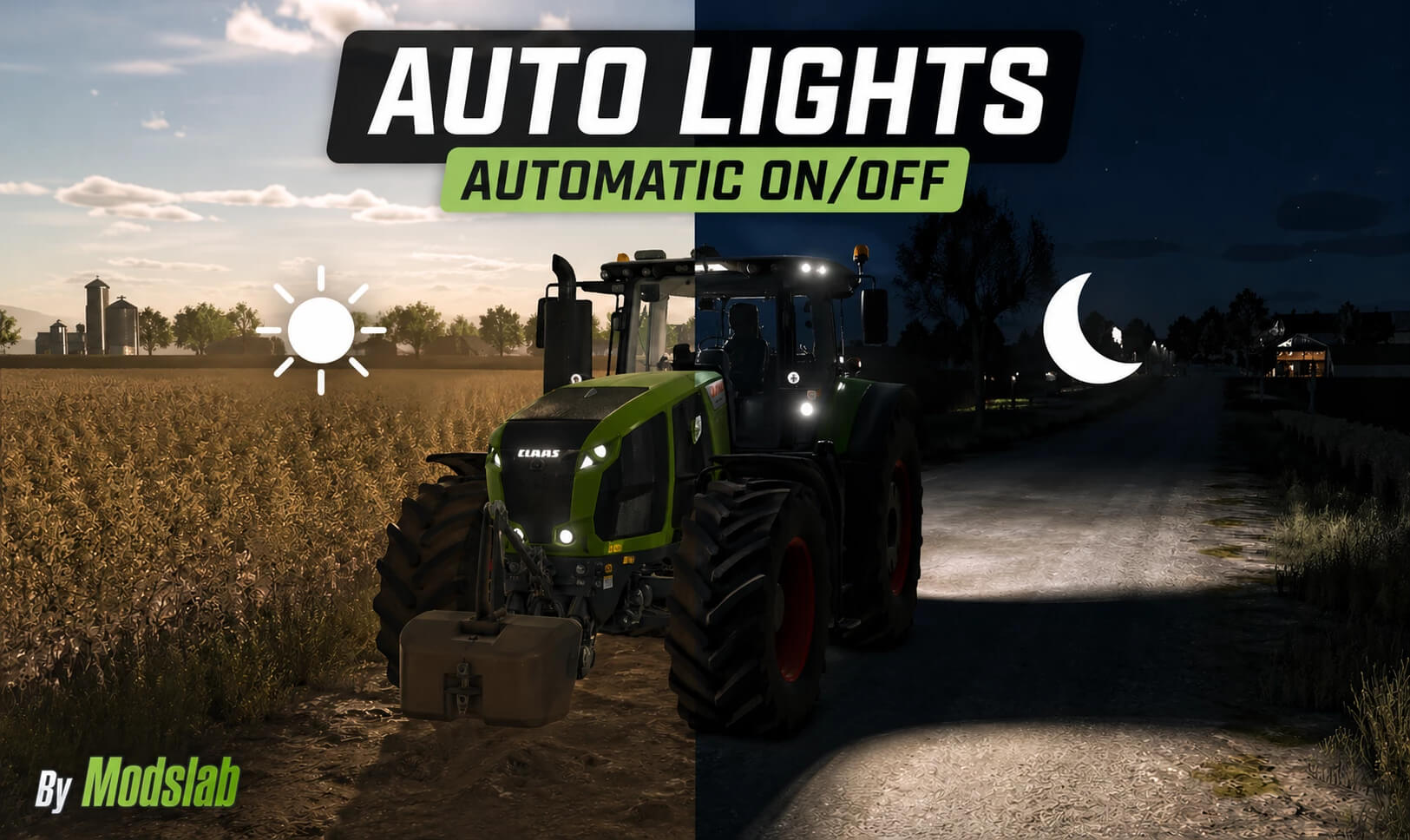
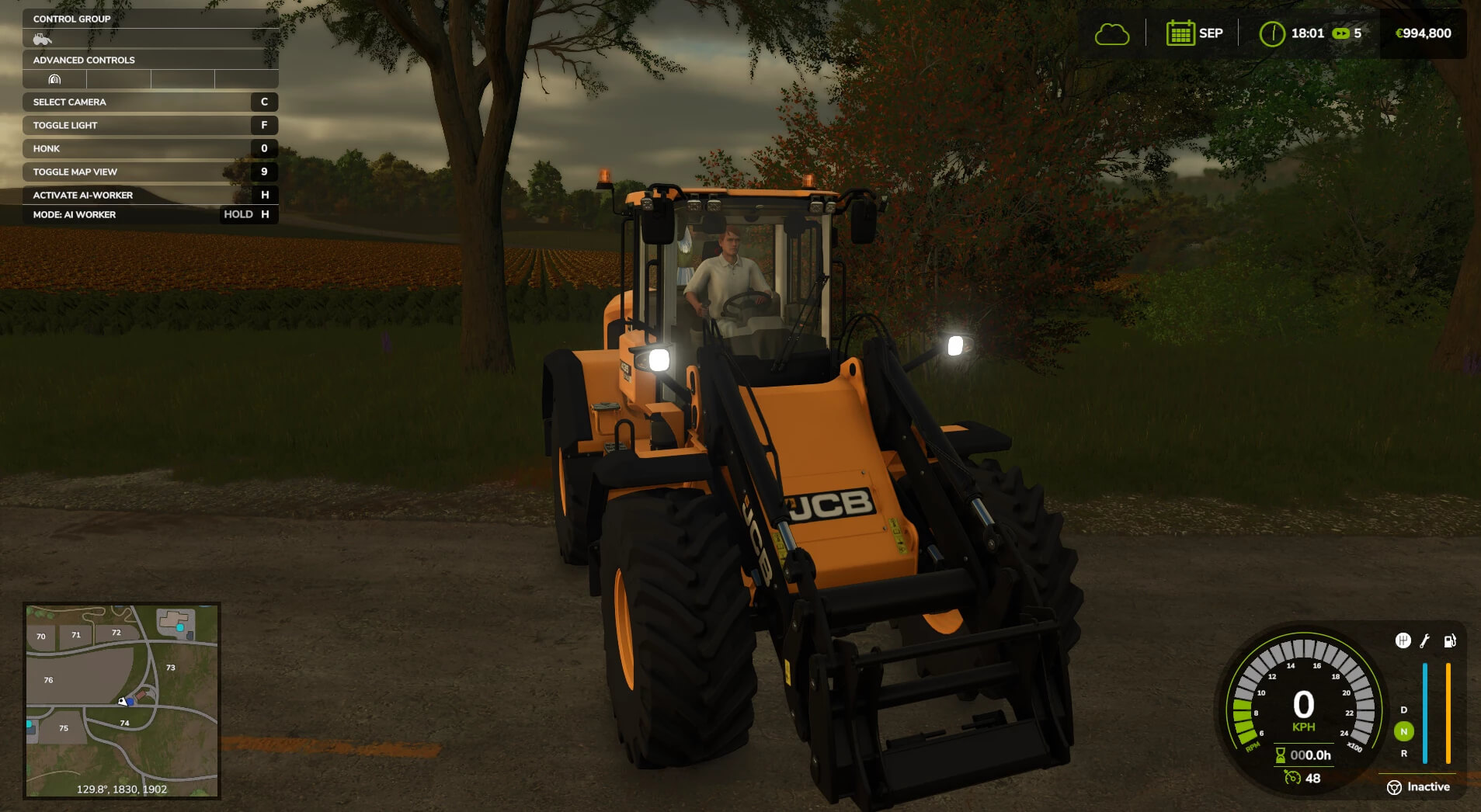
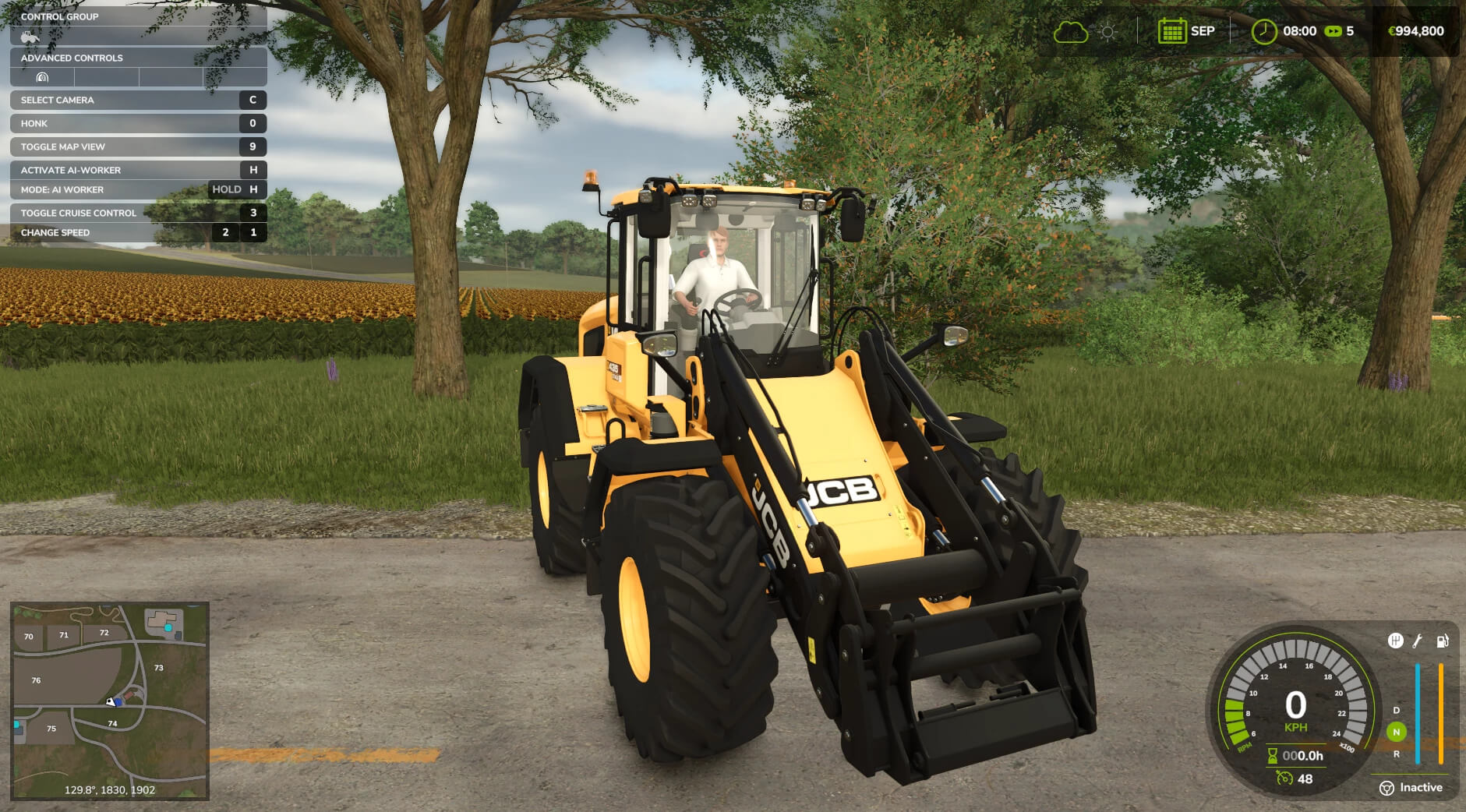
A script for automatic headlight on/off with many additional and unique features.
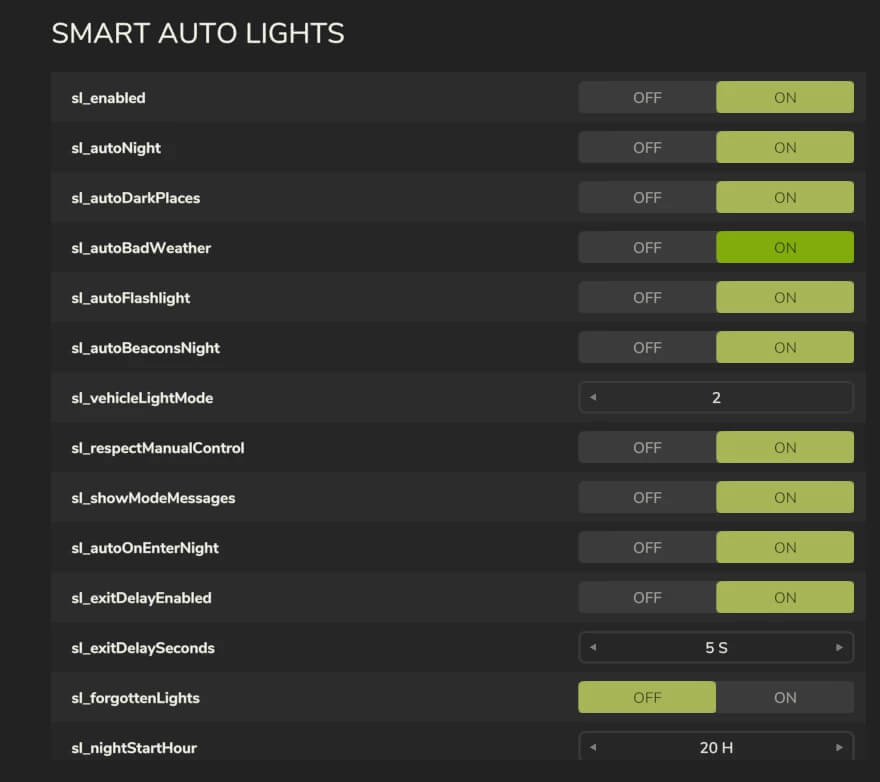
– The headlights of your current vehicle turn on/off automatically depending on the time of day (day/night). The on/off time can be configured in the settings (General Settings);
– The flashlight also turns on/off automatically;
– During rain and other low-visibility weather conditions, the lights turn on automatically;
– You can take manual control at any time, after which the automatic system will be disabled. To enable it again, hold the F key for a few seconds (a notification will appear);
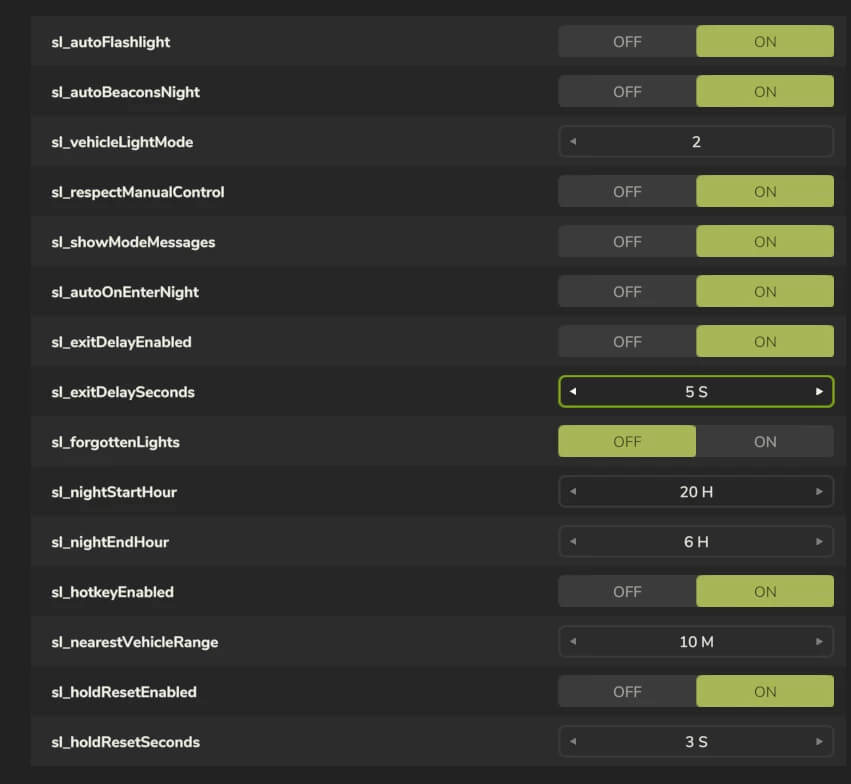
– “Goodbye” system: after exiting the vehicle, the lights remain on for 5 seconds. The time can be adjusted in the settings;
– “Forgot to turn off” system: if enabled, after exiting the vehicle the headlights will not turn off automatically, and you will receive a notification that you forgot to turn them off;
– By pressing CTRL + L, you can toggle the lights of the nearest vehicle without being inside it (remote control);
– 2 lighting modes: low beam (1) and full lighting (2). Can be selected in the settings.
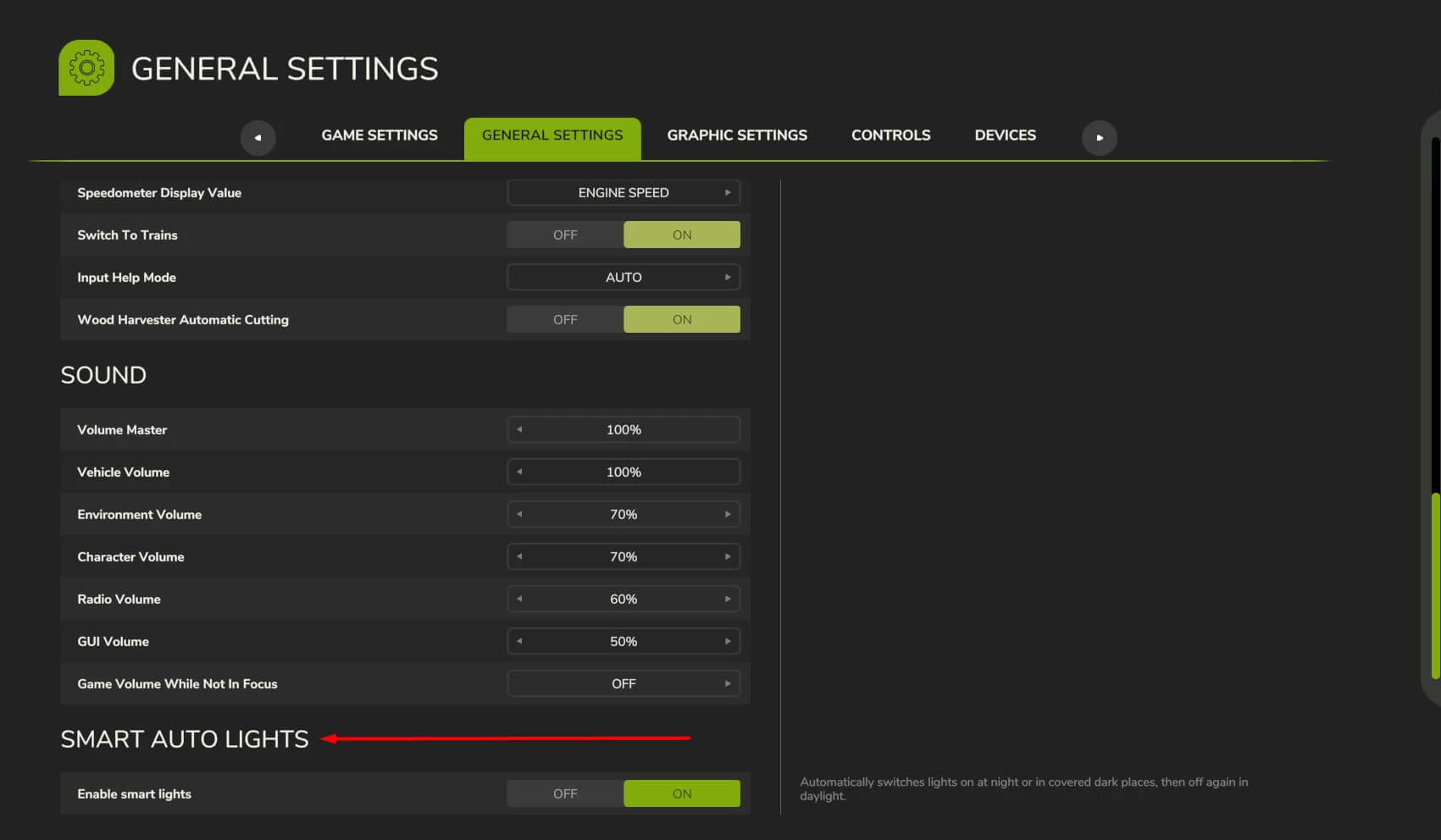
– All aspects of the mod are fully customizable. To configure them, go to Menu – General Settings – Smart Auto Light category.

In multiplayer, only the host can change the settings. If you have any suggestions for improvements or find any bugs, please leave a comment. Thank you!


Author: modslab

Report bugs in the comments and help modders improve this mod. Always check the comments, you can find a solution.


Helpful Information: How to install FS25 mods | FS25 System Requiremnts | FS25 Modding Tutorial | Giants Editor for FS25 | How to Convert mods | FS25 Cheats

More Misc mods


About Farming Simulator 25 mods
Farming Simulator 25 supports game modding for PC, Xbox, or PS5. FS25 Mod may change your game from small to complete changes. You can create a Farming Simulator 25 mod file and share it with our community. When is a good time to try Farming Simulator 25 mods? We recommend playing a game with these FS25 mods after you finish the Farming Simulator 25 starting pack and are bored with the game basics. So it's time to try new machines, such as harvesters or tractors, which are not included in the basic game version.
As you already know, Farming Simulator 25 developers support mods installation, which will add more vehicles or lands to your game. Check our Best FS25 mods lists for PC, Mac, PS5 or Xbox Series. Just follow these simple steps: choose the LS25 mods category, download the mod for the Farming Simulator 2025 version, and install it into the mod folder. Remember, all Farming Simulator 25 Mods are free, and download as many as you want with no limits. We want to create one of the biggest Farming Simulator 25 Community and invite you to share FS25 mods with everyone.

Leave a Reply

Do you need help or to say thanks to the mod author? Just leave a comment below!