Smart Storage Hub V1.0

Smart Storage Hub V1.0
More overview. More control. Less effort.
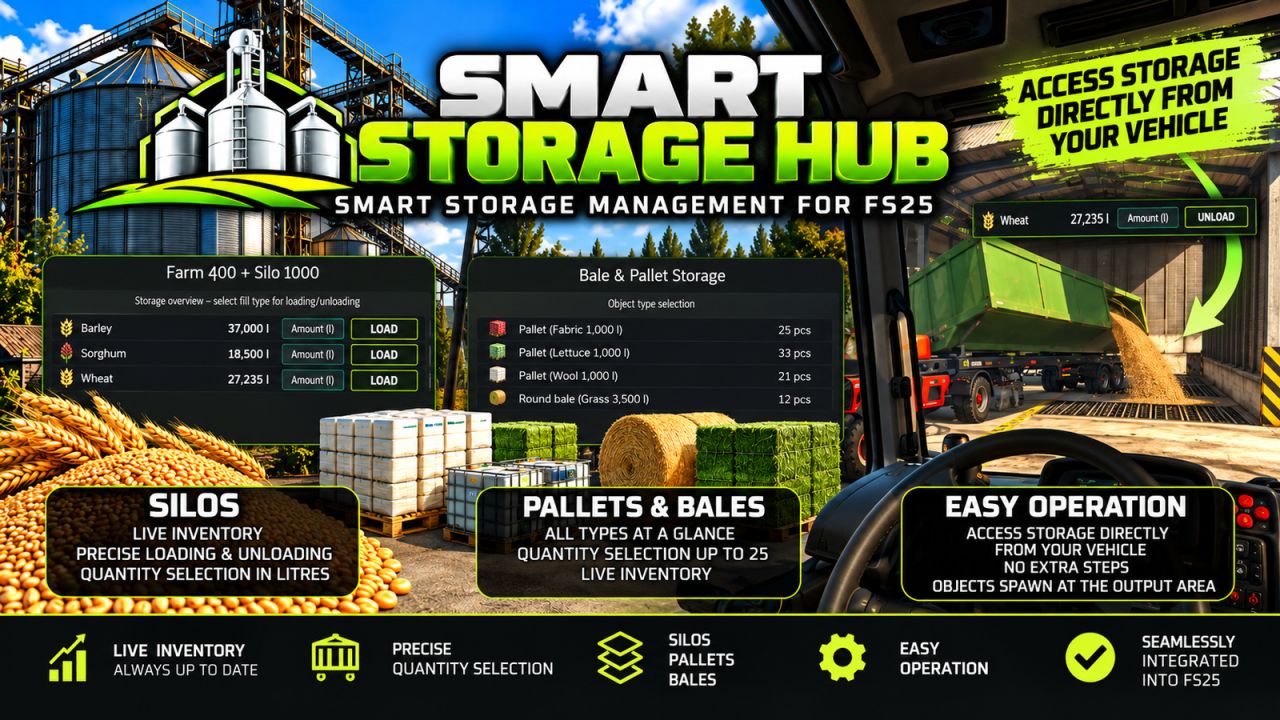
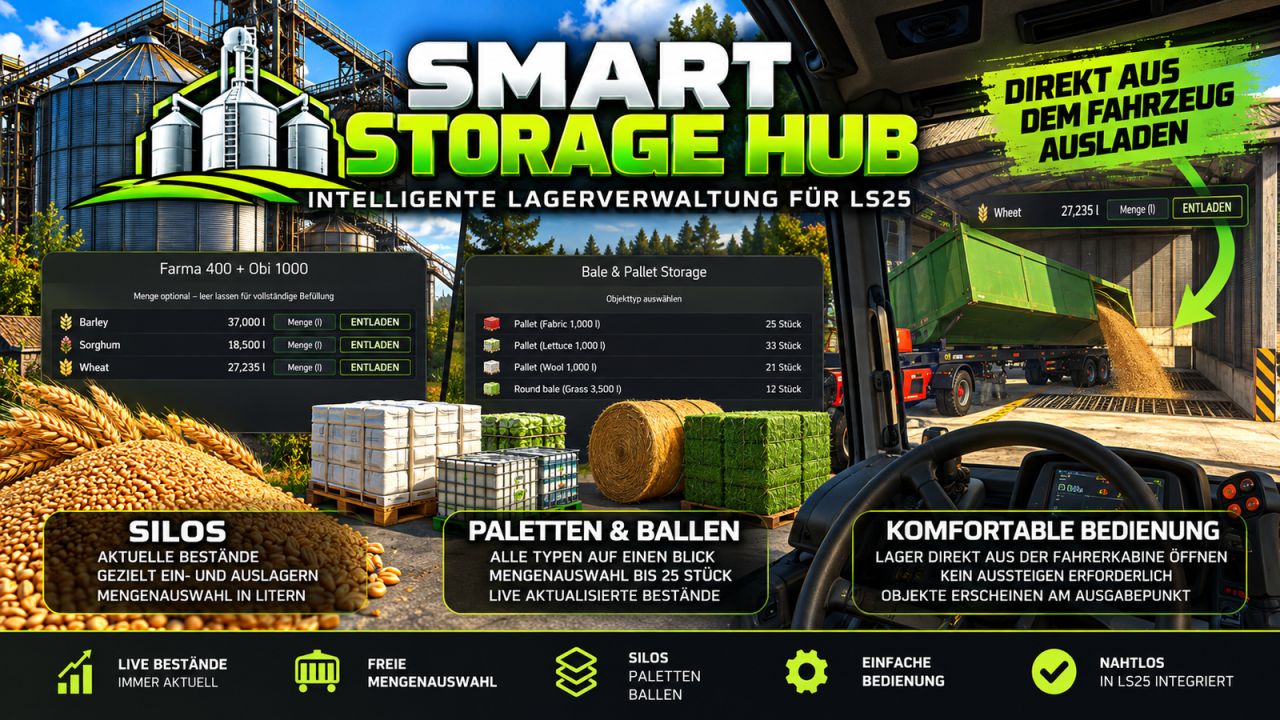
Smart Storage Hub enhances storage management in Farming Simulator 25 with a modern, intuitive interface for silos, pallets and bales.
Keep track of your inventory, choose exactly what you need and manage your storage facilities more efficiently.
SMART SILO MANAGEMENT
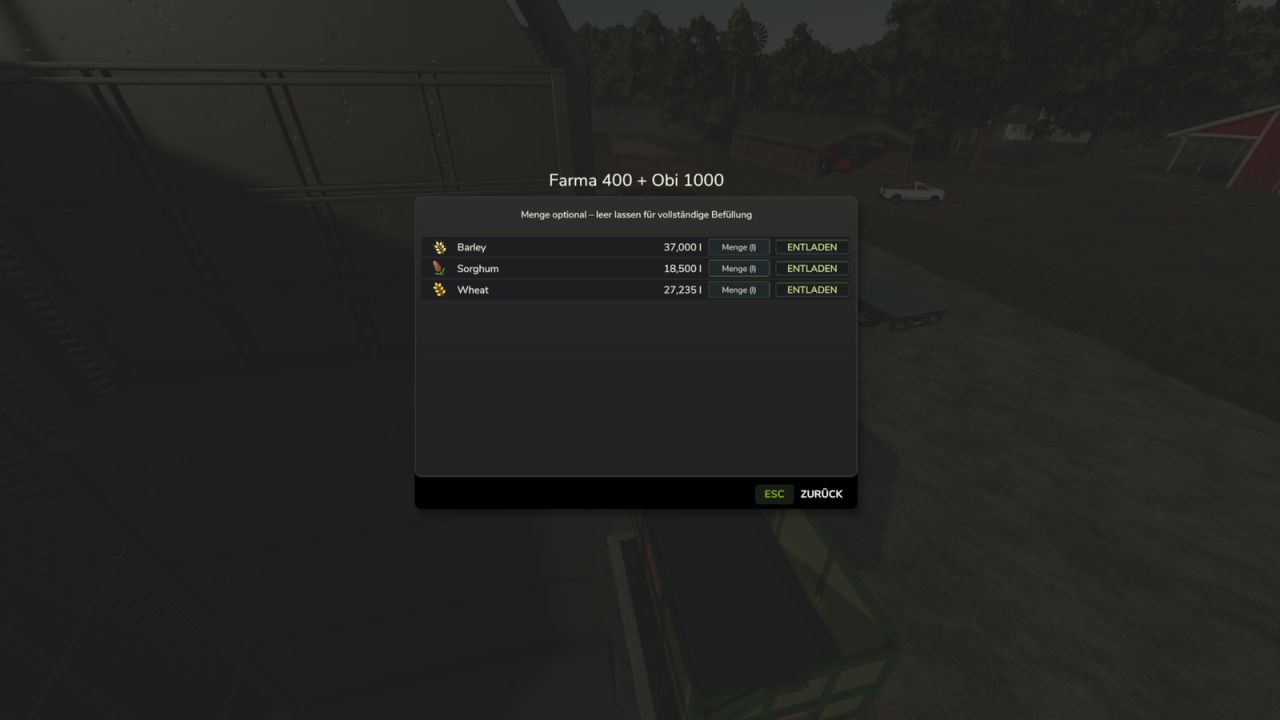
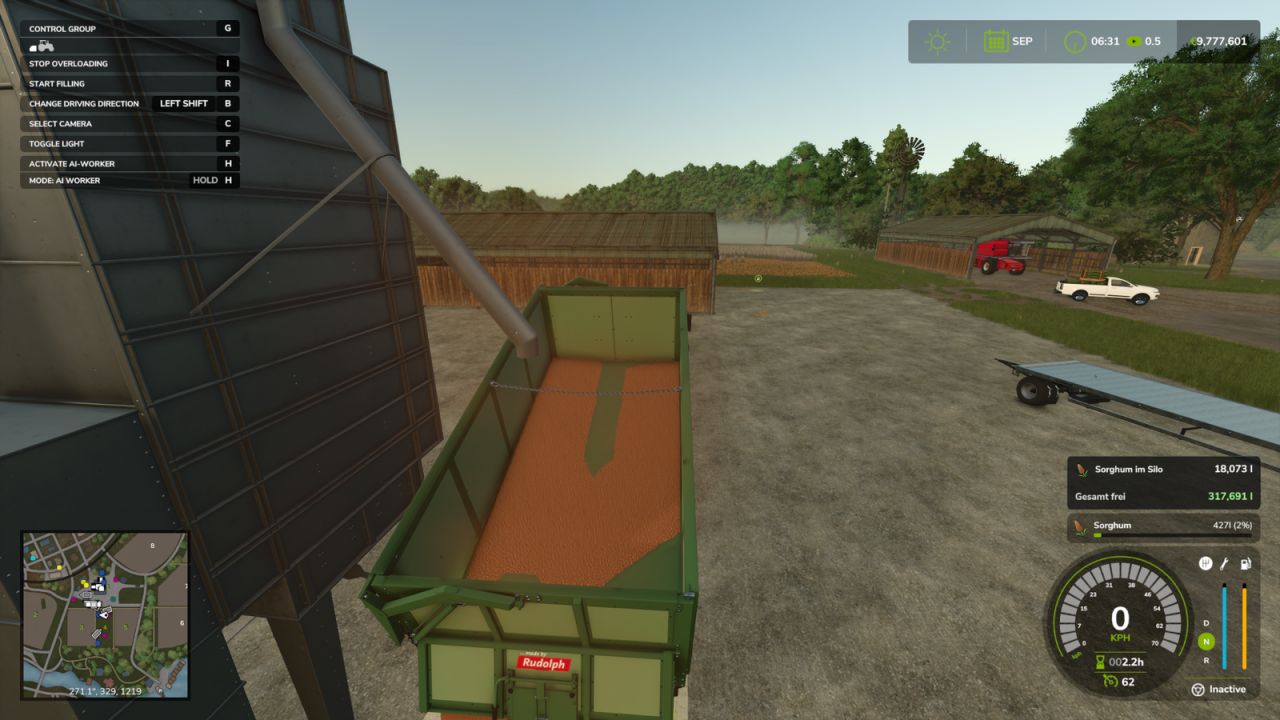
Clear overview of available fill types and current quantities.
Matching icons for easy identification.
Precise quantity selection in litres.
Leave the quantity field empty to fill your trailer normally.
Live inventory information during loading and unloading.
Colour-coded indicators for remaining stock and available capacity.
PALLET & BALE STORAGE
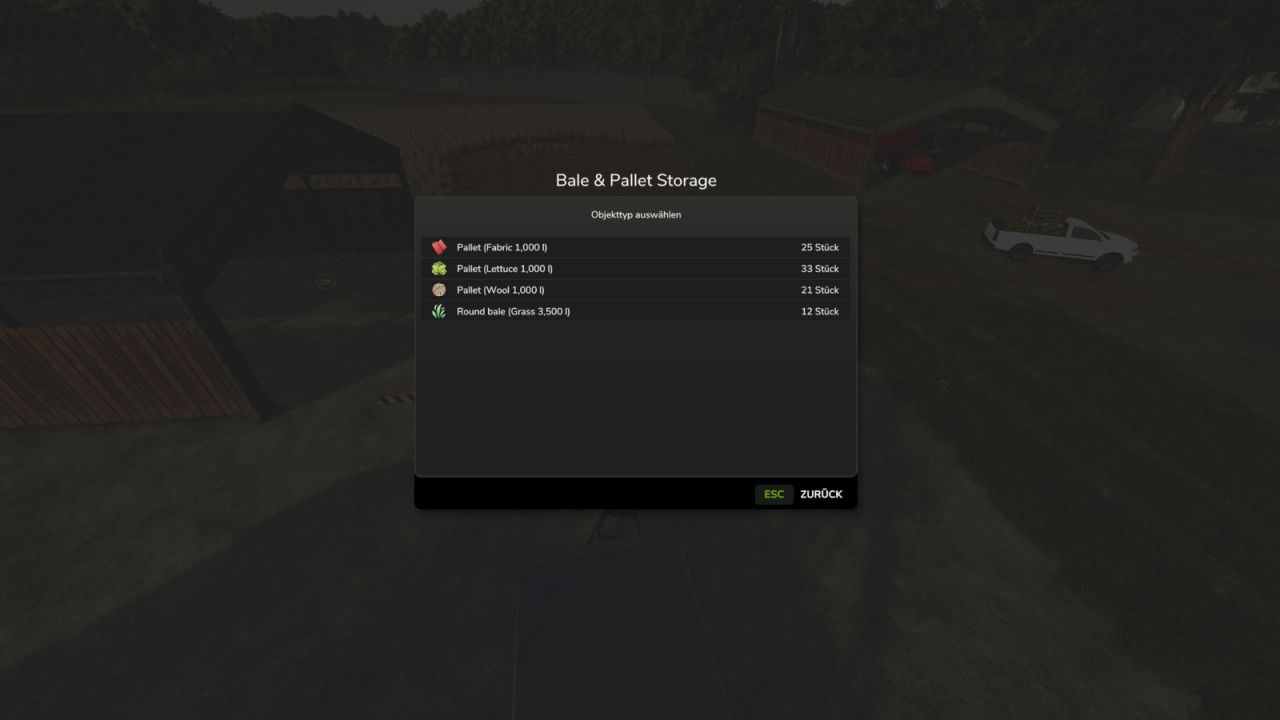
Overview of all stored pallet and bale types.
Live inventory counts for each product.
Convenient quantity selection for unloading.
Retrieve up to 25 objects per operation.
Inventory counts update automatically while the storage menu is open.
DIRECT STORAGE ACCESS FROM VEHICLES
Access nearby pallet and bale storage facilities directly from the driver’s seat of a suitable stationary transport vehicle.
No need to leave your vehicle!
Please note: Retrieved pallets and bales appear at the storage building’s regular output area. They are not automatically loaded onto your vehicle.
ADDITIONAL FEATURES
Modern interface designed to match Farming Simulator 25.
Clearly aligned inventory quantities.
Integration with existing storage functionality.
German and English language support.
Existing purchasing stations and unlimited fill sources retain their normal functionality.
Multiplayer functionality has not yet been separately verified in a practical multiplayer test.
Smart Storage Hub – Your storage. Your inventory. Your choice.
Author: Elimods