Strands Firefly Summer Glow 140 mm (Prefab) V1.0
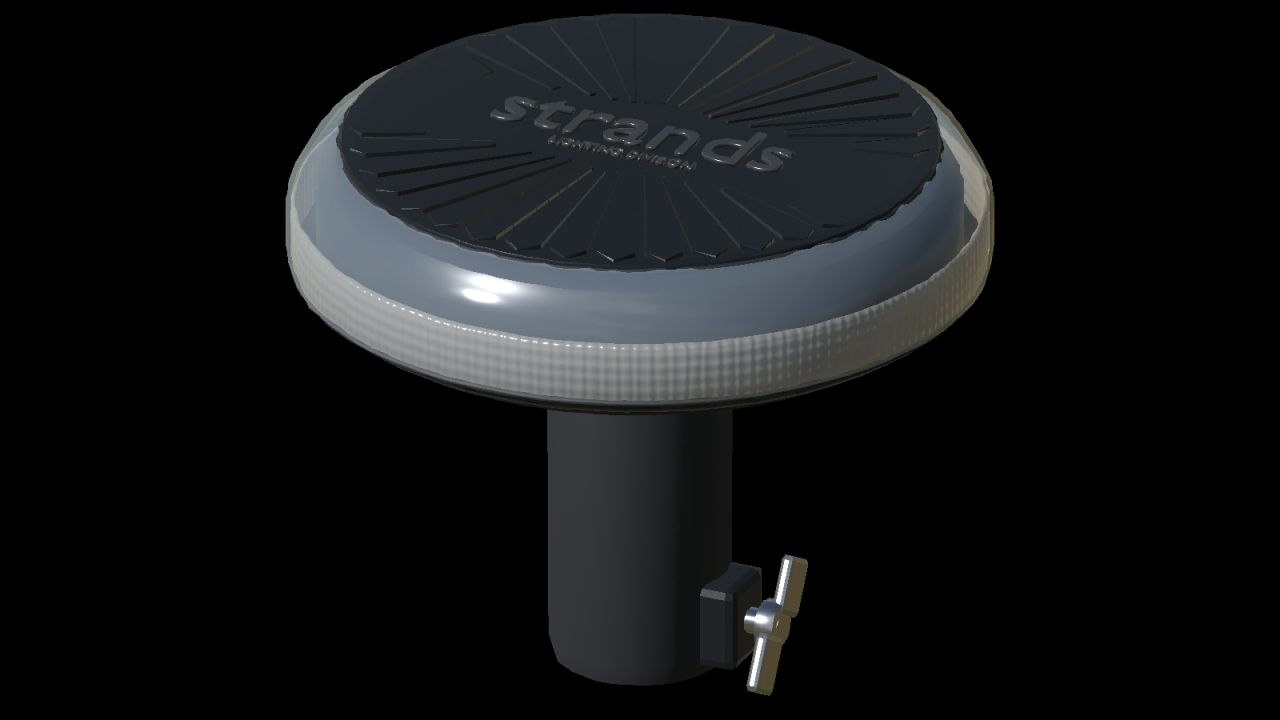
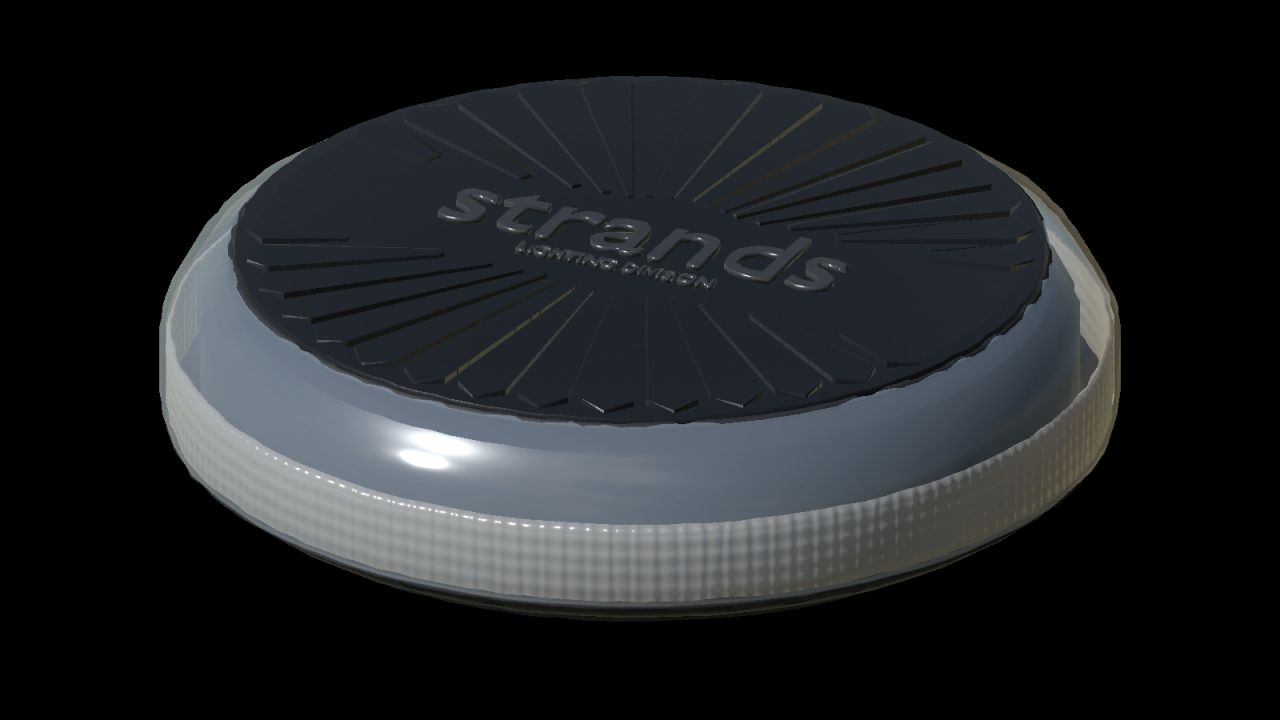
Strands Firefly Summer Glow 140 mm (Prefab) V1.0
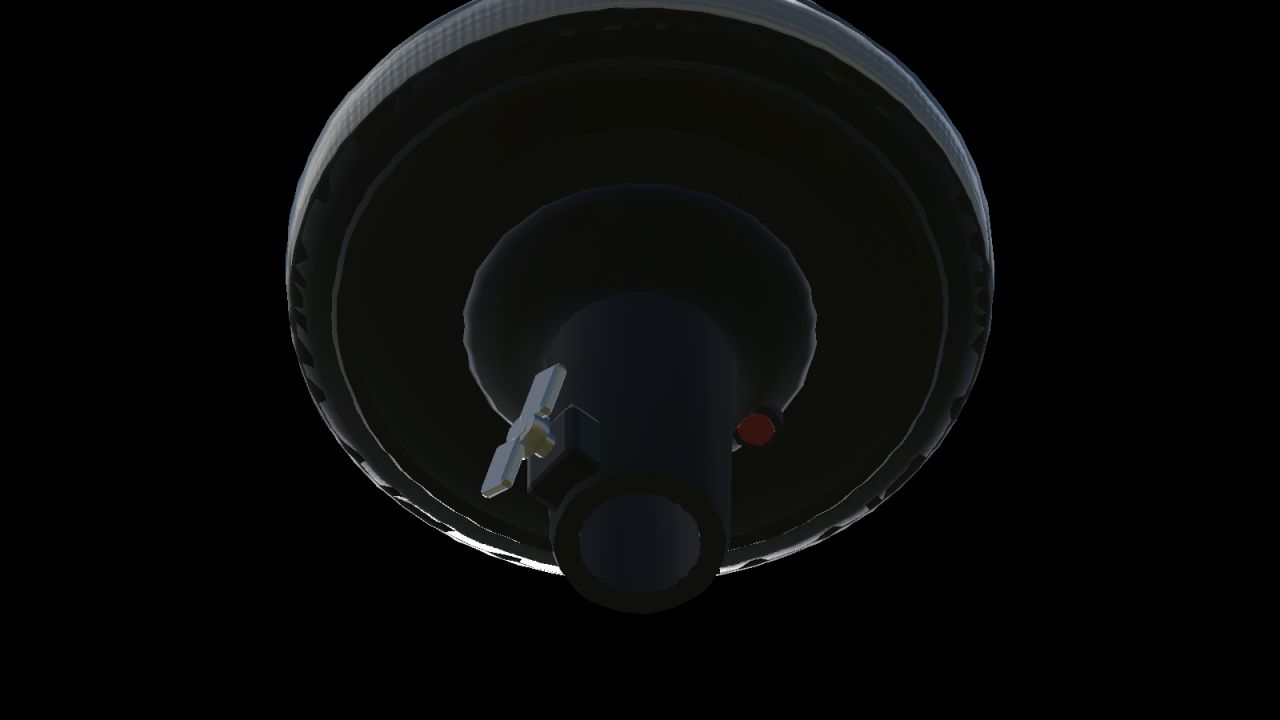
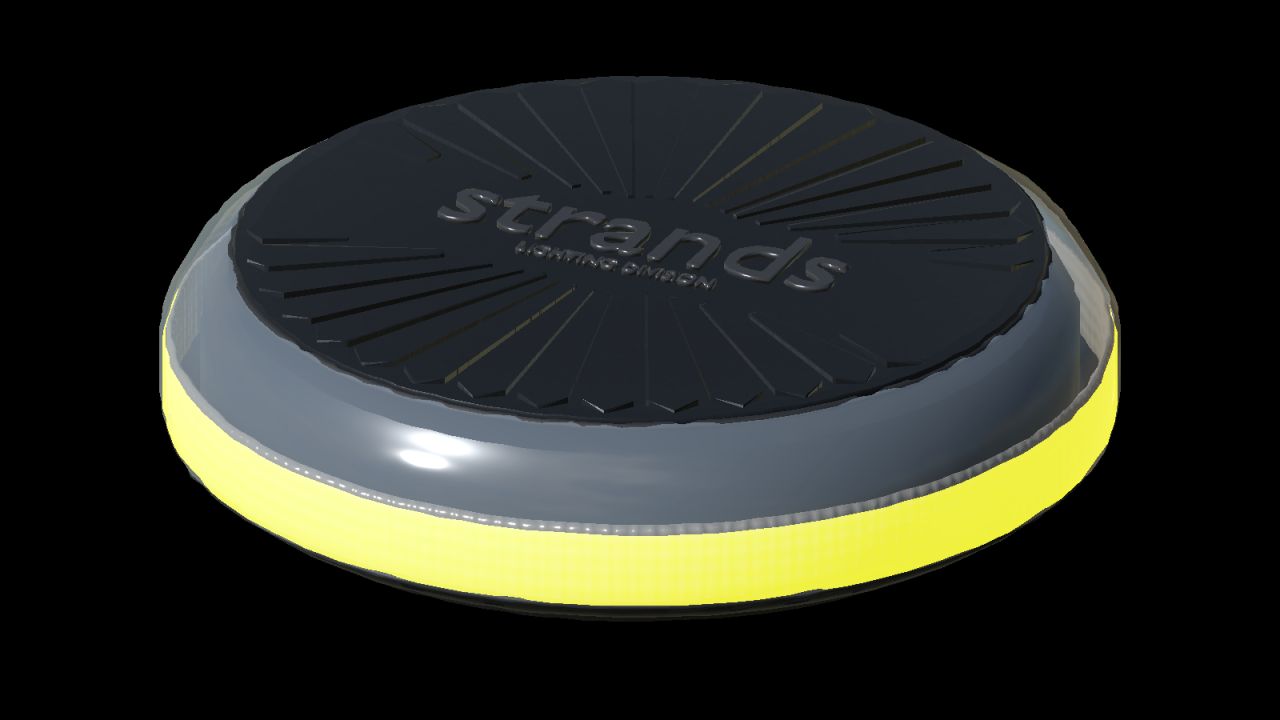
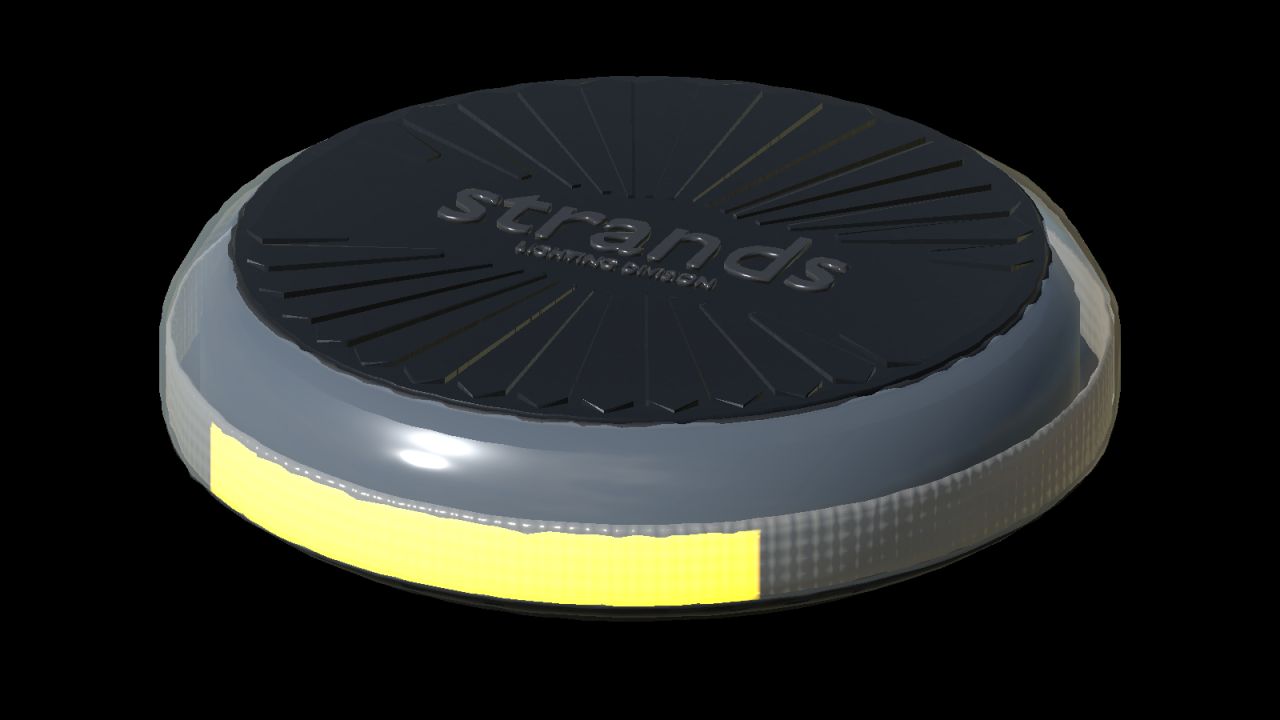
This is a vehicle-building prefab, not a purchasable standalone mod. The model is based on Strands articles 850963/850964: diameter 140 mm, housing height 37 mm, overall pole version 112 mm, surface fastener centres 50 mm. Published dimensions control the envelope; small parts and optical details are reconstructed from photographs, not manufacturer CAD.
1. Extract the prefab. Copy the complete `firefly140` folder into your vehicle mod, directly beside `modDesc.xml`. Keep `firefly140.i3d`, `firefly140.i3d.shapes`, `firefly140.xml` and the textures together.
2. Open the vehicle I3D in GIANTS Editor. Import `firefly140/mount.i3d` and parent its empty `fireflyMount` group to the correct vehicle component. Rename each mount uniquely, for example `nlmFireflyLeft` and `nlmFireflyRight`.
3. Place each mount at the attachment contact point. Use scale `1 1 1`; local +Y is up. `SURFACE` puts the housing base at the mount. `POLE` automatically lifts the housing 75 mm so the DIN socket bottom sits at the mount. Do not add the same 75 mm a second time.
4. For placement preview only, import `firefly140.i3d` below the empty mount. The group `poleMount` contains the complete detachable DIN fitting, including clamp, wings and button. Hide it for a surface preview and show `surfaceMount`. For a pole preview, offset the preview lamp by +0.075 m on Y. Remove the entire preview lamp before saving the vehicle: native XML loads the actual model. Keep the empty mount.
Author: NorthernLightModding