Straw output control V1.2
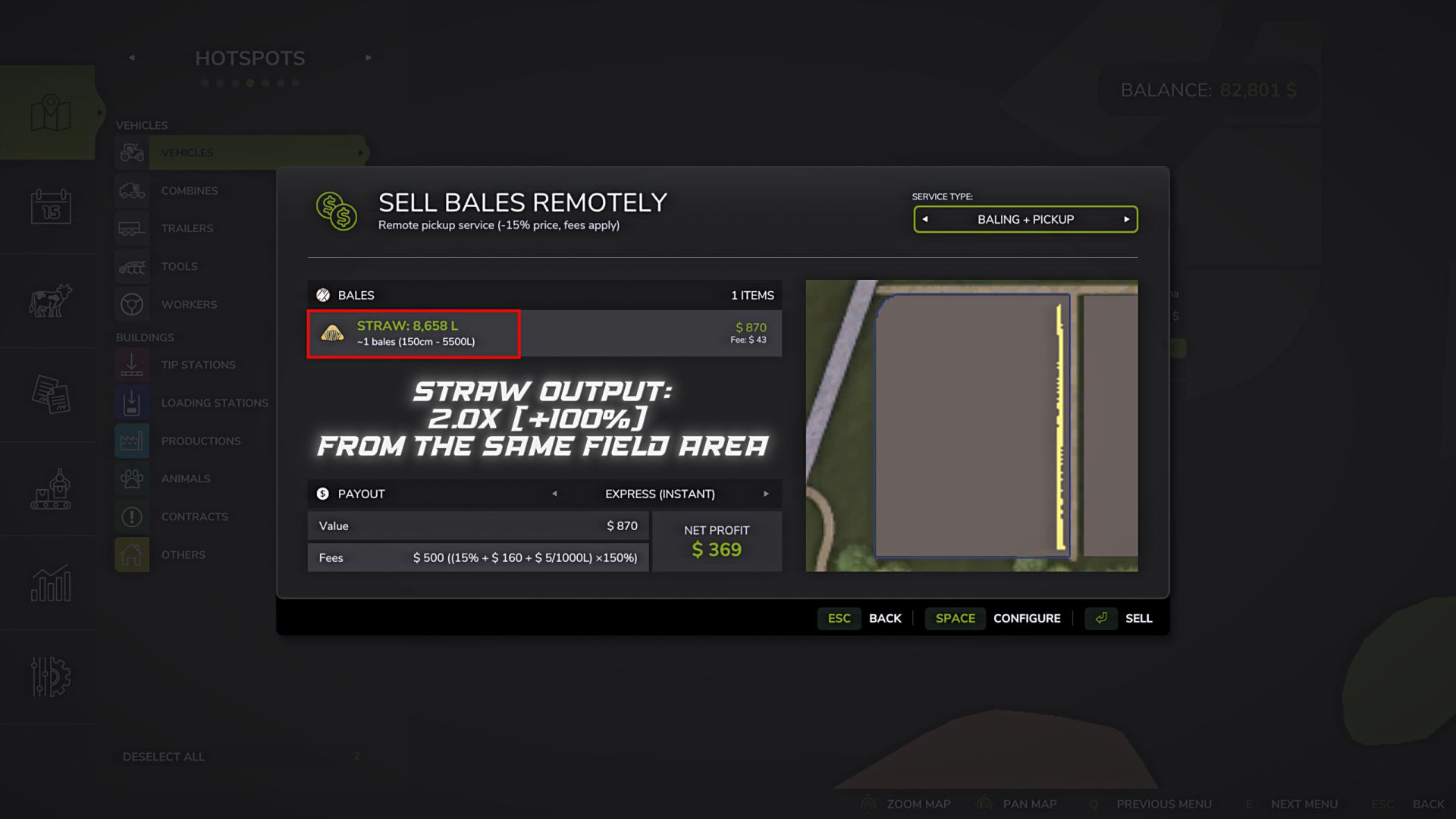
Straw output control V1.2
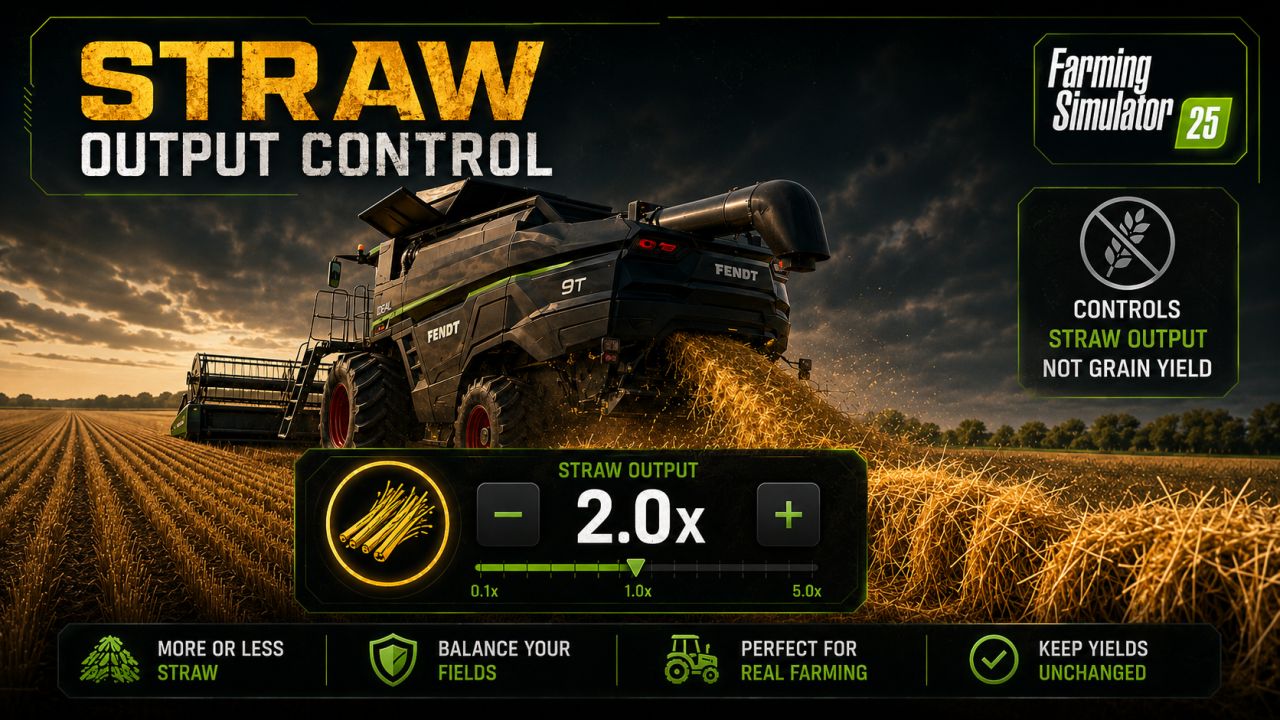
Straw Output Control allows you to change the amount of standard straw created in the swath behind the combine.
Features:
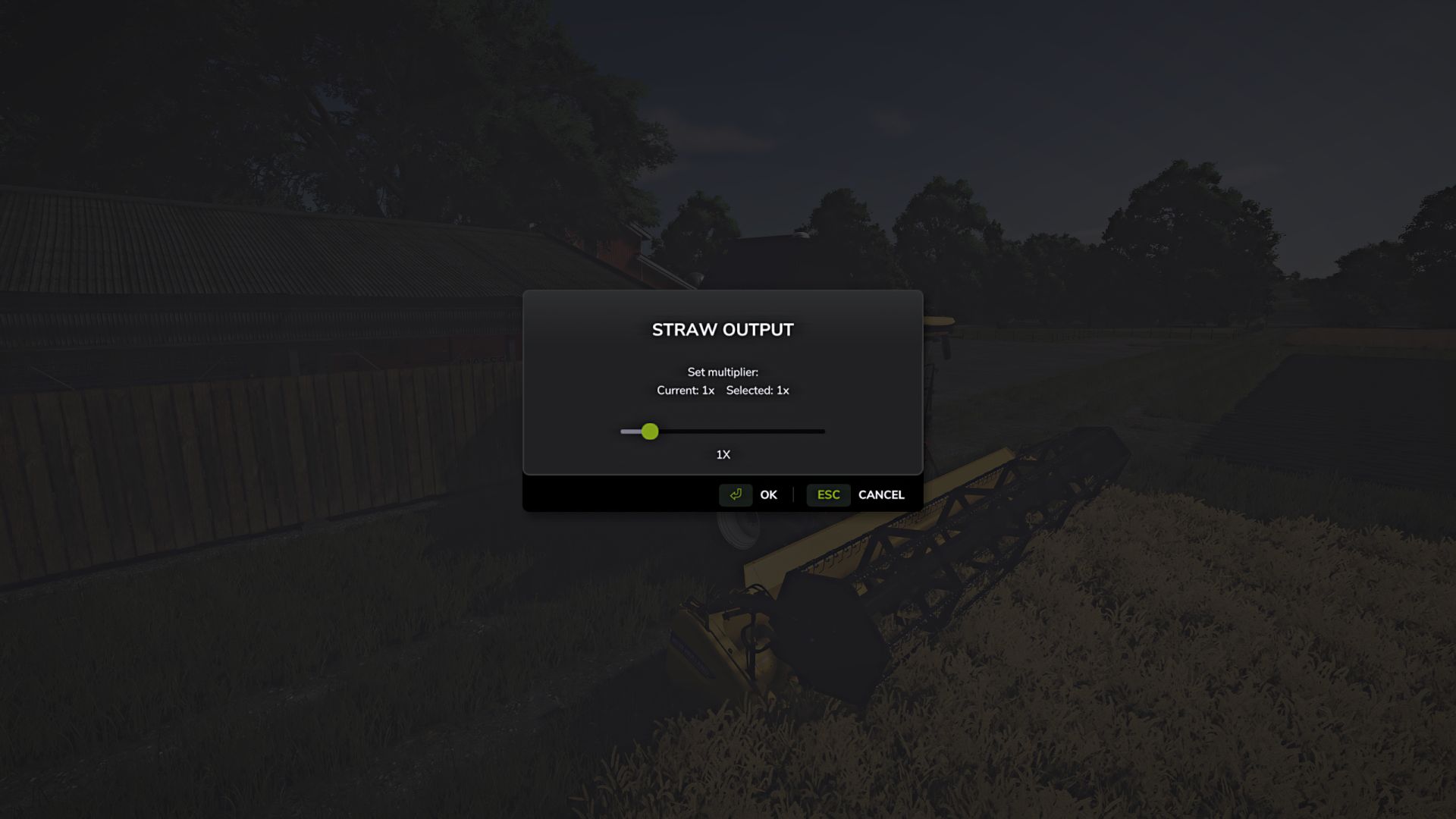
Control the output of standard straw through a separate in-game window.
By default, the window opens with the F12 key. You can change this key in the game’s control settings.
Multiplier range: from 0.5x (-50%) to 5.0x (+400%).
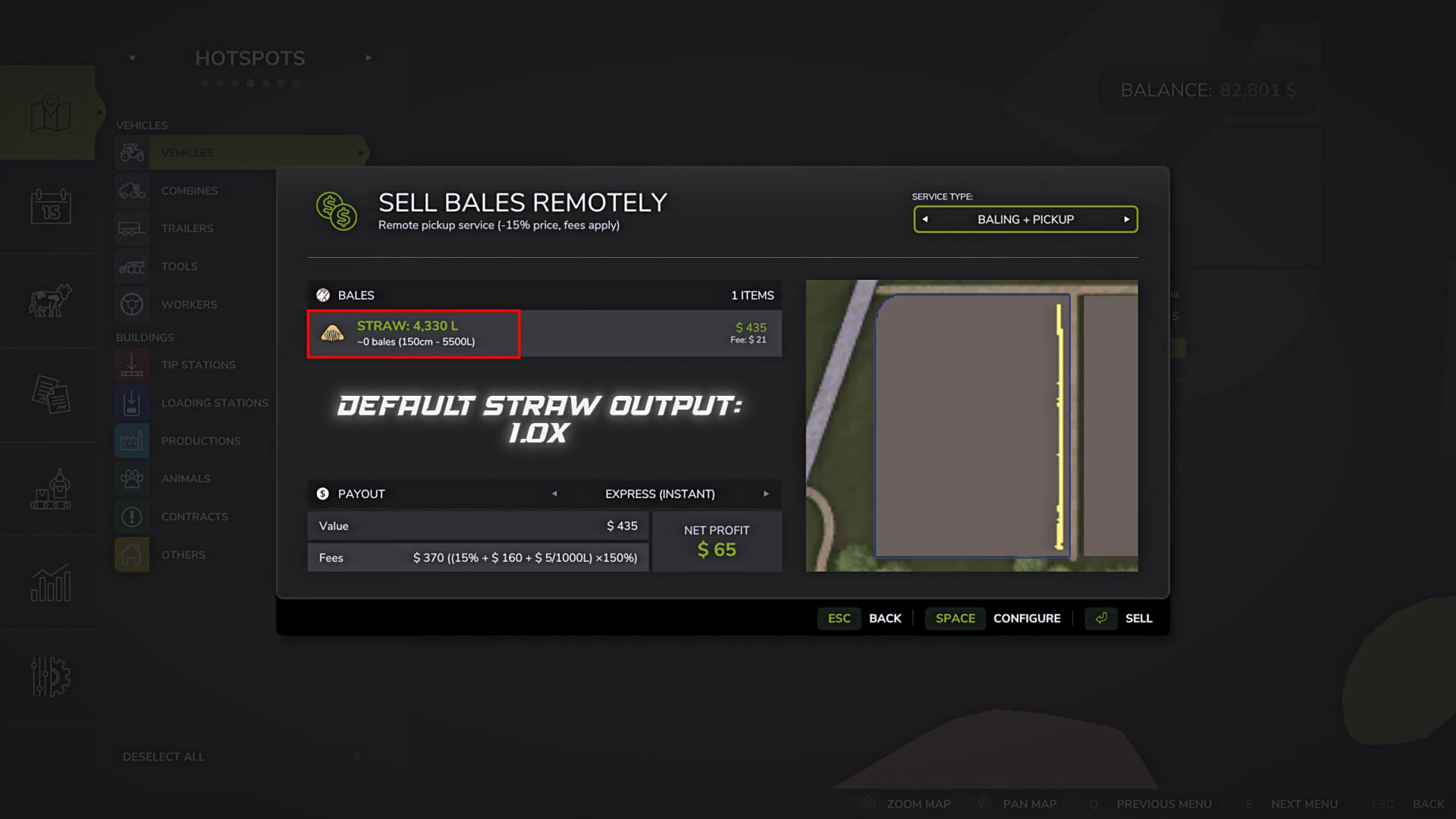
Value 1.0x: the game’s base value with no changes.
The setting is stored in the modSettings folder separately for each savegame.
Each savegame can have its own straw output value.
Changes are applied without restarting the game or reloading the savegame.
Value examples:
0.5x: reduced straw output (-50%)
1.0x: the game’s base value with no changes
5.0x: increased straw output (+400%)
Important:
The multiplier only affects the amount of straw swath created.
The crop yield itself is not changed.
The mod works with standard crops, modded crops, modded maps and other mods, as long as they use the standard fillType=”STRAW” for the straw swath.
V1.2.0.0
Updated the settings saving system.
Fixed synchronization of the straw multiplier in multiplayer games and on dedicated servers.
Added support for Field Contractors. When harvesting with straw enabled, the straw yield multiplier can now be configured directly in the contractor settings window.
As before, the multiplier is applied globally, not to an individual field or contract. Integration with Field Contractors has been added for convenience the desired amount of straw can be configured immediately when creating a harvesting contract, without having to open the Straw Output Control window separately.
Author: B L D W D