Stream overlay & Companion V1.8
Stream overlay & Companion V1.8
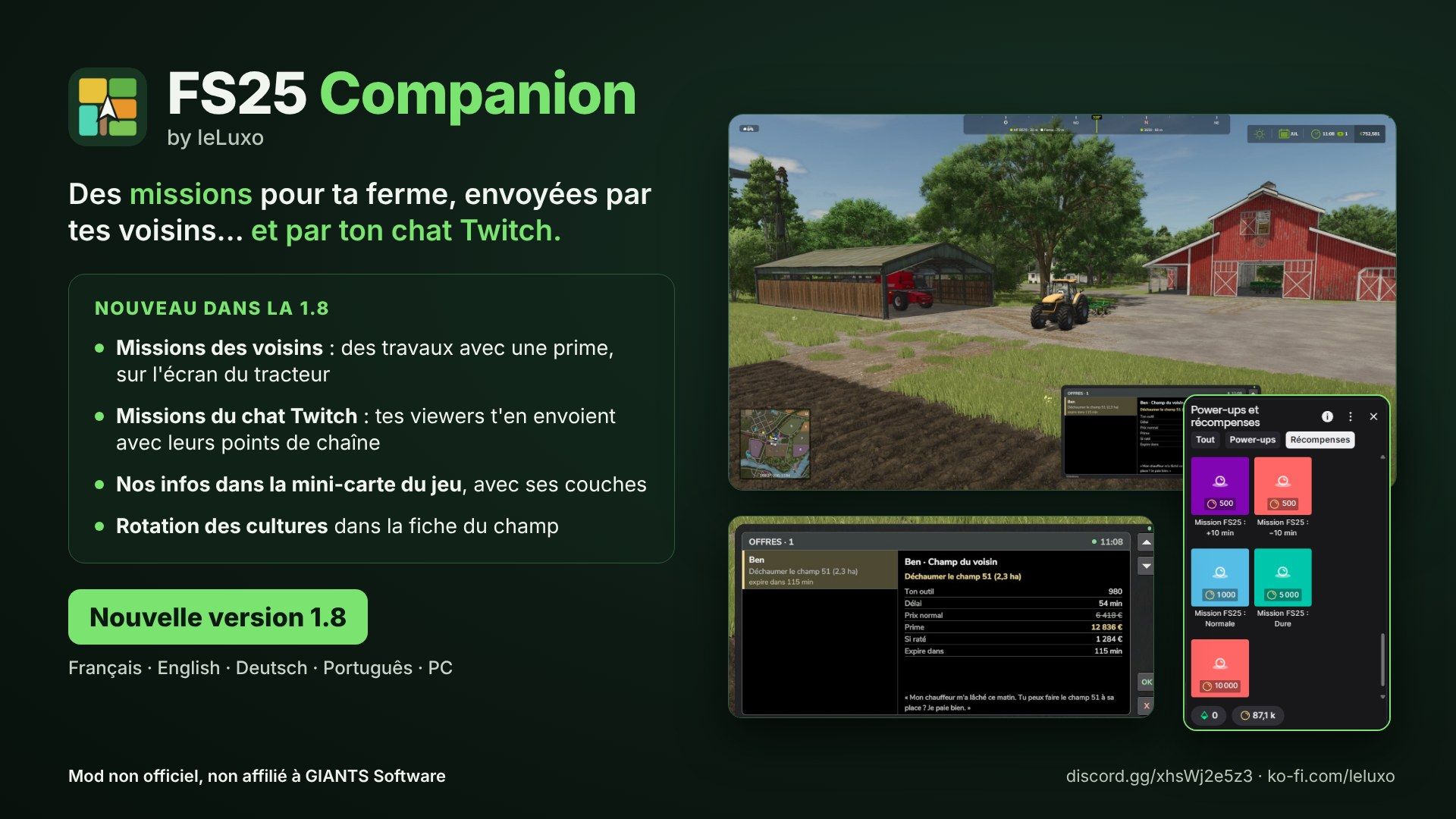
FS25 Companion by leLuxo (formerly FS25 Stream & Companion): free in-game companion and stream overlay for Farming Simulator 25 (PC).
IMPORTANT: This mod works with the free FS25 Companion application (Windows). Download the installer (link below): the application installs and updates the mod automatically.
COMPANION (tablet, 2nd screen)
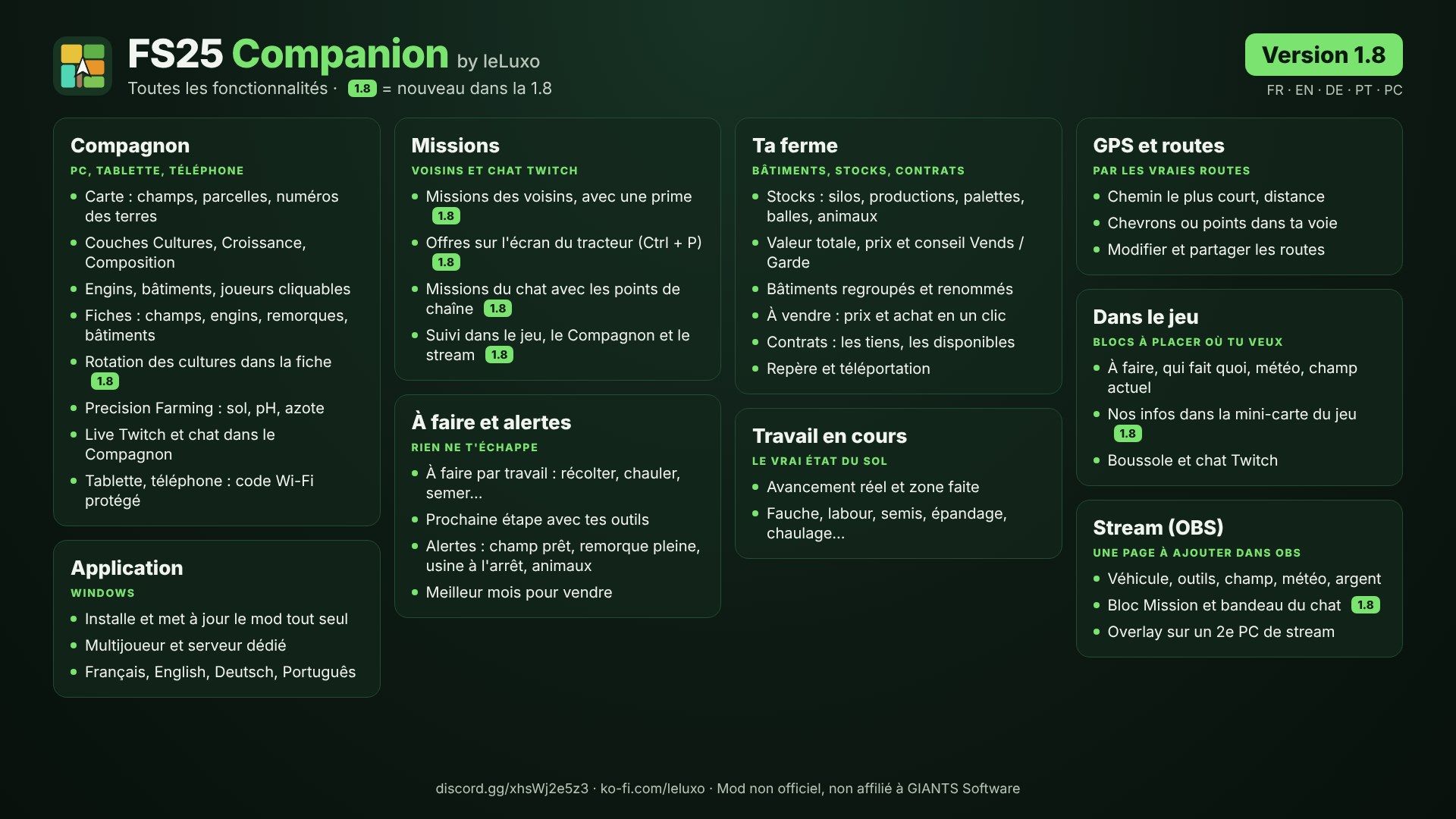
– A map of your farm just like in the game, via Wi-Fi: simply scan a QR code
– Information sheets for every field, building, vehicle, animal and silo, as well as the farm’s stocks
– A “To do” list and alerts: field ready, trailer full, factory stopped, hungry animals, best month to sell
– Contracts: your farm’s contracts, available contracts, and you can accept one directly
– GPS via roads: place a marker and the route follows the map’s roads (roads can be edited and shared with your friends)
– Sale prices and “Sell / Wait / Keep” advice, Precision Farming (soil, pH, nitrogen), next step for every field
– Who is doing what in multiplayer, personal notes for each field
– Markers, teleportation to a field, vehicle, building or player, and even sleeping
– Buy a field or building from its information sheet; buildings are grouped and renamed, along with all their contents
– 8 colors to choose from and a light theme
IN THE GAME
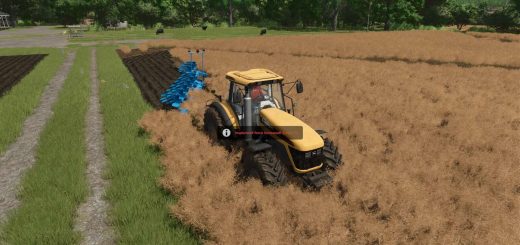
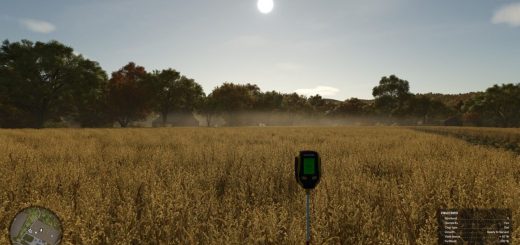
– Information panels that you can place wherever you want (to-do, current field, weather, alerts, Twitch chat, mini-map); press F9
– A GPS: chevrons or dots on the road guide you to your marker, in the correct direction for your lane
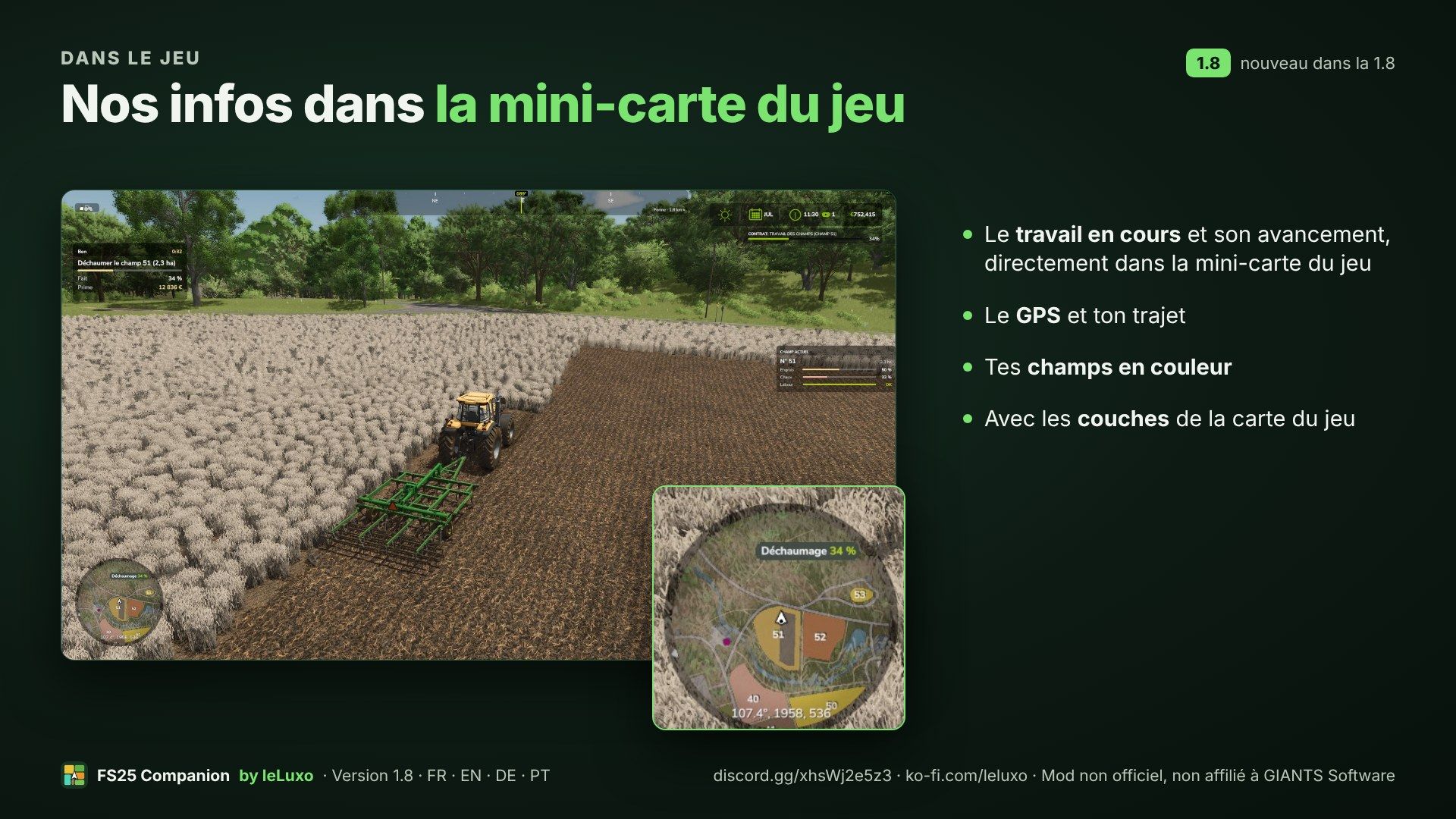
– A mini-map showing your workers (tractor, completed area, %), field colors, other players and ping
– A compass at the top of the screen with your fields, vehicles, players and marker
STREAM (OBS)
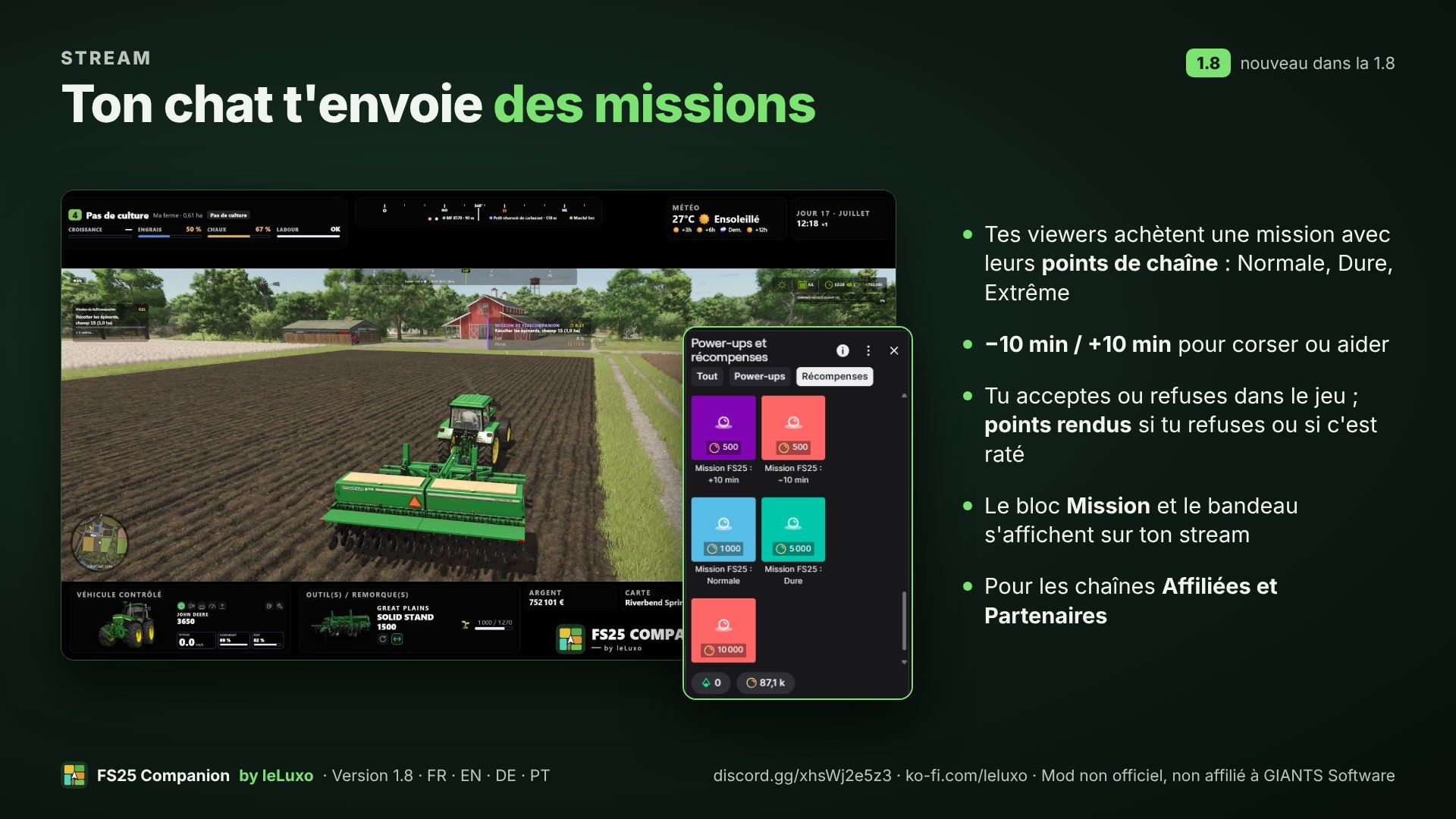
– A live overlay: your tractor pictured with its tools, the field, weather, time, money, a mini-map (with the GPS route) and the compass
– Magnetic blocks that can be placed with the mouse, 3 layouts, in 1080p or 1440p
– Overlay can run on a second streaming PC
You don’t need to be a streamer: the Companion and the in-game information work perfectly well on their own.
– Single-player, multiplayer and dedicated server (the mod must also be installed on the server)
– PC only: PlayStation / Xbox players cannot join a server running the mod
– Automatic updates, application in French and English, 100% free
– Tip: launch FS25 Companion BEFORE the game; otherwise, the mod cannot be updated
V1.8.0.0
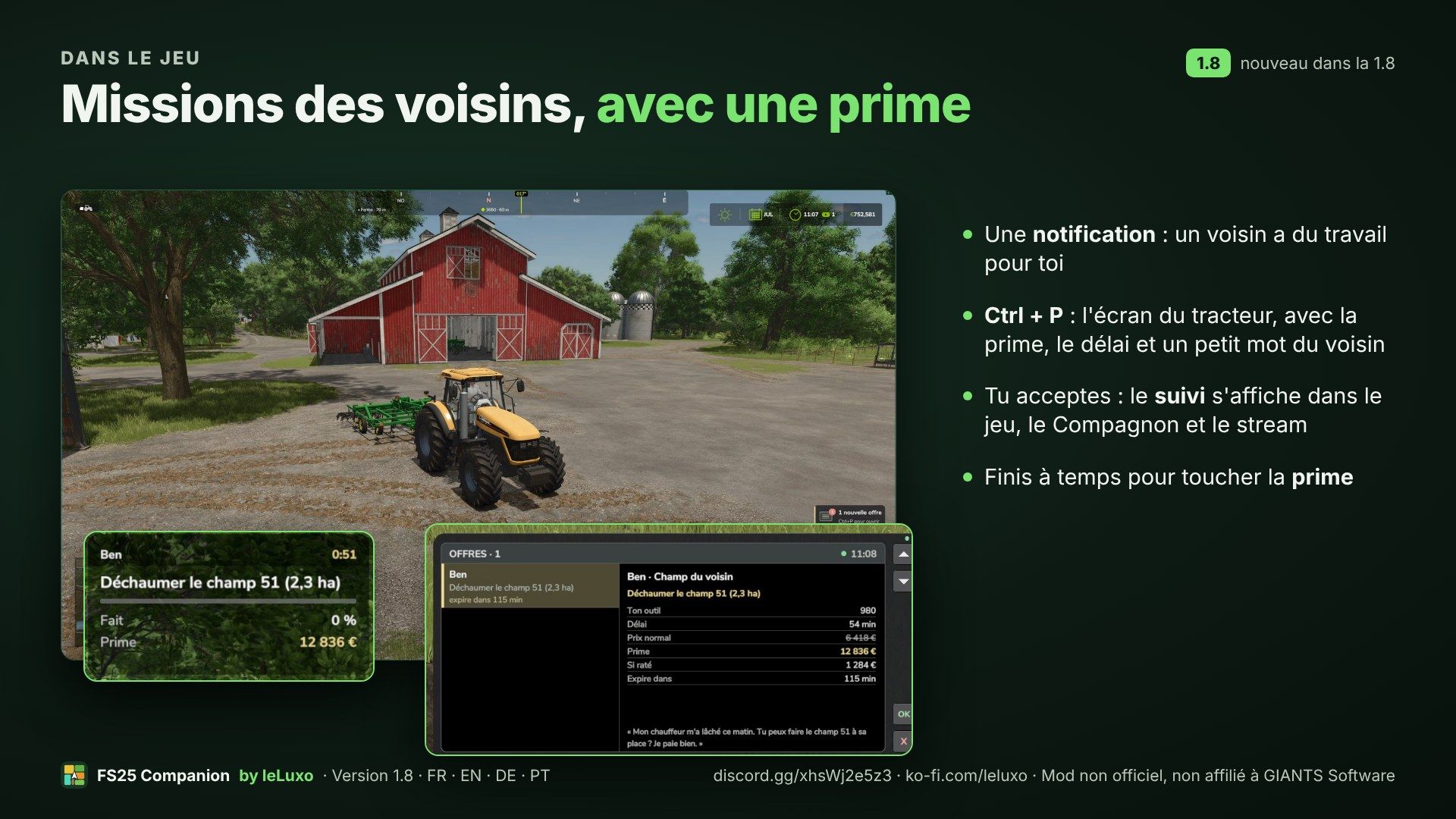
– Neighbour missions: jobs on their fields, with a reward. Offers appear on the tractor screen (Ctrl + P); progress is displayed in the game, the Companion and the stream
– Twitch chat missions: your viewers send you a mission using their channel points (Normal, Hard, Extreme, or −10 / +10 min). Points are refunded if you refuse or fail the mission. For Affiliate and Partner channels
– Our information on the game’s minimap: workers, GPS, work in progress, with the game’s map layers
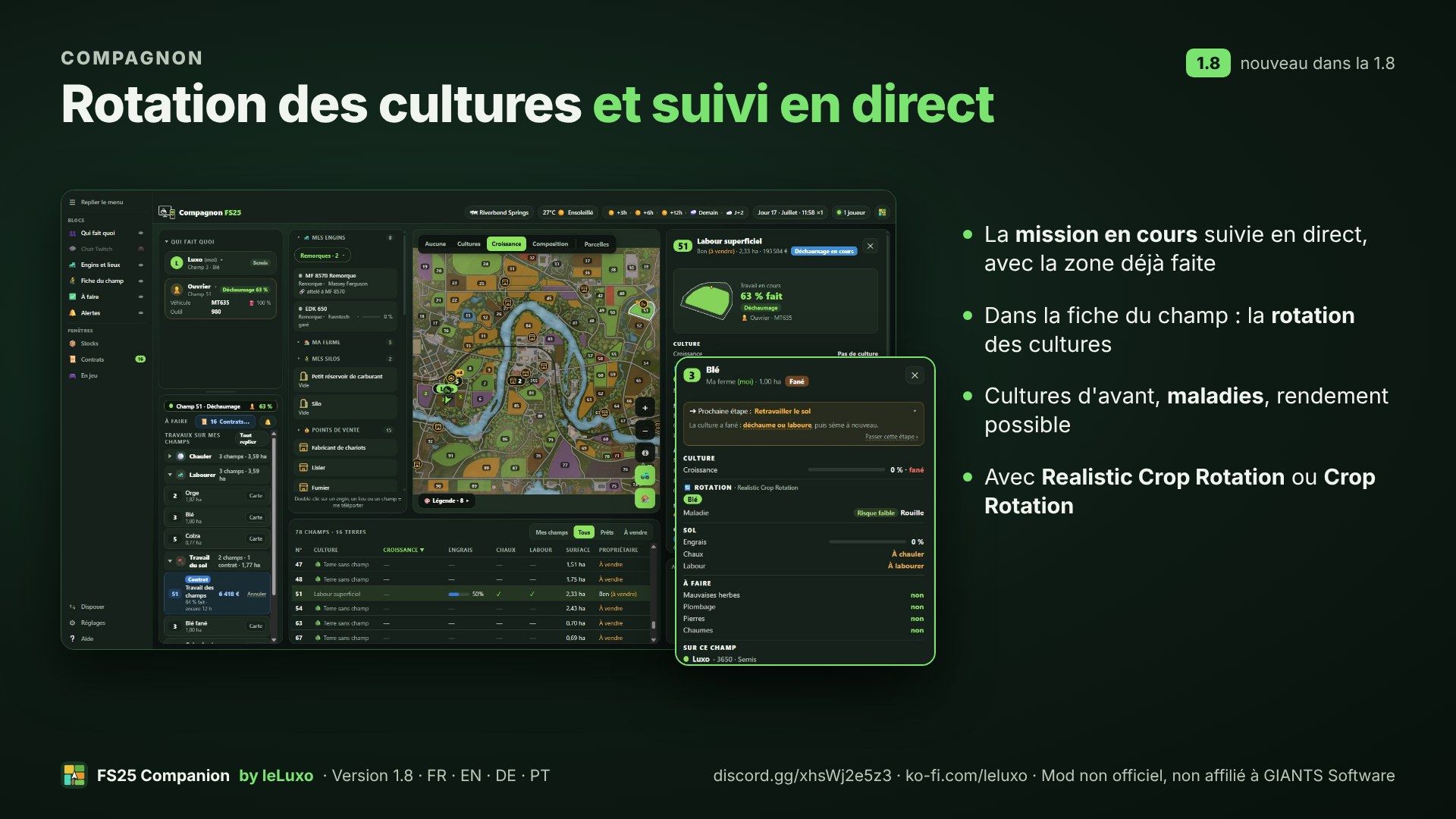
– Crop rotation (with Realistic Crop Rotation or Crop Rotation): previous crops, recommended crop, diseases and possible yield in the field details
– Lots of small improvements and fixes
– Mod change (1.8.0.0): in multiplayer, update the mod on your server
Author: Le Luxo