
Supreme Autoload V1.0
Supreme Autoload V1.0
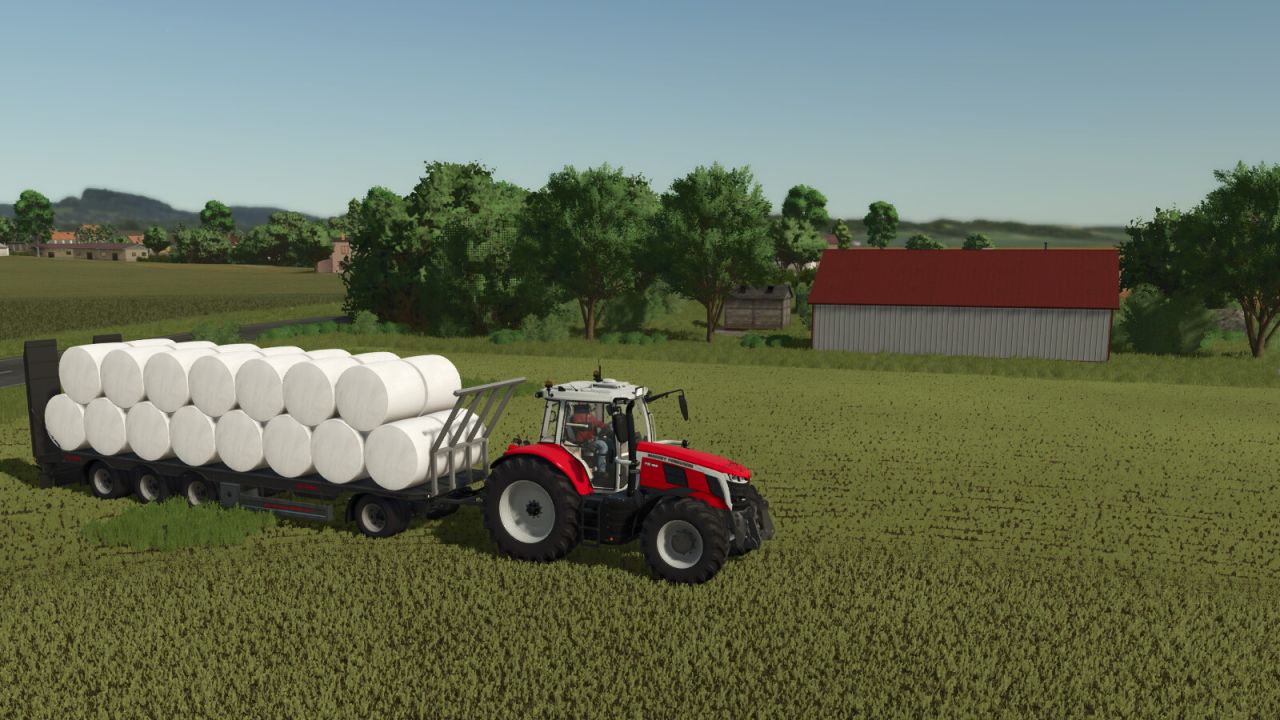
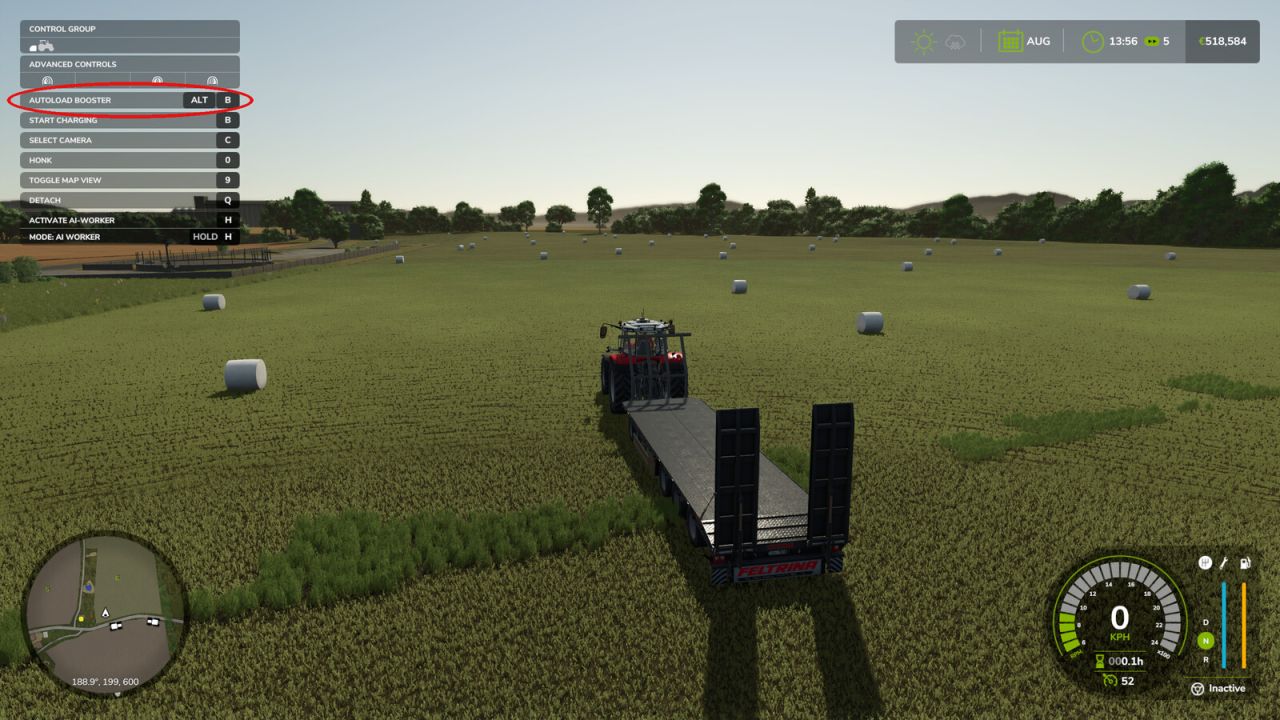
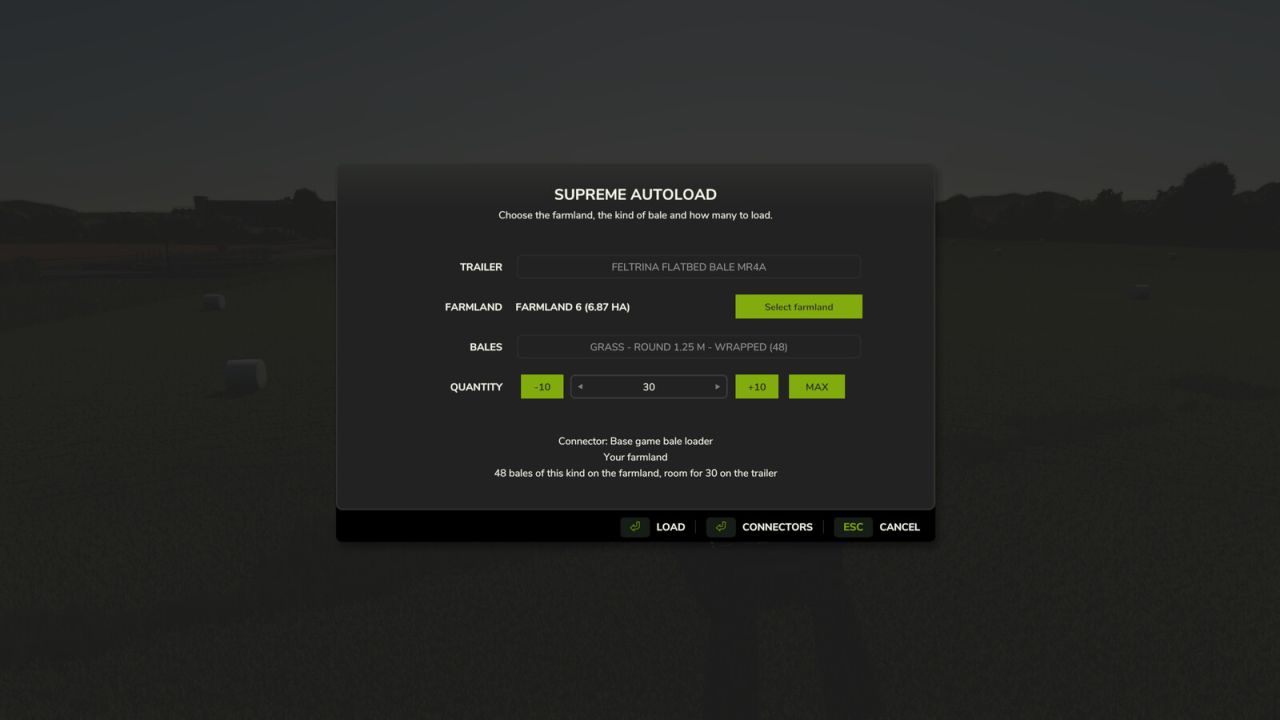
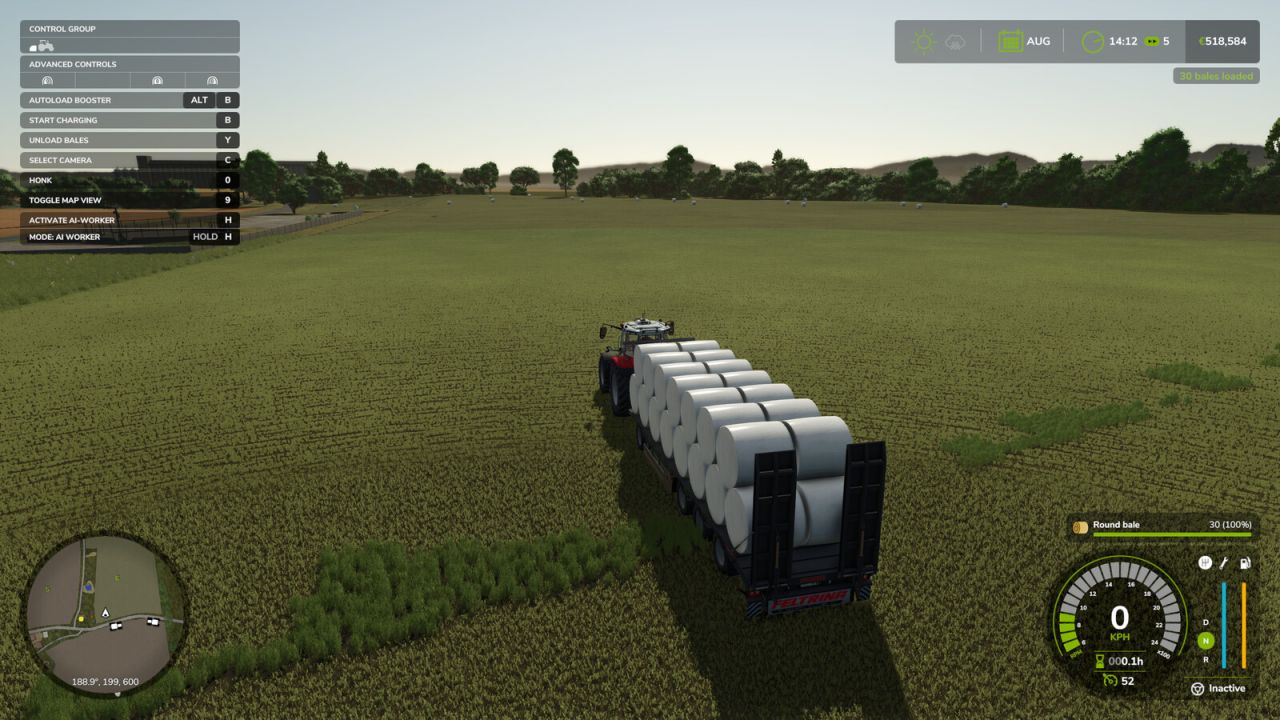
Stop driving to every single bale. Park your autoload trailer on your land, press LEFT ALT + B and choose how many bales you want on board: they are placed on the trailer exactly where the trailer itself would put them.
How it works:
The trailer must be in neutral: loading and unloading switched off. The mod switches loading on by itself and back off when it is done.
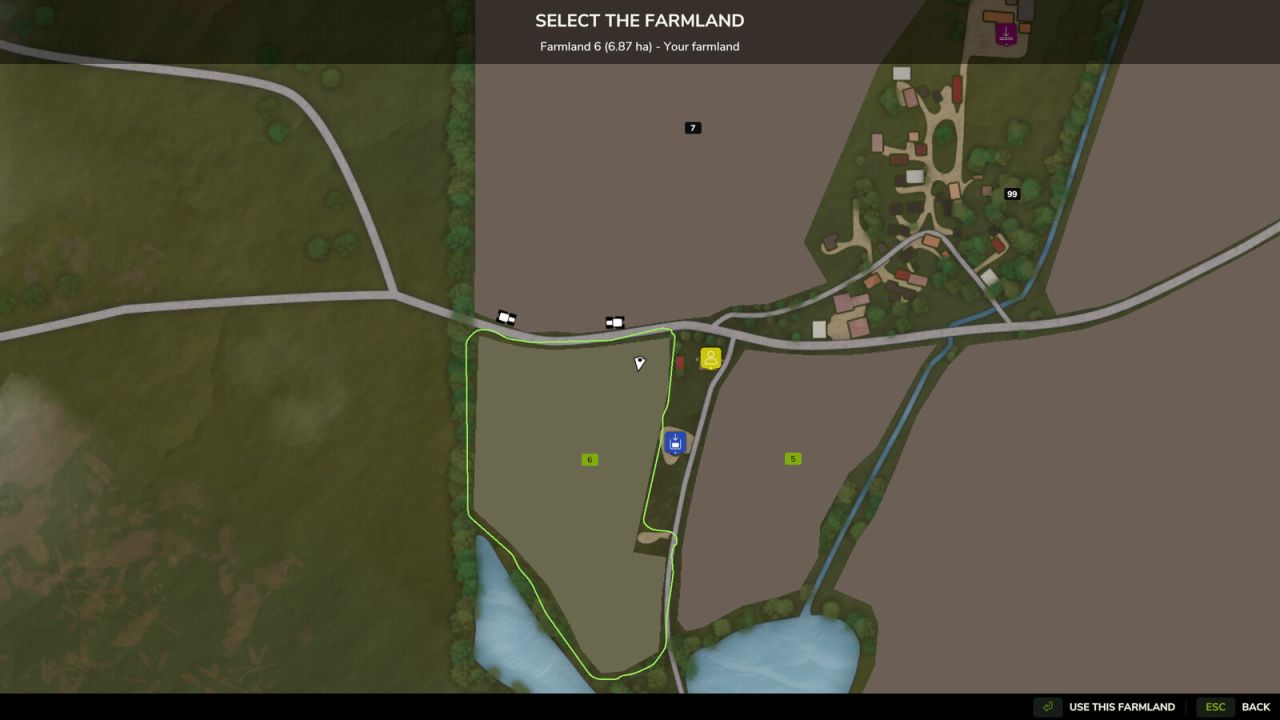
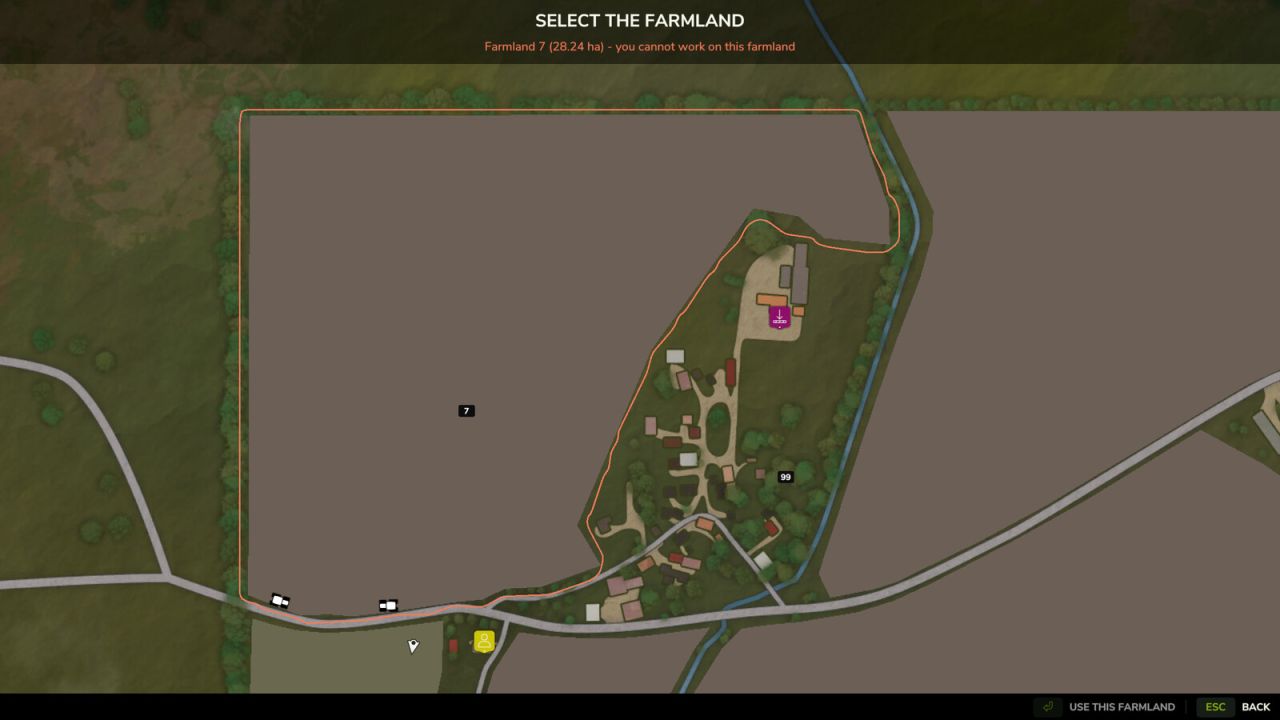
The dialog opens on the farmland you are standing on. With “Select farmland” a map opens: click any farmland and its boundary is drawn. Only bales inside that boundary are collected.
A farmland can be chosen only if you may work on it: it is yours, it belongs to a farm that gives you permission, or you have an active contract there. The check uses the game’s own land access rules, so mods that grant access to land are respected.
The free bales on the farmland are counted and grouped by type: material, round or square, size, wrapped or not.
For the selected type the attached trailer is read in real time: whether it supports that bale and how much room is left. You choose from 1 up to that maximum, or cancel.
The bales are handed to the trailer’s own loading logic one after another, from the nearest to the farthest from you, so they are arranged in the trailer’s own pattern. All other bales stay where they are.
Connectors: every autoload system is handled by a connector, which you can switch on or off in the dialog (button Connectors):
Base game bale loader: most autoload trailers without their own script, and bale wagons
Base game autoload areas
Universal Autoload, when that mod is installed
The mod does not depend on any other mod: a connector whose system is not installed simply stays inactive.
Settings: modSettings/FS25_SupremeAutoload/settings.xml (return to transport position after loading).
Author: Bgnak05


