TerraFarm v1.6.5
TerraFarm v1.6.5
Tired of terraforming using the standard landscaping tool?
Version 1.6.5.0
Added collision flag TERRAIN_DELTA for the excavator bucket terrain raycast
Updated logic for getCanDischargeToGround
Improved prevention of unloading (of the excavator bucket) while digging.
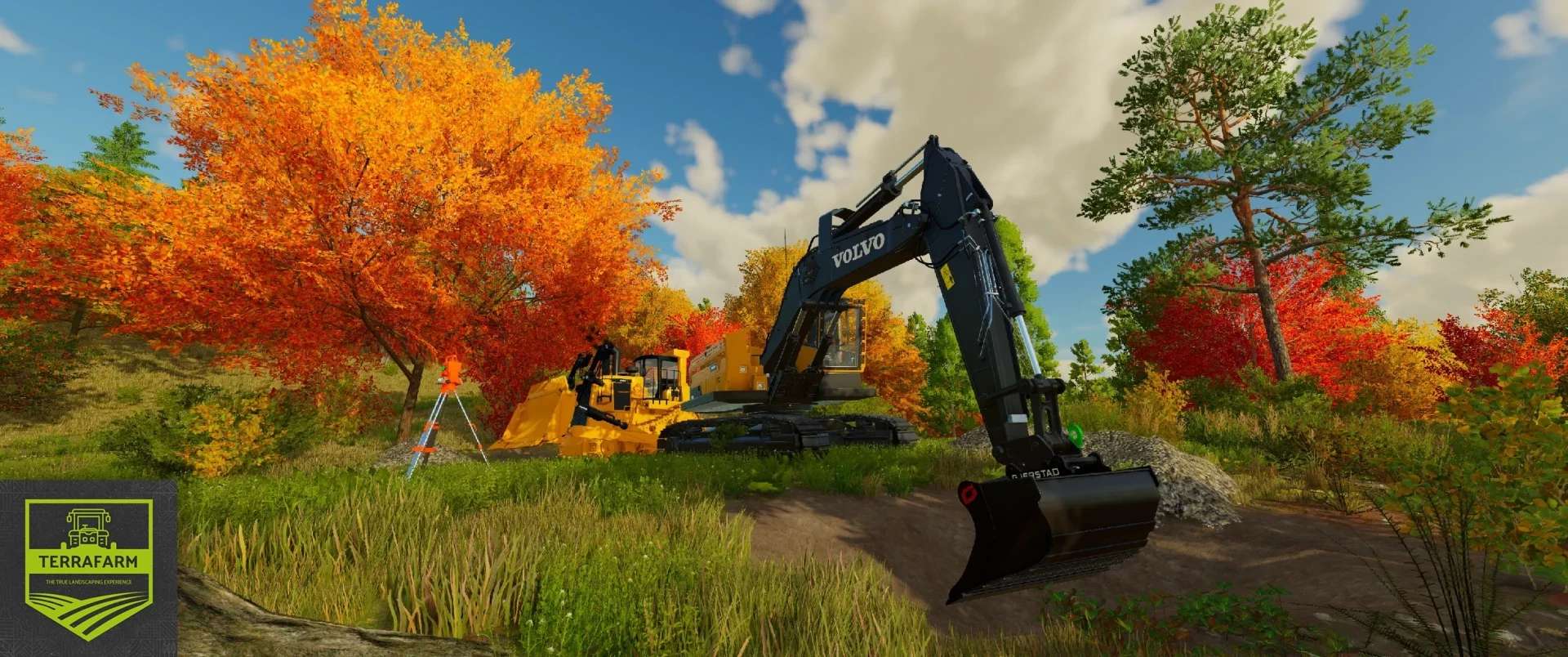
Fed up with having to manually supply your mining team with fill types? No problem—with TerraFarm, you can shape the land using the equipment of your choice.
Download machine add-ons
Support for third-party machine configurations
Official machine add-on mod
Download the latest `FS25_0_TerraFarmMachines.zip` file and copy or move it to your FS25 mods folder.
Multiplayer
Multiplayer mode is fully supported.
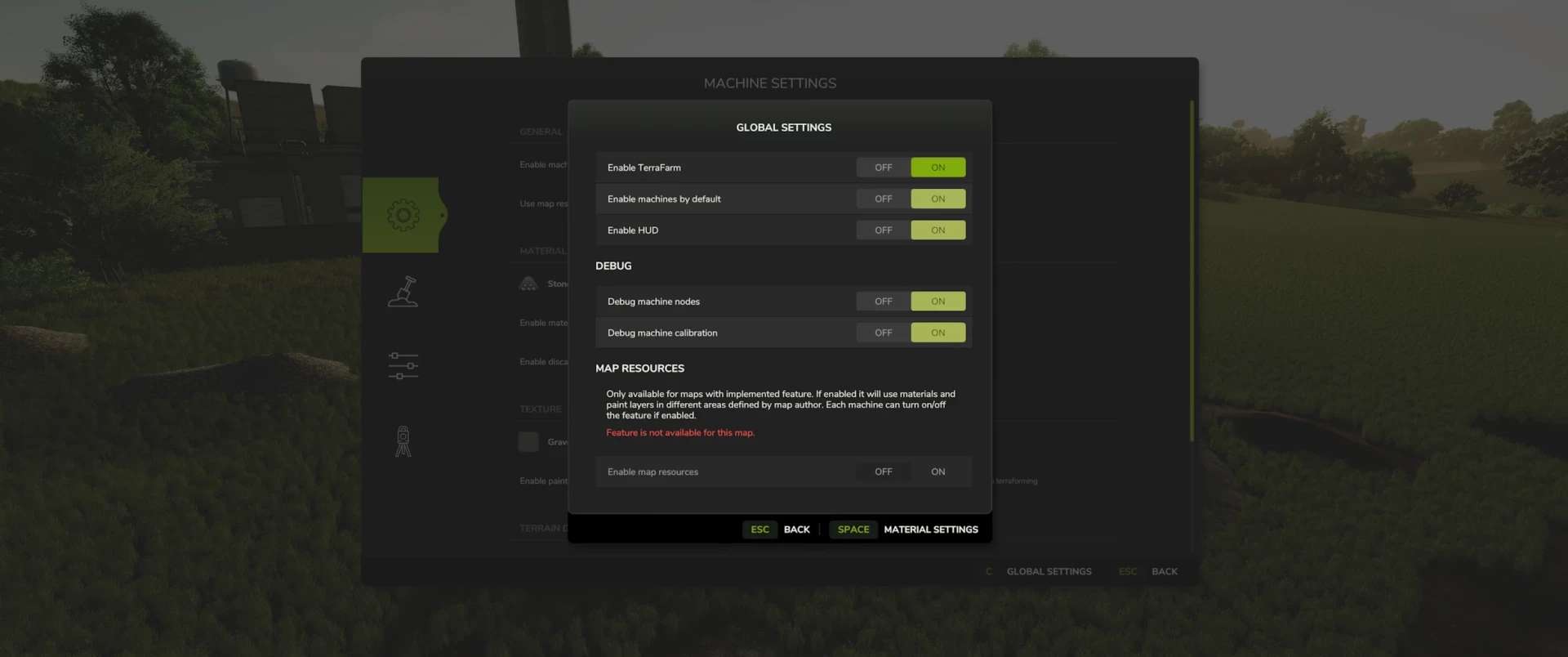
To use the machines, players require landscaping permissions, must be farm managers, or
must have administrator rights. Farm managers can enable or disable the farm’s machines,
while administrators can adjust global settings.
Materials
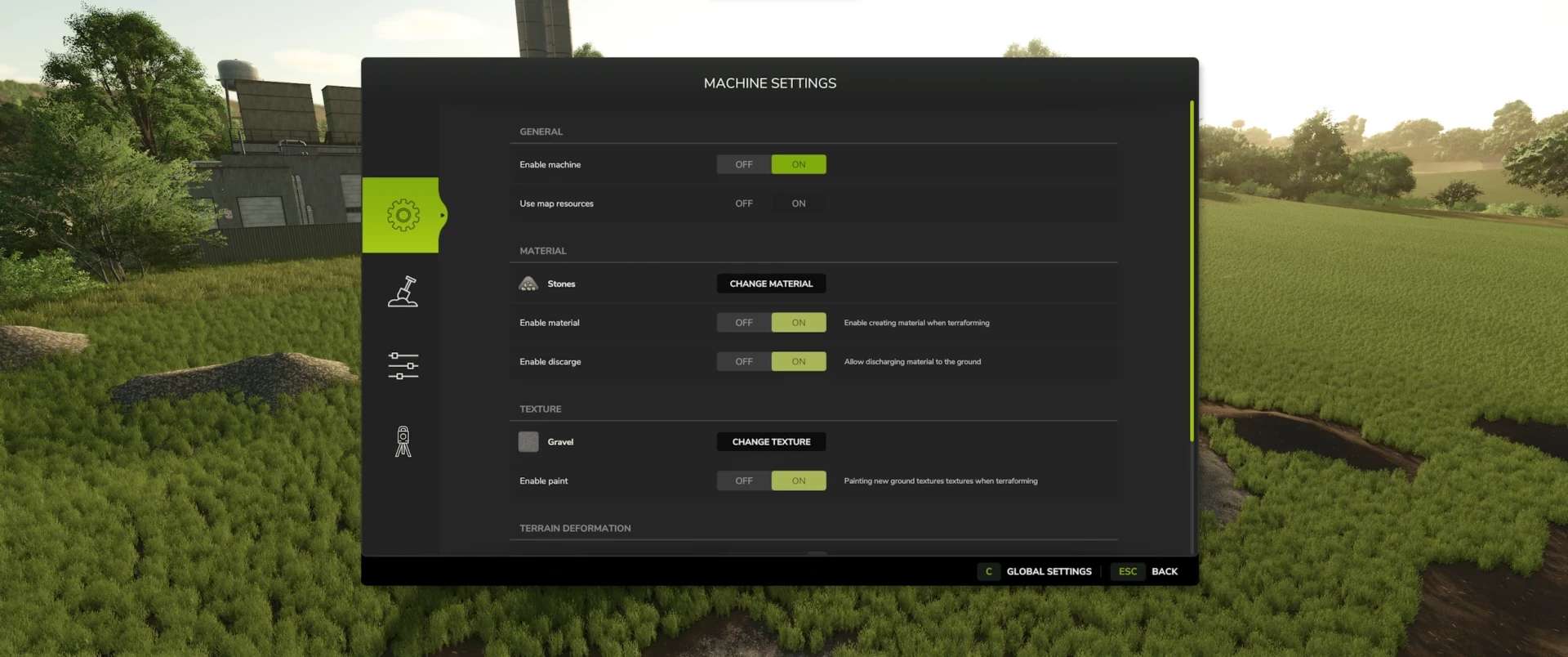
All materials available on the map—including those from mods that add new fill types—are available to players.
There is also a material settings dialog where you can define which materials players can select (in both SP and MP).
Supported Equipment
TerraFarm supports base-game equipment and, where available, upcoming DLC equipment.
TerraFarm supports vehicle specialization, allowing modders to integrate configurations directly into their mods, as well as enabling add-on mods that include these configurations. Base game
– Albutt Front Loader Bucket
– Holara’s MES 400 Leveling Blade
– Magsi Telehandler Bucket
– Magsi Wheel Loader Bucket
– McCormack High Tip Bucket
– Paladin High Tip Bucket
– Volvo L120H General Purpose Bucket
– Volvo L120H High Tip Bucket
– Volvo L120H Rock Bucket
– Volvo L180H General Purpose Bucket
– Volvo L180H High Tip Bucket
– Volvo L180H Rock Bucket
Surveying
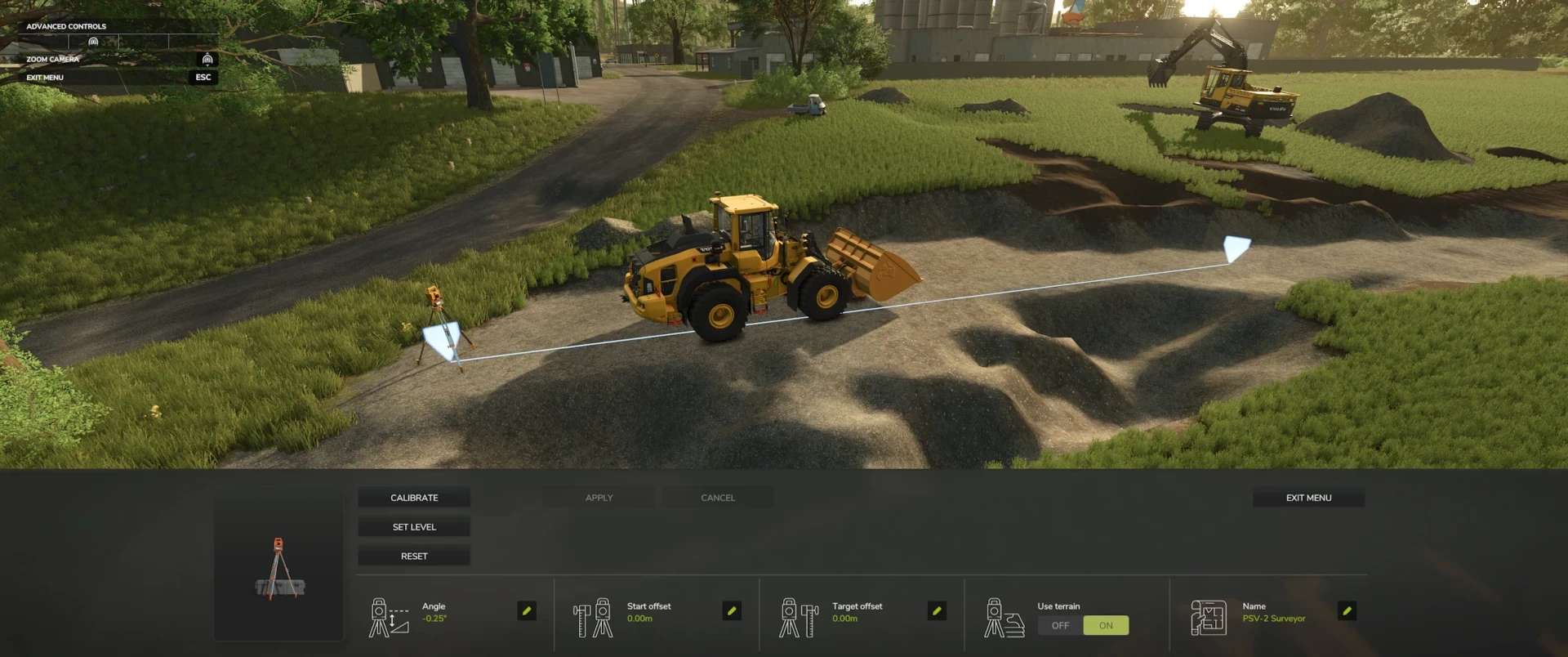
One feature of TerraFarm is the ability to use surveying tools to calibrate your machines.
This allows you to level at a specific height or slope, and at a specific angle, along the calibrated line.
FAQ
Console support (Xbox/PS)?
No, script mods are not available on consoles.
Does this mod add fill types?
No.
Known Issues
In multiplayer, tire tracks do not disappear on the client side when terraforming the landscape.
This is because the game does not synchronize tire tracks in multiplayer mode.
I may be able to fix this in a future version, but for now, it is a very low-priority visual glitch.
Please note that terrain deformation is still under development.
Further adjustments will therefore be made in the future.
Author: scfmod Huge thanks to PeteyJ for creating the PSV2 Surveyor shipped with this mod. Also a big thanks to the fellow modders from Jeremy Brown Modeling and Simulation and WZL Modding discord servers for all the testing and feedback on the FS22 version.