Tire sound v1.0
Tire sound v1.0
This global script adds a tire sound to all tractors.
This global script adds a tire sound to all tractors, provided the tractor’s maximum speed is at least 30 km/h.
The sound only plays at high speeds on roads and concrete slabs; it does not play on fields or dirt tracks.
The sound varies slightly depending on the tires; it distinguishes between standard knobby tires, wing tires, tracks, and Nokian tires.
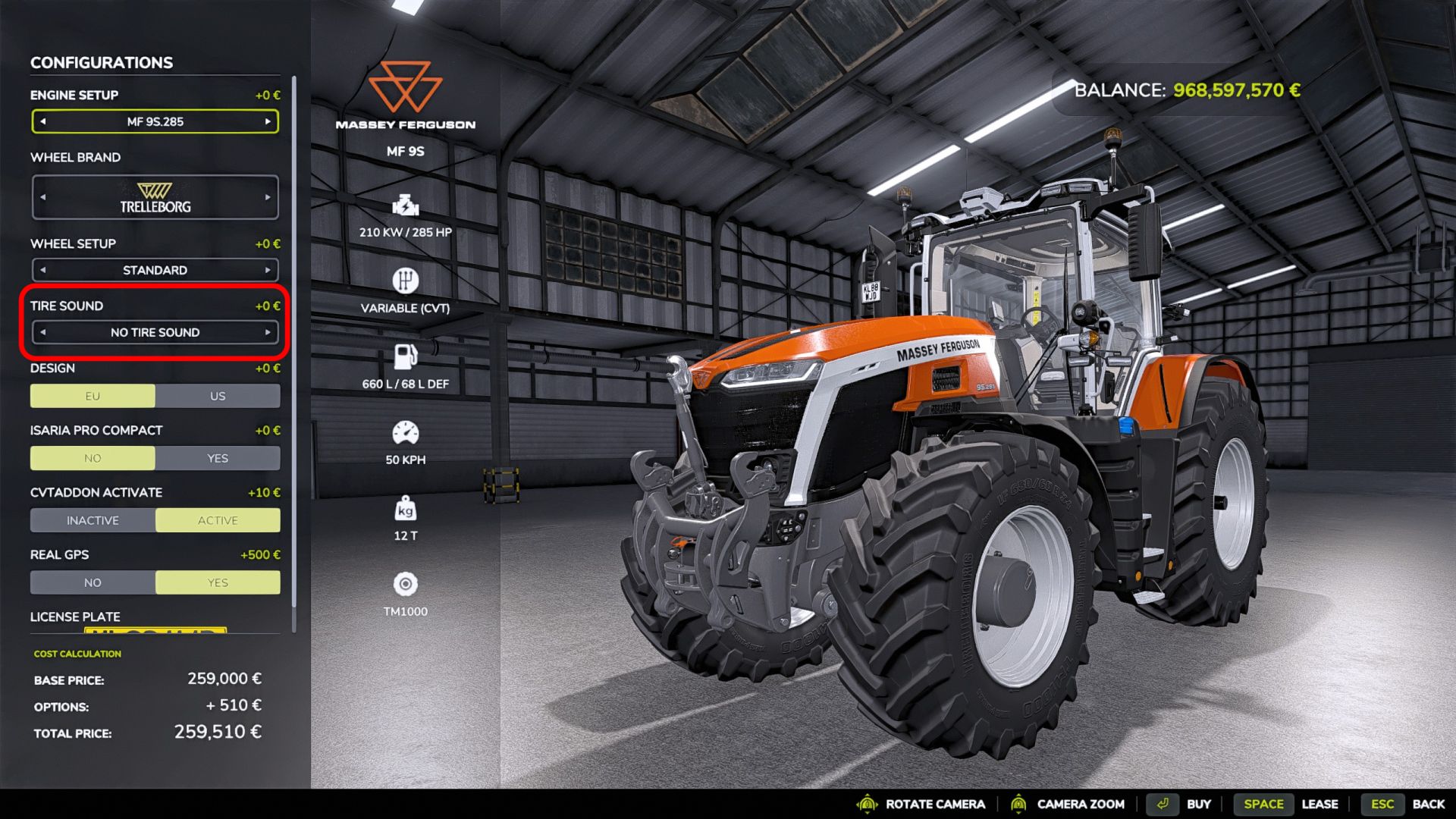
Some tractors from the base game have had a tire sound since Farming Simulator 22, so the sound is disabled by default.
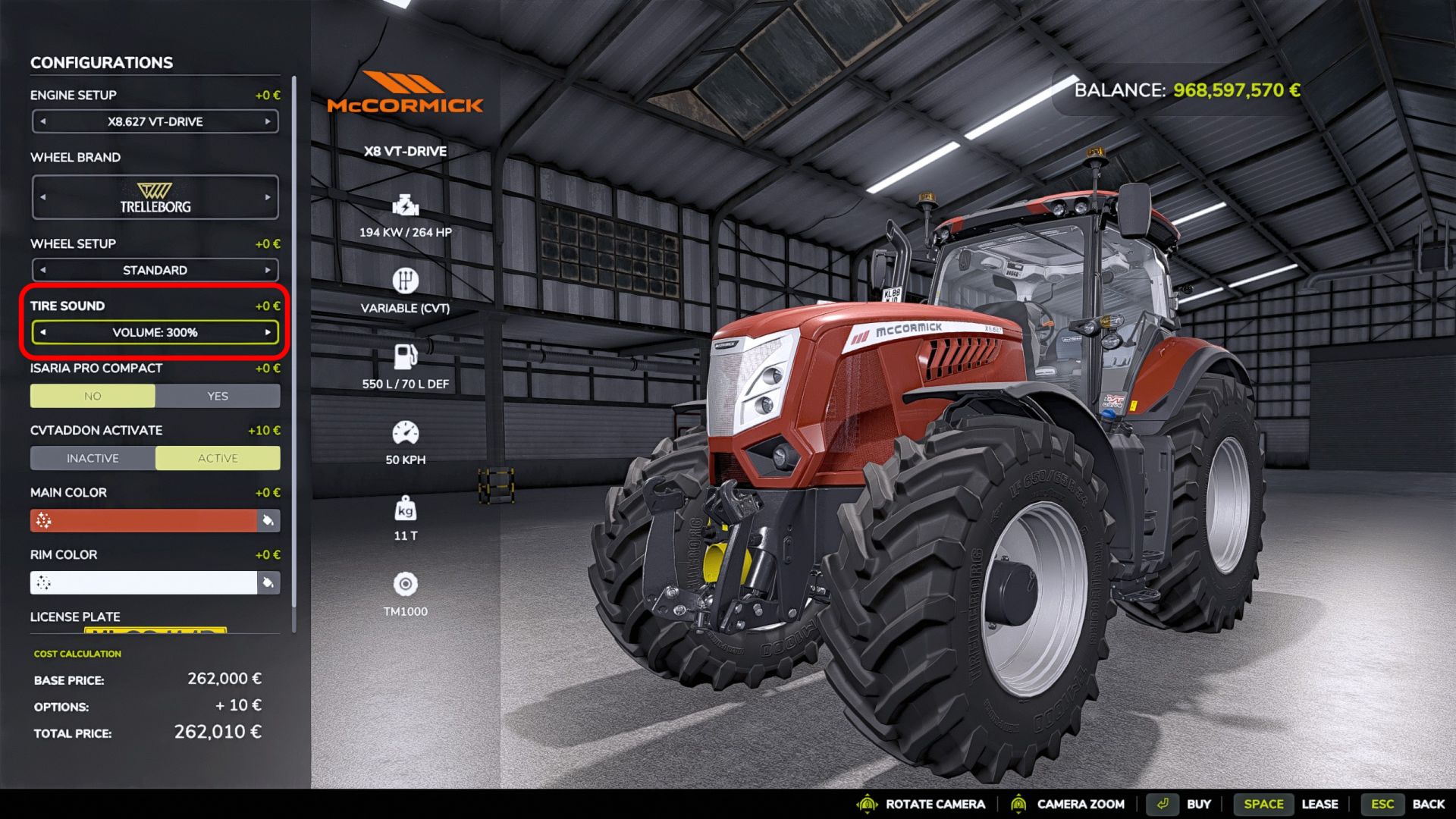
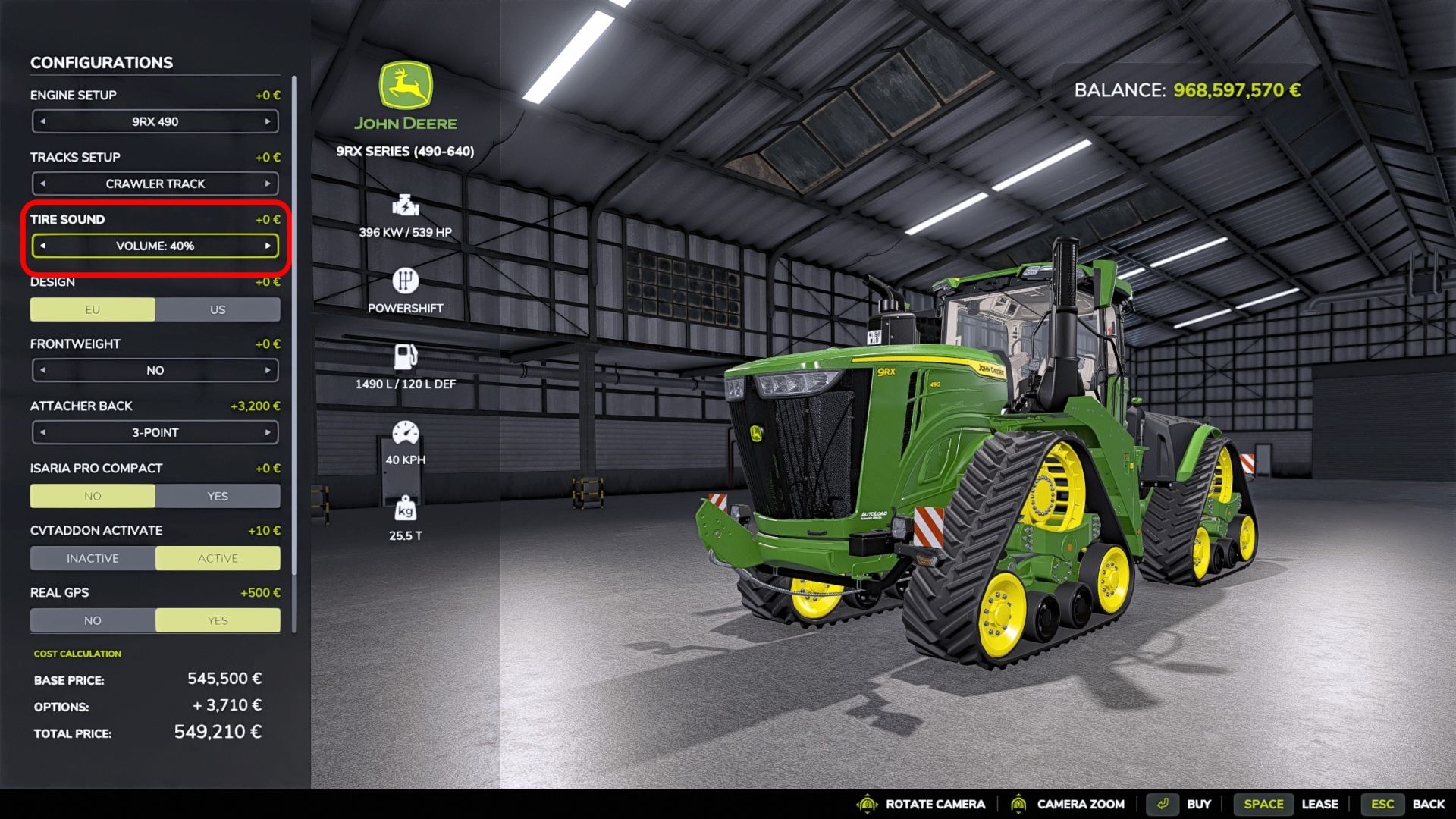
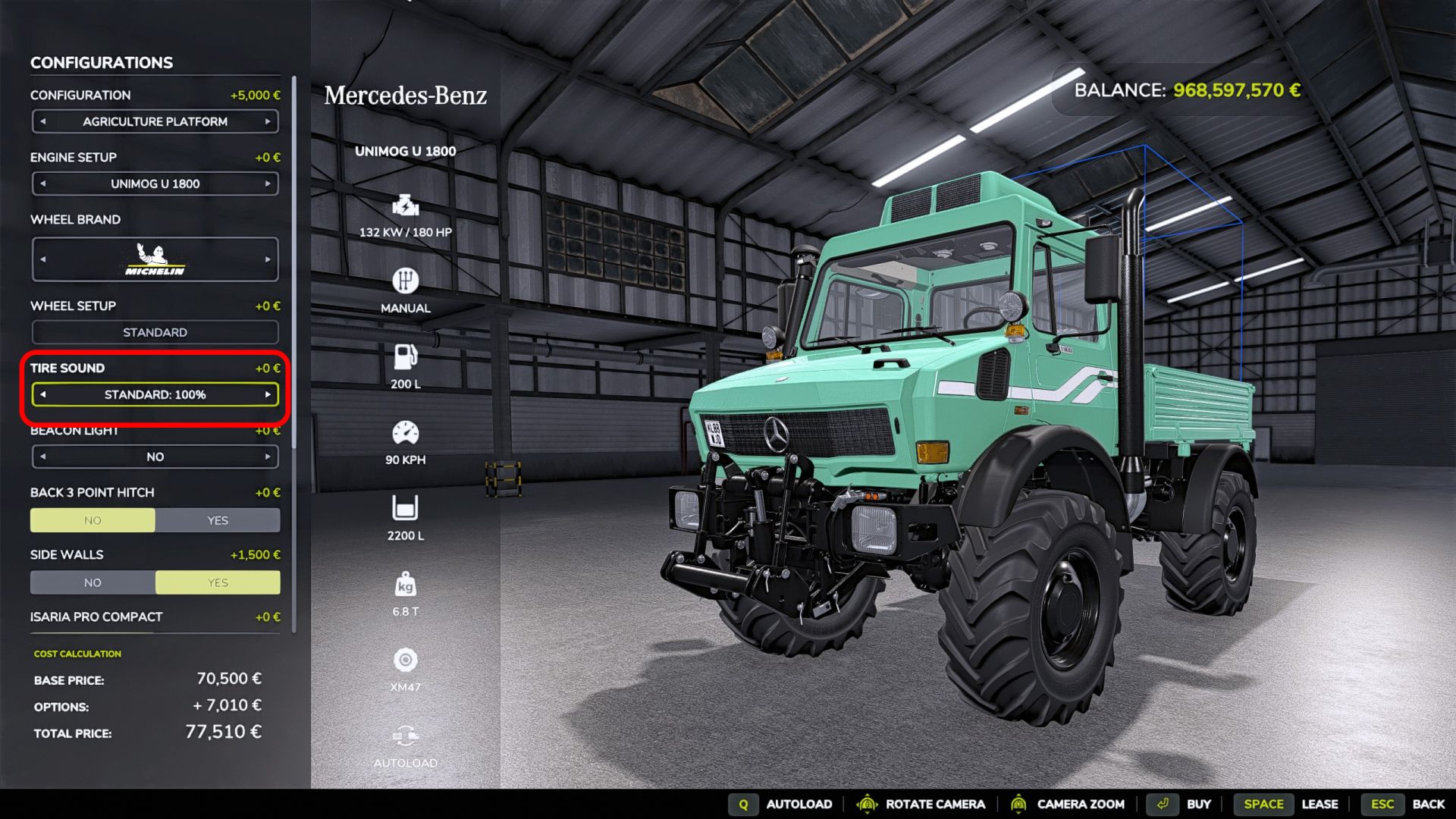
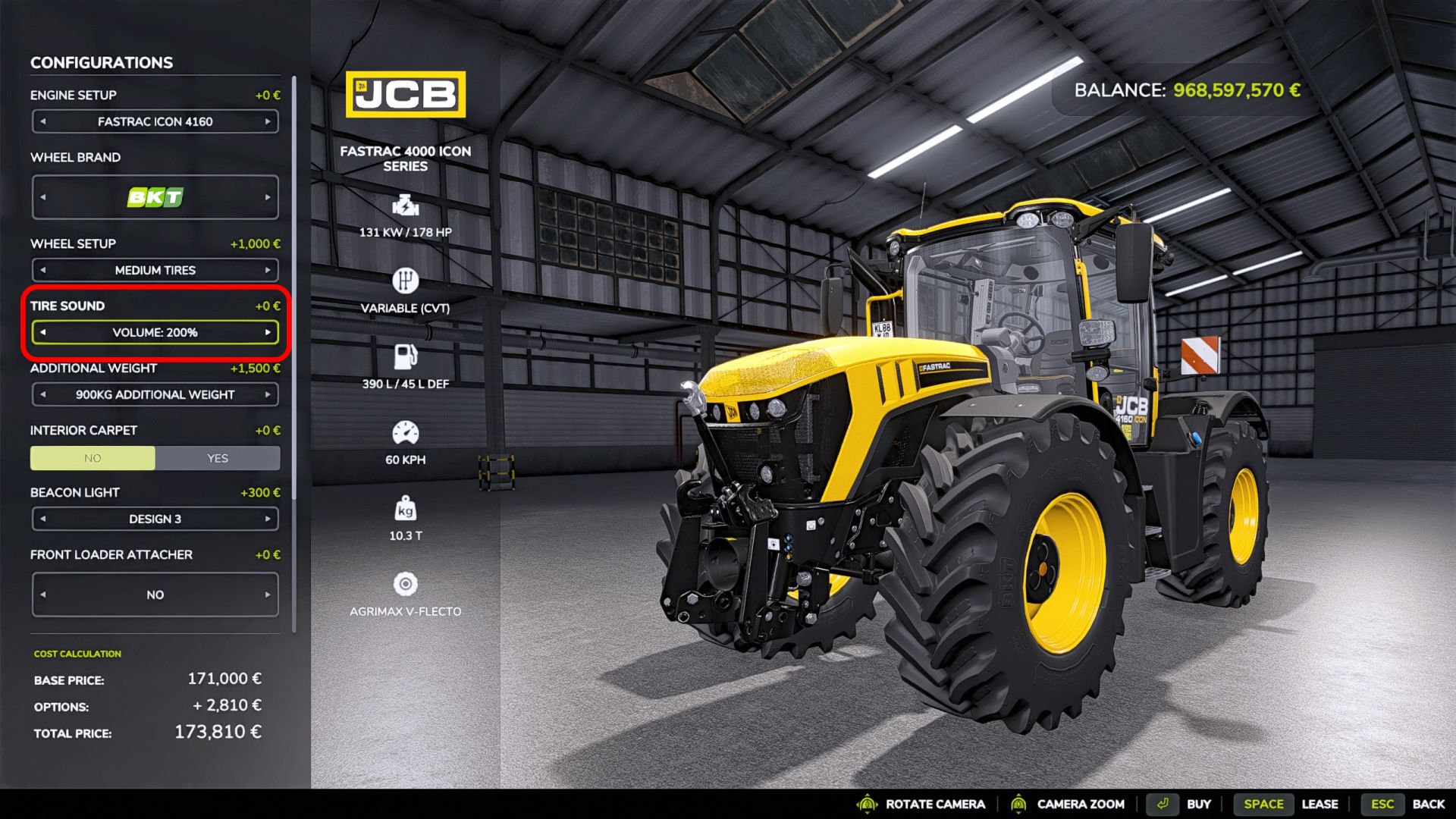
It is enabled when purchasing the tractor from the shop, where the volume can also be adjusted (from 40% to 300%).
Players who already have tractors on their save game will need to visit the workshop once to activate the sound.
A suitable volume setting for tractors with the original Giants sound is approximately 100% to 125%, and often higher for modded tractors.
In addition to tractors, self-propelled sprayers and some agricultural trucks with rough knobby tires are also supported
(e.g. Tatra Phoenix Agro-Trucks and the Ural trucks from Axary).
The default volume setting in the shop configuration can be changed in the “modDesc.xml” file using “defaultVolumeConfigPercent”.
If the range provided by the configuration is insufficient, the volume can be adjusted in the “tireSound.xml” file (located in the “sounds” folder) using “volumeScale”.
However, in most cases, no changes to the XML files are necessary.
Then go for it and have fun with the mod!
Author: PeterAH (Modding-Welt)