Tractor Terrain Dynamics v1.0
Tractor Terrain Dynamics v1.0
TTD — Tractor Terrain Dynamics
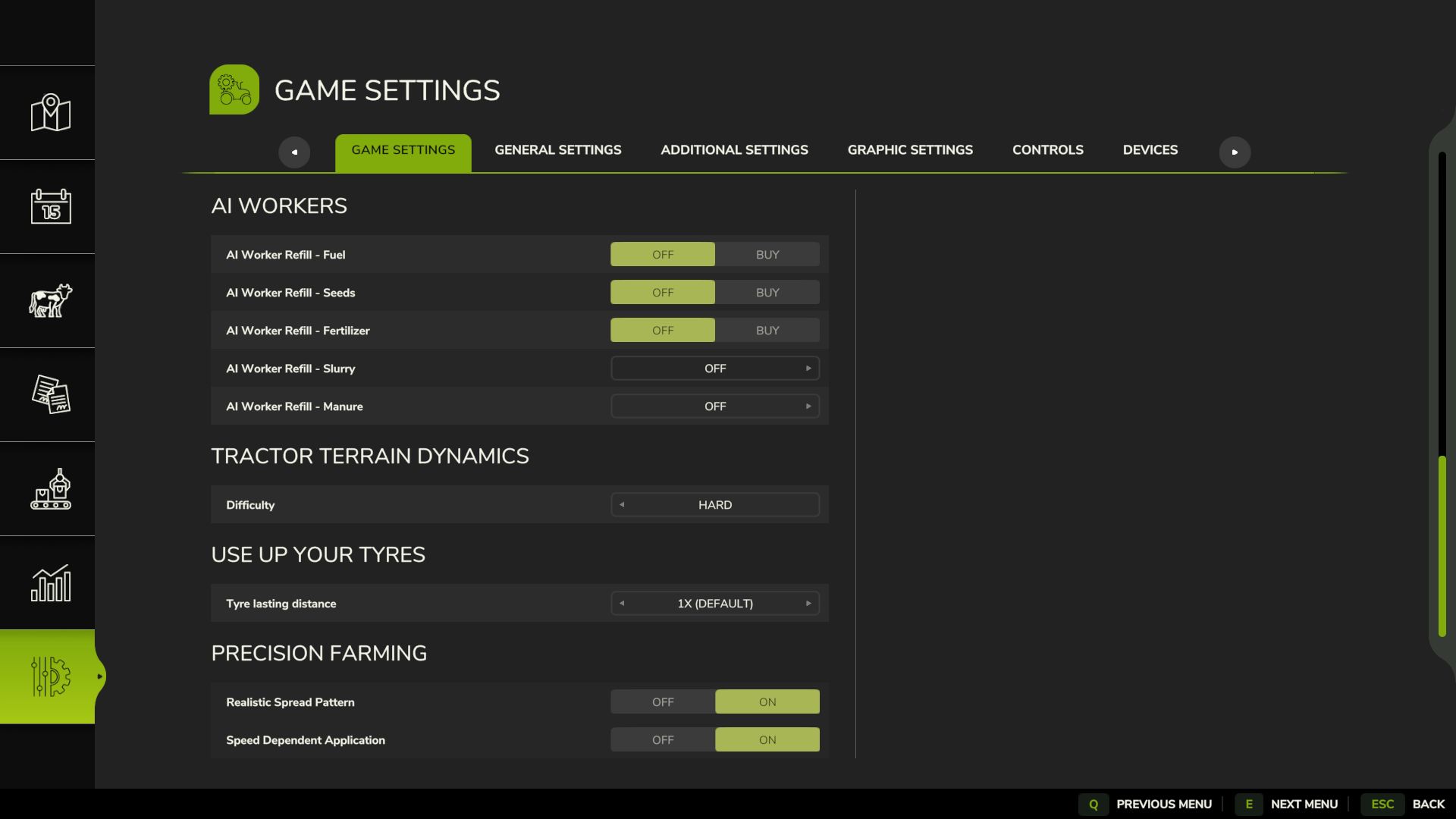
Equipment physics, not a dirt mod. No settings required — everything works automatically.
What is it?
TTD changes equipment behavior depending on the weather, soil type, moisture, tire wear and tire pressure.
The ground is not a target, it is a condition. The tractor is the main character. A wet field means less grip. Plowed soil means more resistance. Asphalt means everything is easy. Just like in real life.
What you get:
– Weather affects your work: rain — the field becomes softer, dry weather — everything is stable
– Soil-type physics: 17 types, from asphalt to plowed fields.
– Equipment feels different: tracks, dual tires, wide tires — everything matters.
– The transmission works realistically: it holds gears under load
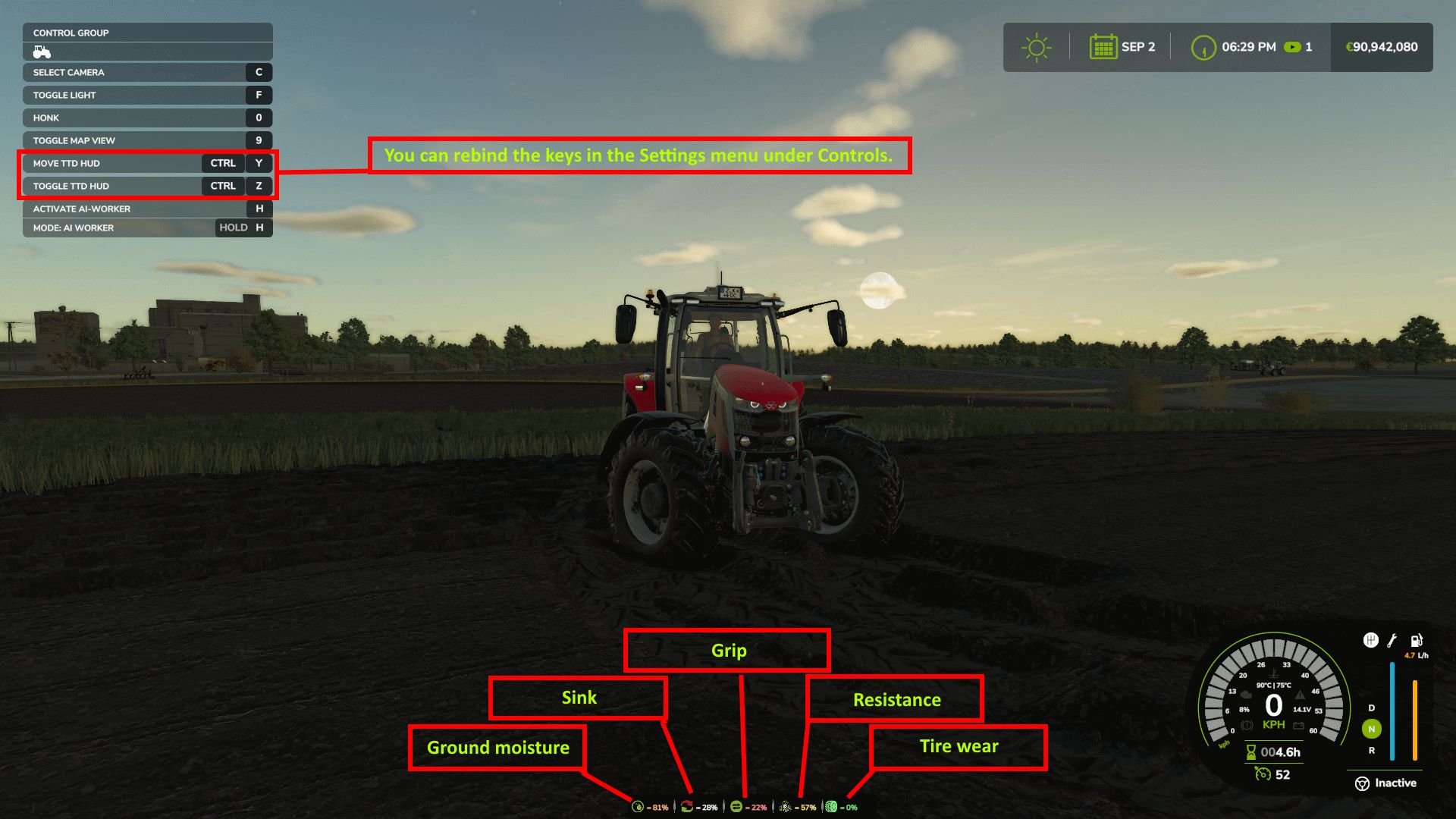
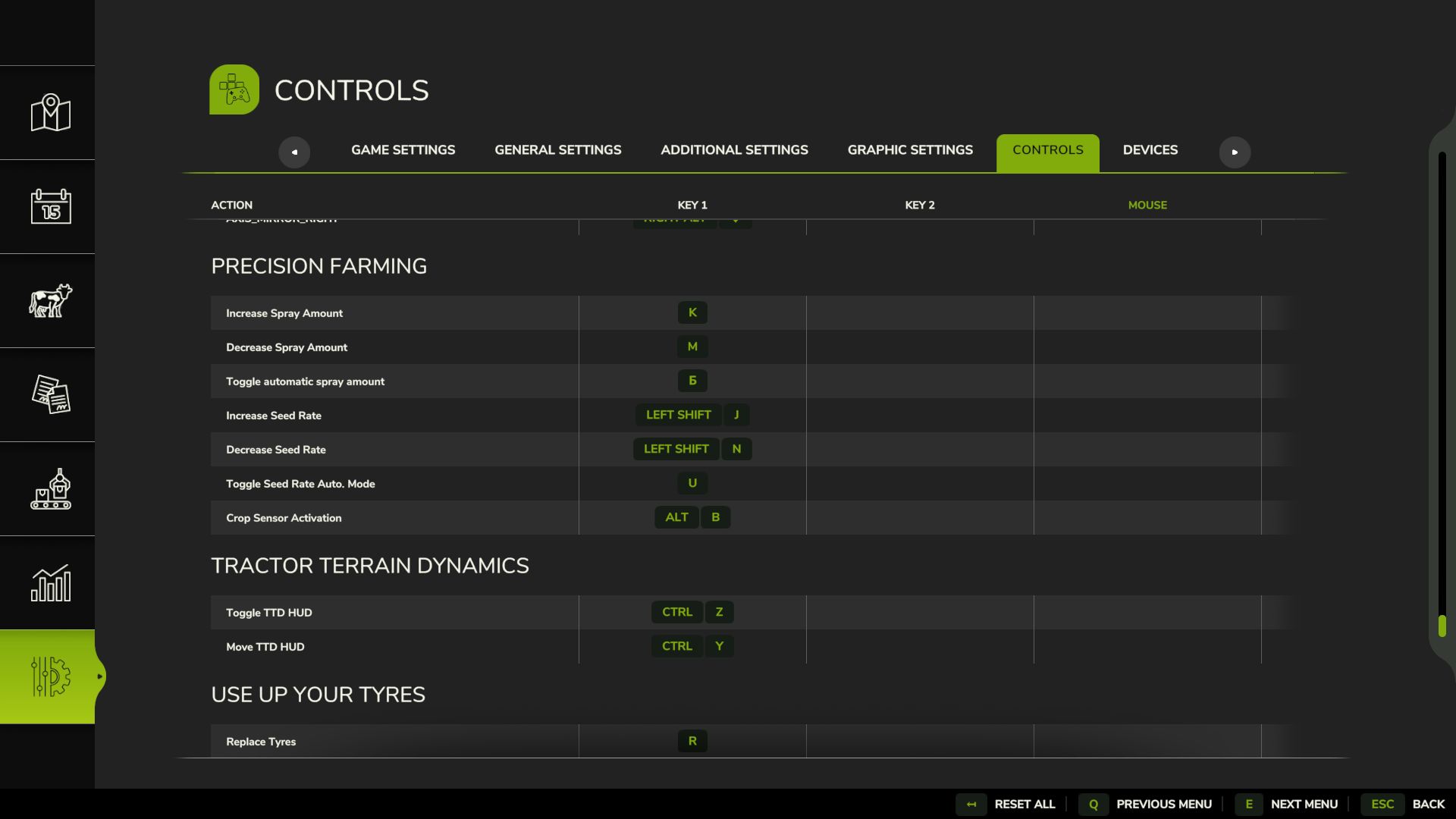
– The HUD displays moisture, grip and resistance
– Multiplayer: synchronization is handled in the code
Important to understand:
TTD does not add wheel slip “on demand.” Wheel slip is the result of conditions: a wet field, tire wear (if UYT is installed), a sudden start or excessive speed. If the tractor is new, the tires are new and the weather is dry, you will not notice a difference. TTD simply makes the physics fair and predictable.
What TTD does NOT do:
– No visual dirt
– It does not only slow you down
– No random penalties
Compatibility:
– UseYourTyres — tire wear affects road grip.
– More Realistic — for maximum hardcore enjoyment
Everything that happens is the result of your decisions, the weather and the ground.
The mod archive includes a complete guide describing the physics and containing the author’s contact details.
BETA
TTD v3.6 BETA – Natural Surface Support
This is a BETA version for testing. If you just want to play, download the stable version from ModHub or KingMods – select version 3.5.
What’s new in this beta:
TTD now works on natural surfaces outside fields (grass, gravel, dirt roads, forest ground)
Reduced grip and increased rolling resistance on these surfaces
Wet conditions affect traction
Asphalt and concrete remain unchanged
What we need from testers:
Test on different surfaces: grass, gravel, dirt roads, forest paths
Test in dry and wet weather
Test with and without UseYourTyres (UYT)
Test with loaded trailers or heavy equipment
Please leave feedback in the comments:
Which surface were you on?
Was it dry or wet?
Was the slip too strong, too weak, or just right?
Did you have UYT installed?
Known issue:
With UYT and heavily worn tires (50%+), slip may be excessive. We need your feedback on this.
Your feedback will help us improve the mod. Thanks for testing!
Author: WDMods