True Vintage Start v1.0
True Vintage Start v1.0
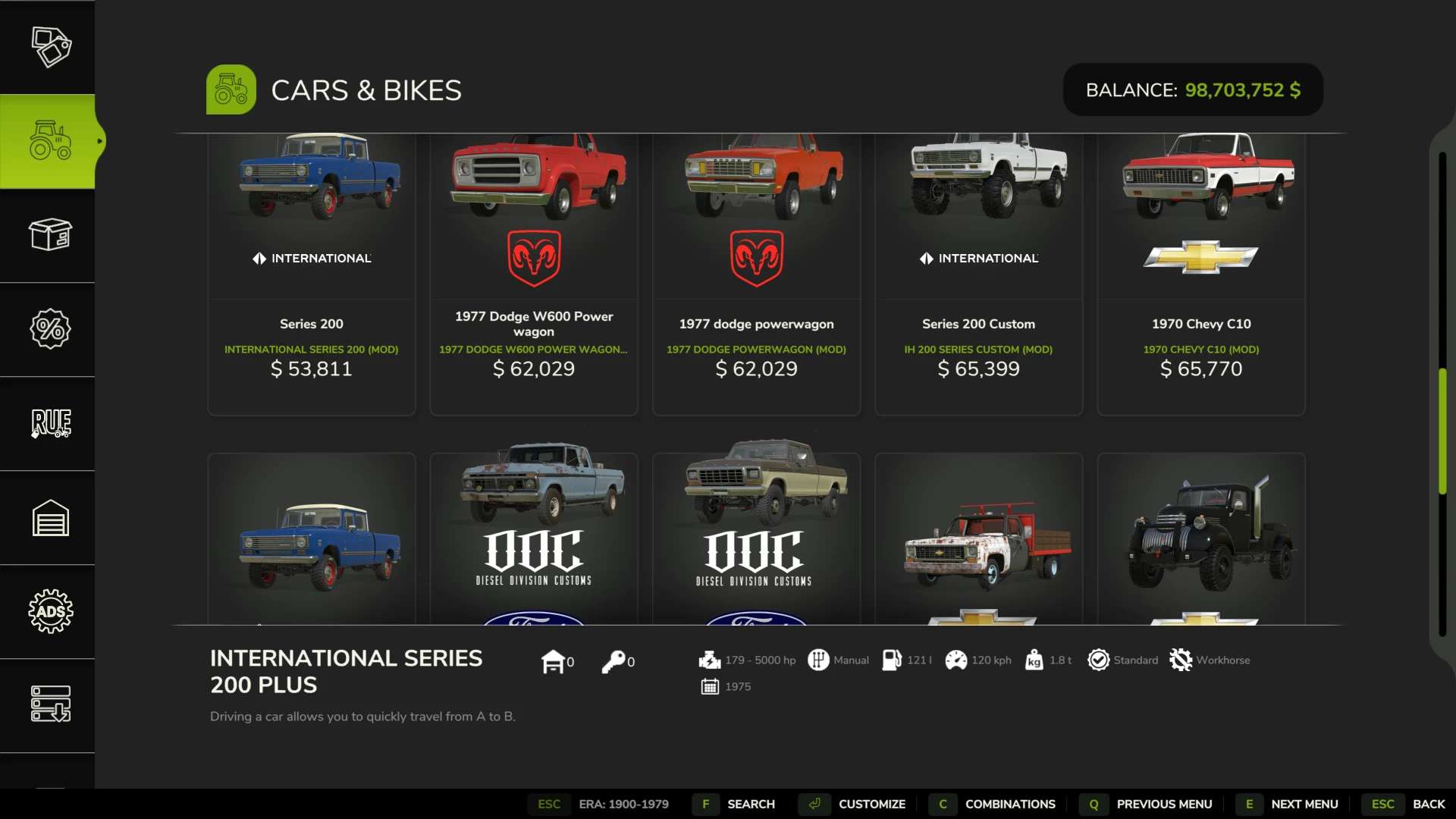
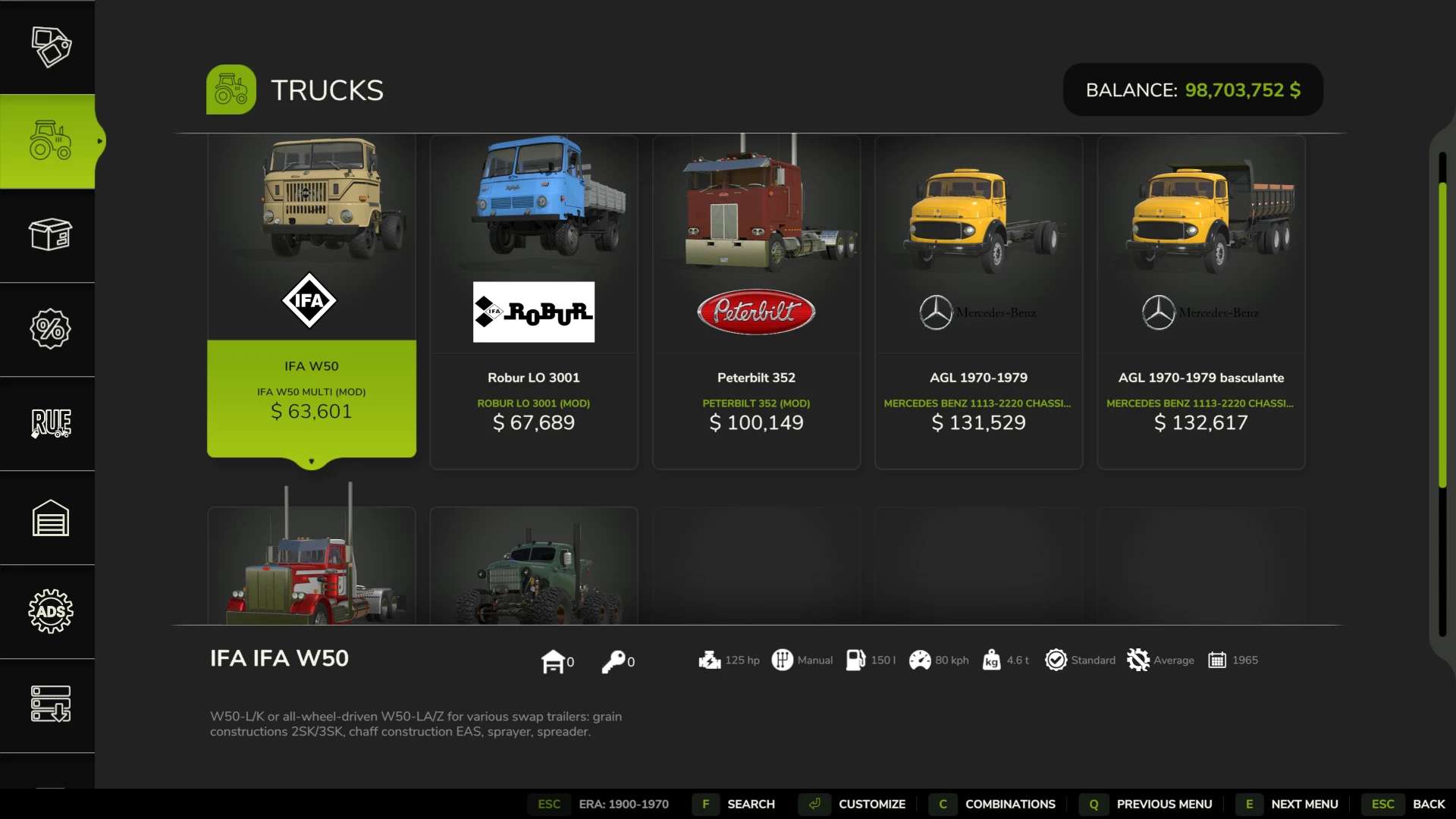
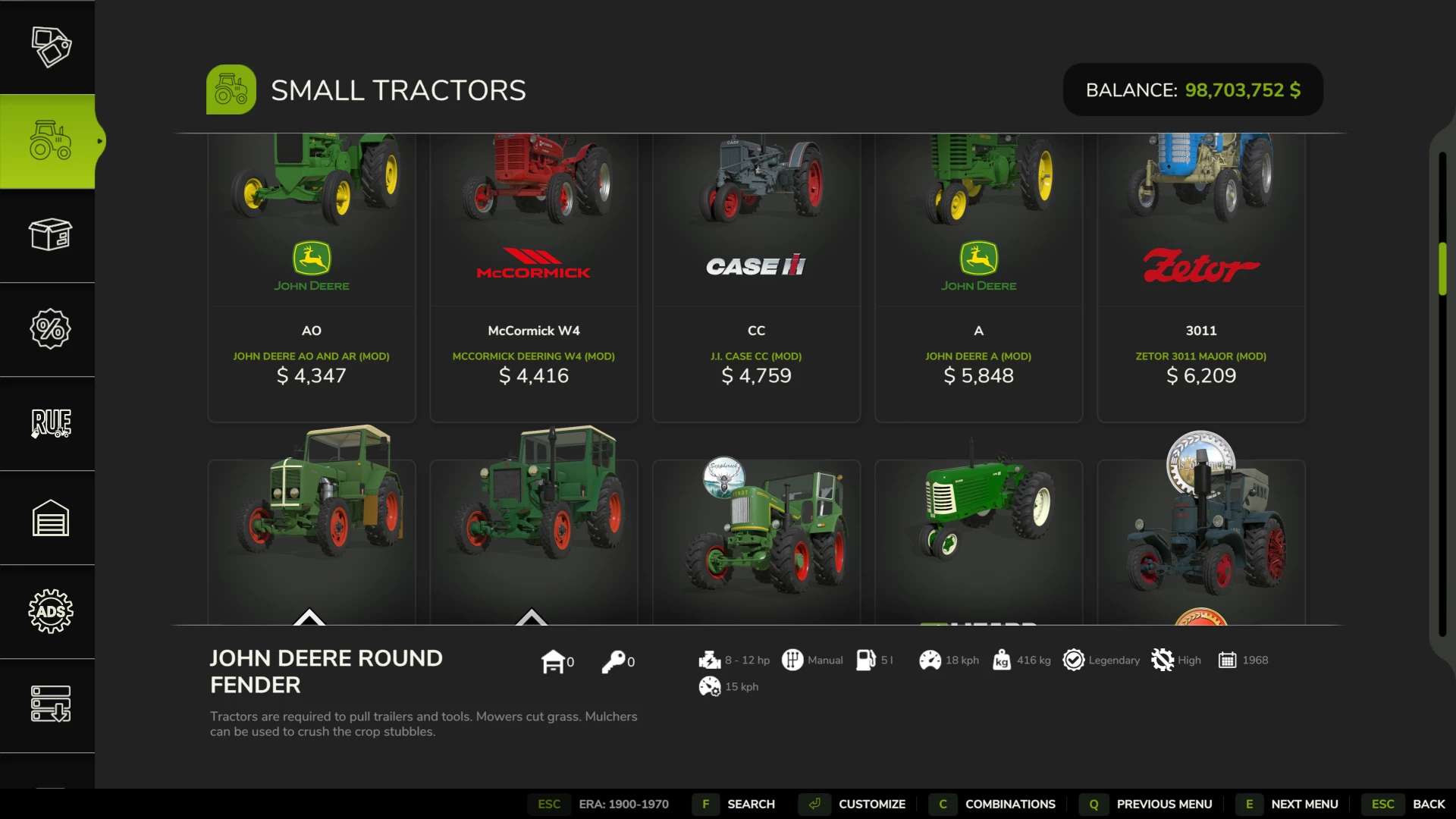
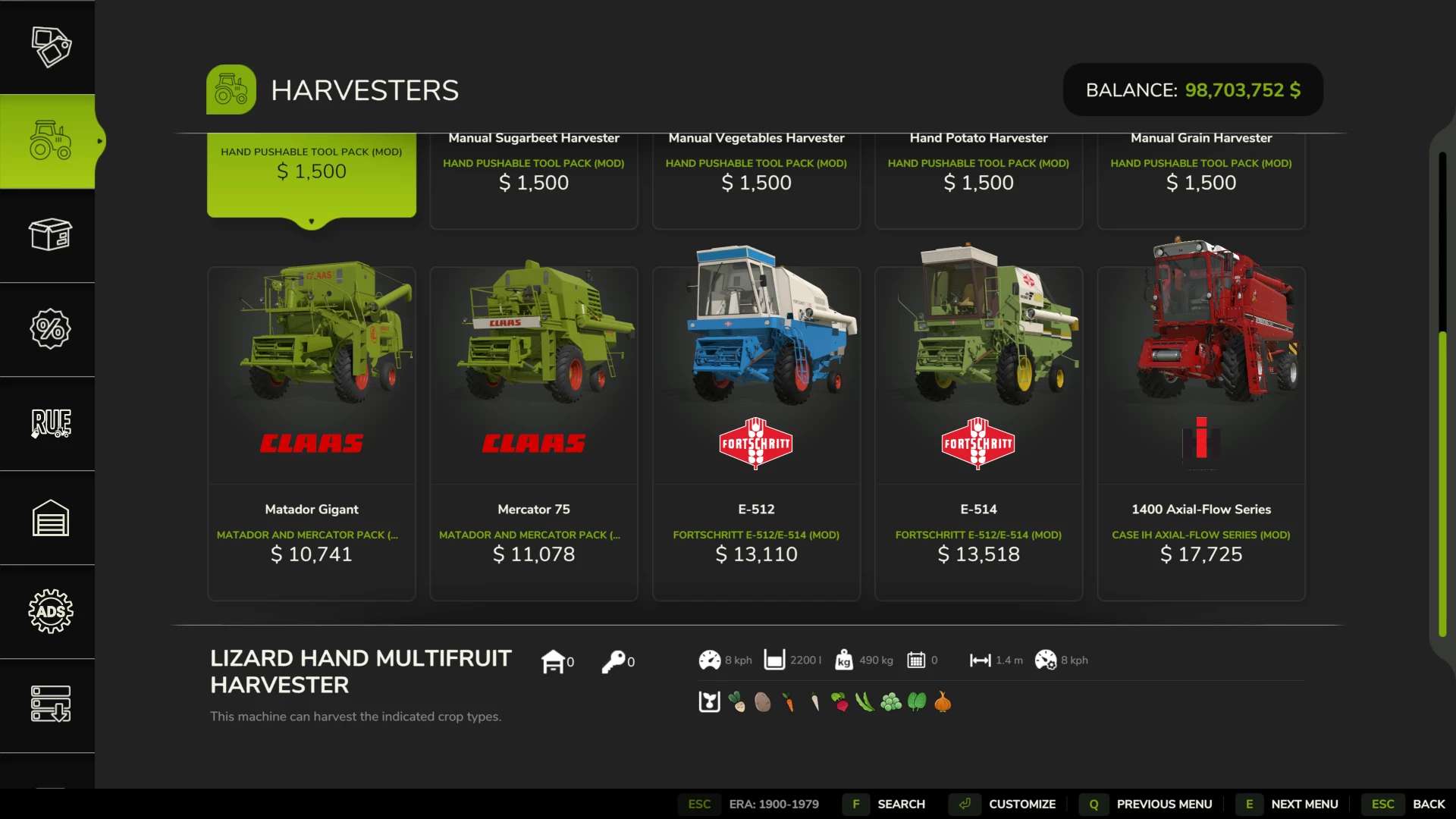
True Vintage Start is a self-contained vintage-progression filter for the shop. Choose the era you want to begin in and only period-correct machinery appears; as the seasons pass the window advances, so newer equipment unlocks over time – but it never snaps back to “everything at once”.
CONFIGURE IT IN-GAME
A dedicated True Vintage Start page in the menu – no console needed:
– Era preset: one tap for the 1950s, 1970s, Modern and more
– Start year & Floor year: dial in your exact window, single-year steps
– Time speed: how fast the era climbs, from 1x to 10x vintage-years per game-year… or Frozen, to stay in your chosen year for good
– Vintage filter: master on/off
Everything applies live, and the shop carries an ERA badge so you always know where you stand.
IT DATES THE WHOLE FLEET
Ordinary era filters only know the build year of base-game machines, so a big mod collection sails straight past them. True Vintage Start dates the thousands of MOD vehicles too:
– Timeless kit – plows, trailers, hand tools – stays available in every era
– Self-propelled machines are dated by their real-world model, so a modern engine bolted onto a vintage body still reads as its true era
– Anything it has never seen defaults to modern, so cheat and unknown machines can’t leak into your 1950s shop
COMPATIBILITY
Singleplayer & multiplayer. Fully standalone – no other filter mod required. FS25_Vehicle_Years is supported as an optional source of base-game years.
Advanced (console): eraSet <floor> <ceiling>, eraRate <0-10>, eraProgression, eraLock.
Made by Avolation Industries.
Author: Avolation Industries