TÜV/HU System V1.0
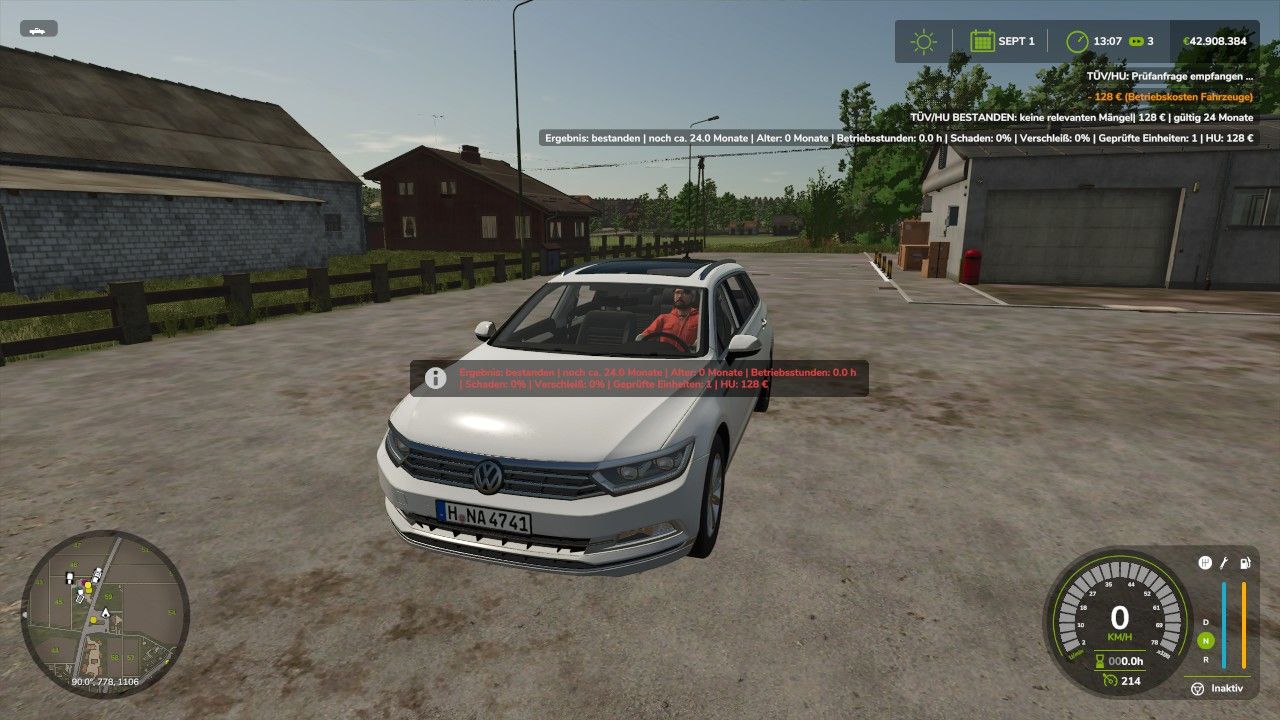
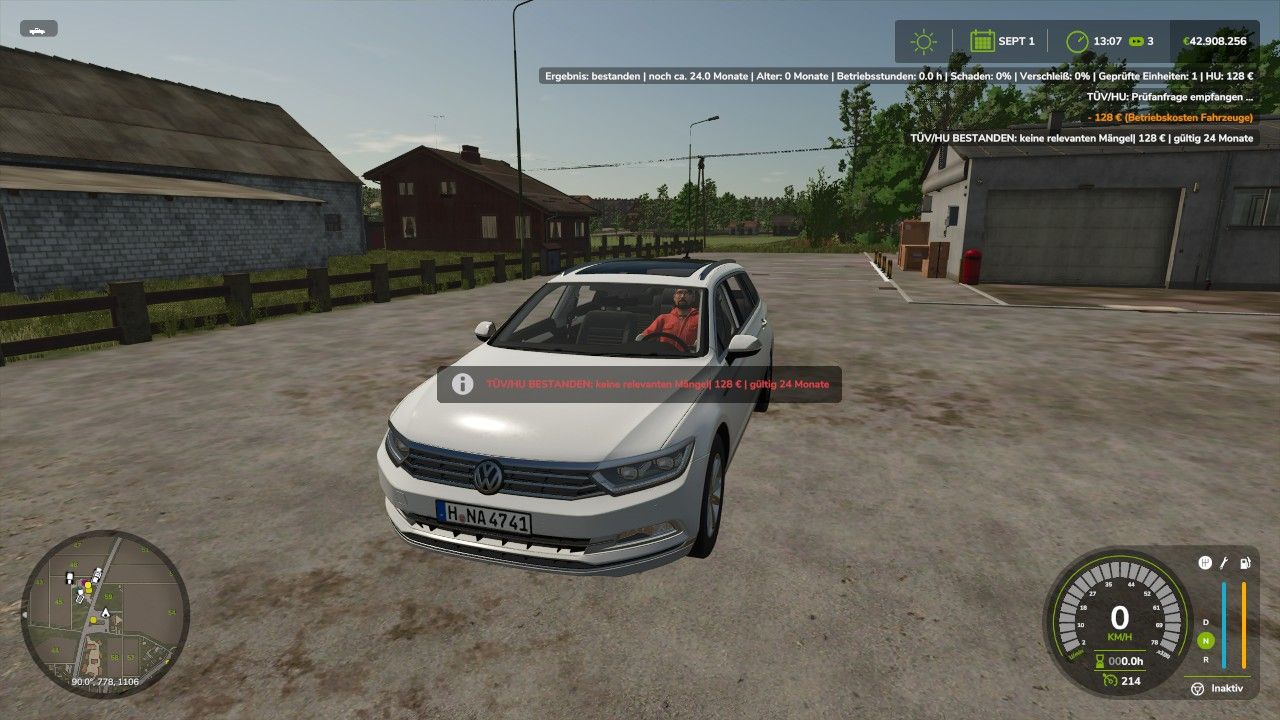
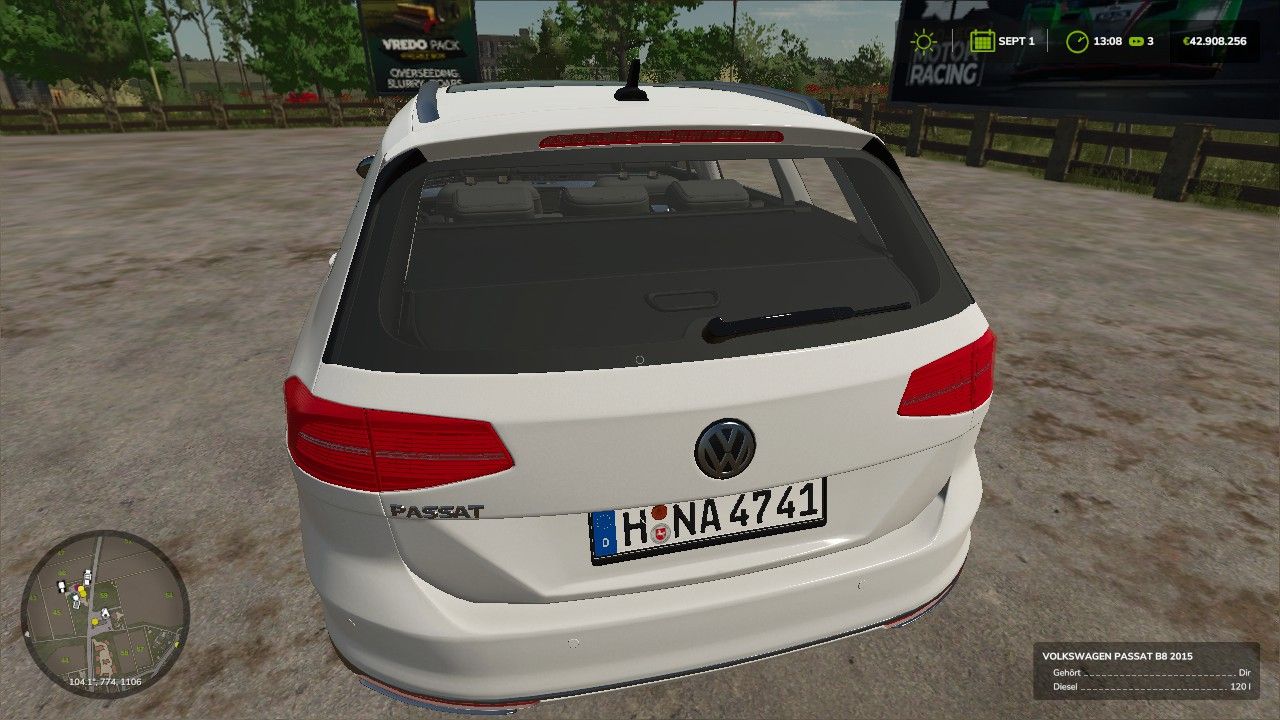
TÜV/HU System V1.0
With the TÜV/HU System by ScriptHub Modding, Farming Simulator 25 gets its own vehicle inspection system.
Vehicles can be inspected regularly. Among other things, the script takes the current vehicle damage and wear into account. After a successful inspection, the vehicle receives a new HU validity period of 24 in-game months.
Features of the current beta:
T – carry out TÜV/HU inspection
Y – display current TÜV/HU status
HU validity period of 24 in-game months
Inspection of vehicle damage and wear
Possible results: passed, minor defects or failed
Reinspection after a failed HU
Vehicle-dependent inspection costs
HU costs are displayed in the status
HU data saved per vehicle
Support for standard vehicles and many mod vehicles
Basic multiplayer support available
The vehicle must be stationary for the inspection
The engine must be switched off during the HU
The current Beta 0.8 is based on the previous stable LS25 version and is still being tested for compatibility, savegame behavior and various vehicles.
Note: The script is still in the beta phase. Errors or problems may therefore still occur. If you encounter problems, please include the `log.txt` file.
Planned for upcoming versions: actual TÜV inspection stations, workshop/trigger support, additional warnings before the HU expires and further configuration options.
V1.0.0.0
System fully ported to FS25
TUV/MOT inspection for vehicles integrated
Assessment of damage and wear
Four possible inspection results:
Passed
Minor defects
Major defects
Unsafe for road use
MOT validity set to 24 months by default
Validity period can be adjusted in the configuration
Re-inspection within 7 days
Separate re-inspection fee
Vehicle-dependent inspection costs
Vehicle age is taken into account in the TÃœV file
Operating hours are displayed in the inspection report
Attached and towed vehicles/equipment are taken into account during the condition inspection
Detailed TUV/MOT inspection report via F7
Status display via Y
Main inspection via T
TÃœV data is saved in the savegame
Multiplayer synchronization integrated
Warnings when the MOT is about to expire or has expired
Storage of the MOT expiry month and year
Automatic determination of the appropriate MOT sticker color
Interface for the ScriptHub Modding Deutsche Kennzeichen Mod
This allows the MOT sticker to be displayed automatically on the rear license plate
Support for the LS25 license plate and vehicle system
Various internal adjustments and optimizations for Farming Simulator 25
Author: ScriptHub Modding