Universal Collision Remover V1.0


Universal Collision Remover V1.0

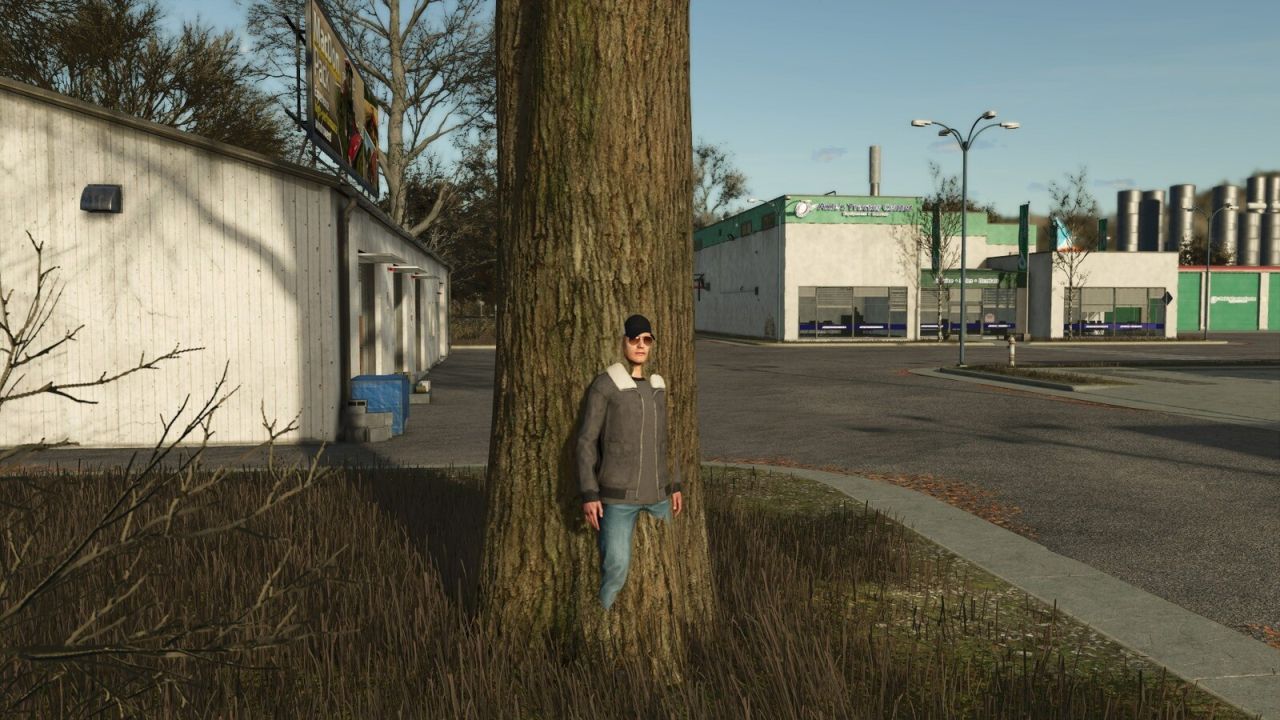
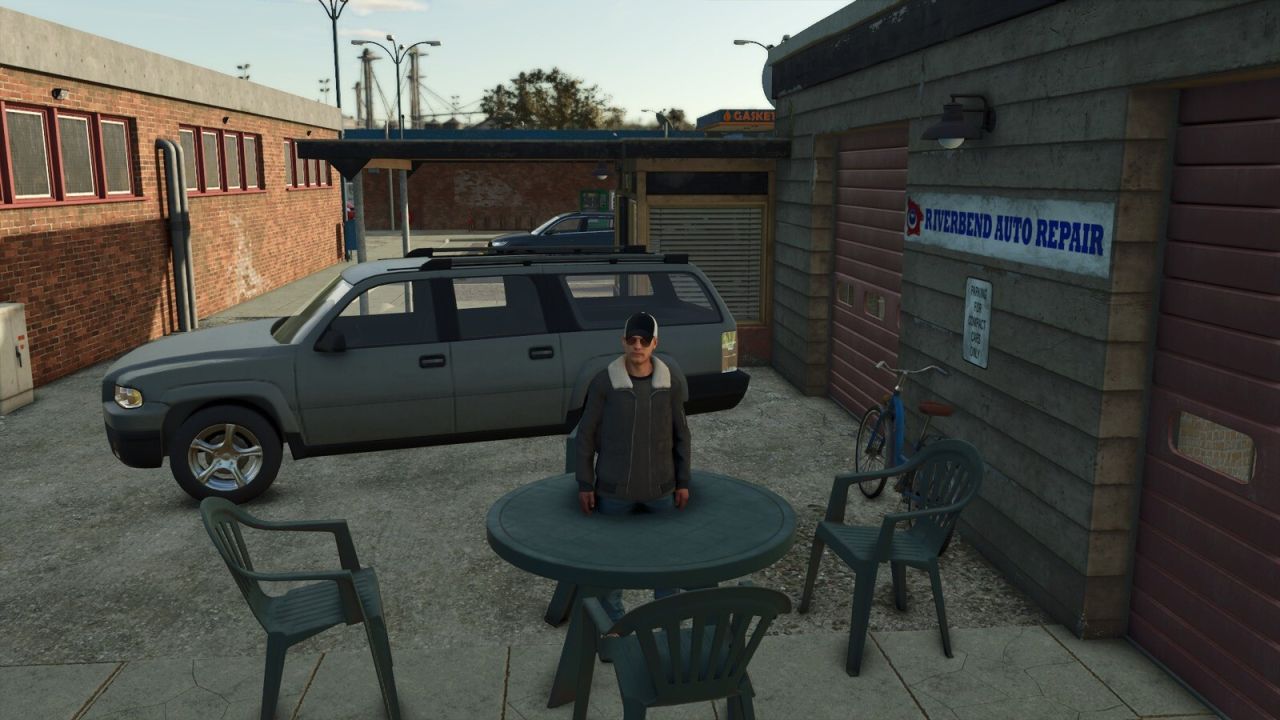
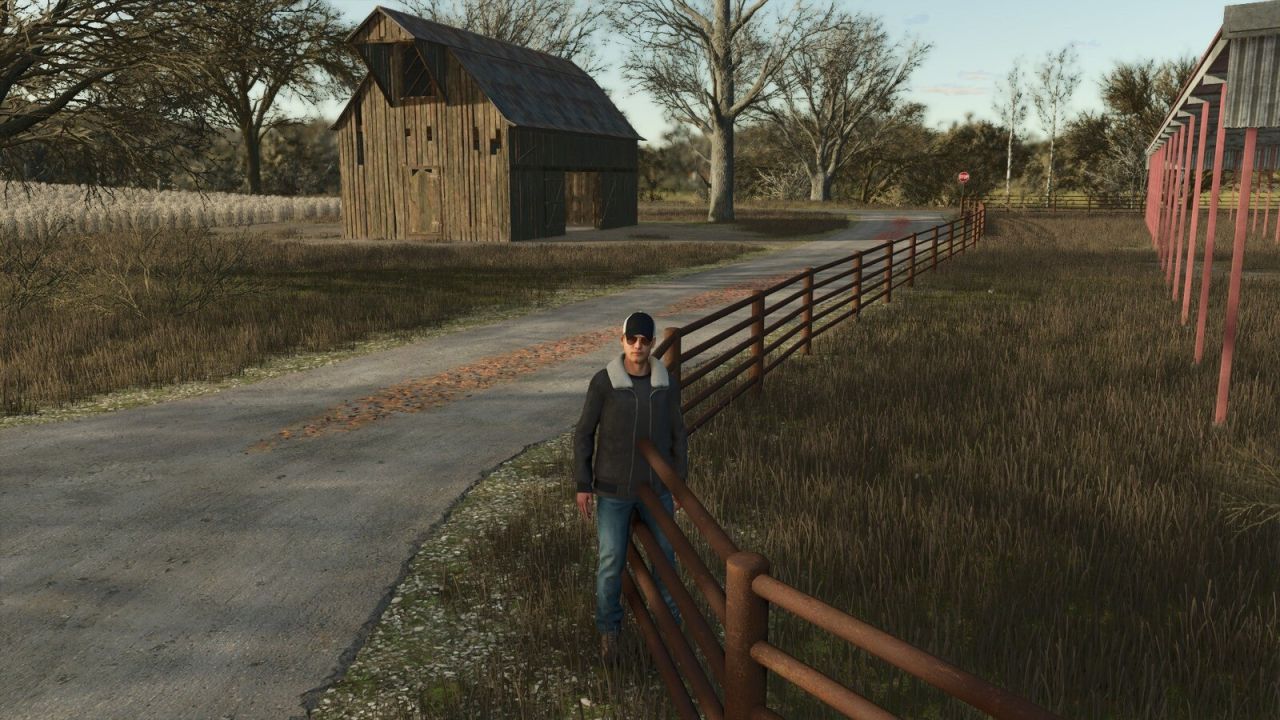
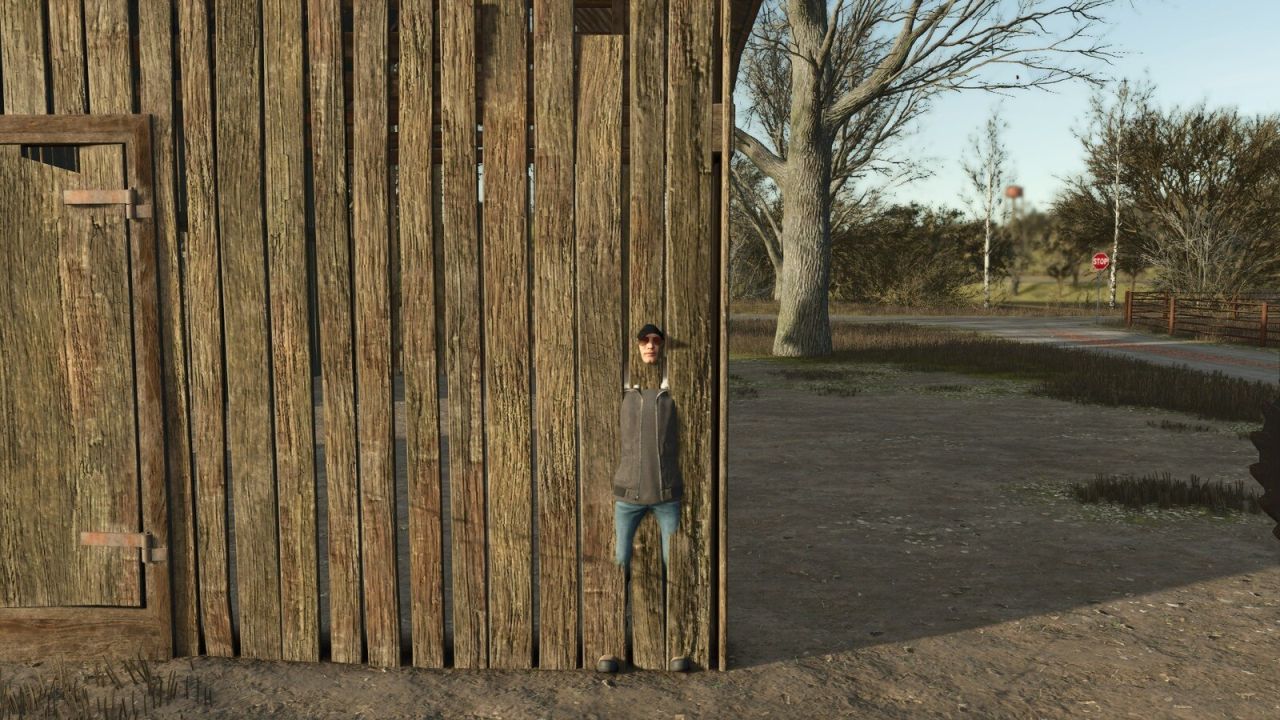
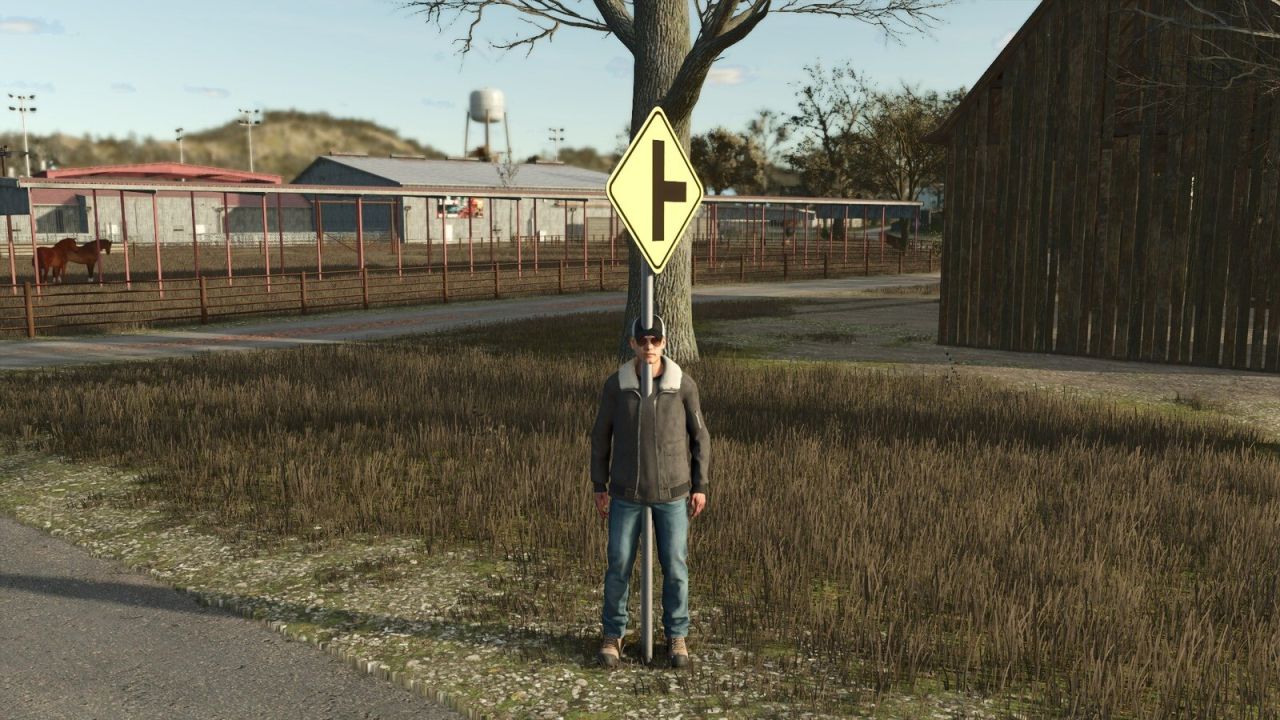
Disables the collision of fixed map objects without removing their appearance. Useful for fences, walls, signs, sheds, rocks, decorative parked vehicles and other static obstacles. Animated gates, doors and barriers that belong to static structures are also supported, while their opening and closing animations keep working.

Press CTRL+X to activate or deactivate the mode. Aim at the object: the crosshair is green when its collision can be changed and red when it is protected. Press DELETE to make the selected obstacle pass-through and CTRL+Z to restore the last change.

For safety, terrain, world boundaries, water surfaces, functional triggers, registered vehicles and true moving gameplay objects remain protected. Every change is saved immediately in the current savegame and automatically reapplied whenever the map is loaded. CTRL+Z restores the most recent saved change. Single-player only.


Author: Max Games

Report bugs in the comments and help modders improve this mod. Always check the comments, you can find a solution.


Helpful Information: How to install FS25 mods | FS25 System Requiremnts | FS25 Modding Tutorial | Giants Editor for FS25 | How to Convert mods | FS25 Cheats

More Misc mods


About Farming Simulator 25 mods
Farming Simulator 25 supports game modding for PC, Xbox, or PS5. FS25 Mod may change your game from small to complete changes. You can create a Farming Simulator 25 mod file and share it with our community. When is a good time to try Farming Simulator 25 mods? We recommend playing a game with these FS25 mods after you finish the Farming Simulator 25 starting pack and are bored with the game basics. So it's time to try new machines, such as harvesters or tractors, which are not included in the basic game version.
As you already know, Farming Simulator 25 developers support mods installation, which will add more vehicles or lands to your game. Check our Best FS25 mods lists for PC, Mac, PS5 or Xbox Series. Just follow these simple steps: choose the LS25 mods category, download the mod for the Farming Simulator 2025 version, and install it into the mod folder. Remember, all Farming Simulator 25 Mods are free, and download as many as you want with no limits. We want to create one of the biggest Farming Simulator 25 Community and invite you to share FS25 mods with everyone.

Leave a Reply

Do you need help or to say thanks to the mod author? Just leave a comment below!