VAC-CON Kit AR BODY v1.0
VAC-CON Kit AR BODY v1.0
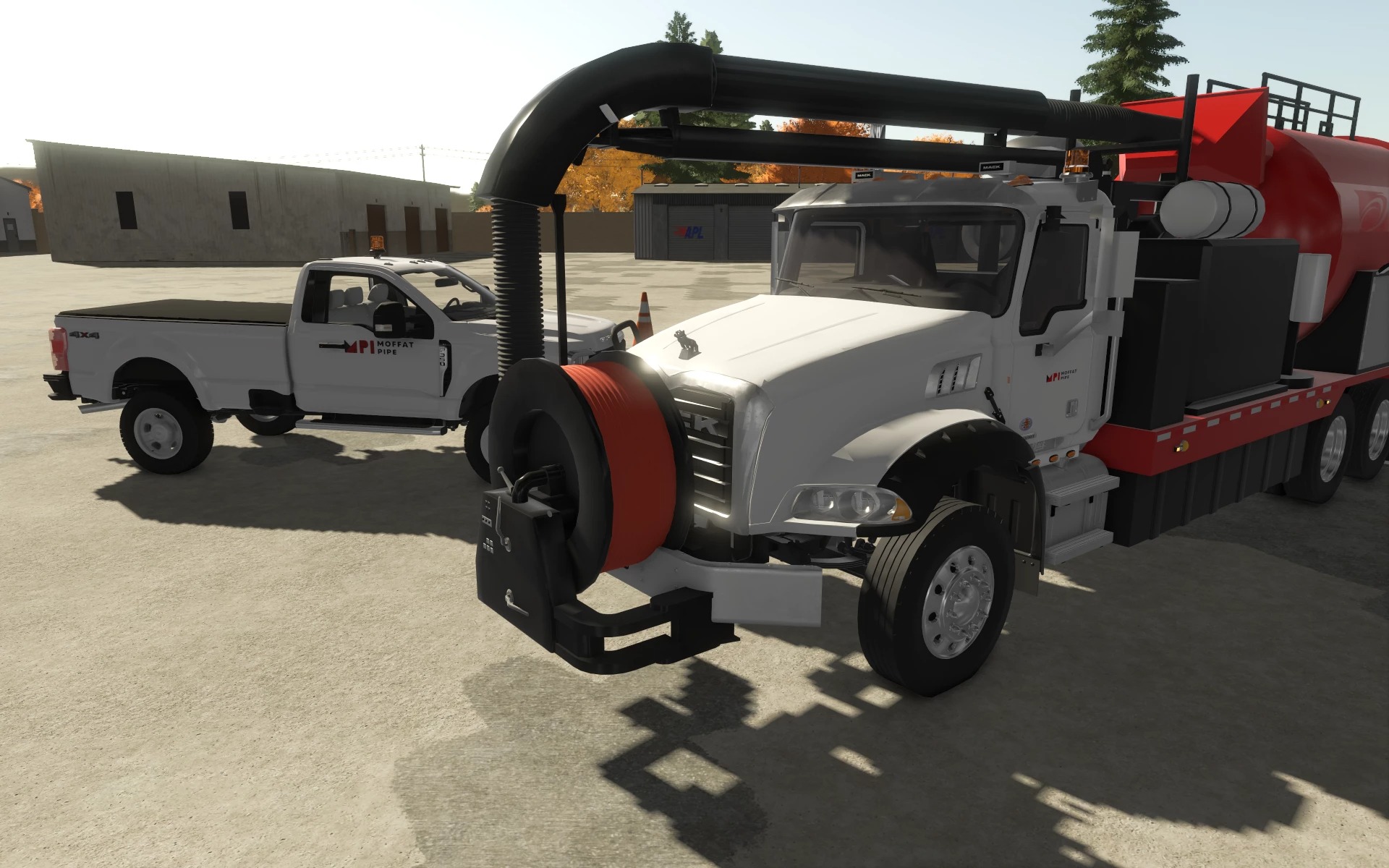
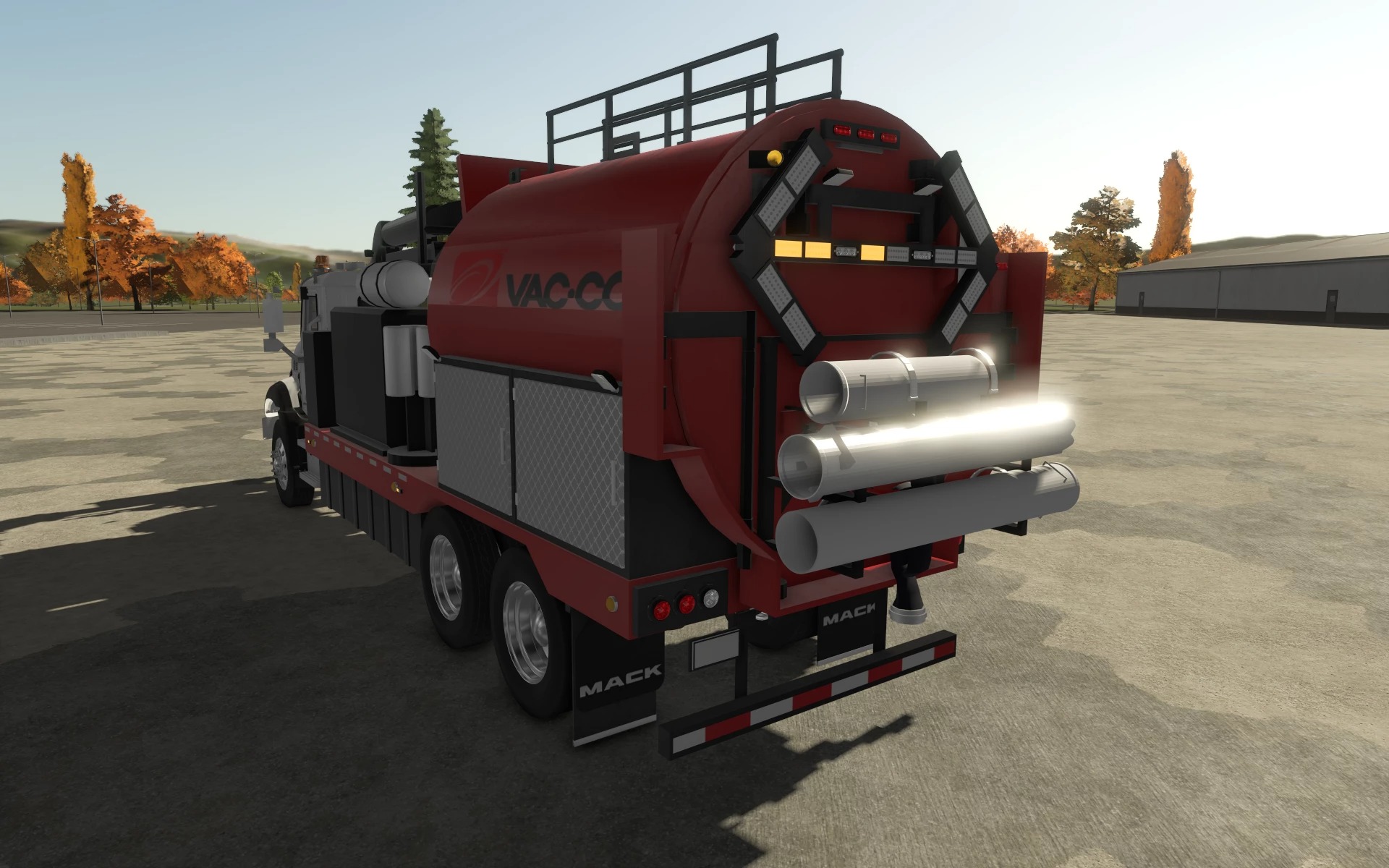
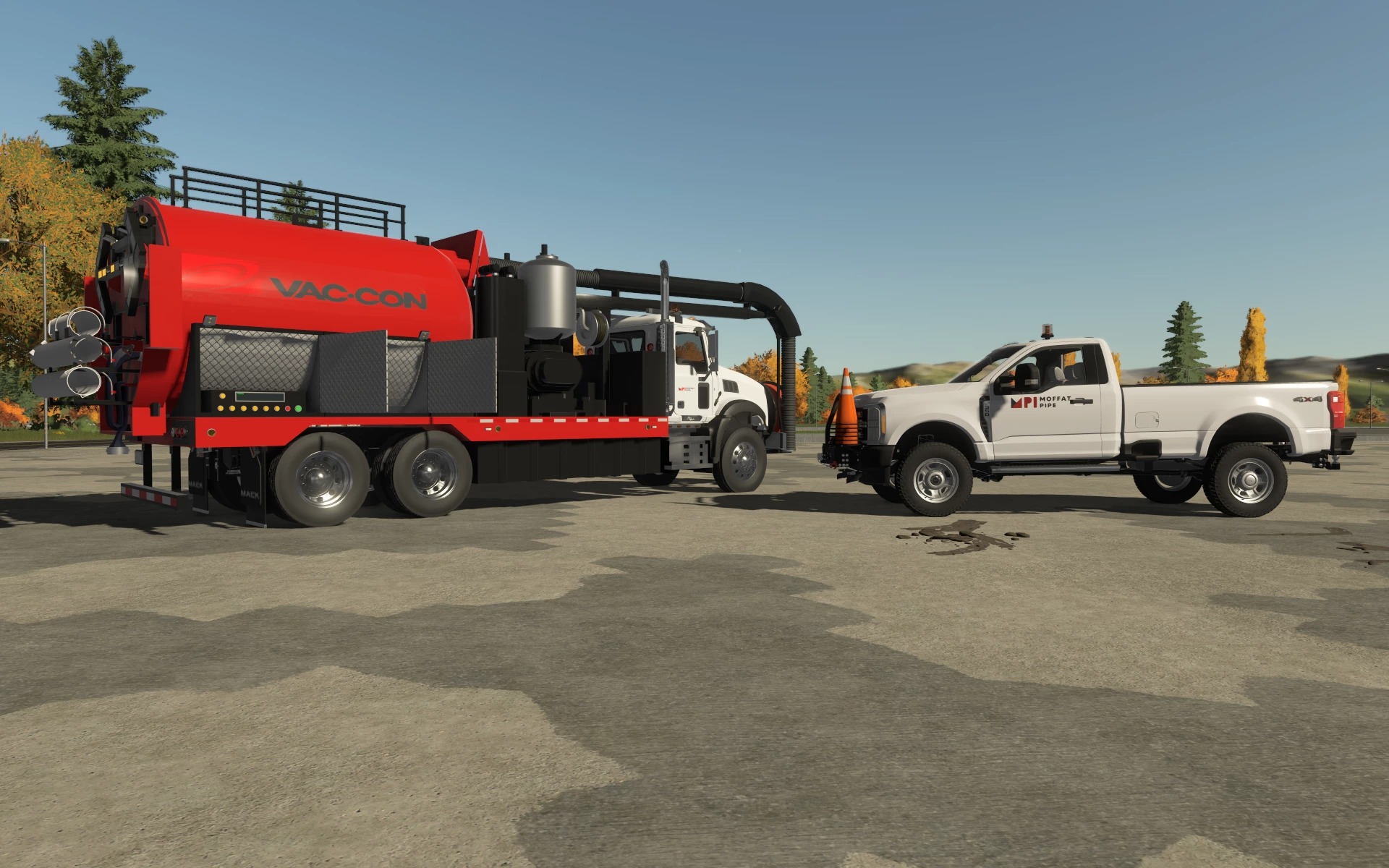
Welcome to the next level of targeted excavation! Today I presented to you V1 of the Vac-Con Vacuum AR Body. This mod is not a truck but a bed! In prep for a ton of beds being transferred from FS22 to FS25. Note that I didn’t just bring this over to 25 and call it a day. I made some changes, including the features listed below. Note that this is the beta version of this mod, and continuous updates will only be posted on the AMLC page.
Trucks pretested to fit this attachment: These should work, last I checked; if not, a hotfix is dropped. If you know an AR body truck that this could work with, let me know!
More trucks will be added!
STORE ITEMS
Vac-Con Vacuum Body
Short Nozzle, Long Nozzle, Long Nozzle with Teeth
Vac-Con radio remote (hand tool)
FEATURES
The boom swings, raises, and telescopes, and the suction hose hangs from the boom tip.
With the vacuum on, the hose end picks up dirt and liquids; hung in a pond or river, it refills the tank with water. Turning on the vacuum raises the truck’s engine RPM.
The pressure-washer lance is taken from the hose reel. It sprays onto the ground, removing grass and any foliage(turns the ground into a wet mud texture), uses water from the body’s own water tank (filled at water stations), and, with TerraFarm installed, digs soft ground where the jet hits. You will have to play around with the jet and terrafarm.
The nozzles attach to the end of the suction hose with the remote’s attach key.
Unloading: the tank tips and the rear door opens, or the tank empties through the rear hose.
Pipe rack on the rear door with switchable rack blocks and lockable clamps that hold the pipes while driving; the rack moves with the door.
LED or classic arrow board, side safety strobes with several patterns, spotlights, boom and rear work lights.
US-style rear end: round stop/tail/turn and reverse lamps, ID and clearance lamps, ICC bumper, mud flaps.
Storage cabinets, a control cabinet, and a remote cabinet with opening doors.
Shop options: paint and trim colors, logos (white, color, or none), reel hose and reel frame colors, arrow board type.
CONTROLS
Boom: the crane controls when the body is selected (swing, raise / lower, telescope; hose reel on the crane tool axis).
Vacuum on/off: turn-on key, PTO button in the control cabinet, or remote.
Unloading: tip key; tip-side key switches between the rear door and the rear hose.
Remote (within 50 m of the body):
left stick: boom swing and boom up / down
right stick: telescope and hose reel
toggles: vacuum, unload, unload side, beacons/strobes, front reel swing
attach key: connect the nearest loose nozzle to the suction hose, or take it off
G: take the remote out of its cabinet or put it back (within 3 m of the cabinet)
The screen shows link distance, vacuum state, tank level, and unload side
Water Lance: take and return it to the hose reel with the hand-tool key; spray with the hand-tool action key. Lance can also be used to wash trucks.
Interactive Control points (needs FS25_interactiveControl): cabinet doors, PTO, strobe pattern, spotlights (left, right, boom, rear, all), arrow board modes, rack blocks, top/middle/bottom pipe clamps and the hose reel swing.
Required Mods
Paccar pack by jacksepticraft
FS25 Paccar Pack by DoubleDRanch
Interactive controls.
Author: Original Vac-Con body and nozzles: FAT ASS 12 (FS22 Detachable Truck Bodies Pack).
FS25 conversion, remote, pipe rack, lighting and scripts: Angry Monkey.
Lights, beacons, sounds, and shaders: GIANTS Software.
Interactive Control: Vertex Dezign. TerraFarm: scfmod.
The Vac-Con name and logos belong to their owner.