Variable Tire Pressure V1.0.0.1
Variable Tire Pressure V1.0.0.1
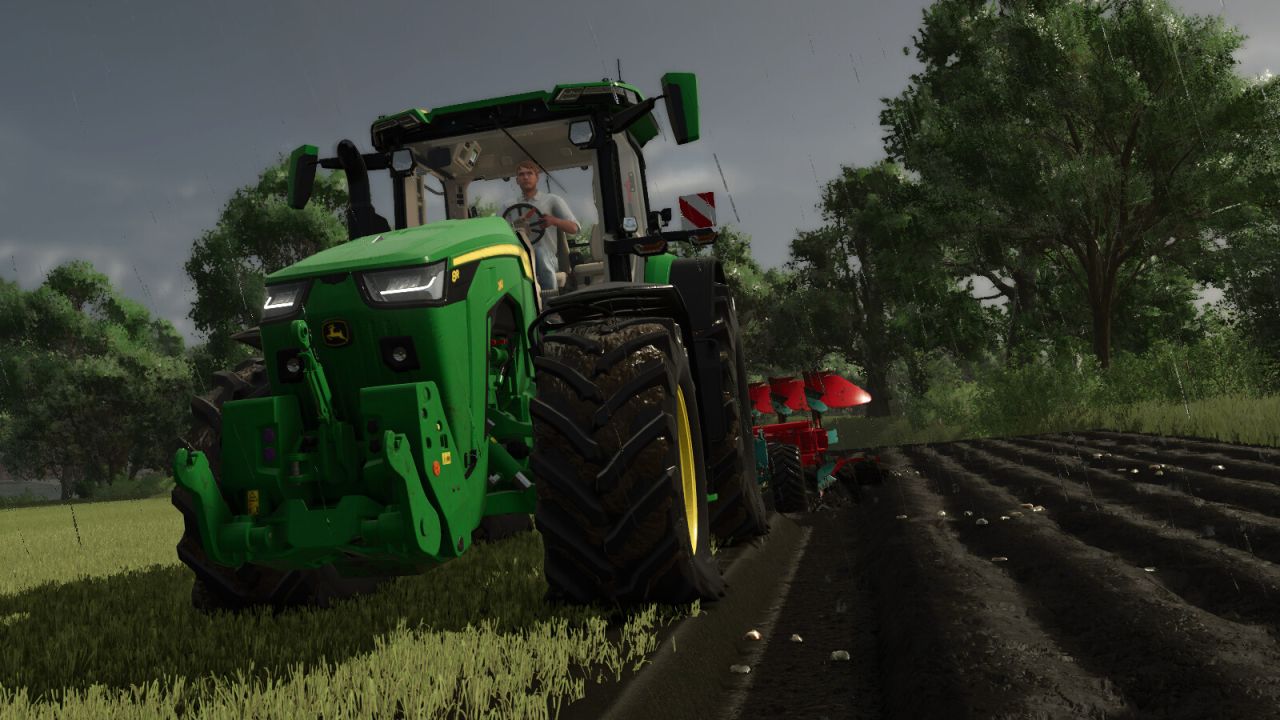
Variable Tire Pressure allows you to deflate and inflate tires in order to adjust tire pressure to different applications (e.g. field work or road driving). Lower tire pressure increases traction.
Installation:
A new entry must be added to the vehicle/trailer XML. Installation instructions (DE/EN) are included. VariableTirePressure only works if the script/mod is installed in the mod folder.
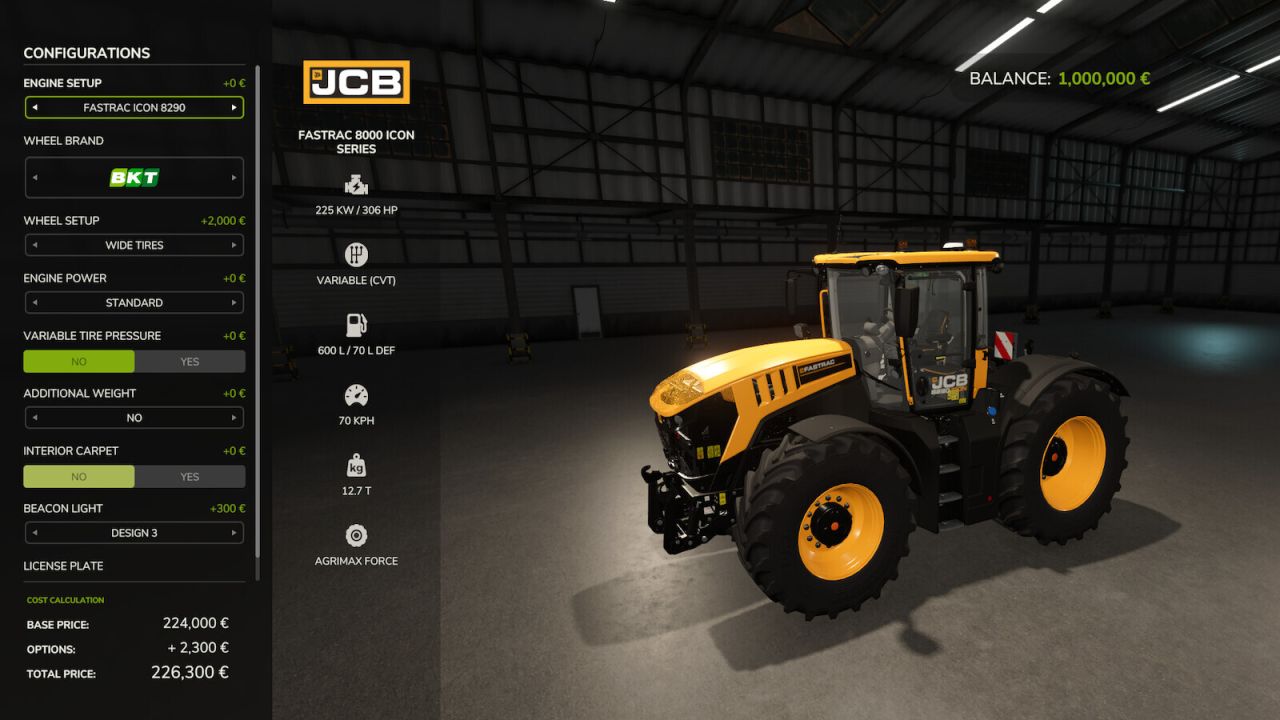
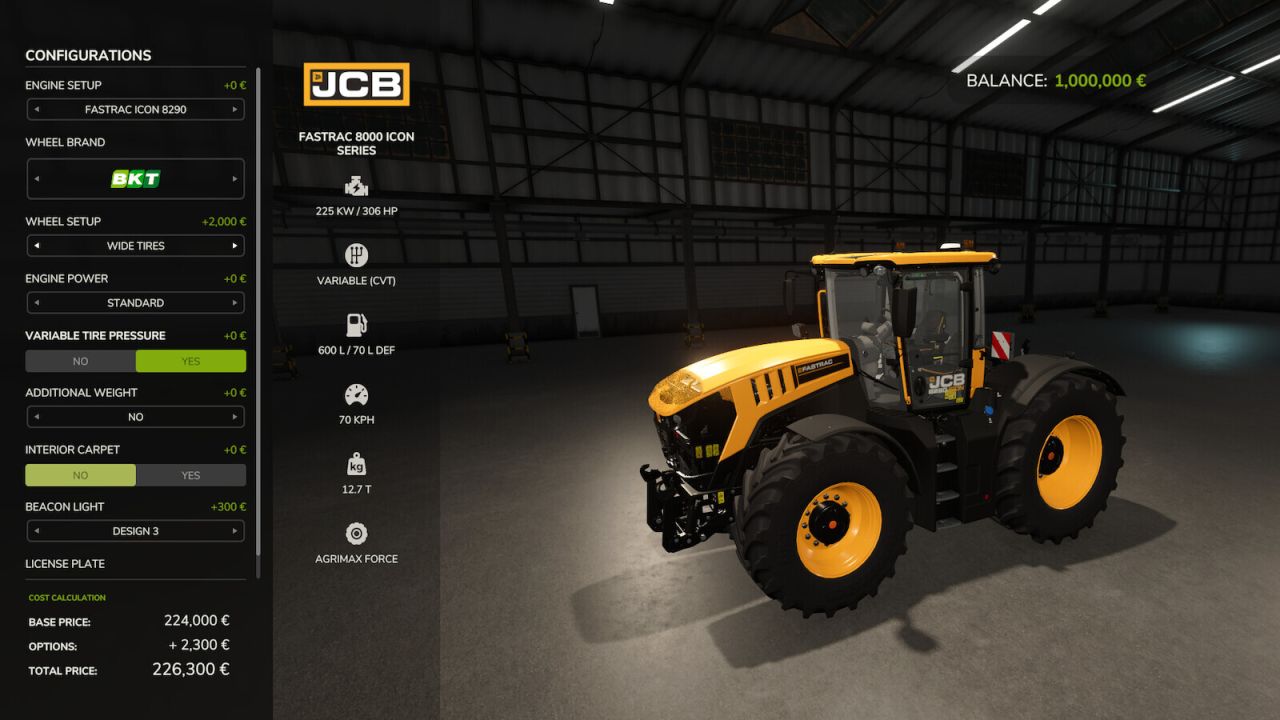
For supported base game vehicles, you can now choose in the shop whether you want to use it or not.
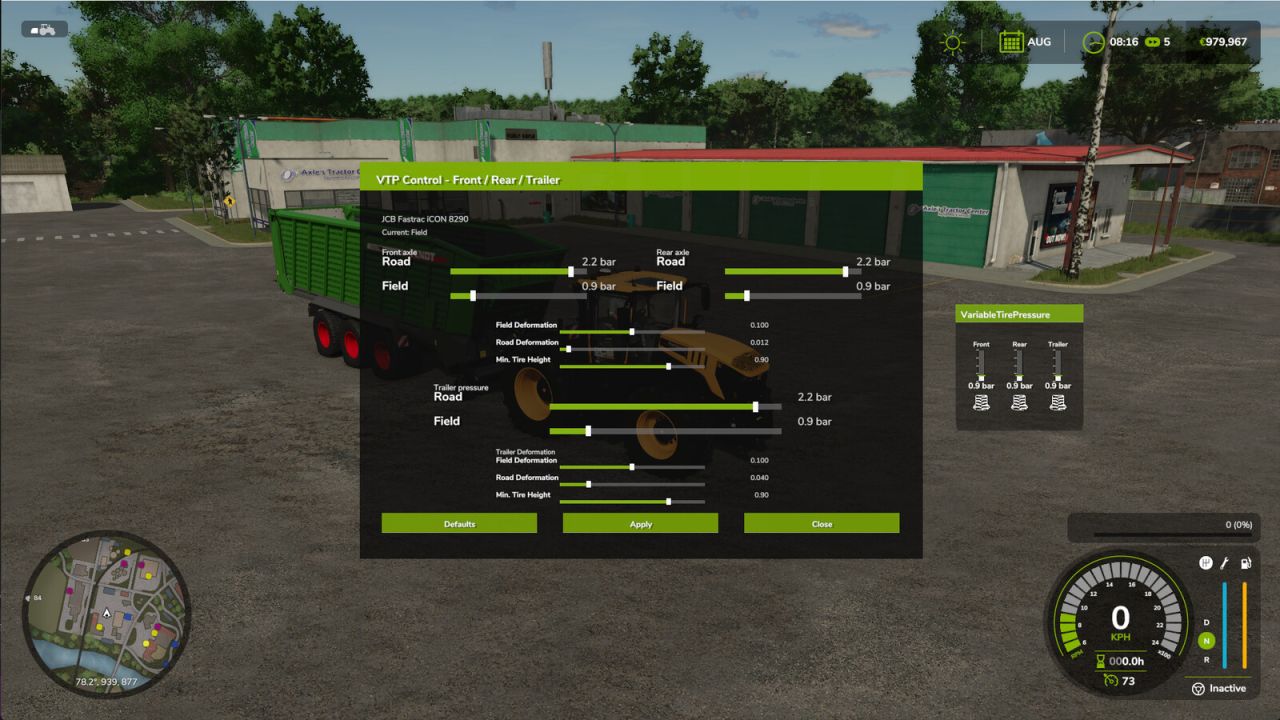
In the settings window (Ctrl + Alt + U), you can adjust the tire deformation. After releasing air from the tires, you can also fine-tune the appearance using the Min. Tire Radius setting so the tires do not look like they are sunk into the ground.
Currently supported vanilla/DLC vehicle types:
– Tractors
– Slurry tankers
– Self-propelled slurry spreaders
– Manure spreaders
– Field sprayers
– Self-propelled field sprayers
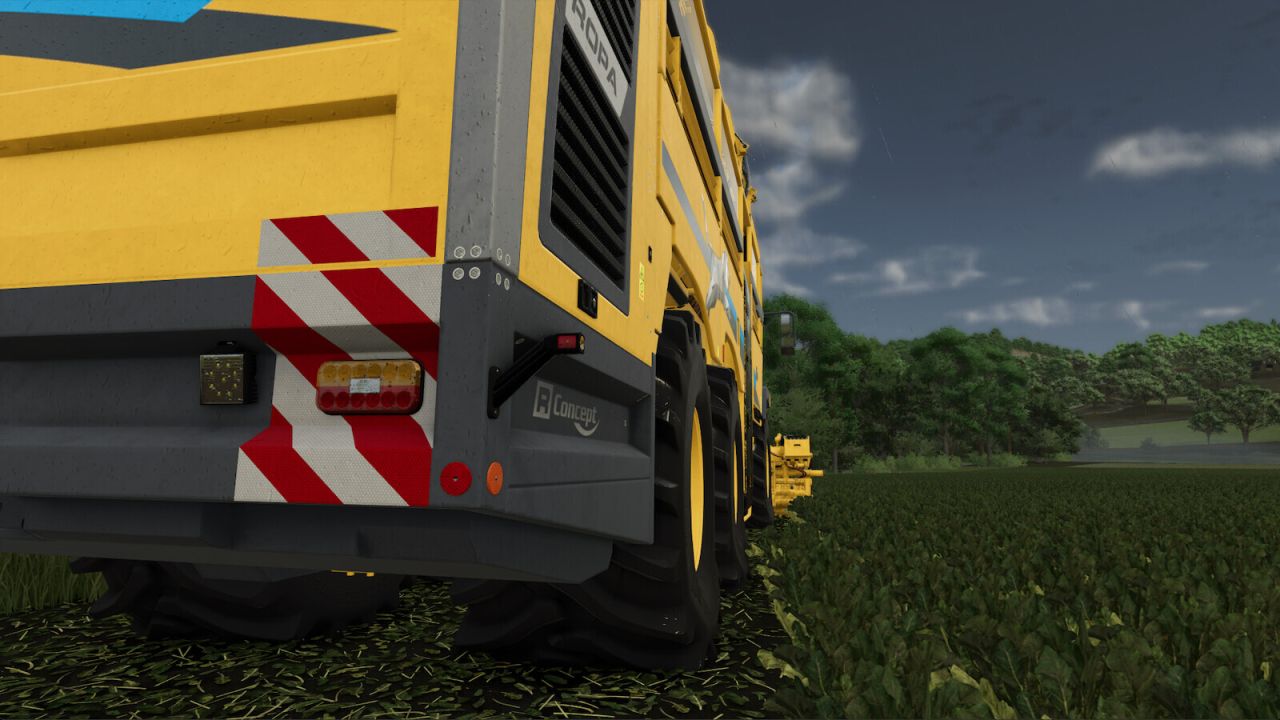
– Combines / forage harvesters
– Loading wagons
– Auger wagons
Key bindings:
– Full vehicle combination: Alt + V
– Tractor tire pressure: Alt + T
– Trailer only: Alt + O
HUD:
– Open RDA control panel: Ctrl + Alt + U
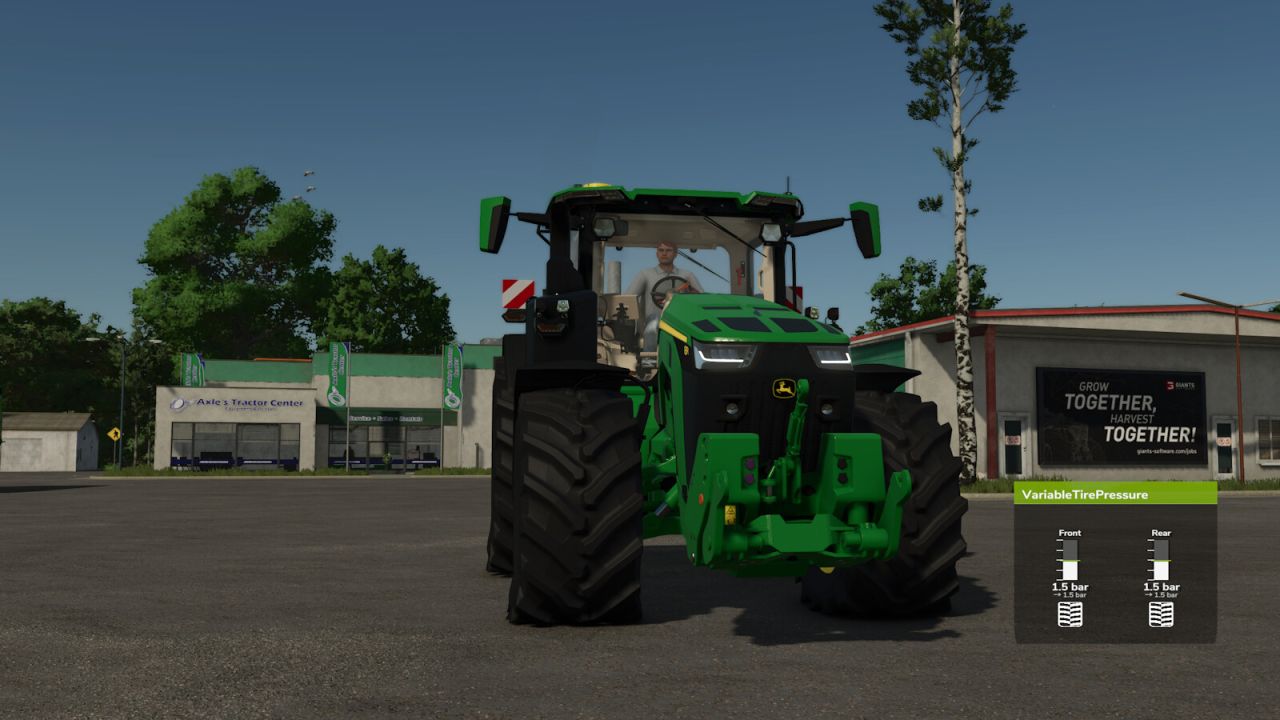
– Show/hide HUD: Ctrl + Alt + J
V1.0.0.1
– Added support for base game vehicles
– Pressure values can now be adjusted in-game
– Completely reworked HUD
– Fixed an issue with the mouse cursor when closing the settings
– vtp=”true” can now also be added to a DesignConfig
– Added dashboard support for trailers
Author: HotShotPepper