Volvo L90, 120, 180 Pack Edit V1.0
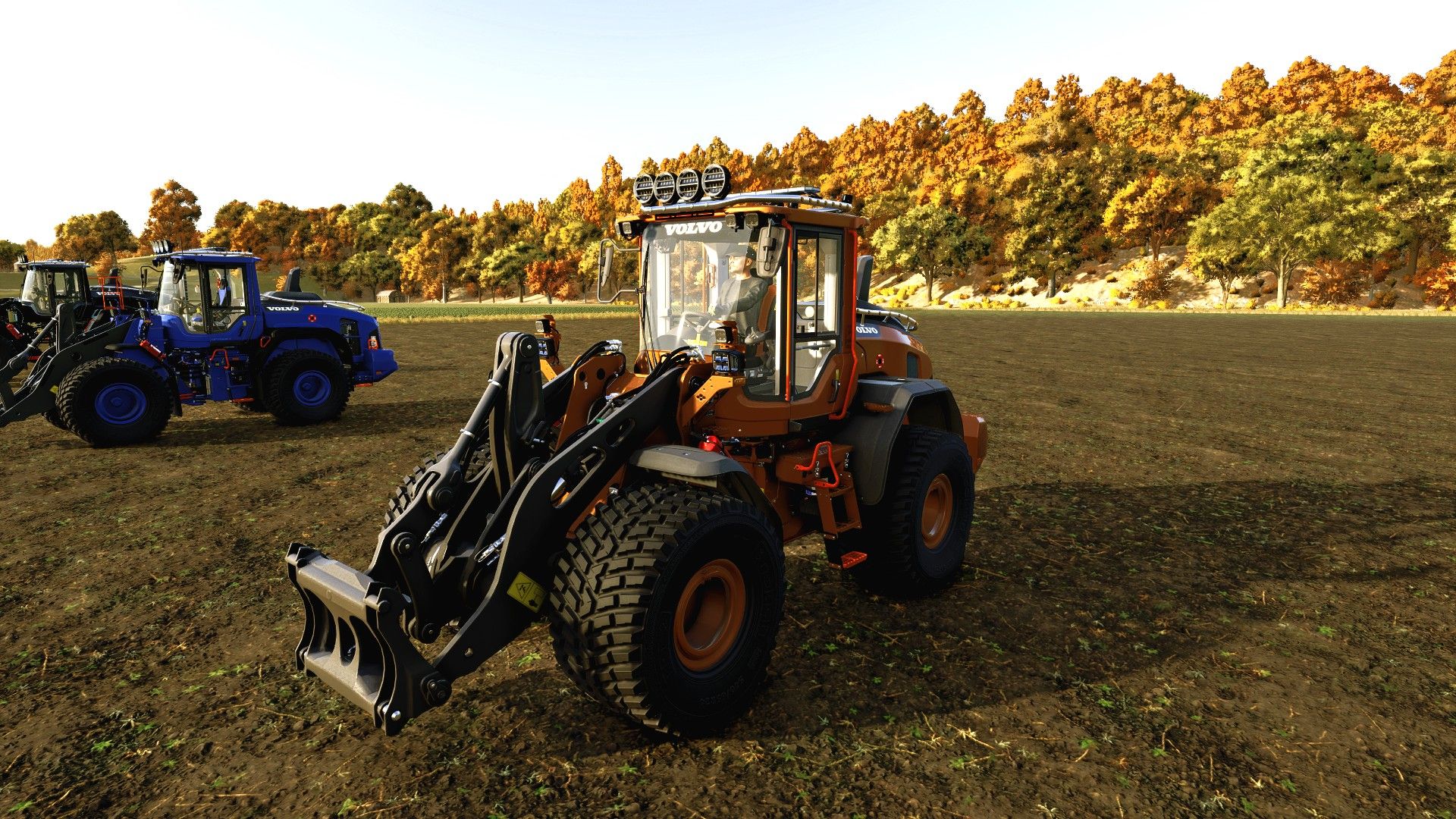
Volvo L90, 120, 180 Pack Edit V1.0
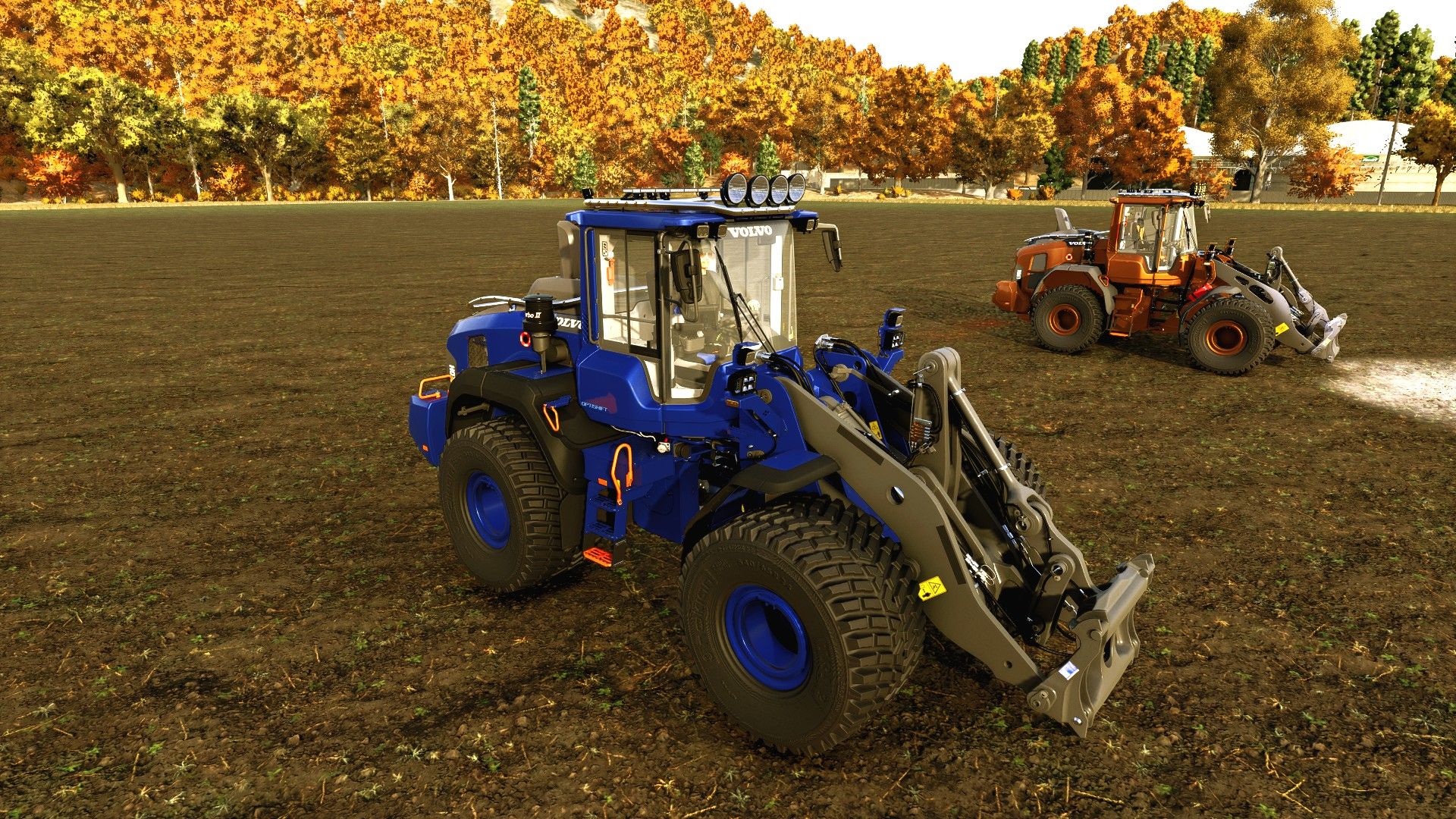
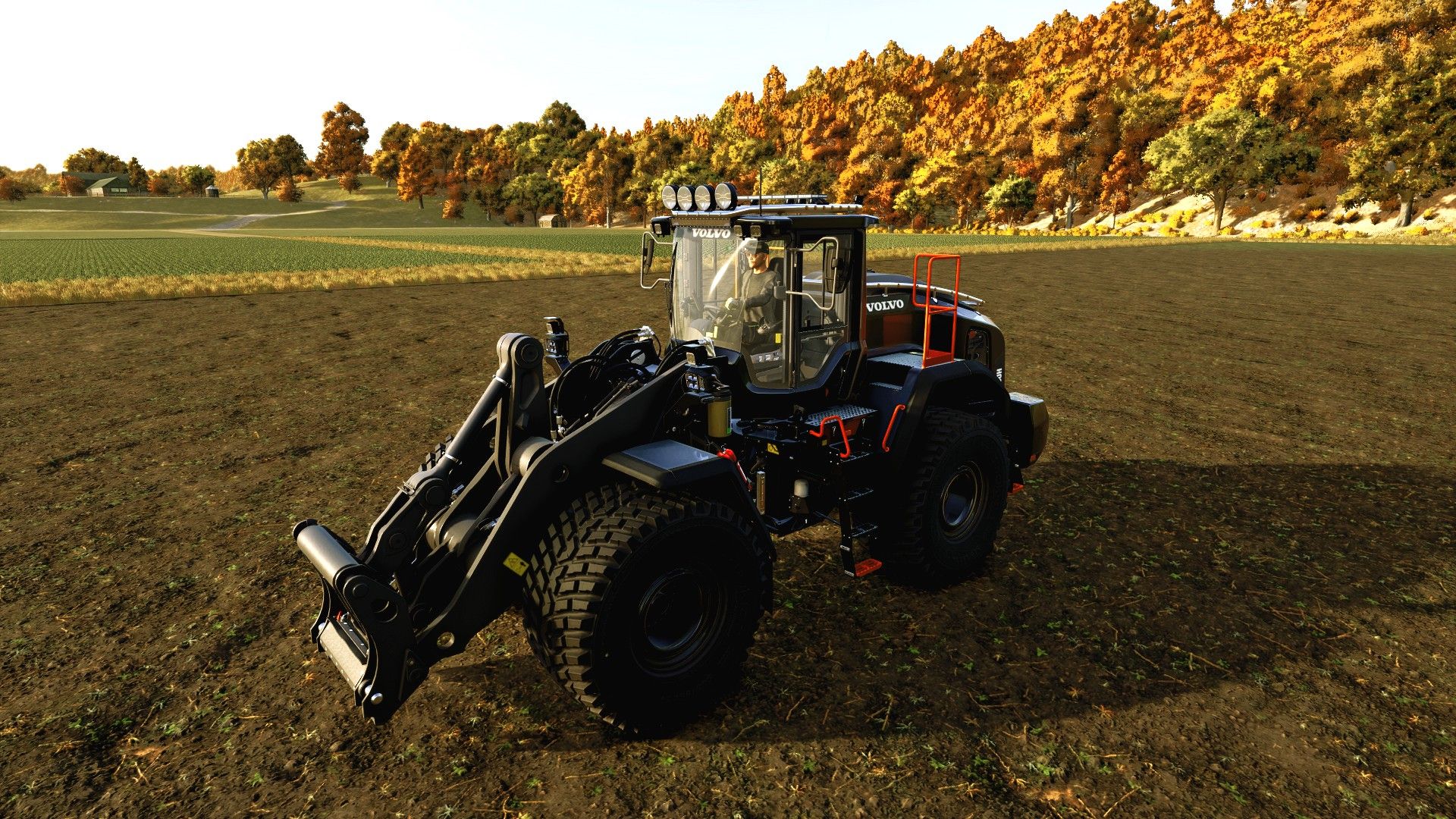
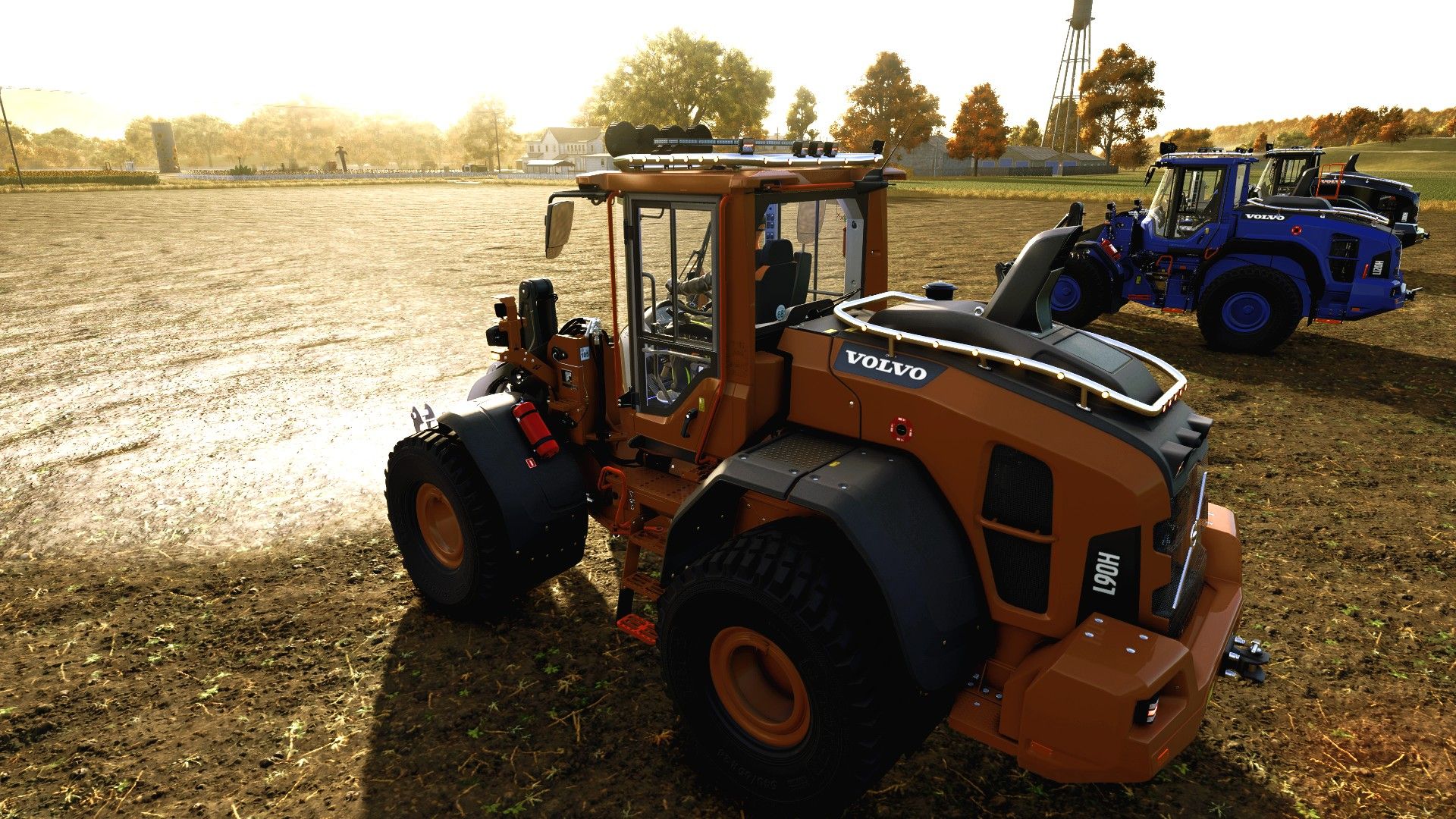
Three Volvo wheel loaders in one NLM package: L90H, L120H and L180H. From the compact L90 to the large L180, the range shares custom interiors, blue cabin lighting and a choice of paint, bars, wheels and driving lights.
Equipment and options
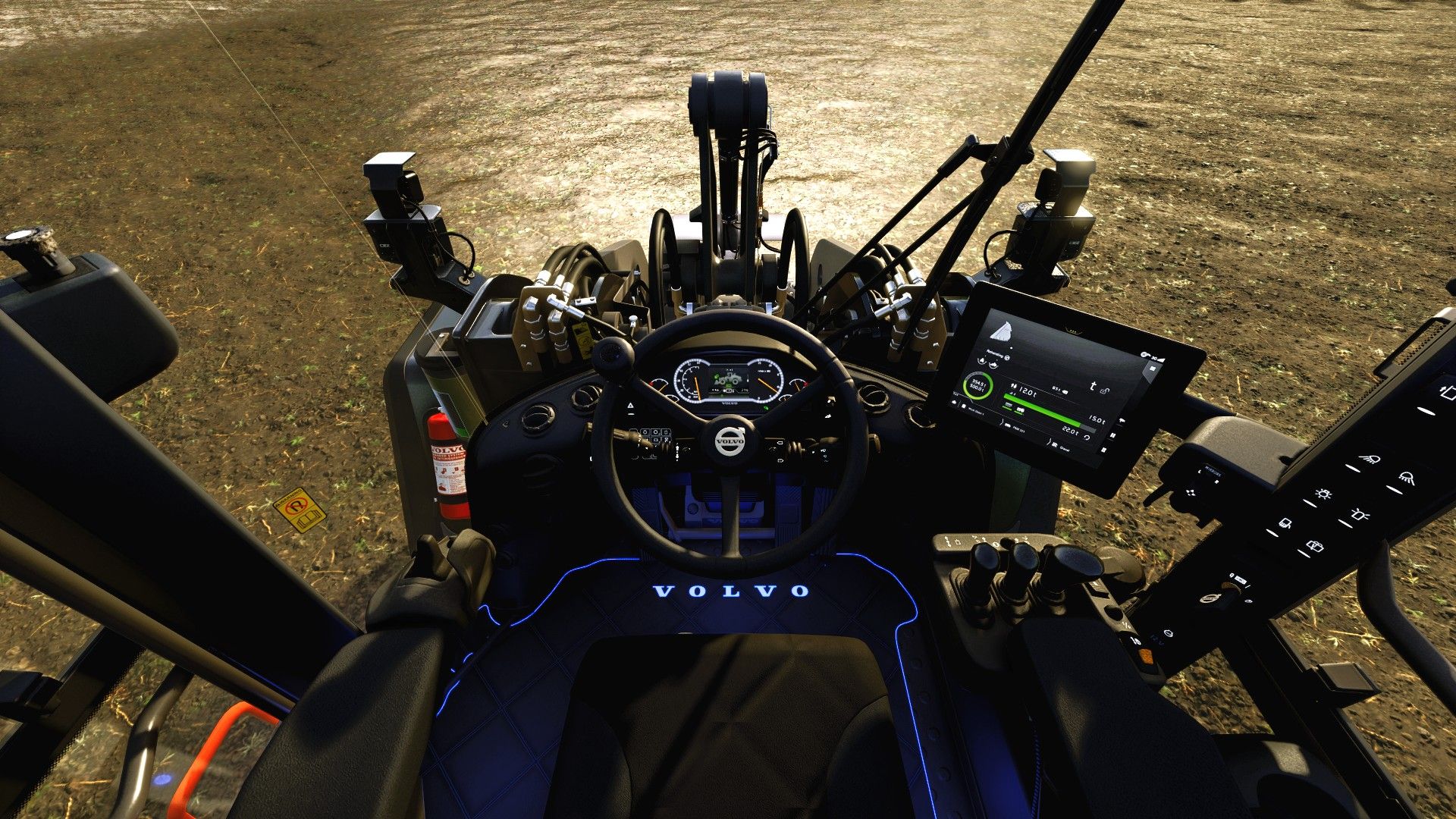
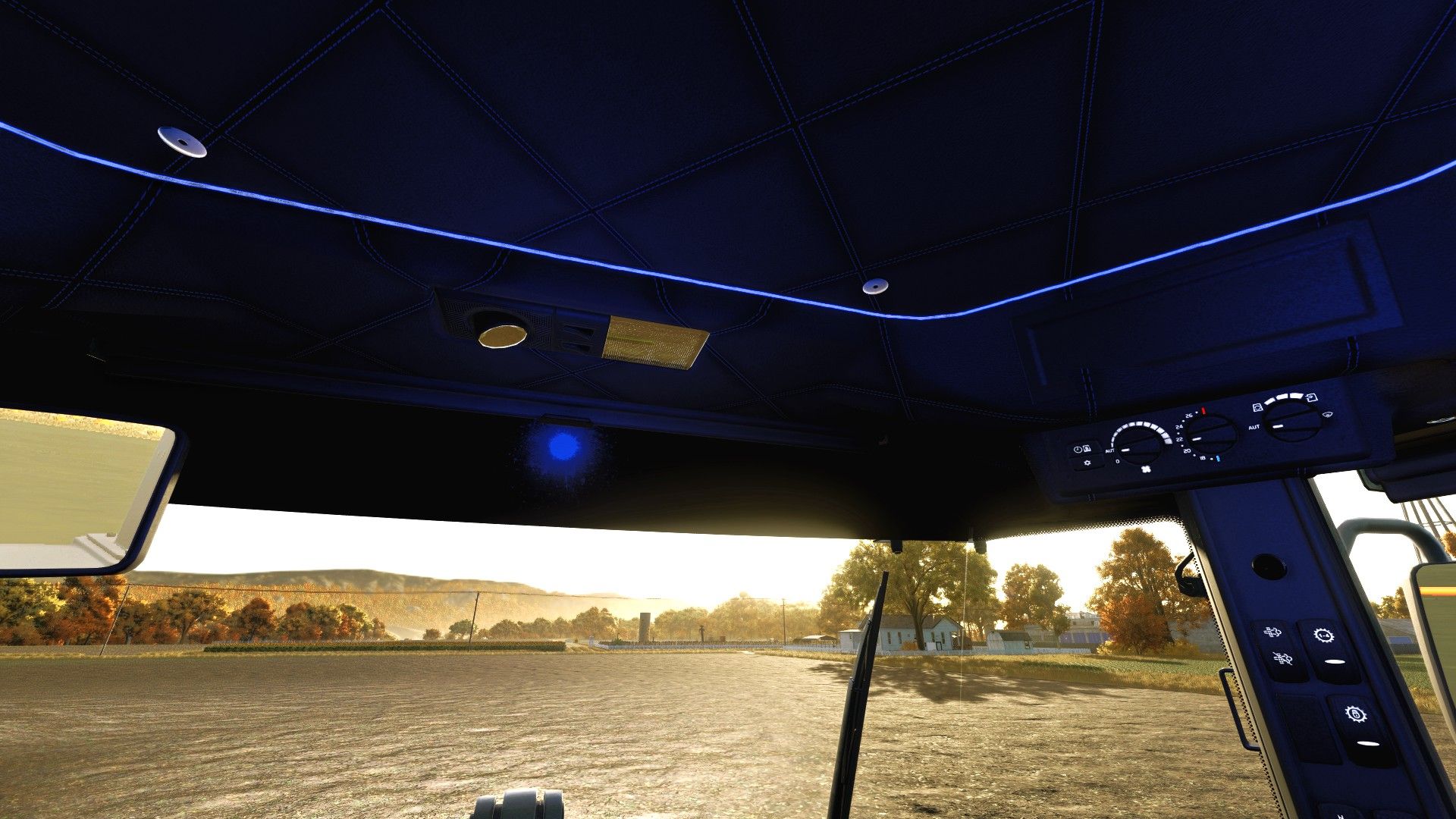
Dark quilted interior and leather seat with separate centre and side colours.
Embroidered Volvo lettering, a floor mat with blue LED edging and illuminated Volvo lettering.
Blue roof LED strip, independently controlled dome light, modern radio and speakers.
Interactive Control for the door, side windows, ignition, dome light and radio.
Roof and hood bars with separate finish choices, including polished chrome.
Optional round marker LEDs: five red rear lights and seven amber lights per side on each bar, plus five white lights at the front of the roof bar — 43 in total.
Selectable Strands Dragon Drive 220, Strands Ambassador 9 and black-housing BriodLights Olympus 9 driving lights.
Strands Monitum 1544 with a random flash pattern.
Seven NLM paint colours with matching upholstery and rim choices.
Wide NLM-adapted Nokian TRI 2 tires available on all three models.
Both Classic and Jonsson variants of the L180.
The blue LED strips follow the first lighting stage. The dome light has separate IC control and the radio display follows the engine. Bodywork, seat, rim and bar colours are selected separately in the shop.
Version: 2.0.0.3. Farming Simulator 25, PC/Mac.
Requires the separate Interactive Control mod (FS25_interactiveControl).
NorthernLight Modding — NLM edit, custom equipment and integration.
GIANTS Software — original L90H and original game/vehicle assets.
VAgri — original Volvo LH Pack, L120H and L180H.
Jonsson — L180 base edit.
madabub — original contractor light bar.
FippeM123 — original roof frame.
5oteruud — original Lizard FOR9T assets.
JB Modding — original Olympus 9 lamp assets.
Author: NorthernLightModding