Work Horse V1.0


Work Horse V1.0


Work Horse Mod Guide
Getting Started & Basic Controls
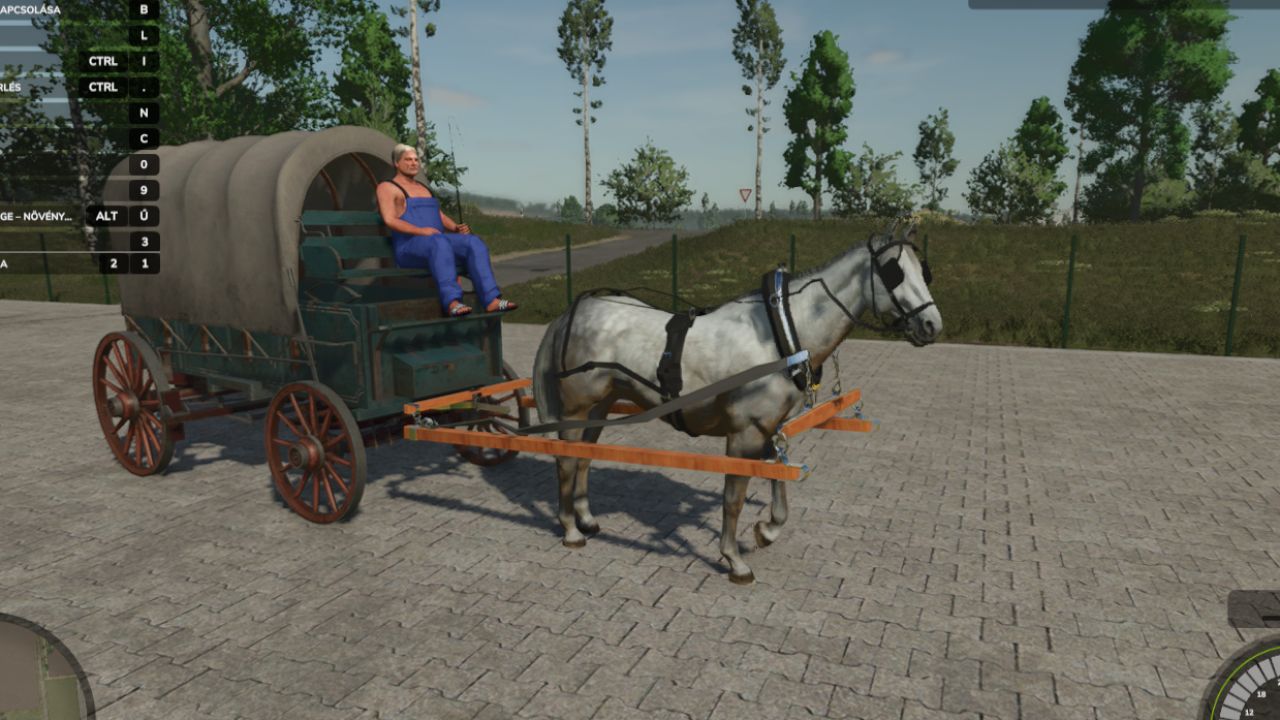
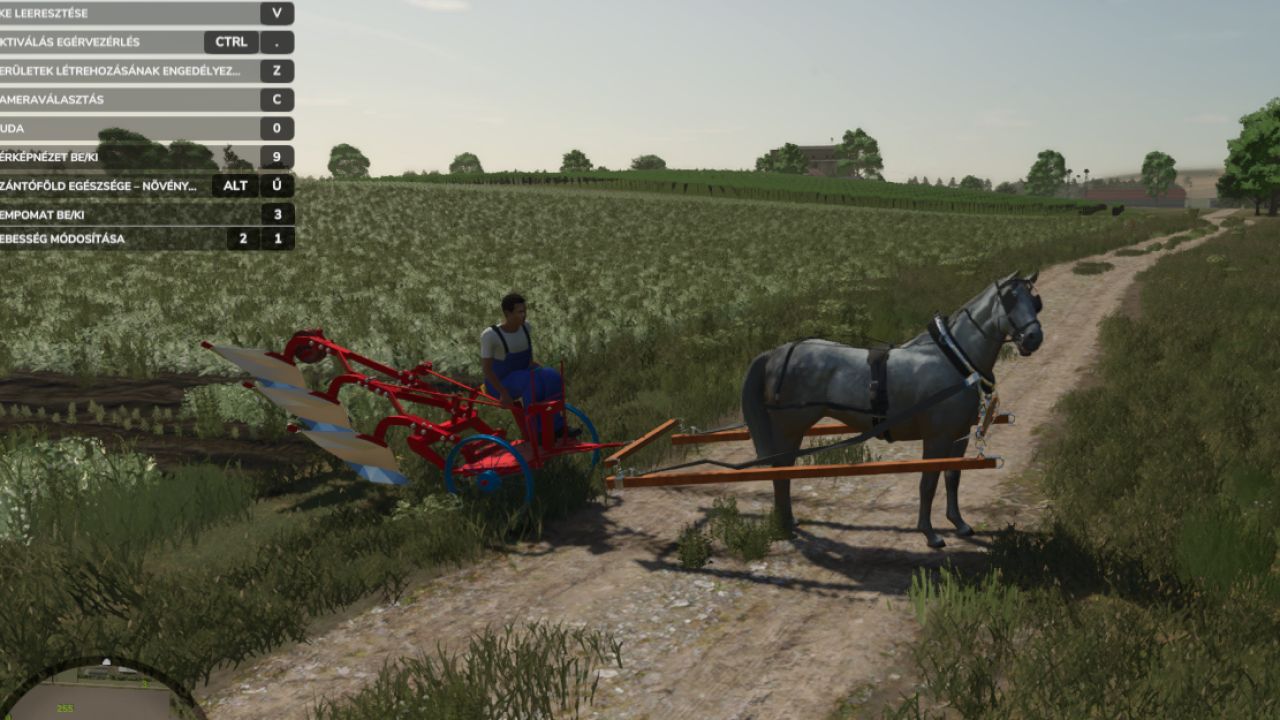
Attaching the Horse: Hitch your horse to either a wagon or a plow.
Activation (Important): Once the horse is attached to the equipment, you must press the ‘G’ key. This activates the setup and allows you to actually control and steer the horse.
Movement: Drive and steer using the standard W, A, S, D keys. The handling is relatively simple and intuitive.
Speed: The horse operates at two main speeds: a base walking speed of 6 km/h, and a faster trot at 13 km/h.

Wagon Mechanics
When your horse is pulling a wagon, you can toggle between two different transport modes by pressing the ‘M’ and ‘J’ keys:
Equipment Transport Mode: Activate this to transport solid items like seed pallets, big bags, and standard pallets.
Crop Transport Mode: Activate this to load and transport bulk goods like grain and harvested crops.

Plow Mechanics
Operating the plow is very straightforward:
Press the ‘V’ key to lower the plow into the ground and start working.
Press the ‘V’ key again to raise the plow when you are finished or need to turn around.

Required mods:
Interactive Control


Author: honved4

Report bugs in the comments and help modders improve this mod. Always check the comments, you can find a solution.


Helpful Information: How to install FS25 mods | FS25 System Requiremnts | FS25 Modding Tutorial | Giants Editor for FS25 | How to Convert mods | FS25 Cheats

More Misc mods


About Farming Simulator 25 mods
Farming Simulator 25 supports game modding for PC, Xbox, or PS5. FS25 Mod may change your game from small to complete changes. You can create a Farming Simulator 25 mod file and share it with our community. When is a good time to try Farming Simulator 25 mods? We recommend playing a game with these FS25 mods after you finish the Farming Simulator 25 starting pack and are bored with the game basics. So it's time to try new machines, such as harvesters or tractors, which are not included in the basic game version.
As you already know, Farming Simulator 25 developers support mods installation, which will add more vehicles or lands to your game. Check our Best FS25 mods lists for PC, Mac, PS5 or Xbox Series. Just follow these simple steps: choose the LS25 mods category, download the mod for the Farming Simulator 2025 version, and install it into the mod folder. Remember, all Farming Simulator 25 Mods are free, and download as many as you want with no limits. We want to create one of the biggest Farming Simulator 25 Community and invite you to share FS25 mods with everyone.

Leave a Reply

Do you need help or to say thanks to the mod author? Just leave a comment below!