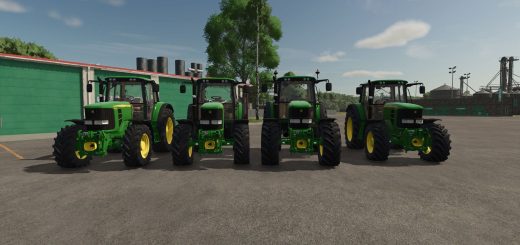
John Deere 7810 Series F12 v1.5.9
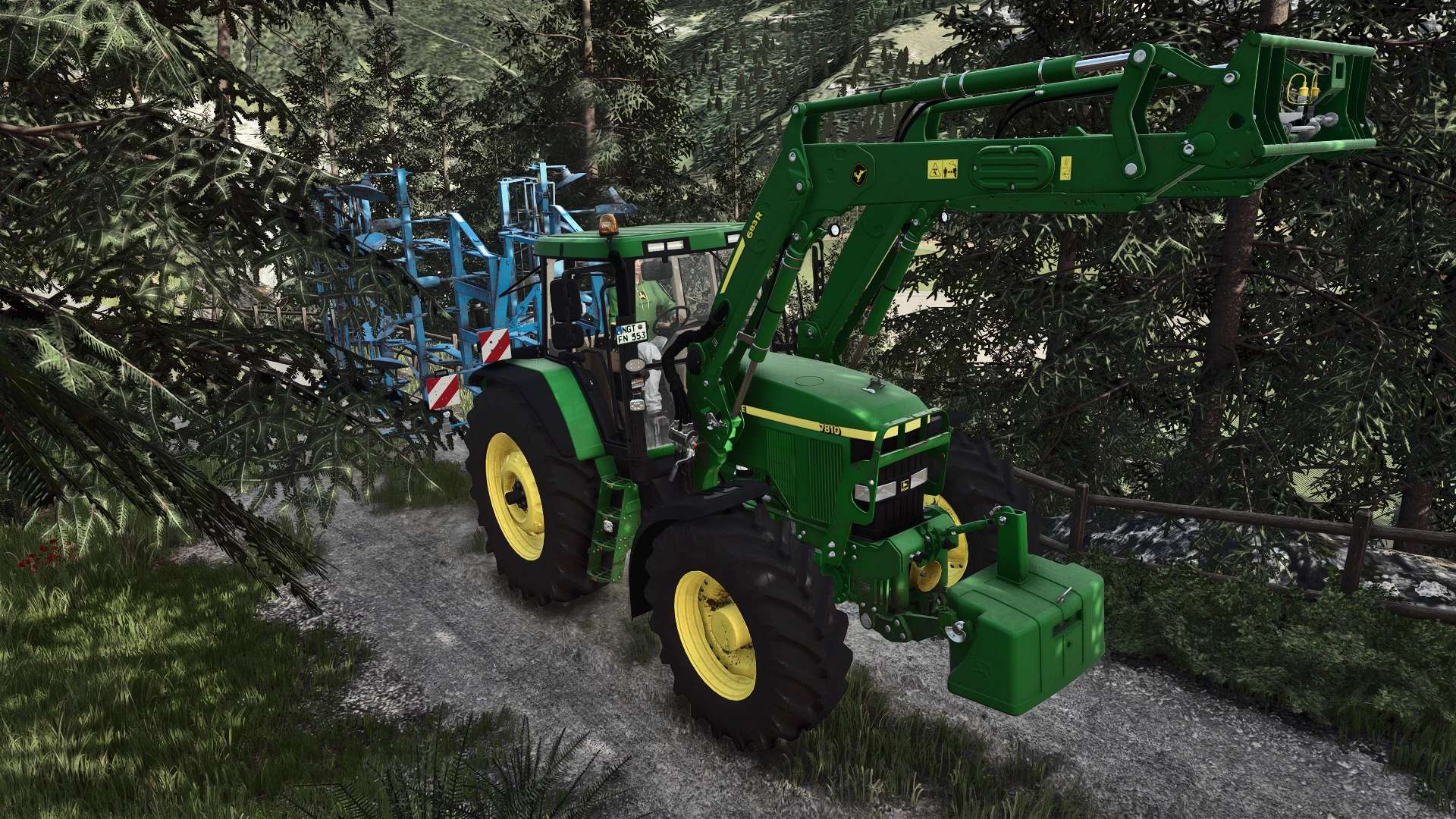
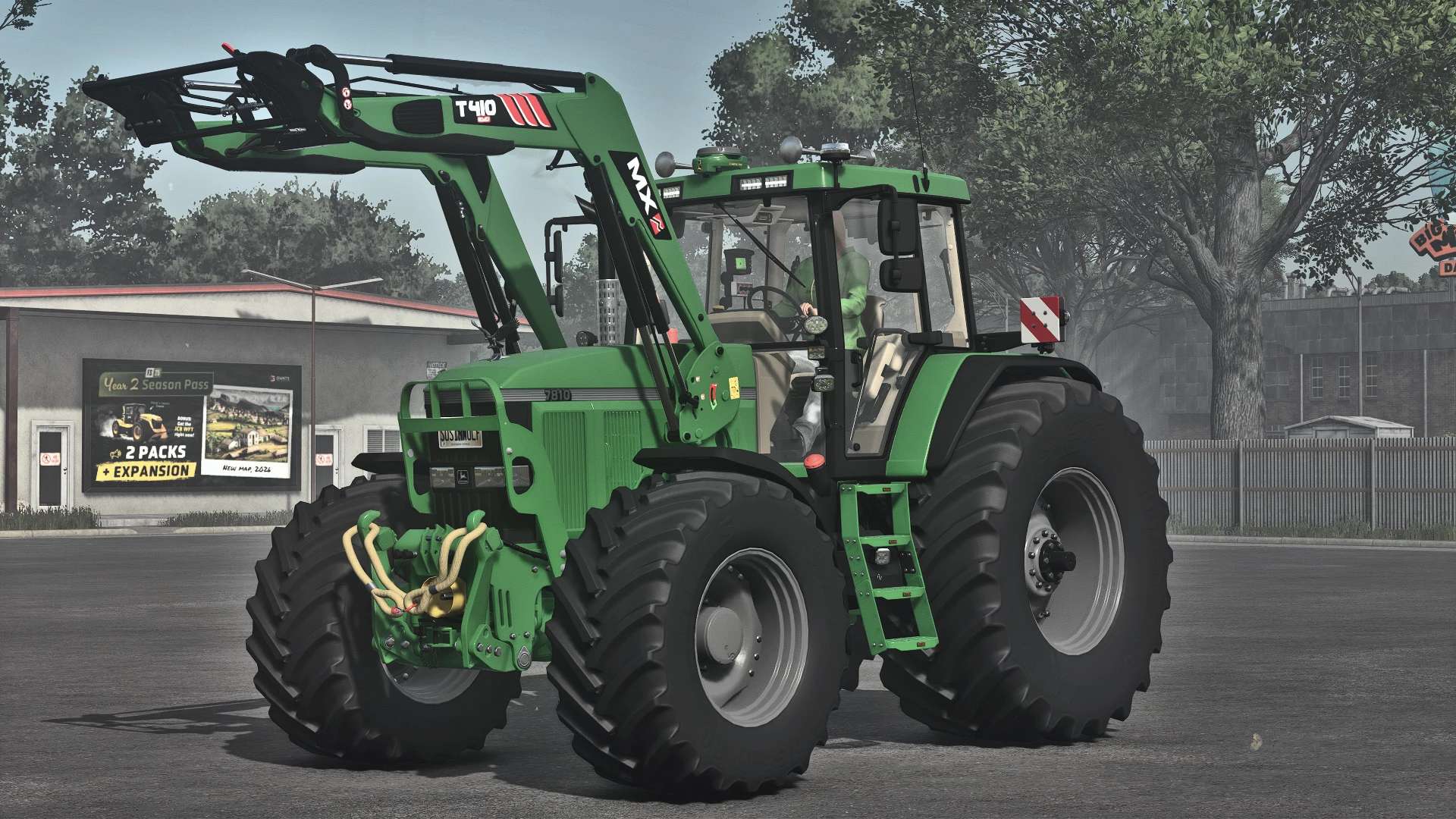
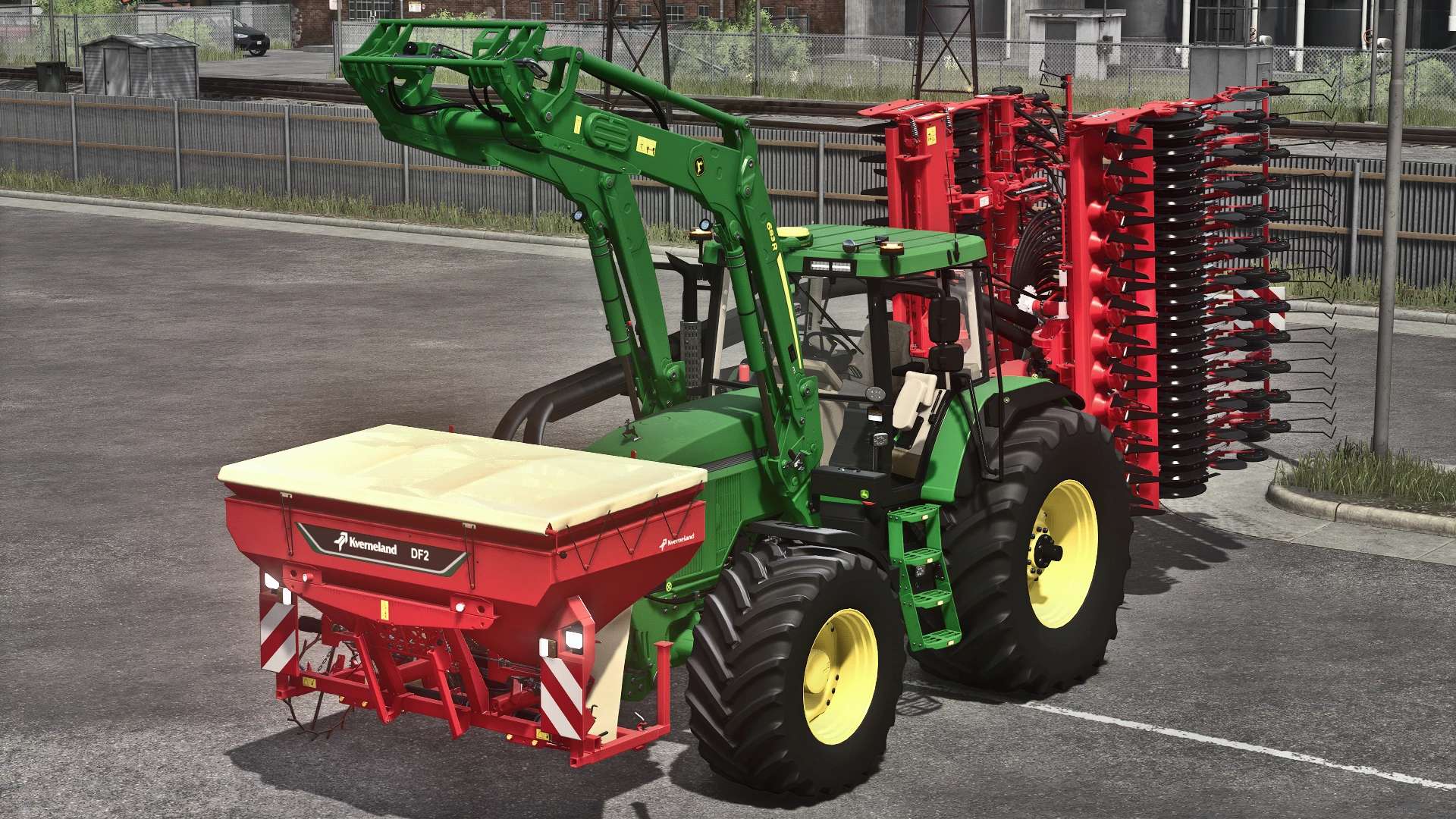
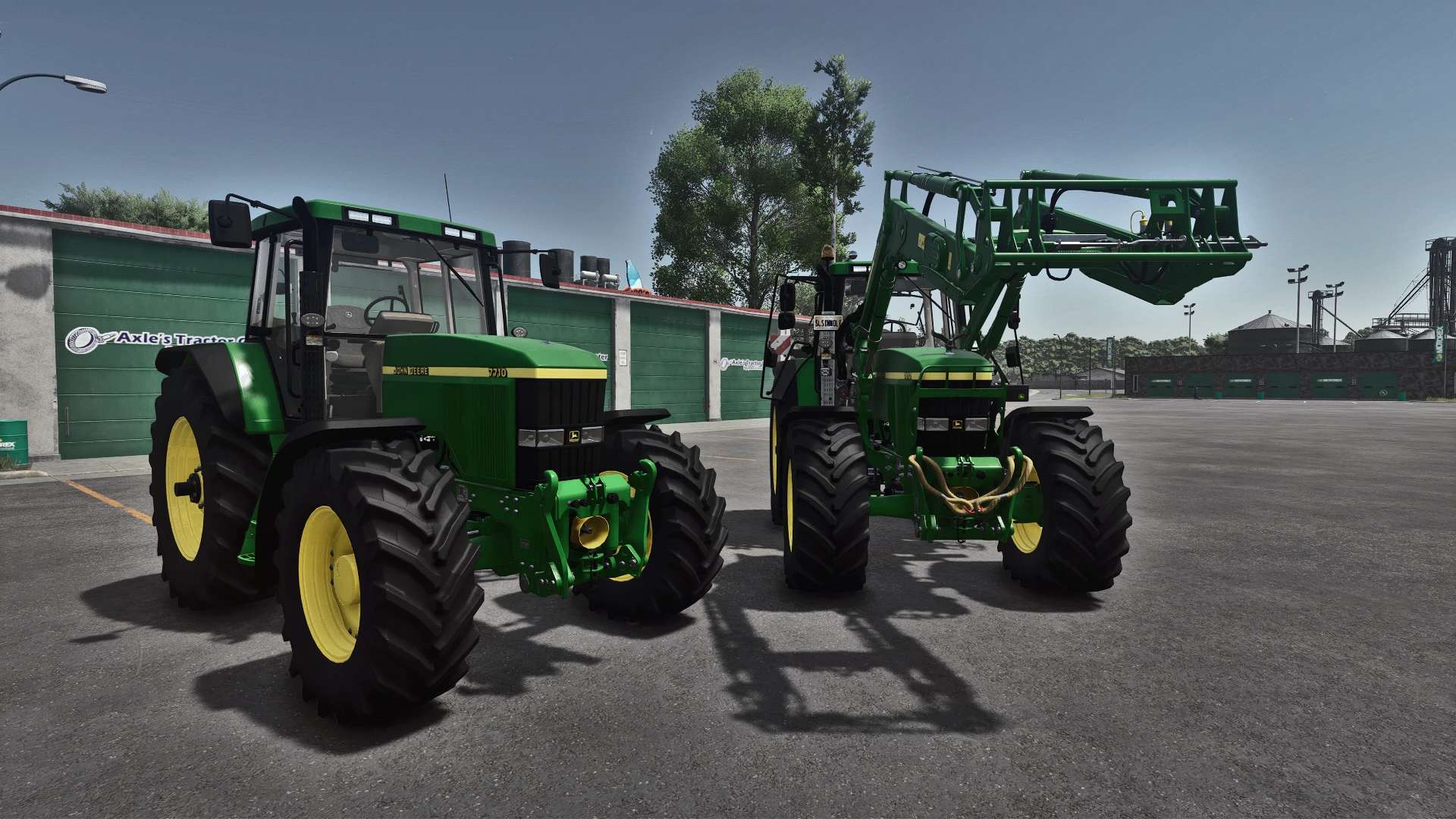
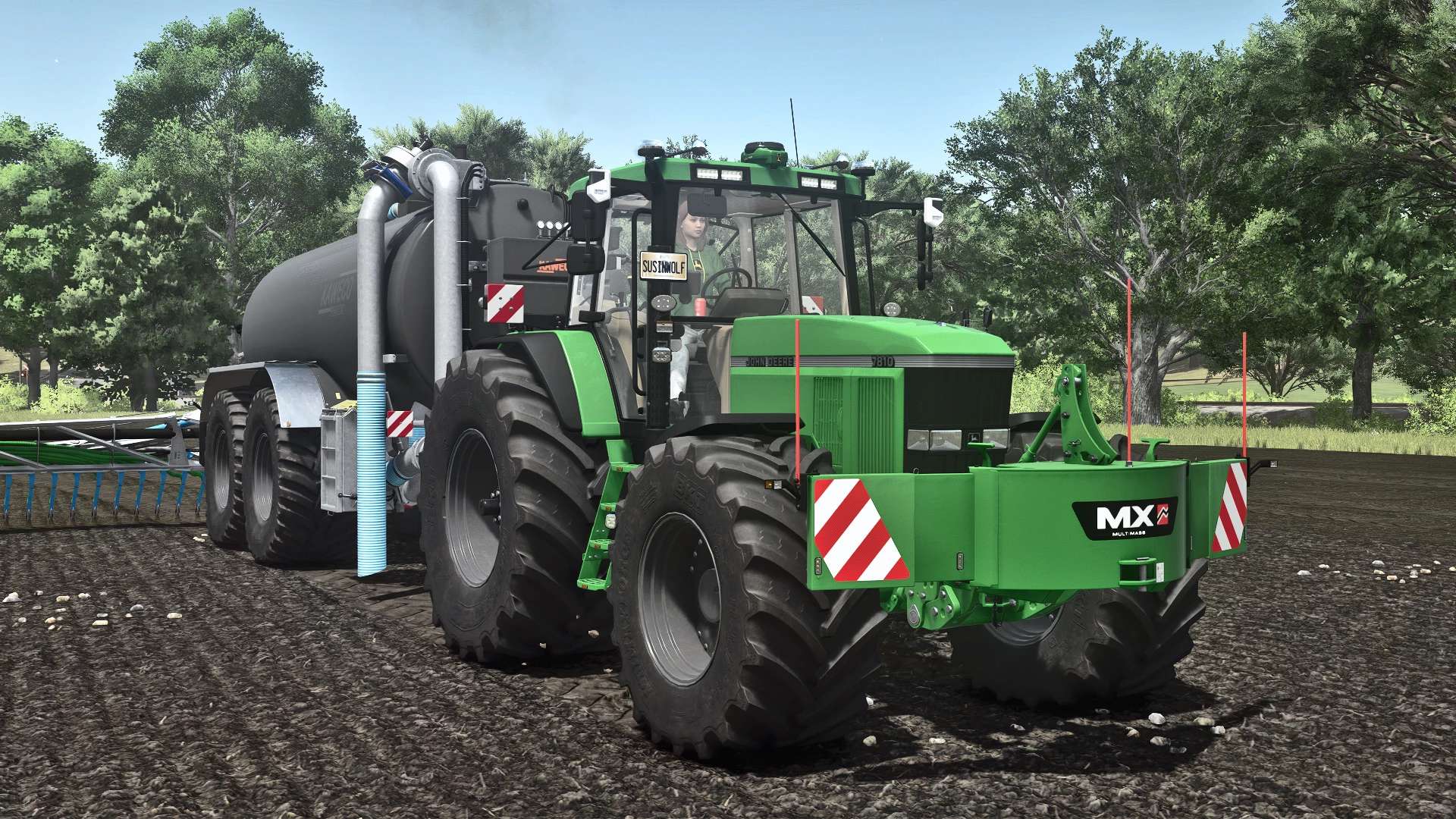
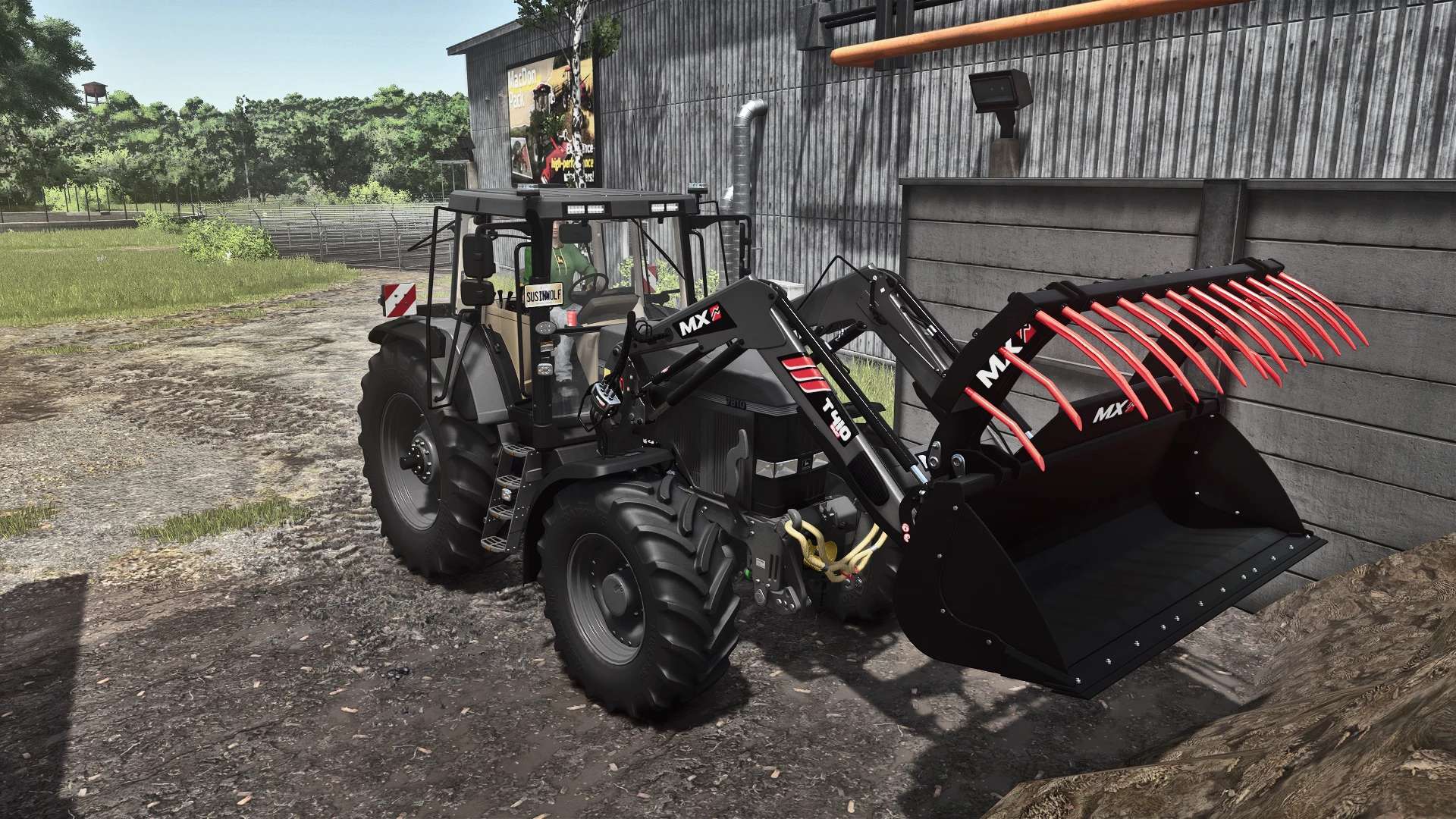
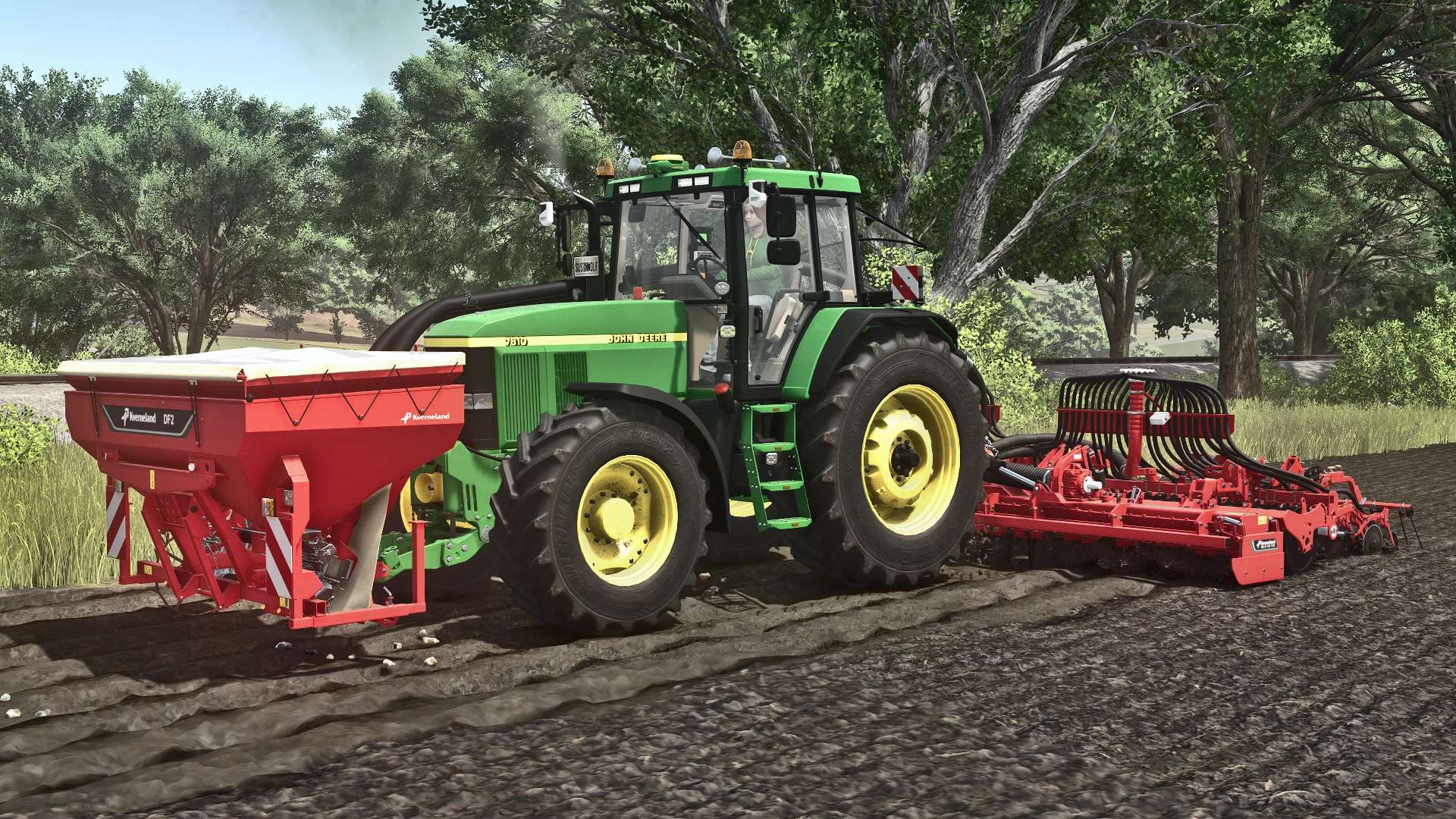
John Deere 7810 Series F12 v1.5.9
John Deere 7810 Update by GIANTS Software
Changelog 1.5.9.0 BETA:
Complete overhaul of the lighting
Complete overhaul of the front fenders
Added hoses to the wheels for Variable Tire Pressure (VTP) !!WIP!!
Added sound system for changing engine sounds !!WIP!!
Minor adjustments made to the current engine sound !!WIP!!
Added option 2 for engine sound (changes possible)
Added JD PowerTech TLA engine sound by [FD] Vassili_k98 (changes possible)
Category: Medium Tractors
Brand: John Deere
Price: $68,000
Power: 160–485 hp
Max. Speed: 40–45 km/h
Features:
Interactive Control
Precision Farming
Dashboard Live
Real GPS
Variable Tire Pressure
Redesigned Headlights, Hood, and Fenders
New Roof Lights
Kaweco Terminal
Starfire 6000, 7000, and Matrix430
Puszkap Rust Shader
Engine:
Custom Engine Sound
7010 Engine: 119 kW/160 hp
7810 Engine: 130 kW/175 hp
1st Generation Chip Tuning: 186 250 kW/HP
2nd Generation Chip Tuning: 362 kW/485 HP
Wheels:
Trelleborg
Michelin
Mitas
Nokian
Continental
BKT
Dual Tires
Narrow Wheels (1.5 m)
Extra Wide Wheels for Michelin, Continental, Mitas, BKT, and Vredestein
Configurations:
New Mirrors
New Rear License Plate Holder
Adjustable Front License Plate Position
Hood Figures (Deer, Lizard)
3 Different Air Horns
Side Warning Signs
Step Lighting
John Deere R6 Front Loader Console
MX Front Loader Console
Adjustable Rotating Beacon
Exhaust Material Configuration
GPS
This is my first mod that uses elements and inspiration from other mods.
Required mods:
Interactive Control
Precision Farming
MX Pack
Dashboard Live
RealGPS
Variable Tire Pressure
Author: Franklen12