Pickup Service V1.0
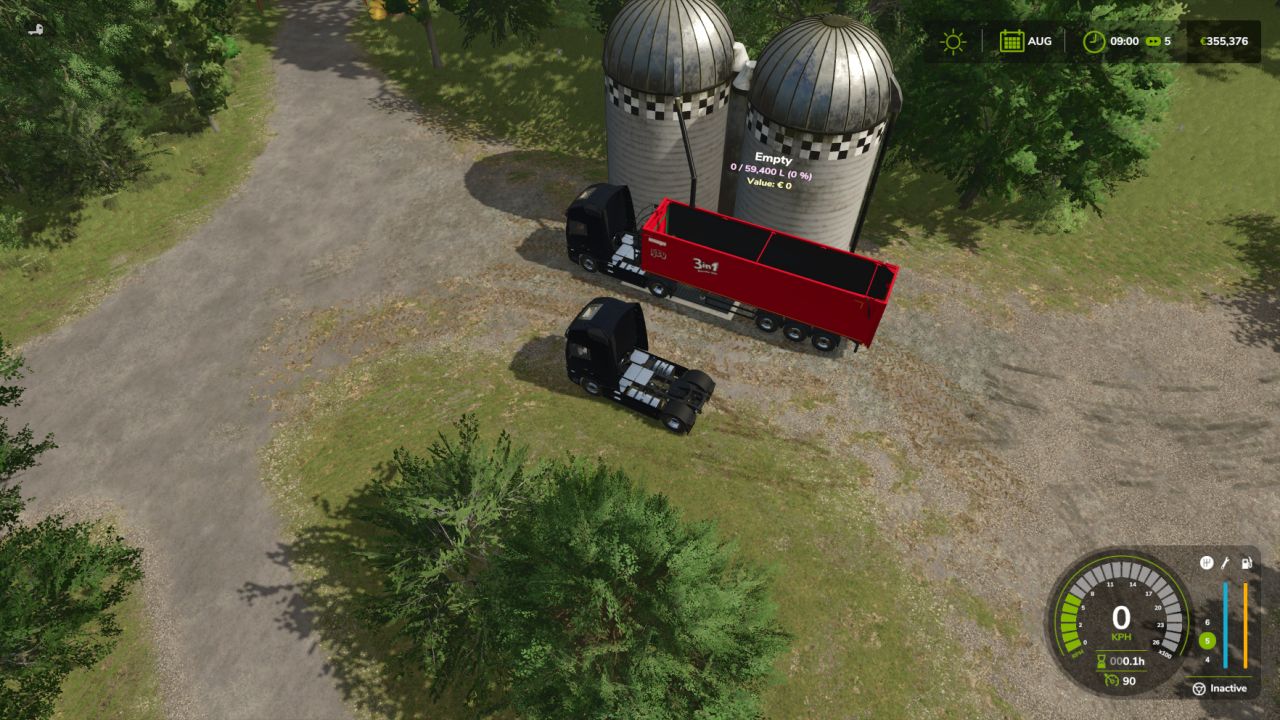
Pickup Service V1.0
With the Pickup Service you can organize the transport and sale of your goods right on your farm.
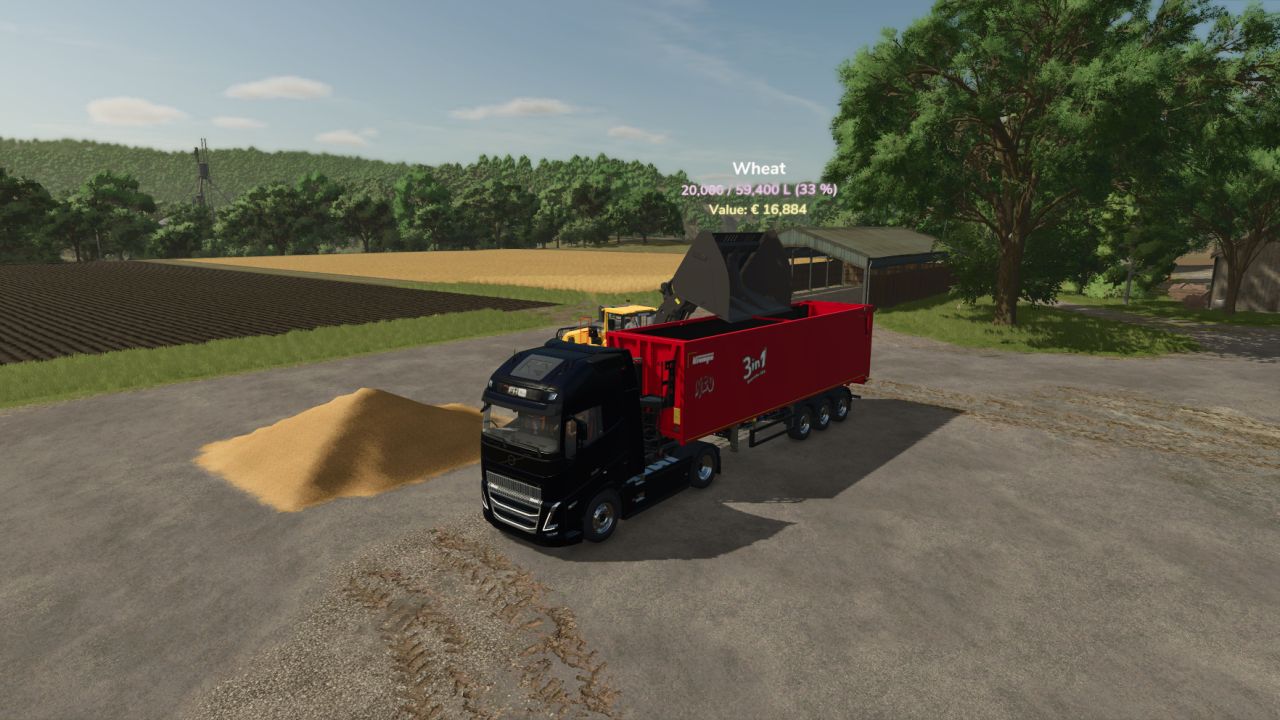
A semi truck comes to your farm, waits at the agreed stop point and can then be loaded by you.
As soon as you send the truck off, it leaves your farm and you receive the proceeds for the transported goods.
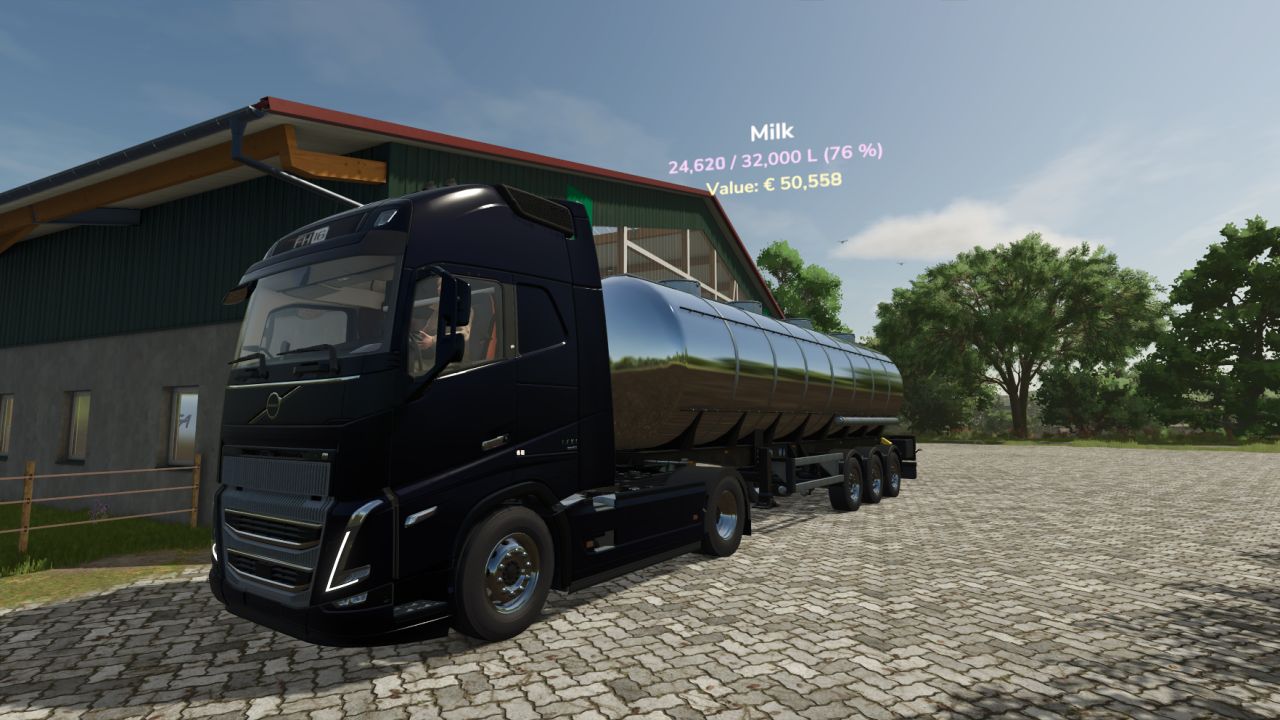
Milk collection can be automated as well: the tanker can pick up your milk on demand or every day at a set time.
Goods transport
Call a truck at a stop point of your route.
The truck drives the recorded route by itself and waits at the stop point.
Load the truck manually. The tarp opens and a 3D text shows you the current fill level and the value of the goods.
Send the truck off and receive the payment as soon as it has left your farm.
Alternatively, the truck can load a selected product in a selectable amount by itself at a suitable silo loading trigger.
Milk collection
Automatic milk collection on demand or on a daily schedule.
Individually adjustable collection time.
Adjustable minimum amount, so the tanker does not set out for just a few liters.
Controls
You control the service on foot, near a stop point of a route.
Ctrl (left) + T: Call a truck or send a waiting truck off.
Setup for players and mappers
Routes are set up and edited with the console.
psRecord: Start or finish recording a goods route.
psRecord milk: Start or finish recording a milk route.
psMark: Mark the stop point while recording.
psEdit: Edit the nearest route with the mouse. Waypoints can be moved, inserted or deleted and stop points can be set.
psCancel: Cancel the running truck.
psMilk call [liters] or psMilk daily <time> [liters]: Set up the milk collection of the nearest milk route (on call or daily, minimum amount).
psClear: Delete the nearest route.
Configuration
Settings are stored in the route files PickupService_*.xml in the savegame folder.
Configurable, among other things:
Truck and trailer models and maximum speed.
Farm assignment via the farm ID.
Schedule, time and minimum amount for milk collection.
The route files can be shared with other players and provided directly by mappers.
Author: SimuTools