
Cinematic Camera v1.0


Cinematic Camera v1.0
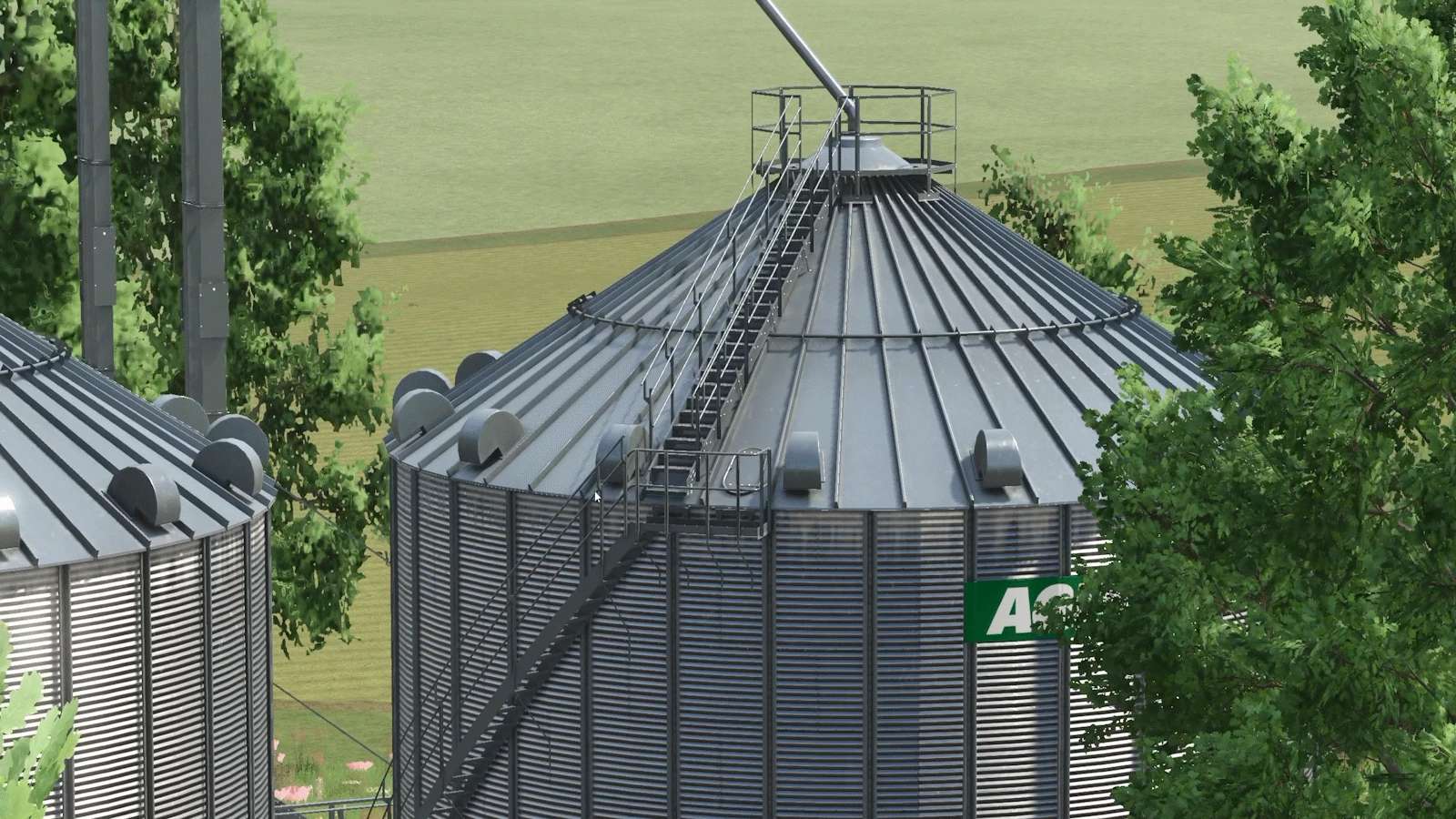
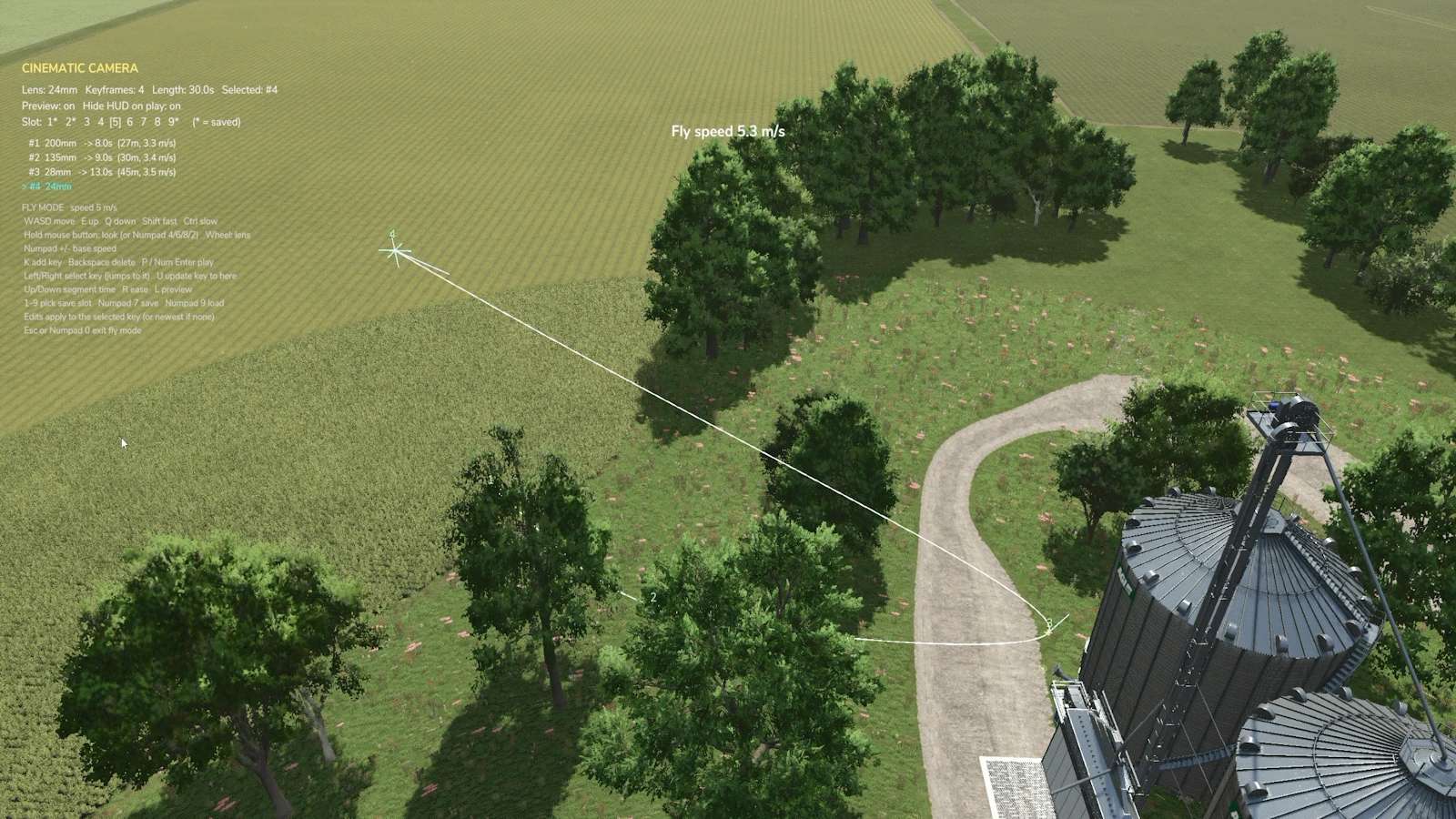
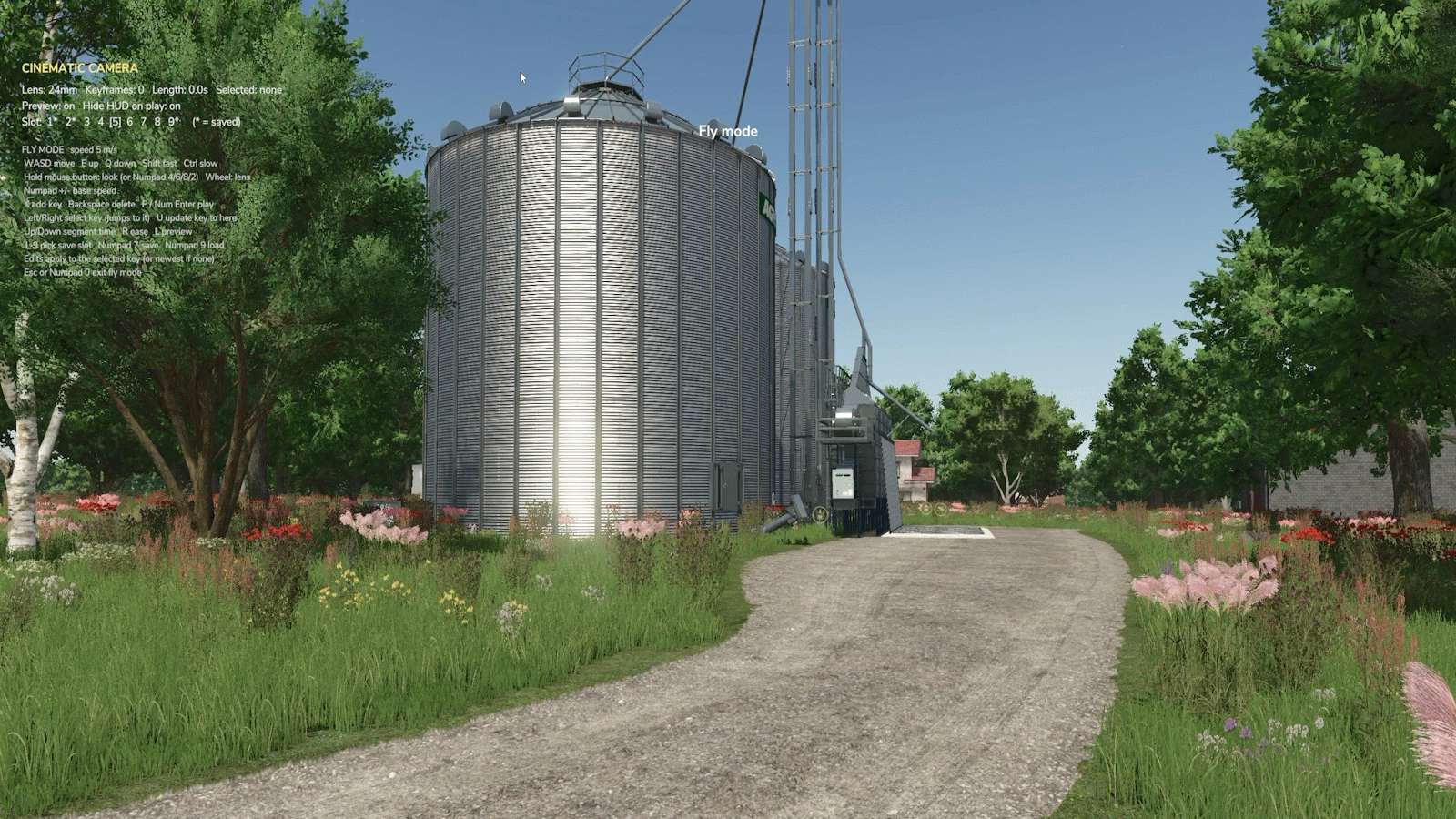
Make proper cinematic shots inside Farming Simulator 25, with no editing tricks.
Cinematic Camera lets you place keyframes around the map and have the camera glide through them on a smooth curve. It blends position, angle and lens, so every take comes out like a real camera operator filmed it, and you can repeat it as many times as you need.

Features
Keyframe paths: add keyframes on foot or in the air, and the camera follows a smooth spline through them.
Fly mode: free drone-style camera with smooth acceleration, fast and slow modes, and unlimited mouse look.
Real lenses: 14mm to 200mm per keyframe, zooming smoothly between them.
Timing and ease: set the time for every segment (with live m/s readout) and ease in or out for gentle starts and stops.
Edit any keyframe: step through them, jump the camera to one, update its position, insert or delete.
Path preview: see the route, keyframes and look directions in the world before you shoot.
Clean playback: the HUD hides automatically, ready to record with OBS or similar.
9 save slots per map, with overwrite protection.
Fully rebindable in Options → Controls.


Author: RhodTehMod


Report bugs in the comments and help modders improve this mod. Always check the comments, you can find a solution.


Helpful Information: How to install FS25 mods | FS25 System Requiremnts | FS25 Modding Tutorial | Giants Editor for FS25 | How to Convert mods | FS25 Cheats

More Misc mods


About Farming Simulator 25 mods
Farming Simulator 25 supports game modding for PC, Xbox, or PS5. FS25 Mod may change your game from small to complete changes. You can create a Farming Simulator 25 mod file and share it with our community. When is a good time to try Farming Simulator 25 mods? We recommend playing a game with these FS25 mods after you finish the Farming Simulator 25 starting pack and are bored with the game basics. So it's time to try new machines, such as harvesters or tractors, which are not included in the basic game version.
As you already know, Farming Simulator 25 developers support mods installation, which will add more vehicles or lands to your game. Check our Best FS25 mods lists for PC, Mac, PS5 or Xbox Series. Just follow these simple steps: choose the LS25 mods category, download the mod for the Farming Simulator 2025 version, and install it into the mod folder. Remember, all Farming Simulator 25 Mods are free, and download as many as you want with no limits. We want to create one of the biggest Farming Simulator 25 Community and invite you to share FS25 mods with everyone.

Leave a Reply

Do you need help or to say thanks to the mod author? Just leave a comment below!
