DF Industrie Central Warehouse (with clothing trigger) v1.1
DF Industrie Central Warehouse (with clothing trigger) v1.1
After countless hours of work in the GIANTS Editor and various XML adjustments, I present to you my personal masterpiece:
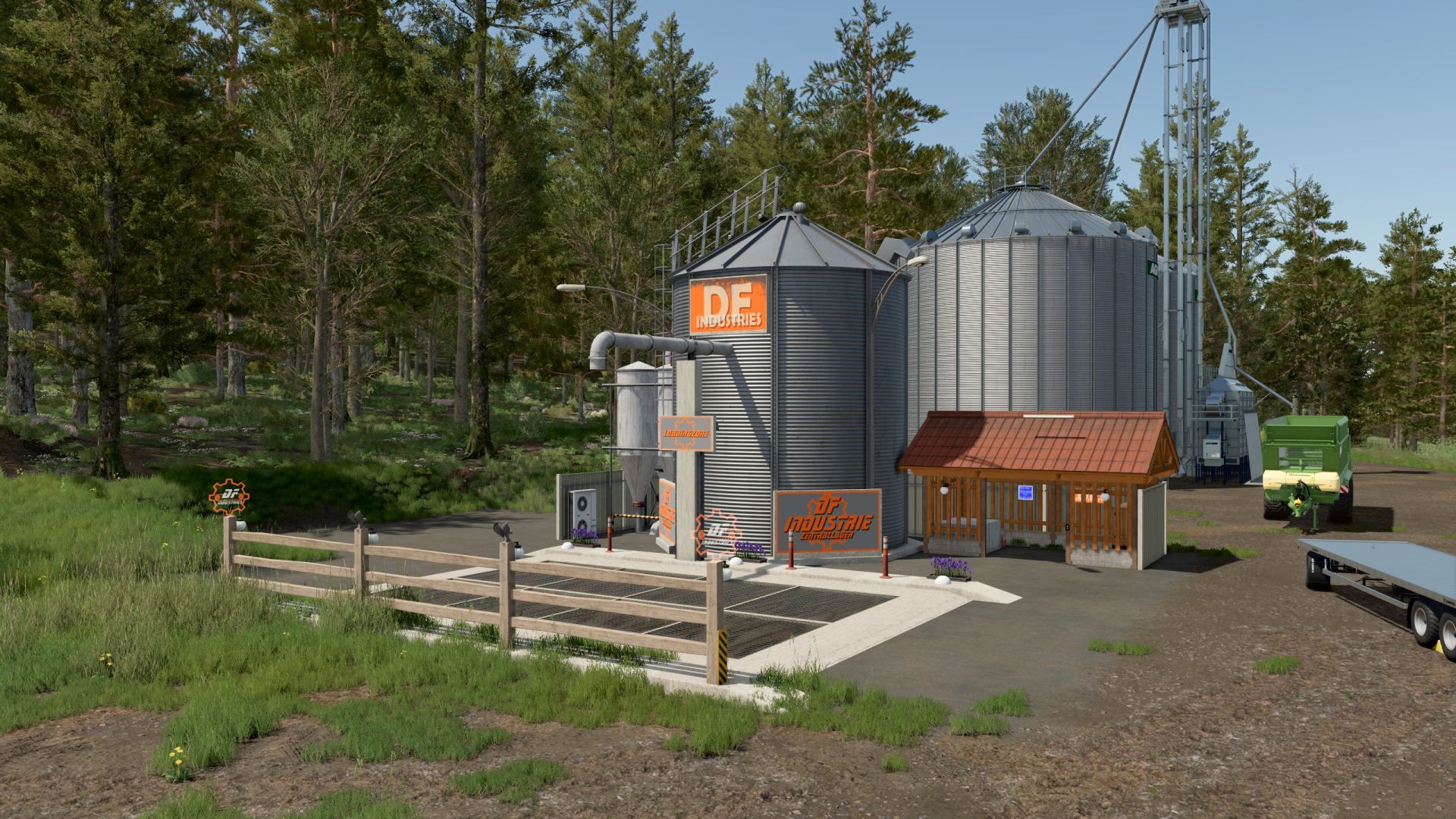
The DF Industrial Central Warehouse.
This project arose from the desire to completely gut a visually unappealing silo from the game,
remove old data clutter, and rebuild it as a modern, clean farm center.
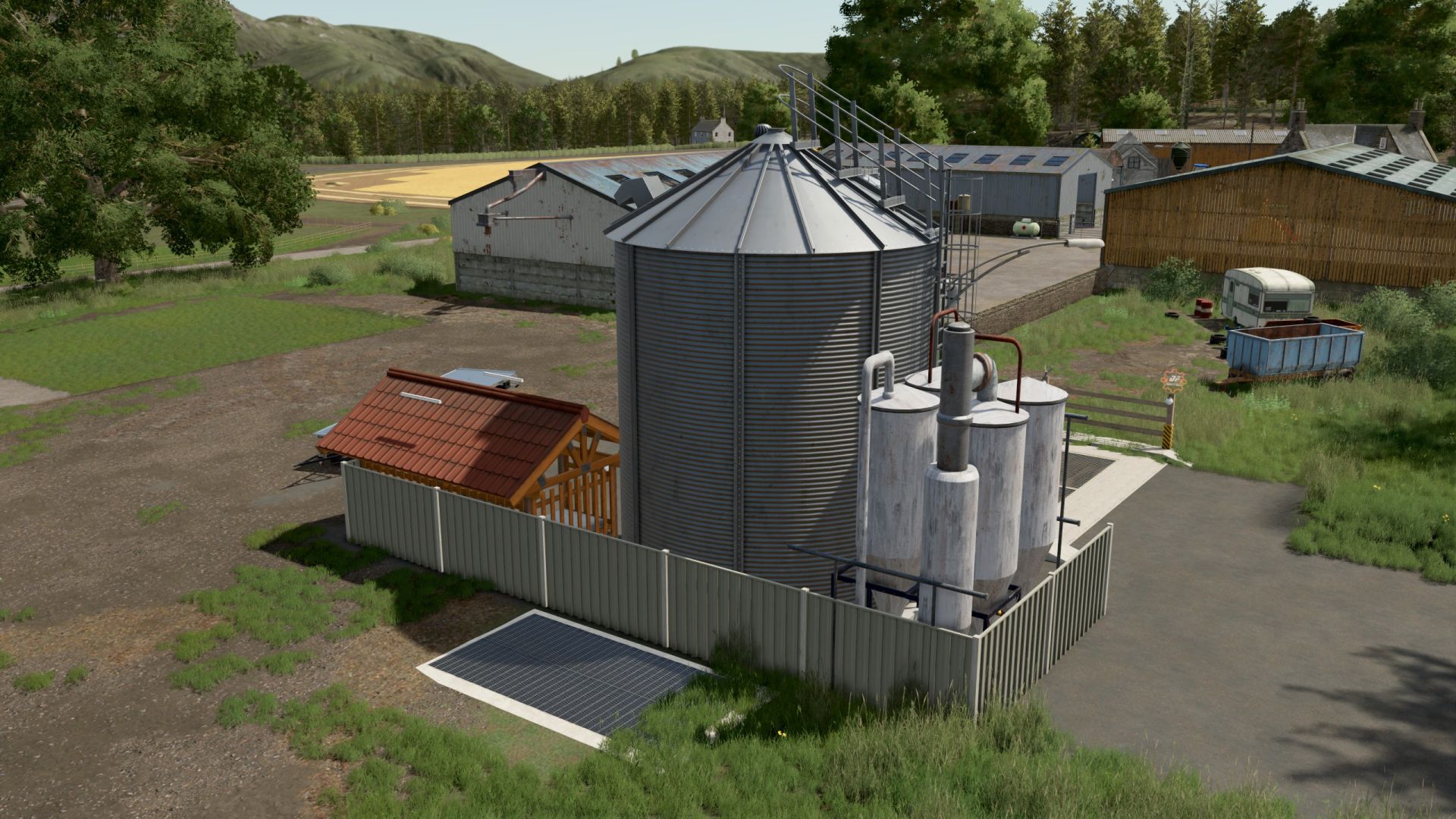
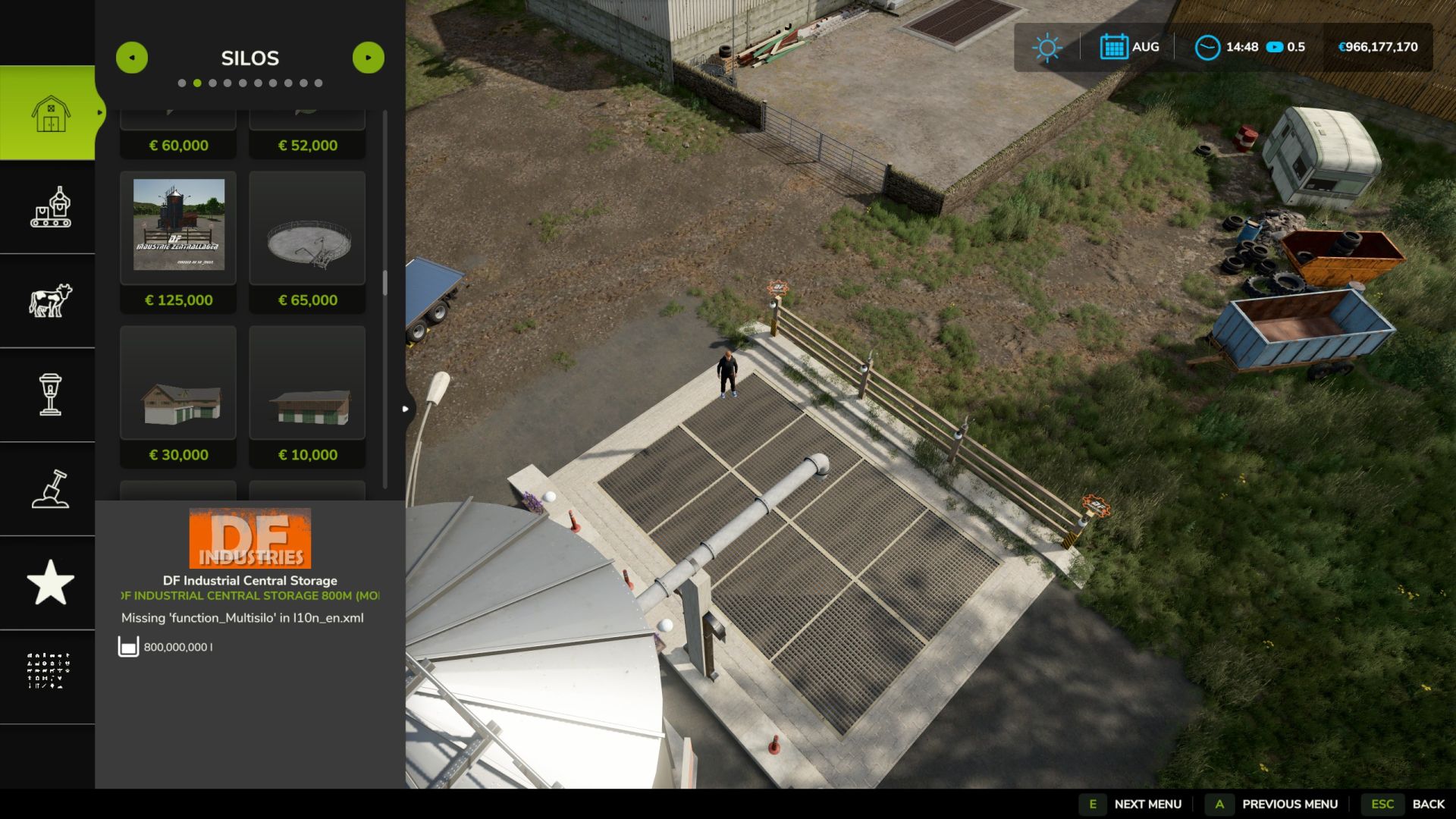
The centerpiece of the mod is the completely reworked industrial silo with elegant corrugated metal textures, a drive-on ramp
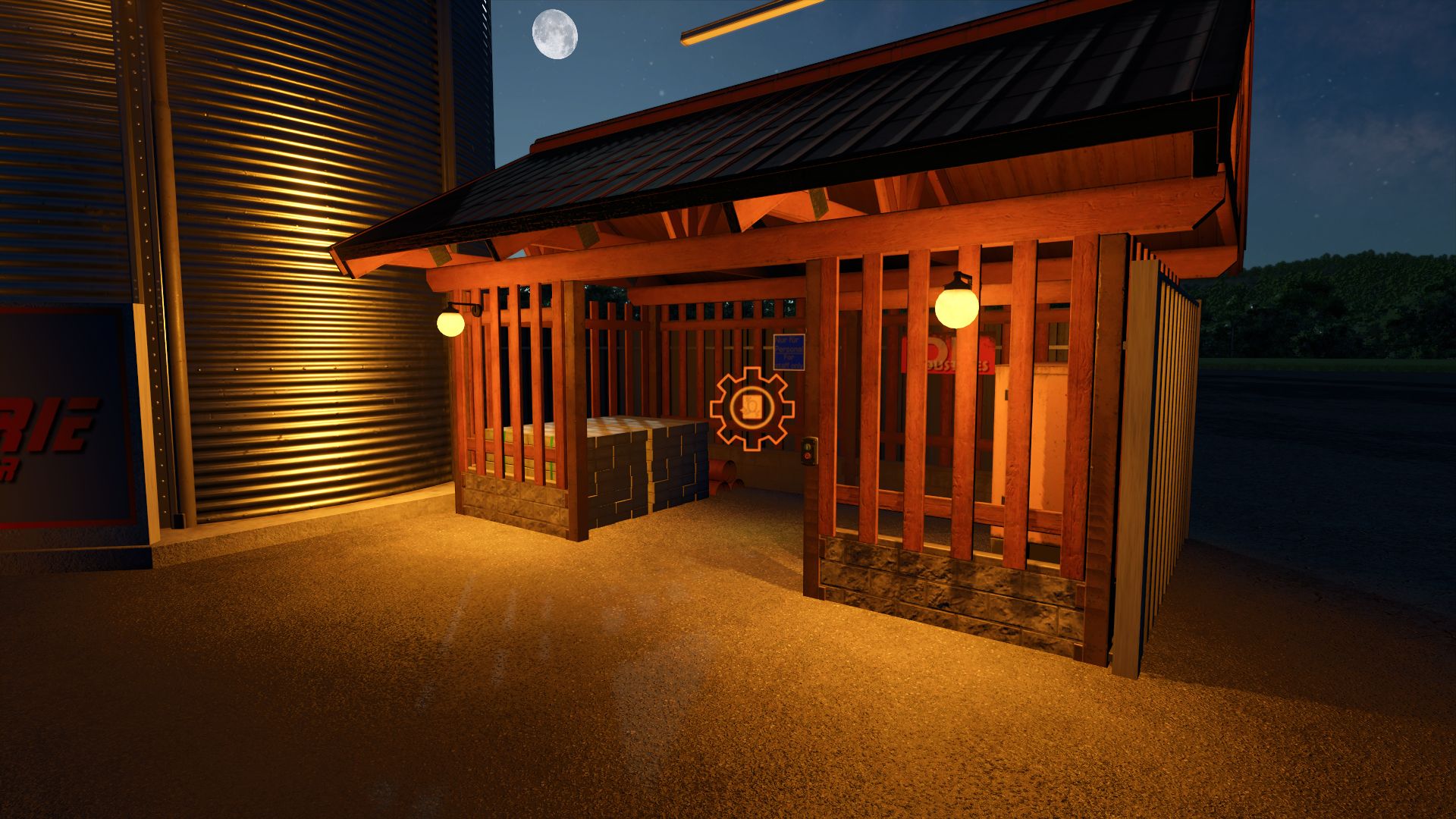
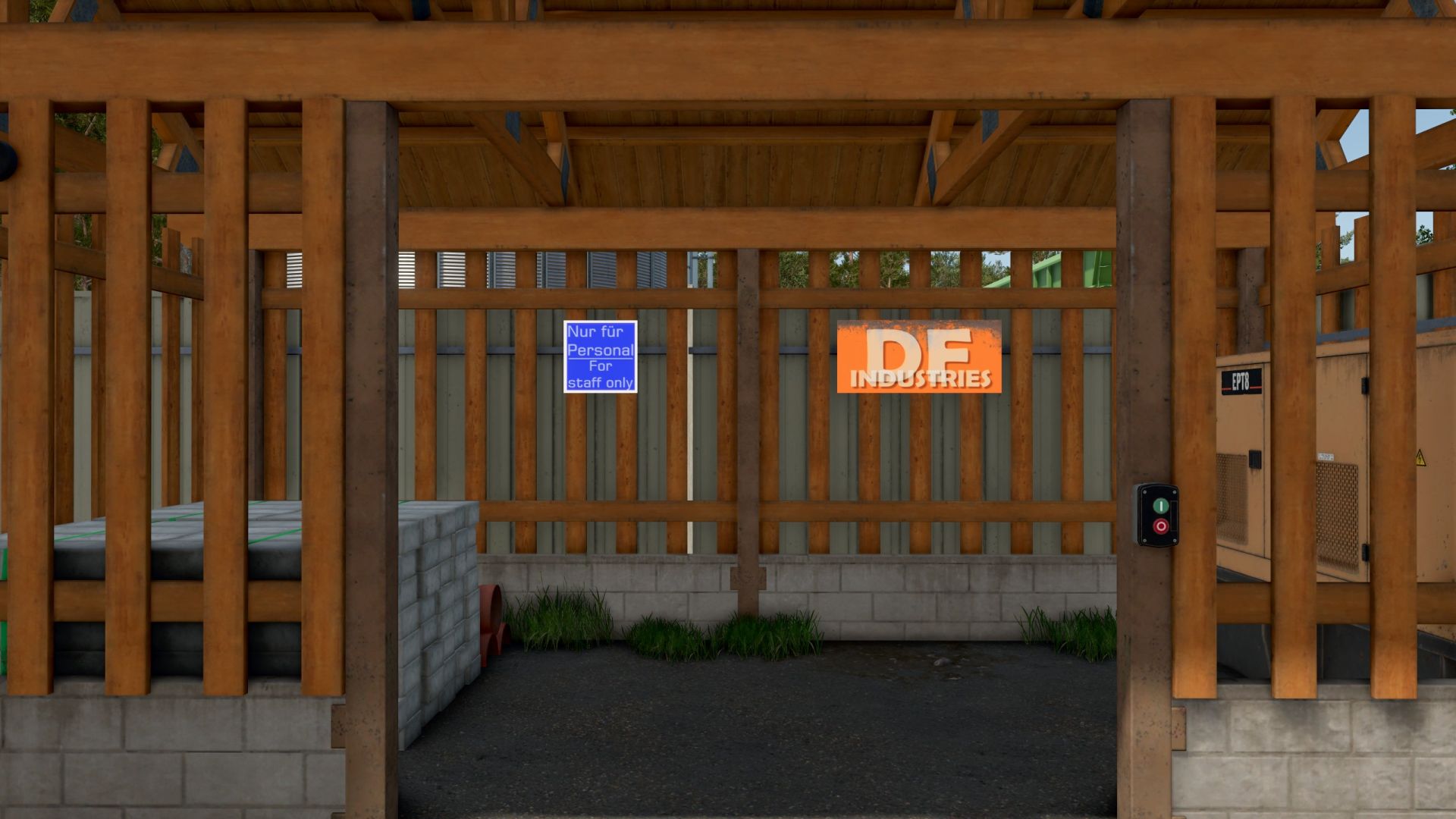
with a large unloading grid and the unmissable “DF Industries” logo, which is beautifully illuminated at night.
The mod runs flawlessly and includes a practical convenience feature:
A specially defined trigger combination in the modDesc allows you to change your outfits directly on the area via an integrated wardrobe function!
Features at a glance:
Multifunctional farm silo:
For all standard fruits and products.
Incredible volume:
A gigantic 800,000,000-liter capacity for extremely large operations.
High-speed loading station:
Extremely accelerated loading at up to 4,000 L/s.
Integrated clothing trigger:
Change outfits directly on site without additional buildings.
High-end night lighting:
Fully illuminated ramp, floor spotlights and illuminated company logos for an exceptional atmosphere during night shifts.
Completely clean:
Faulty textures and all old data clutter have been completely removed.
The mod has been thoroughly tested, loads without errors, and the Log.txt is 100% clean (TestRunner approved).
Changelog (Version history)
Version 1.0.0.0 (Internal Release)
First basic version of the silo with a new ramp and revised corrugated metal textures.
Integration of the decorative wooden cabin and the night lighting.
Version 1.1.0.0 (Current Release Version) – The Masterpiece
[NEW] Clothing trigger (wardrobe) successfully integrated, tested in-game and equipped with error-free physics flags.
[NEW] Added full German, English and French translations for the shop category.
[GRAPHICS] Store and icon images completely recreated in high resolution and optimized for the LS25 shop.
[CLEAN] Faulty textures and all old data clutter have been completely removed from the mod files. The mod is 100% log error-free!
Author: SG_MODS