Extended Vehicle Maintenance V1.0.0.1
Extended Vehicle Maintenance V1.0.0.1
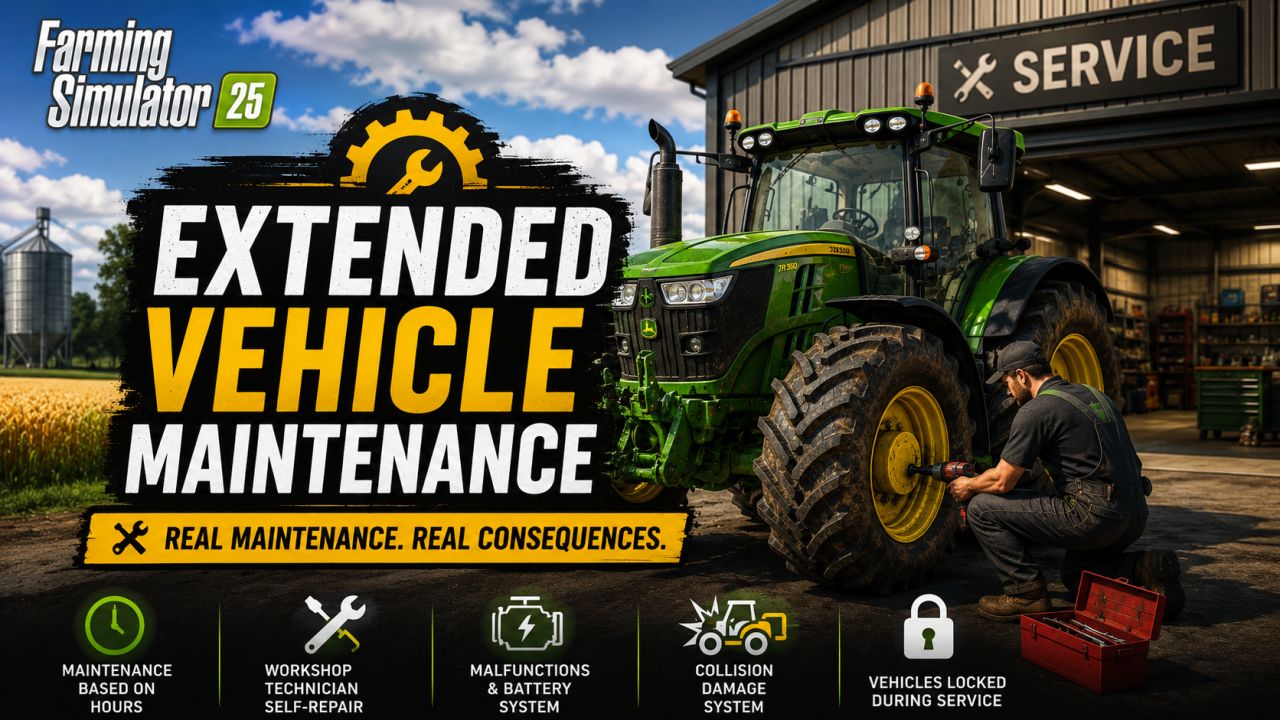
Extended Vehicle Maintenance adds a more immersive maintenance system to Farming Simulator 25.
Instead of simply repairing machines instantly and moving on, this mod makes maintenance feel like part of everyday farm management. Drivable machines need service after operating hours, can be sent into maintenance, and remain unavailable while the work is being carried out.
The mod only affects machines that can be driven by the player, such as tractors, trucks, harvesters and other self-propelled vehicles. Implements and passive attachments are not part of the maintenance system.
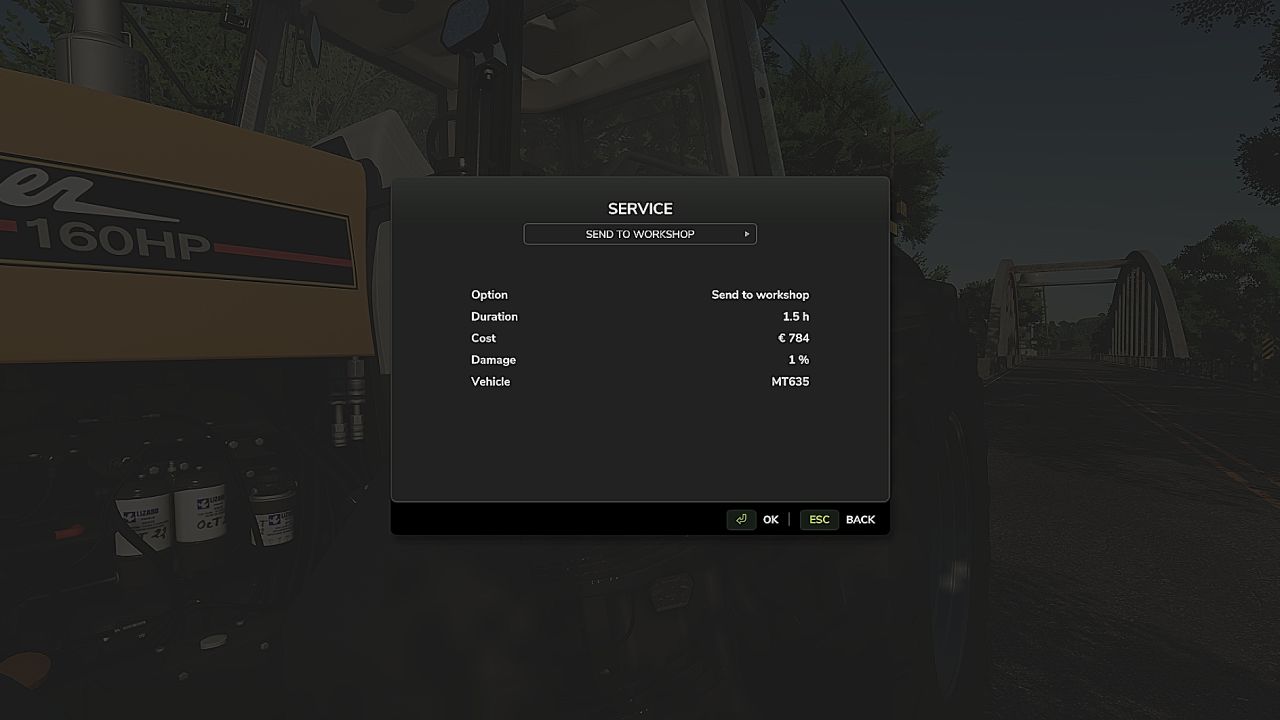
Depending on the situation, different service options are available. You can send a machine to the workshop, call a technician, or repair it yourself. Each option has its own balance between cost and time: the technician is the most expensive option, while self-repair is the cheapest but takes the longest.
Extended Vehicle Maintenance also includes a malfunction system. Machines can suffer from issues such as engine problems, RPM/emergency-mode failures, flat tires or battery-related problems. Poorly maintained machines can become unreliable and may cause trouble during work.
A battery simulation is included as well. Batteries can discharge when electrical consumers are active and recharge while the engine is running.
Extended Vehicle Maintenance also includes a collision damage system. Strong impacts can damage vehicles depending on the collision speed, making careful driving and realistic vehicle handling more important.
Features
Realistic maintenance system for drivable machines
Maintenance based on operating hours
Vehicles are locked while service is active
Different service options: workshop, technician and self-repair
Malfunction system with multiple failure types
Battery charging and discharging simulation
Collision damage system based on impact speed
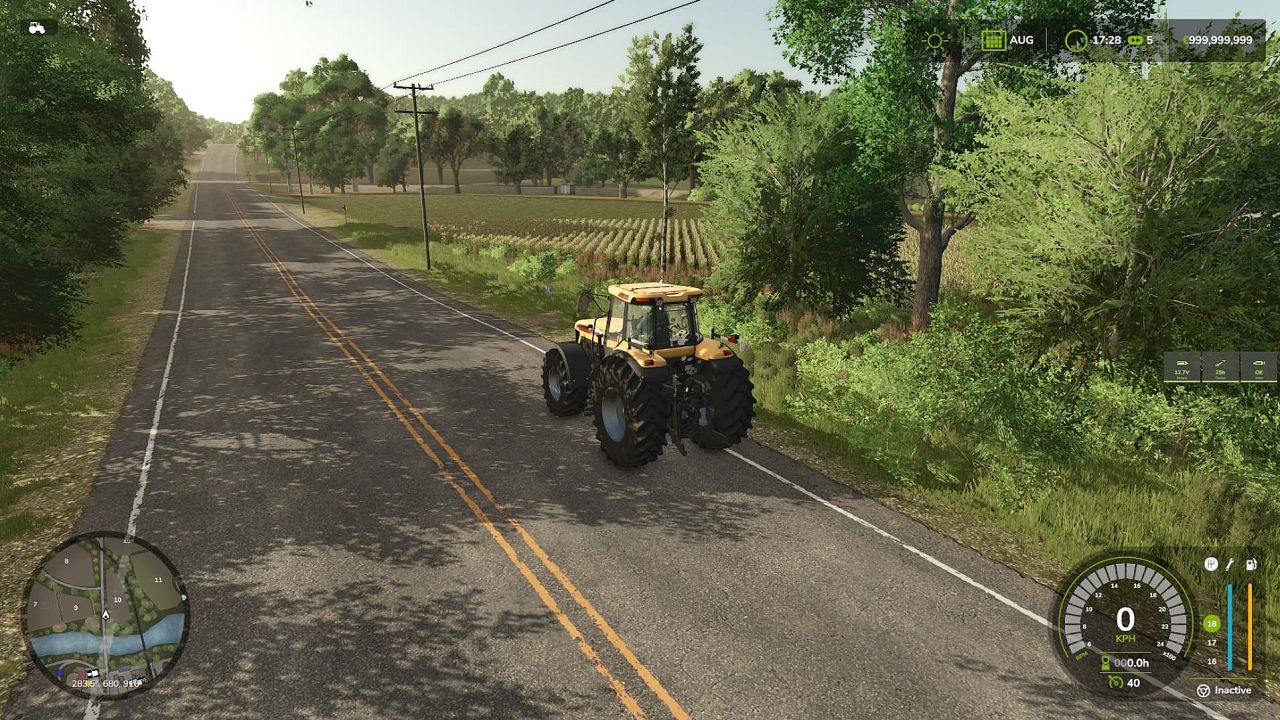
HUD for maintenance and vehicle condition information
Configurable HUD size and position
Multiplayer/server support
Console commands for testing, debugging and recovery
Affected Machines
Extended Vehicle Maintenance is designed for machines that can be driven by the player.
Examples:
Tractors
Trucks
Harvesters
Wheel loaders
Telehandlers
Other self-propelled machines
Implements and passive attachments are not handled as separate maintenance targets.
Service Options
Workshop Service
The machine is sent to the workshop and cannot be used while service is active. This option takes longer than calling a technician.
Technician
A technician comes to repair or maintain the machine. This is the most expensive option, but it is useful when you want the work done without using the self-repair option.
Self-Repair
Self-repair is the cheapest option, but it takes the longest. It is intended as the budget-friendly choice when time is less important than money.
Malfunctions
The mod can simulate different technical problems, including:
Engine problems
RPM/emergency-mode failures
Flat tires
Battery-related issues
Some malfunctions can limit how a machine behaves, reduce reliability or prevent normal operation until the problem has been repaired.
Battery Simulation
The battery system simulates basic charging and discharging behavior.
Electrical consumers can slowly drain the battery when the engine is off, while running the engine can recharge it. This makes parked or poorly managed machines feel more realistic over time.
Collision Damage
Extended Vehicle Maintenance includes a collision damage system for drivable machines.
Strong impacts can cause vehicle damage depending on the collision speed. This makes careless driving, crashes and hard impacts more noticeable and adds another realistic consequence to machine handling.
The system is designed to make vehicle damage feel more connected to actual gameplay instead of only relying on regular wear and maintenance.
V1.0.0.1
Set the HUD scale from 0.88 to 1.33
Fixed an issue with multiple identical vehicles
Fixed several bugs and made adjustments
Author: SimuTools