Italian radio stations V1.0
Italian radio stations V1.0
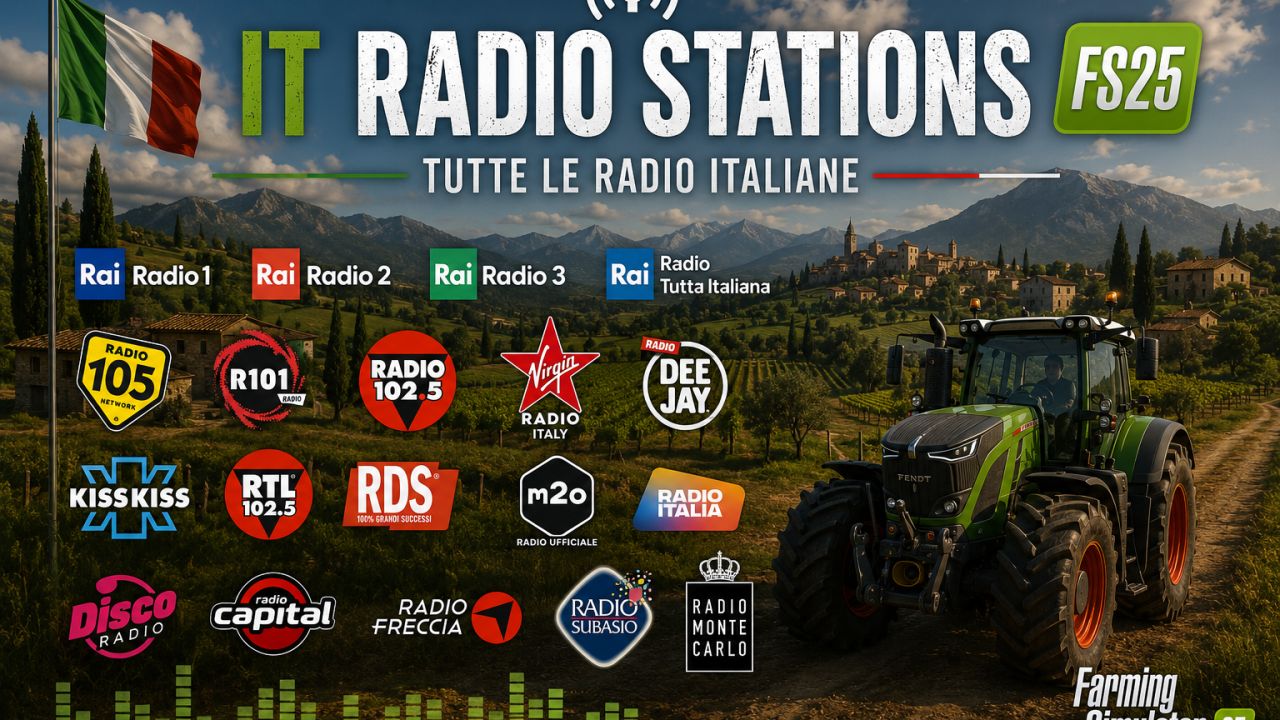
This mod adds a large collection of Italian radio stations to Farming Simulator 25. It includes the most popular national and regional radio stations, as well as a variety of themed music channels. Enjoy the rhythm of Italy while mowing, sowing, and harvesting!
LIST OF RADIO STATIONS:
Your Sent Radios:
1. Rai Radio 1
2. Radio Ibiza
3. Rai Radio 3
4. Rai Radio 2
5. 50s 60s RETRO HITS
6. RDS relax
7. Radio Monte Carlo
8. Virgin Radio
9. Radio 105
10. Radio Kiss Kiss
11. Radio Deejay
12. RTL 102.5
13. Radio 24
14. Radio Capital
15. Radio Freccia
16. Radio Sportiva
17. Radio Radicale
18. Radio LatteMiele
19. Radio Subasio
20. Radio Blackout
21. Radio Popolare
22. Radio 105 – Dance 90
23. R101 Enjoy The Music
24. Deejay 80
25. Radio Armisa
26. Radio Energy Classic
27. 70 80 90
28. Radio M2O
29. Radio Birikina
30. Radio Kiss Kiss Napoli
31. NU-DISCO CENTRAL RADIO
32. Radio Piterpan
33. Romantica Radio
34. Deejay Suona Italia
35. RADIO RELAX Italia
36. Radio Bruno
37. Radio Volami nel Cuore
38. Musica Jazz Radio
Additional Italian Radios:
39. Radio Italia
40. RDS 100% Grandi Successi
41. R101
42. Radio Zeta
43. Radio Norba
44. Radio Number One
45. Radio Cuore
46. Radio Maria
47. Radio Padania
48. Radio Punto Zero
49. Radio Venere
50. Radio Studio Più
51. Radio Onda d’Urto
52. Radio Città Futura
53. Radio Alternativa
54. Radio InBlu
55. Radio 2000
56. Radio Bella & Monella
57. Radio Globo
58. Radio Margherita
59. Radio Incredibile
60. Radio Fantastica
61. Radio Energy
62. Radio Milano Uno
63. Radio Eco Vicentino
64. ItaliaRadio (MRG.fm)
TOTAL: 64 radio stations
INSTALLATION INSTRUCTIONS:
1. Download the streamingInternetRadios.xml file from this mod.
2. Navigate to the following folder on your computer:
Documents/My Games/FarmingSimulator2025/music
Note: If the “music” folder does not exist, create it manually.
3. REPLACE the existing streamingInternetRadios.xml file with the downloaded one. If the file does not exist yet, simply copy it into the folder.
4. Start Farming Simulator 25.
5. Open the radio menu and enjoy Italian radio stations while farming.
IMPORTANT NOTES:
– The mod does NOT replace the default radio stations. They will still appear in the list.
– All stations are online streaming. An active internet connection is required.
– If a station does not play, the stream link may be temporarily unavailable. This is not a mod error.
Author: VIS