Lowloader Bale Autoload Pack V1.0
Lowloader Bale Autoload Pack V1.0
The Lowloader Bale Autoload Pack includes:
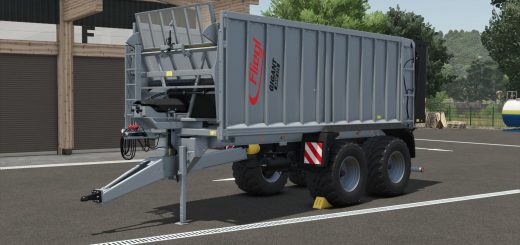
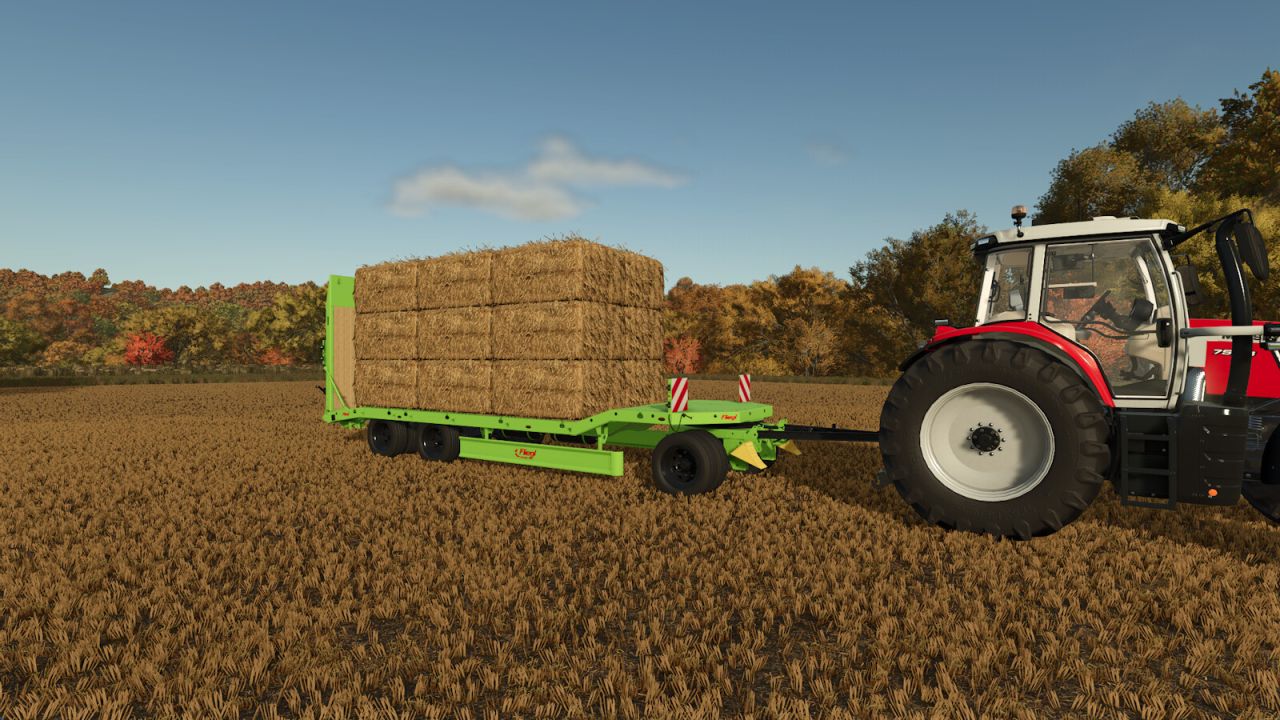
Fliegl DTS 5.9 Bale Autoload
Price: from $30,500
Category: Low Loaders, Bale Loaders
Configuration: Standard or Bale Autoload
Configuration: Side guards
Autoload for
round bales (125cm: 18 bales, 150cm: 14 bales, 180cm: 12 bales, cotton: 2 bales, 85cm: 69 bales)
square bales (180cm: 18 bales, 220cm & 240cm: 15 bales, cotton: 1 bale)
70cm high square bales (180cm: 24 bales, 220cm & 240cm: 20 bales)
Hesston square bales 240cm: 10 bales
Color choice for trailer
Extended rim color choice
Decal color choice
Loading platform width adjustable via mouse control
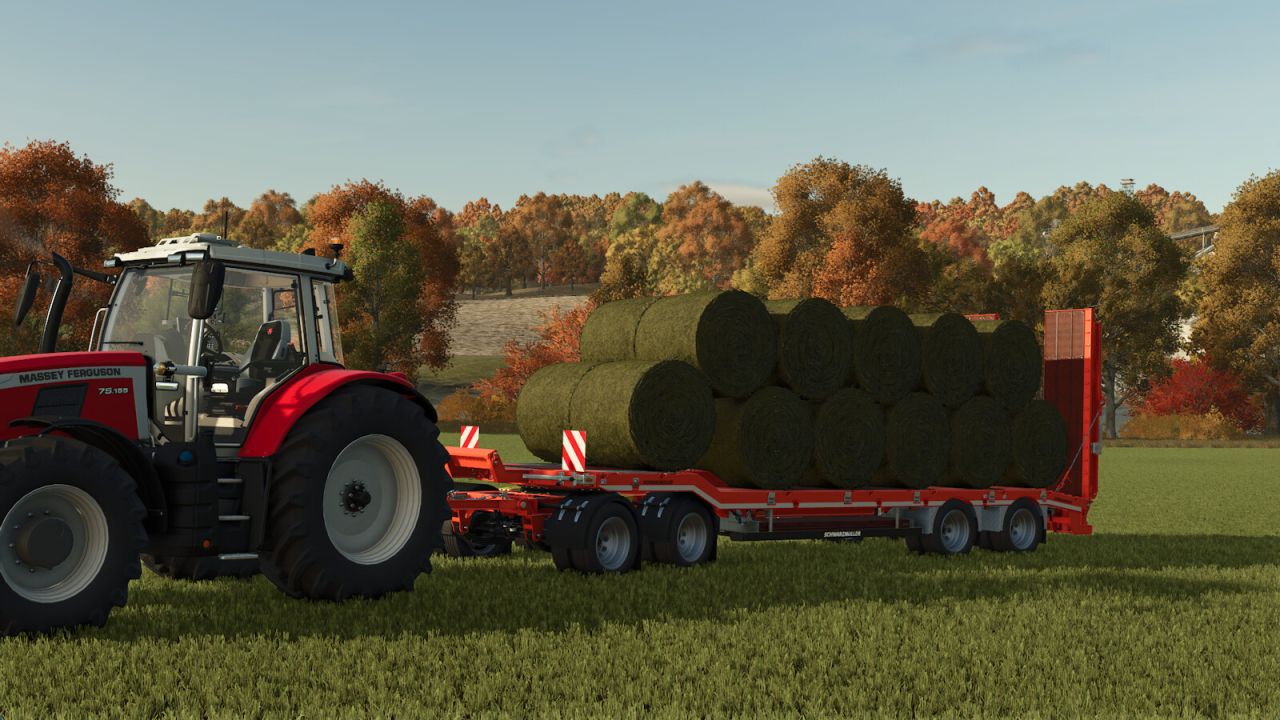
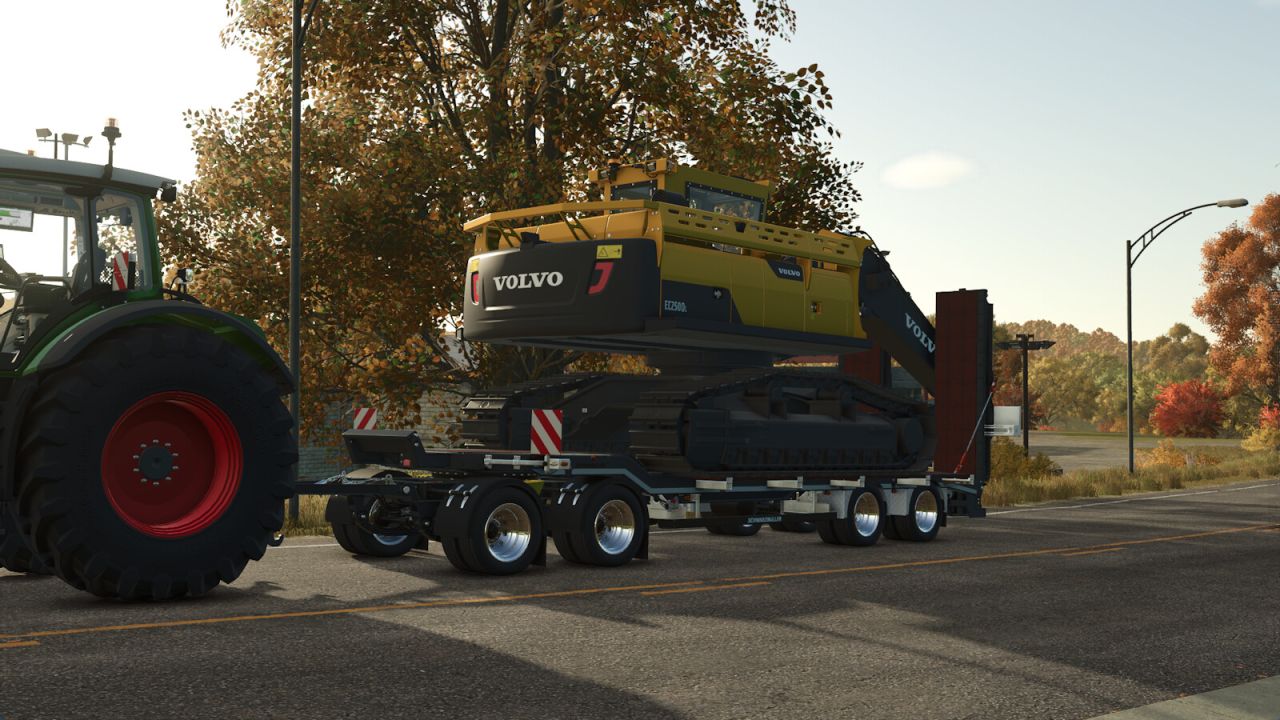
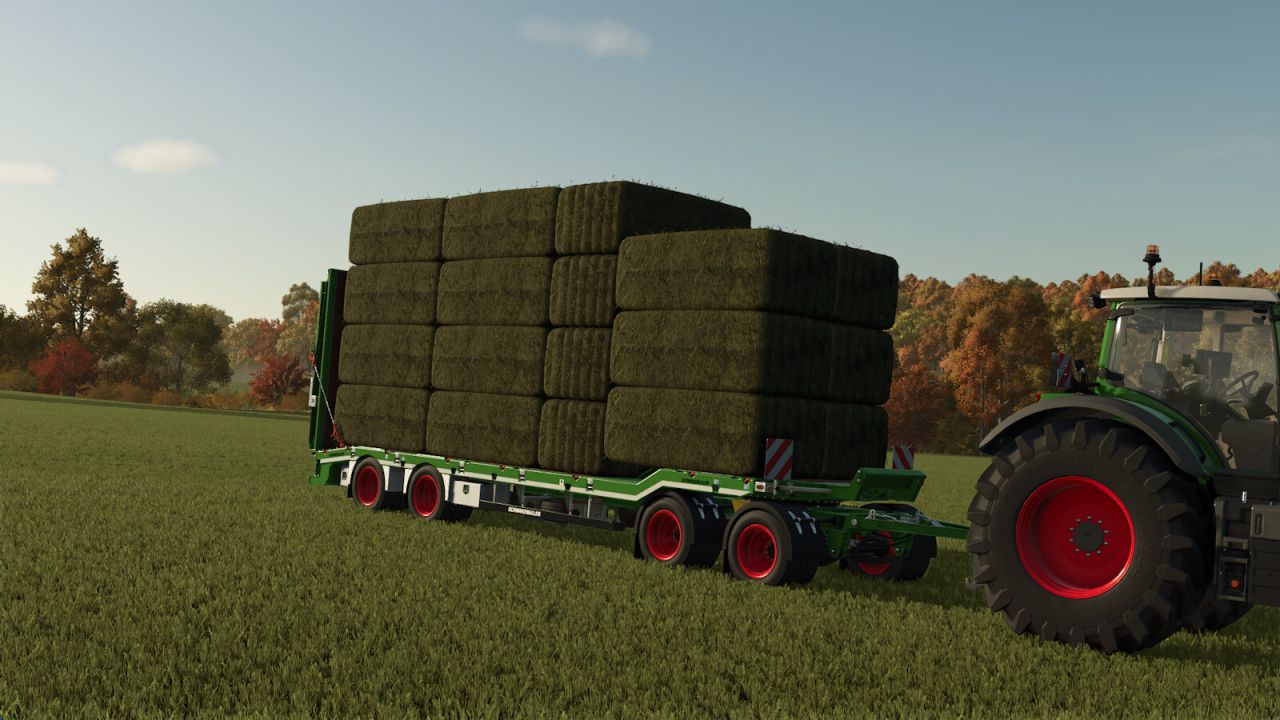
Schwarzmüller Lowloader 4A Bale Autoload
Price: from $60,000
Category: Low Loaders, Bale Loaders
Configuration: Standard or Bale Autoload
Autoload for
round bales (125cm: 22 bales, 150cm: 18 bales, 180cm: 16 bales, cotton: 3 bales)
square bales (180cm: 30 bales, 220cm & 240cm: 26 bales, cotton: 1 bale)
70cm high square bales (180cm: 38 bales, 220cm & 240cm: 33 bales)
Hesston square bales 240cm: 14 bales
Color choice for trailer
Extended rim color choice
Important note:
Changed key binding: Fold/unfold ramps with “O” (Toggle pipe), as “B” is used for the Bale Autoload working/transport position.
How Bale Autoload works:
Important notes:
Bale Autoload is only available when configured in the workshop/garage.
1. Move the trailer into working position with “B”. Bales can now be collected.
In “EASY” working mode, the trailer automatically collects bales located up to 4m beside the trailer.
In “PRO” working mode, the bales must be placed on the trailer to be detected by Autoload.
The working mode can be changed at any time with “Ctrl”+”Z”.
2. After collecting the bales, move the trailer into transport position with “B”.
3. To unload, start unloading mode with “Z”.
The unloading assistant controls are available during the unloading process. The bales can be moved in all directions and rotated on all axes.
Select the unloading position and unload the bales with “Z”.
After unloading, end the unloading process with “Z”.
The unloading process can be cancelled with “X”.
Author: [Weekend Farmers] Amarok-10