Mega construction project V1.0.2
Mega construction project V1.0.2
Mega Construction Project – Your construction site. Your rules. Your structure!
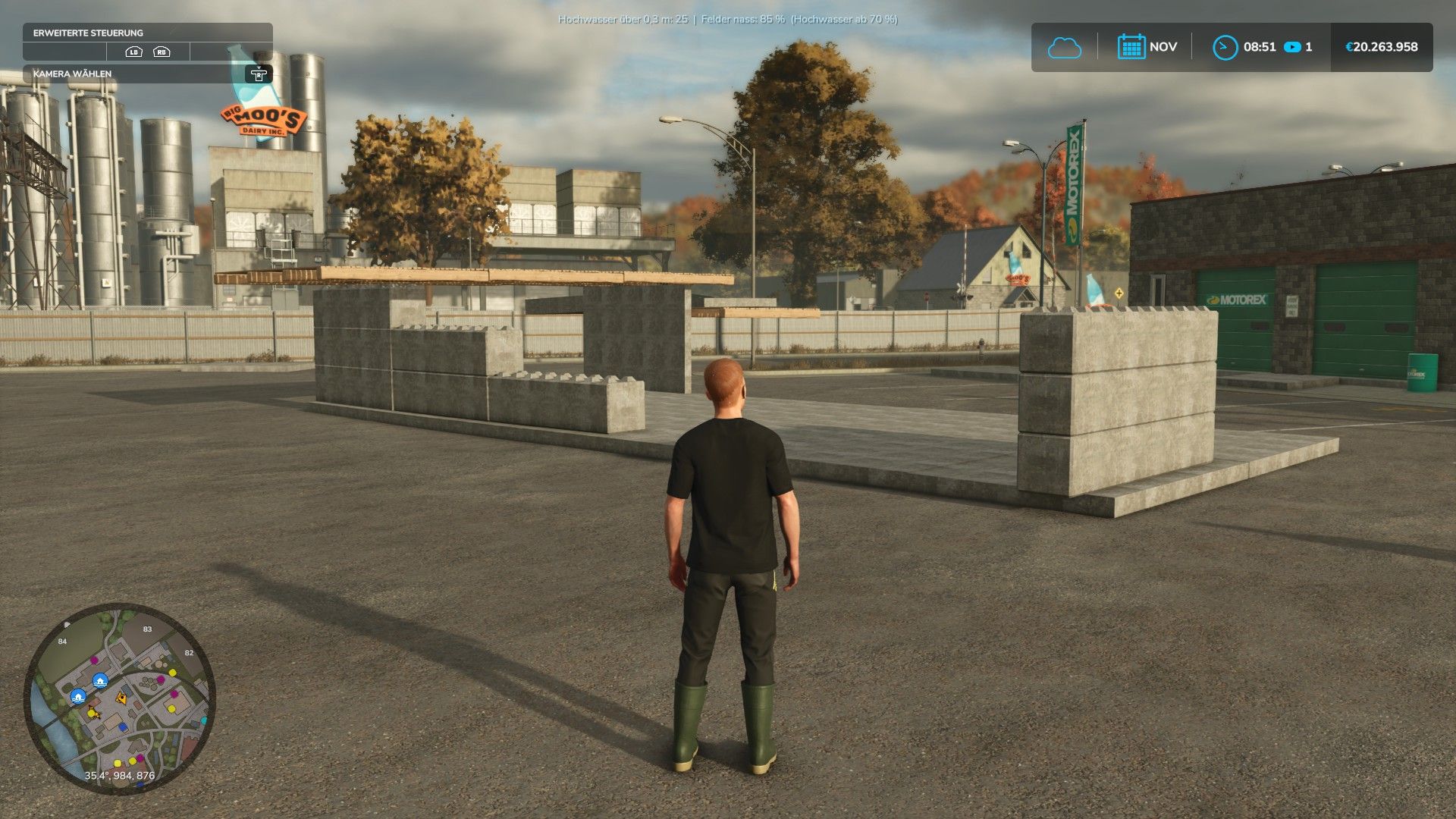
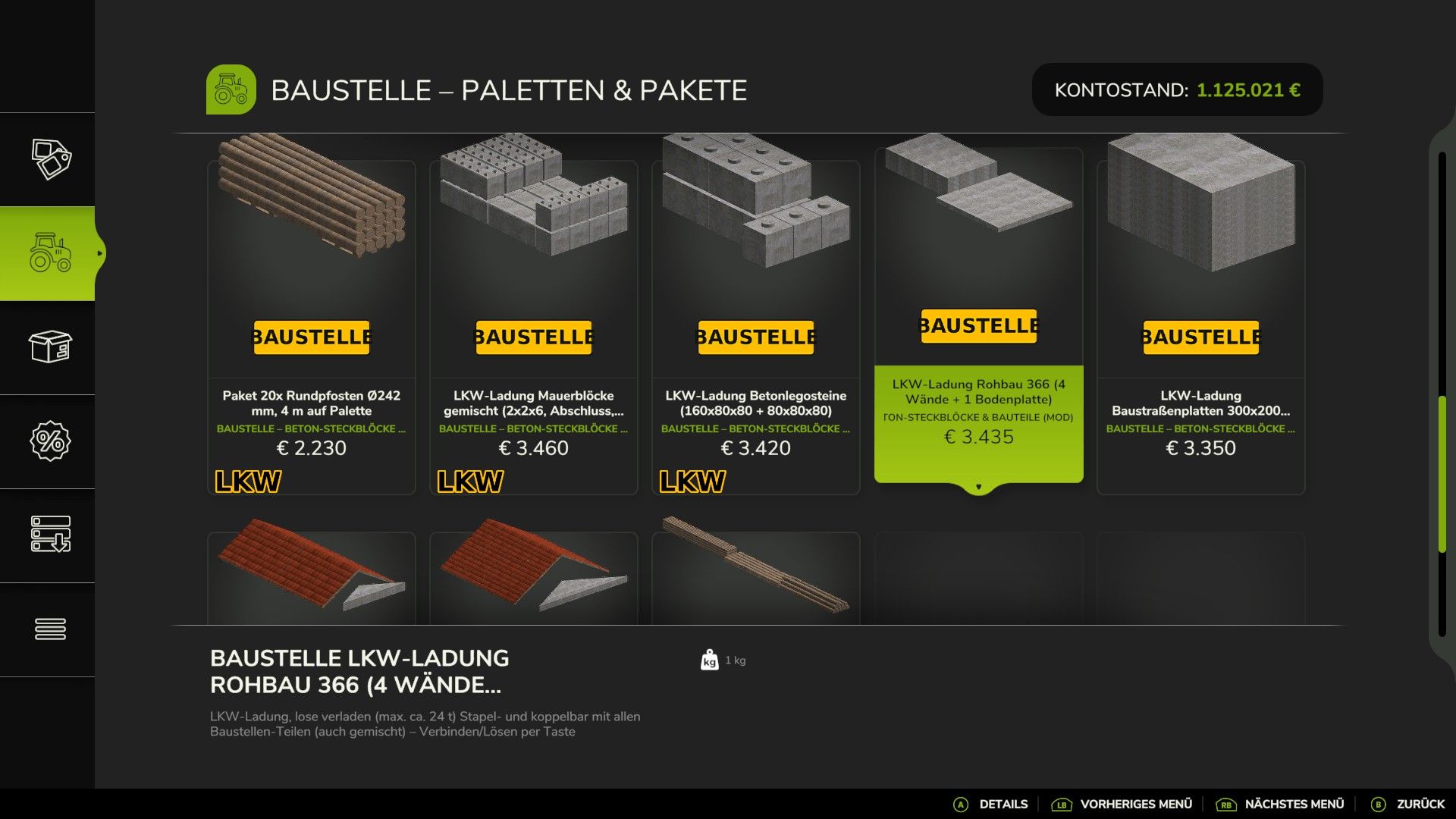
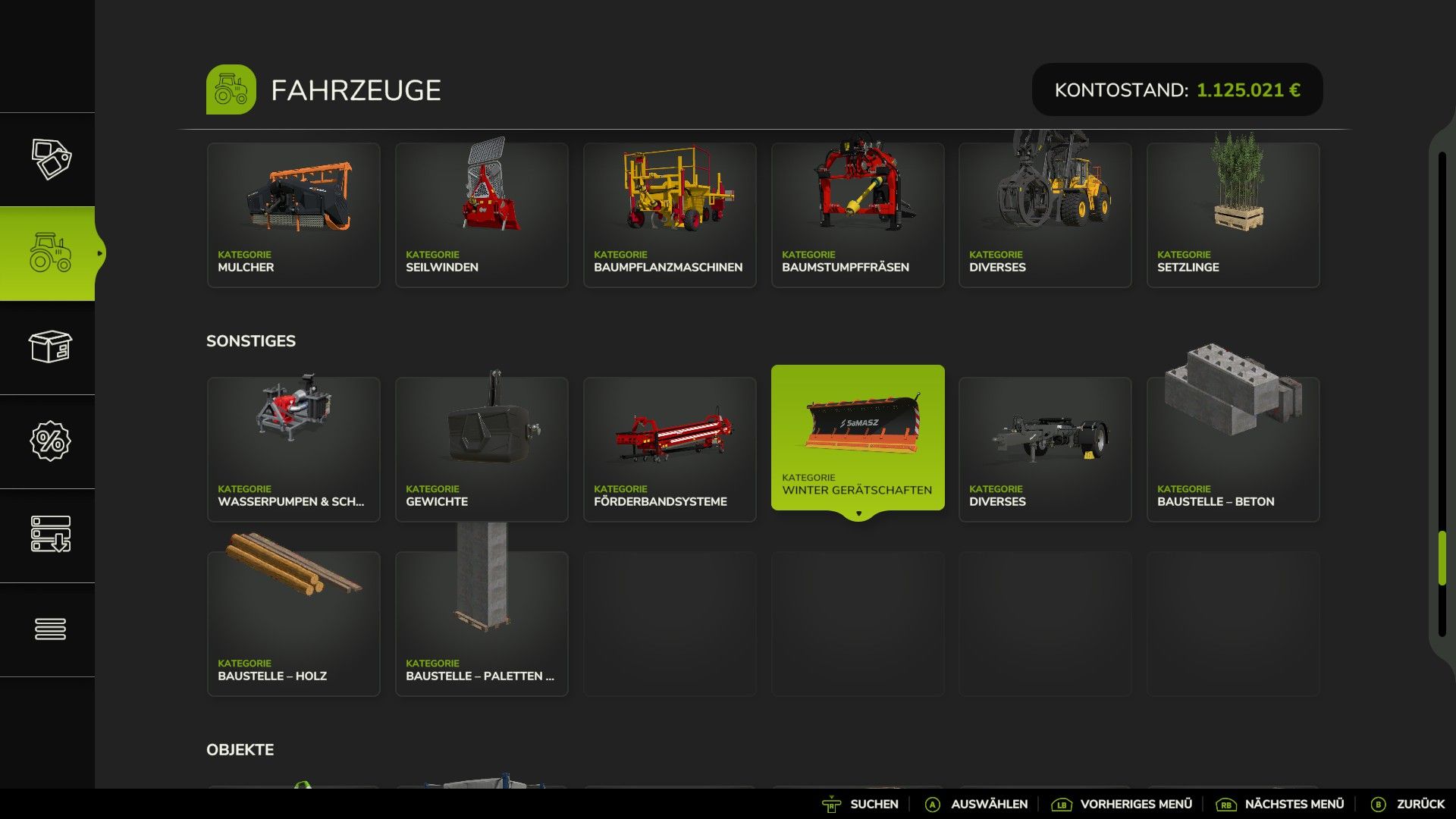
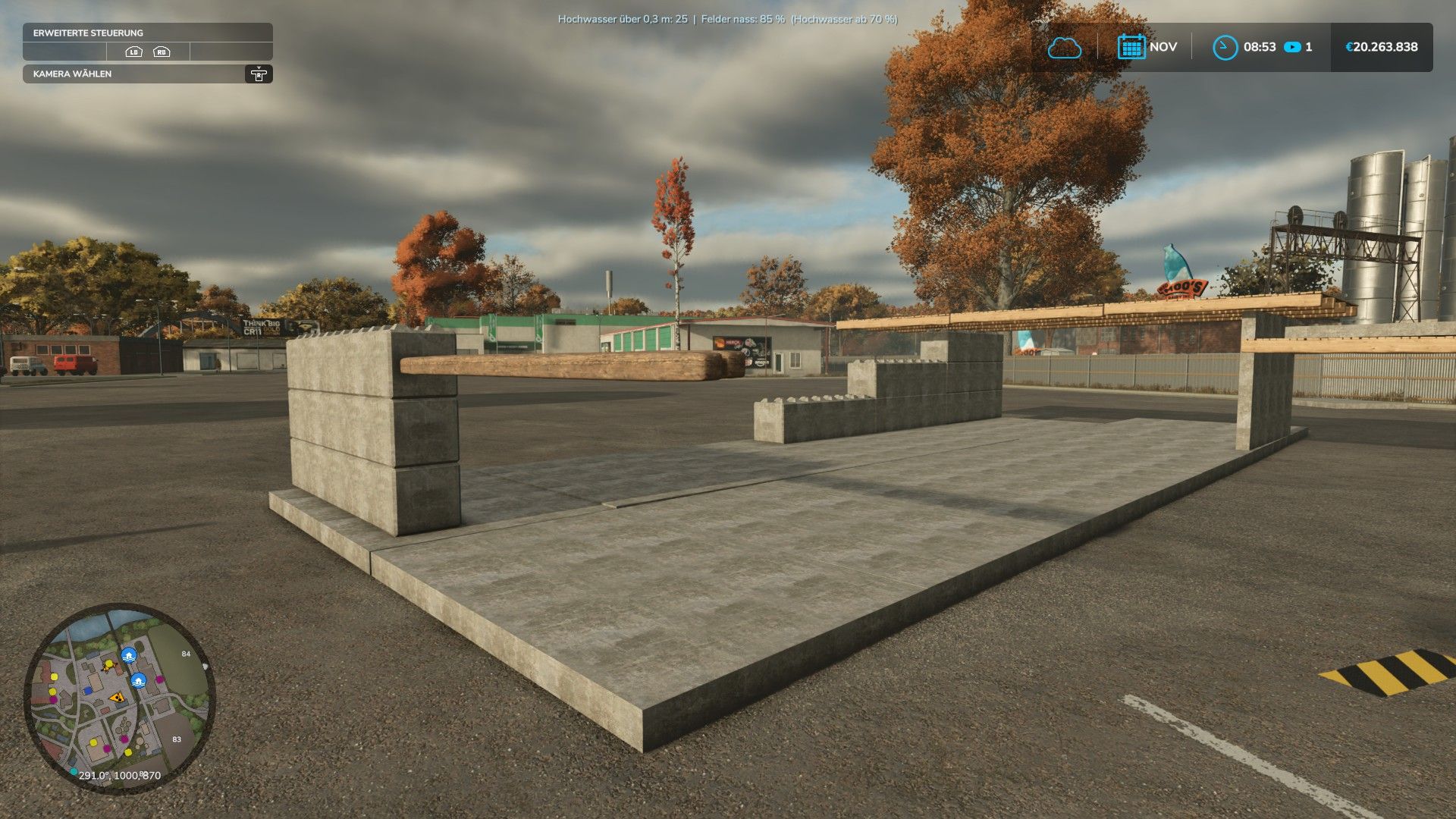
Mega Construction Project introduces a versatile, modular building system to Farming Simulator 25, featuring 262 components across 10 shop categories.
The pack includes 77 palletized sets, 175 non-palletized items, and 14 complete construction kits and truck-load configurations.
Components
The range includes, among other items:
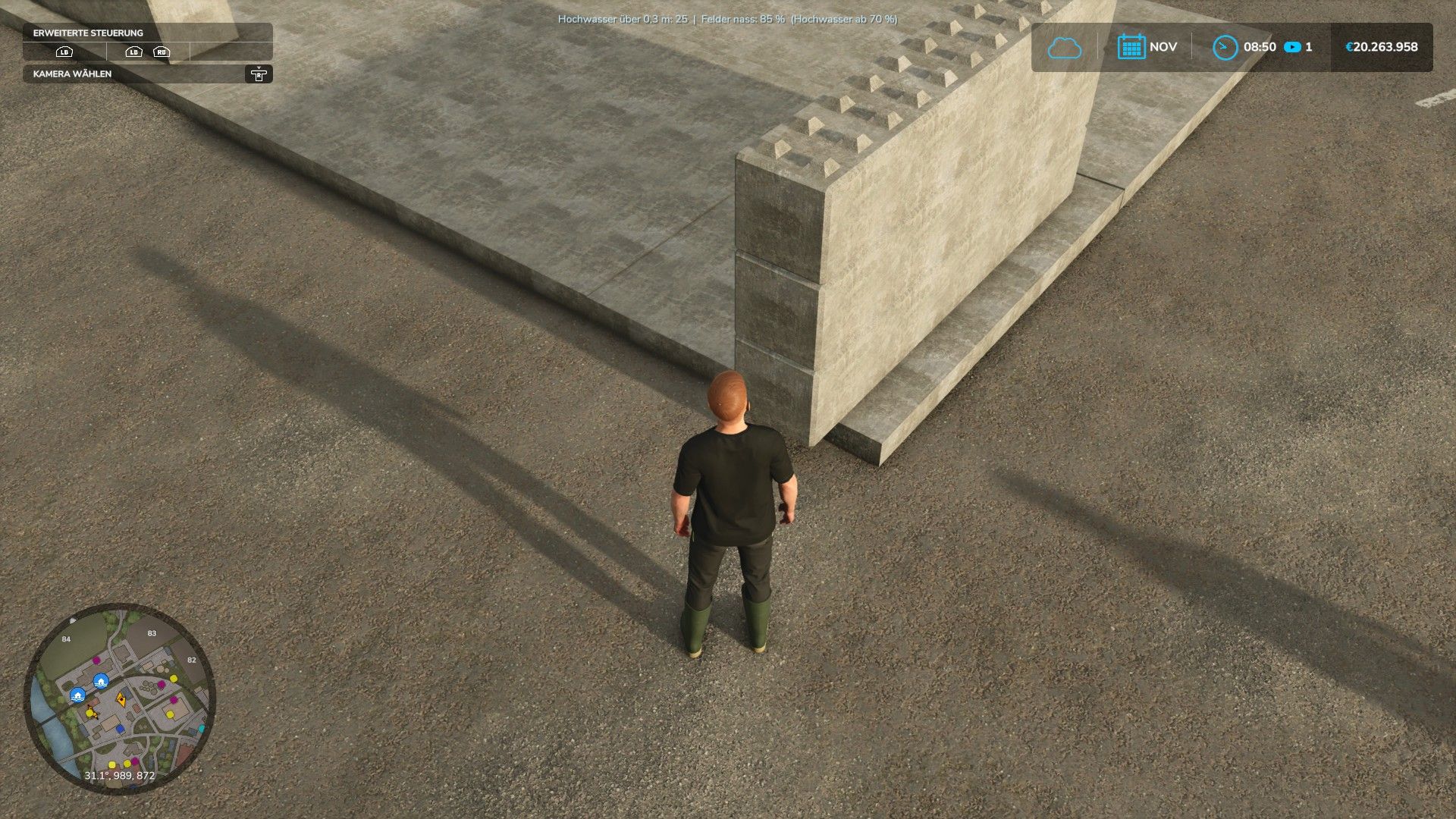
– Concrete foundations and blocks
– Floor slabs and prefabricated wall panels
– Walls with openings for doors, windows, and gates
– Stairs
– Steel columns and beams
– Concrete columns
– Industrial facades and sandwich panels
– Industrial roofing
– Gable and shed roofs
– Gable walls
– Skylights
– Windows and steel doors
– Industrial roller doors
– Roof domes
– Noise barrier walls
– Temporary construction road panels
– Round timber, posts, square timber, and beams
Many components are available in various colors and quantities.
Building System
Components can be connected to one another and automatically aligned with compatible surfaces.
– Left Alt + C: Connect components
– Left Alt + X: Disconnect components
– Left Alt + Q/E: Tilt component by 15°
– Mouse wheel/rotation keys: Rotate
– Left Alt + O: Open/close doors, windows, and gates
Compatible connection surfaces are highlighted in green.
Fixing Structures
Use Left Alt + F to lock entire constructions in place.
Fixed structures will no longer move and do not add to the physics load. This lock can be removed at any time.
Crane & Transport
Suitable components can be attached to a crane hook using Left Alt + H. Transport is also possible using:
– Front loaders
– Wheel loaders
– Telehandlers
– Forklifts
– Tension belts
– Manual carrying (for smaller components)
Realistic weights
Weights are based on actual material properties:
– Concrete: 2,400 kg/m³
– Softwood (C24): 420 kg/m³
– Oak (D30): 640 kg/m³
– Steel profiles (per EN 10365)
– Roofs and panels (based on surface weight)
This ensures that heavy components behave realistically during transport.
Settings
Saved in:
modSettings/FS25_MegaBauprojekt.xml
Customizable options include:
– Rotation increment
– Flush-fit spacing
– Snapping radius
– Crane hook names
Multiplayer
Multiplayer is supported.
Connections, fixings, and opening states are saved within the savegame.
“Mega Bauprojekt” (Mega Construction Project) allows you to build your own halls, workshops, warehouses, industrial buildings, or entirely custom structures directly within the game.
Author: MrHunter0815